
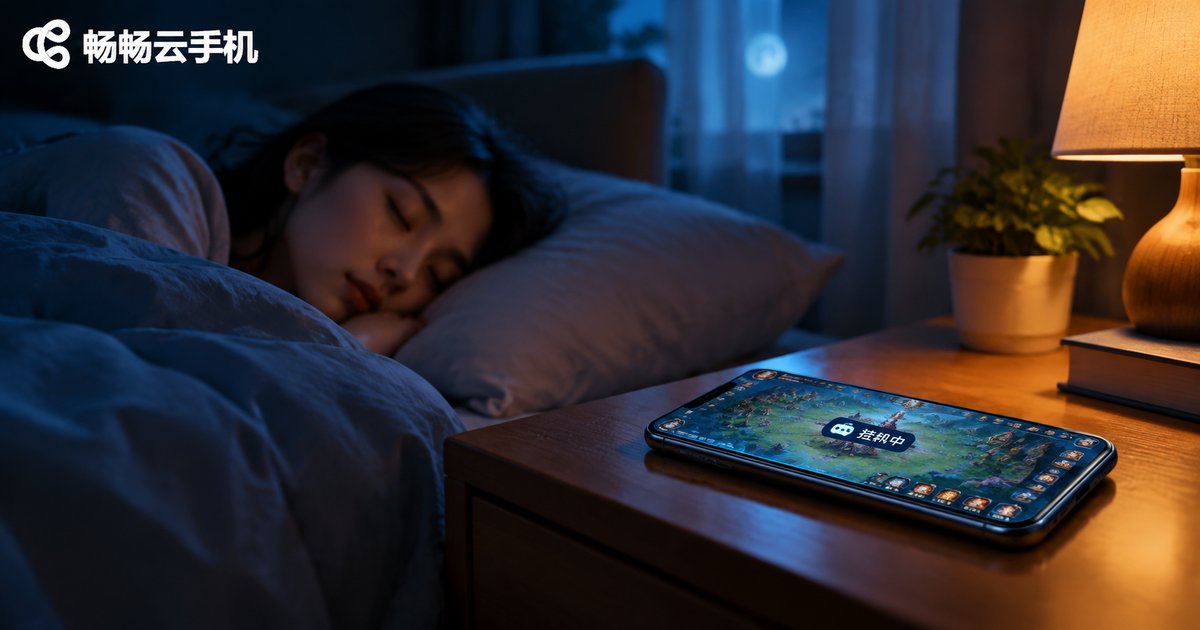
Can Cloud Phones Run Offline? Do Tasks Continue After Closing the App?
The Short Answer: Yes, Cloud Phones Keep Running After You Close the App
This is the question most newcomers ask: if I close the cloud phone app on my device—or even power off my phone entirely—will the games, scripts, and tasks inside the cloud phone keep running? The answer is yes, with zero impact.
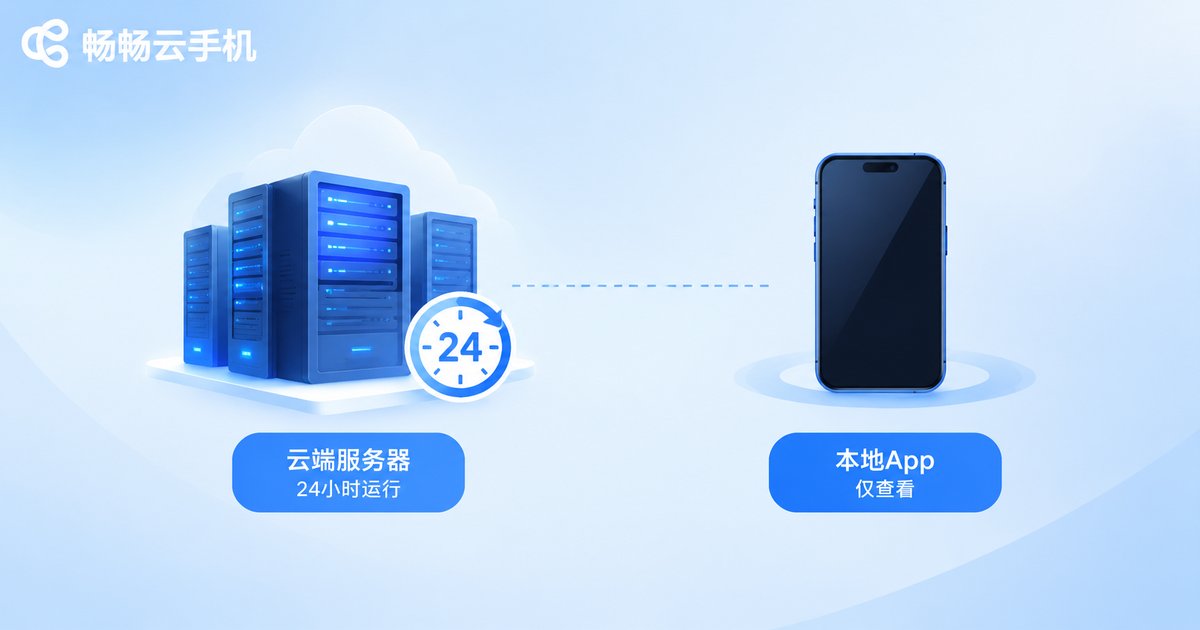
The reason is simple: a cloud phone does not run on your own device. It runs on a remote server in the cloud. The app installed on your phone is essentially just a remote viewing window—like the client app for a security camera. Close the window, and the camera keeps recording; close the cloud phone app, and the phone in the cloud keeps working normally.
Why Tasks Don't Stop When You Close the App
Traditional phone-based AFK farming has a fatal weakness: everything runs locally. Lock the screen, lose connection, or kill the background process, and your tasks stop instantly. That's why players used to keep screens on all night, afraid to switch apps, with phones hot enough to fry an egg.
A cloud phone moves the entire phone onto a cloud server. All program execution and screen rendering happen on the server, while your local device only receives the video stream and sends your inputs. The relationship is remote control, not local execution.
The comparison table below makes the difference clear:
| Comparison | Local Phone AFK | Cloud Phone AFK |
|---|---|---|
| Close app / lock screen | Tasks stop | Tasks continue |
| Device offline / powered off | Tasks stop | Tasks continue |
| Battery drain on your phone | Constant drain | Nearly zero |
| Heat on your phone | Significant | None |
| 24/7 uptime | Hard to achieve | Built-in |
Which Scenarios Benefit Most from Cloud Phone AFK
Once you understand the principle, you'll see that cloud phones are practically made for these scenarios:
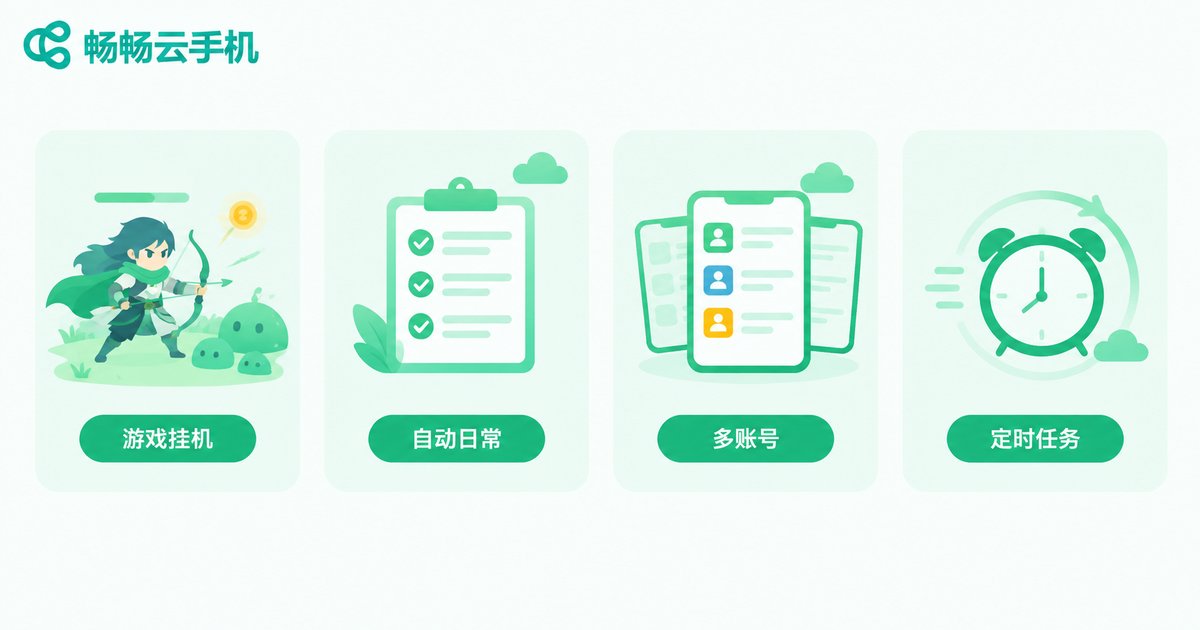
1. AFK resource farming in games. Many mobile games require long online hours for daily quests, stamina recovery, and idle rewards. With a cloud phone, you can sleep, work, or go out—and simply collect your rewards when you return.
2. Automation scripts and scheduled tasks. Combined with in-game or third-party automation tools, a cloud phone can execute tasks on schedule while your local device stays completely free.
3. Managing multiple accounts. One cloud phone not enough? Run several. Multiple accounts can farm simultaneously without interfering with each other, while your physical phone only needs an occasional glance.
4. Apps that need long-term uptime. Some apps must stay online for extended periods. The 24/7 nature of cloud servers is a perfect match.
Why ccloudphone Makes AFK Even Easier
When choosing a cloud phone, ccloudphone is a solid option. Its cloud instances run in data centers with stable network and power environments, making it naturally suited for long-duration AFK scenarios:
Always-on in the cloud: Your cloud instance keeps running on the server, independent of your local device. Closing the app, locking the screen, or draining your battery changes nothing.
Check in anytime: Want to see your progress? Open the app to view the live screen and take control, then simply exit—your tasks never pause.
Flexible multi-instance: Run as many cloud phone instances as you need for efficient multi-account management. For specific plans and pricing, refer to the official website.
In short, ccloudphone completely separates AFK farming from your physical phone, letting your real device get back to what it does best: everyday communication and use.
FAQ
Q: Do I need to keep the local app open for cloud phone AFK?
No. The cloud phone runs on a remote server; the local app is just a window for viewing and control. Closing it has no effect on cloud tasks.
Q: If my phone runs out of battery and shuts down, will cloud tasks stop?
No. The cloud phone is fully independent from your local device. A powered-off or offline phone does not affect cloud operation.
Q: Does AFK consume my phone's data and battery?
AFK itself consumes no local resources. Only when you open the app to view the screen does a small amount of data get used.
Q: Is cloud phone AFK stable? Will it disconnect?
Cloud phones run on data center servers with far more stable network and power conditions than home environments, offering higher reliability for long sessions.
Q: What AFK scenarios suit ccloudphone?
Game daily farming, automated tasks, and multi-account management all work well. For specific features and plans, visit the official website.


