
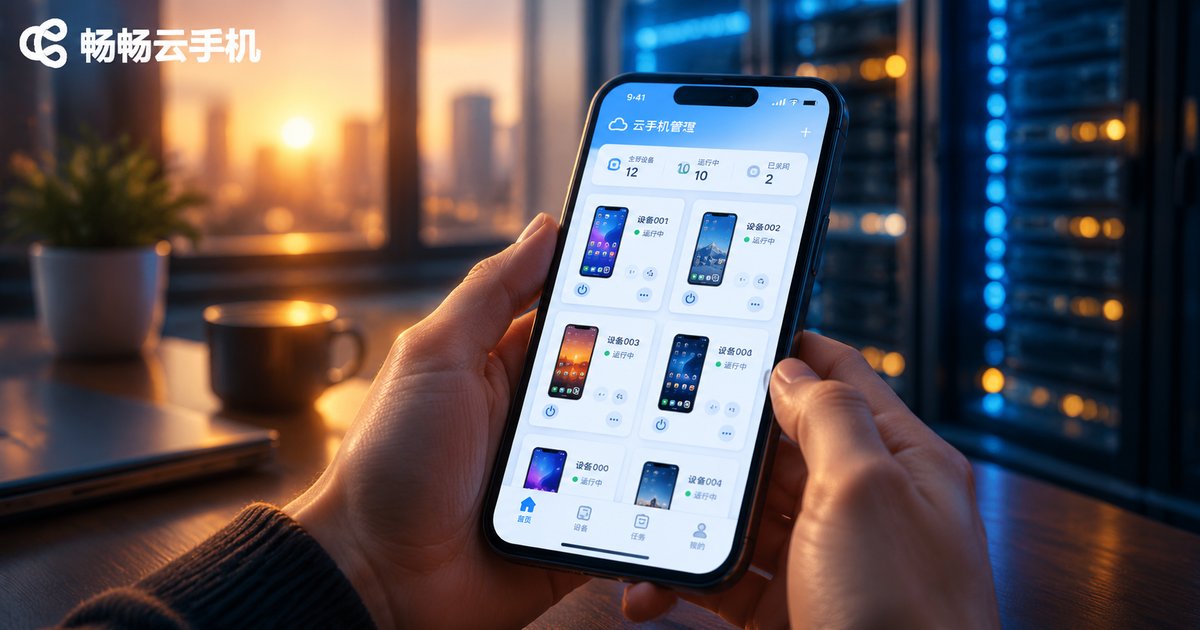
Is Cloud Phone Really Feasible? The Current State and Boundaries of Cloud Phone Technology
The Short Answer: Cloud Phones Work—Within Clear Boundaries
Cloud phones are neither a gimmick nor a magic wand. The technology has entered the practical stage and performs excellently in scenarios like multi-account management, game idling, and app testing. But it also has clear boundaries: network dependence, unsuitability for split-second competitive operations, and no access to local hardware. This article objectively examines the current state and limits of cloud phone technology to help you decide whether it fits your needs.
How Cloud Phones Work: The Brain Is in the Cloud, the Screen Is in Your Hand
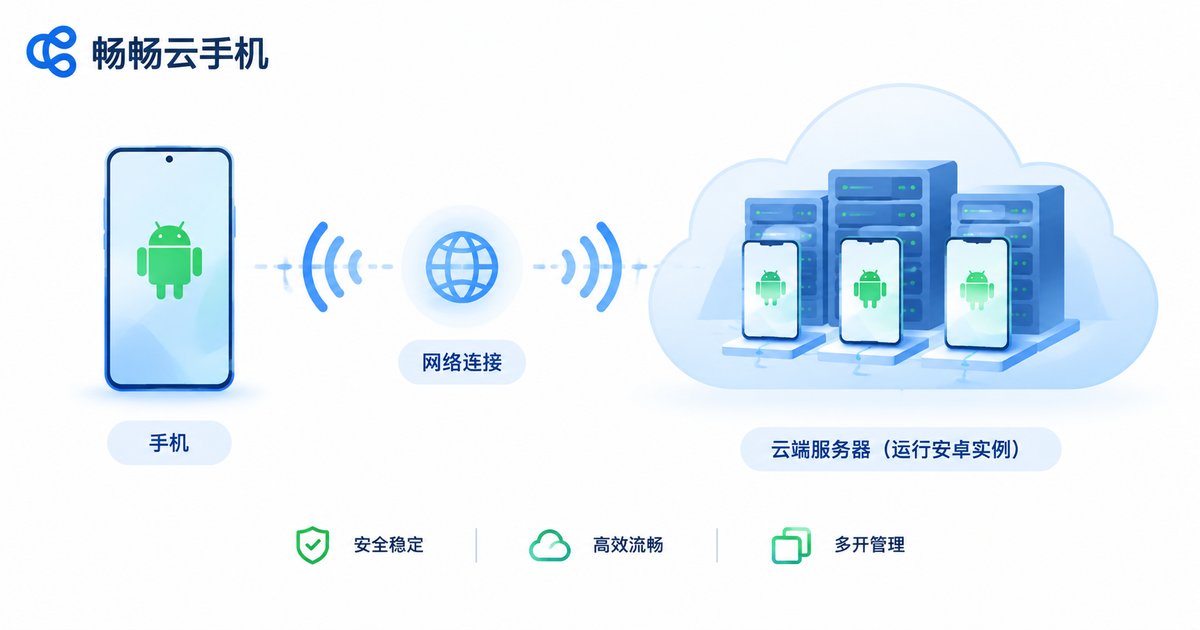
To understand cloud phones, remember one sentence: the Android system runs on data center servers, and your device is just a “remote screen.”
Specifically, cloud servers run independent Android instances through ARM virtualization. Every tap and swipe you make is transmitted over the network to the cloud for execution; the server then encodes the result into a video stream and pushes it back to your screen in real time. The entire round trip completes within tens of milliseconds, delivering an experience close to local operation.
Because the system runs in the cloud, cloud phones naturally offer several advantages: 24/7 online operation (without draining your local device's battery or data), parallel instances (multiple cloud phones can run simultaneously), and cloud-based data storage (your data stays even when you switch devices).
Current State: These Technologies Are Mature
After years of iteration, the core technology stack of cloud phones is solid:
1. ARM server virtualization: The cloud runs native ARM-based Android systems with near-real-device compatibility—the vast majority of apps run without any modification.
2. Streaming optimization: H.265 and similar codecs drastically reduce bandwidth requirements, enabling smooth operation even on 4G, with even better performance on Wi-Fi and 5G.
3. Group control and automation: A single management console can control dozens or even hundreds of cloud phones at once—batch app installation, batch script execution—far more efficient than manual operation.
The Boundaries: What Cloud Phones Cannot Do
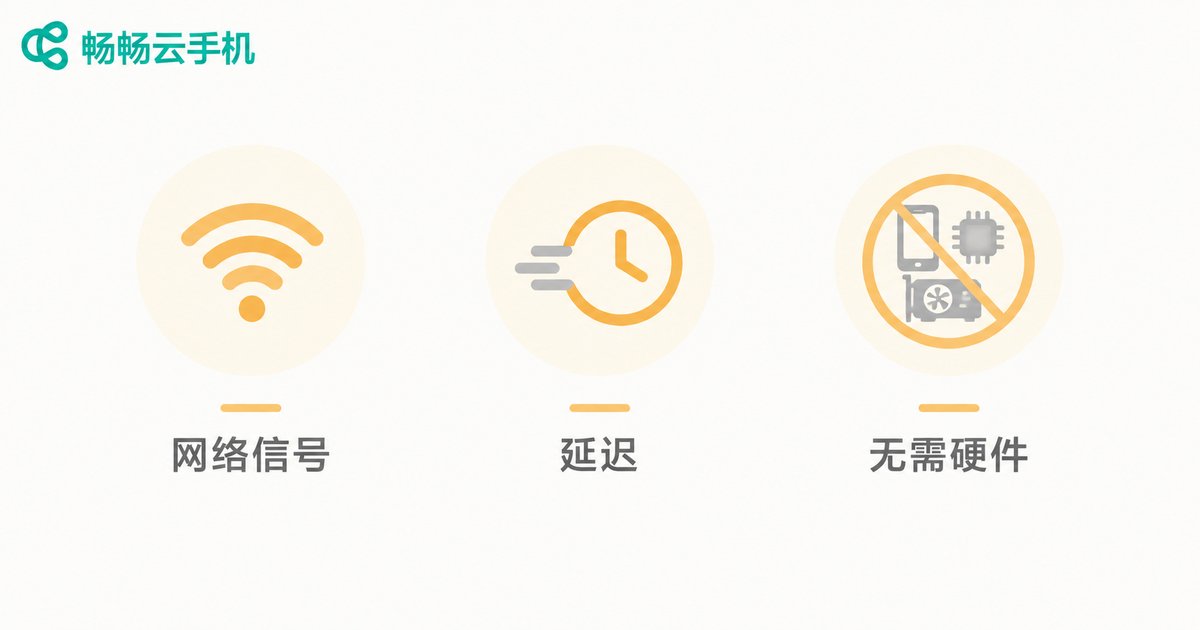
Being honest about limitations is more valuable than hype. Cloud phones currently have three clear constraints:
1. Heavy dependence on network quality. Every operation travels through the network, so fluctuations directly translate into stuttering and input lag. Stable Wi-Fi or 5G is a prerequisite for a good experience.
2. Not suitable for split-second operations. Although latency is now very low, cloud phones still cannot replace local flagship devices for the millisecond-level responsiveness required by competitive FPS games or rhythm games.
3. Limited local hardware access. Features that depend on local hardware—NFC payments, fingerprint sensors, real-time camera viewfinding—cannot be used on cloud phones.
| Dimension | Local Phone | Cloud Phone |
|---|---|---|
| Where the system runs | Local hardware | Cloud servers |
| Local resource usage | Continuous, drains battery | Nearly zero |
| 24/7 online | Requires constant charging, wears hardware | Stays online in the cloud, no hardware wear |
| Multi-instance | Limited by physical devices | Multiple cloud phones simultaneously |
| Network dependence | Low, works offline | High, needs stable network |
| Latency in split-second ops | Millisecond local response | Network transmission delay |
| Local hardware (NFC/fingerprint/camera) | Fully supported | Not accessible |
Who Actually Needs a Cloud Phone?
Given the strengths and boundaries above, cloud phones shine in these scenarios:
Multi-account operators: Social media matrices, e-commerce stores, and community management require juggling multiple accounts. Cloud phones with multi-instance support and independent environments are far more cost-effective than stockpiling physical devices.
Mobile gamers: Idle games stay online 24/7 in the cloud without occupying your local phone or draining its battery—log in anytime to check progress.
Developers and testers: Testing apps across different Android versions and screen resolutions becomes flexible—create cloud phones on demand, destroy them when done, far more agile than maintaining a wall of physical devices.
Privacy-conscious users: Run temporary or untrusted apps in a cloud phone, completely isolated from your local data.
How to Choose a Reliable Cloud Phone Service
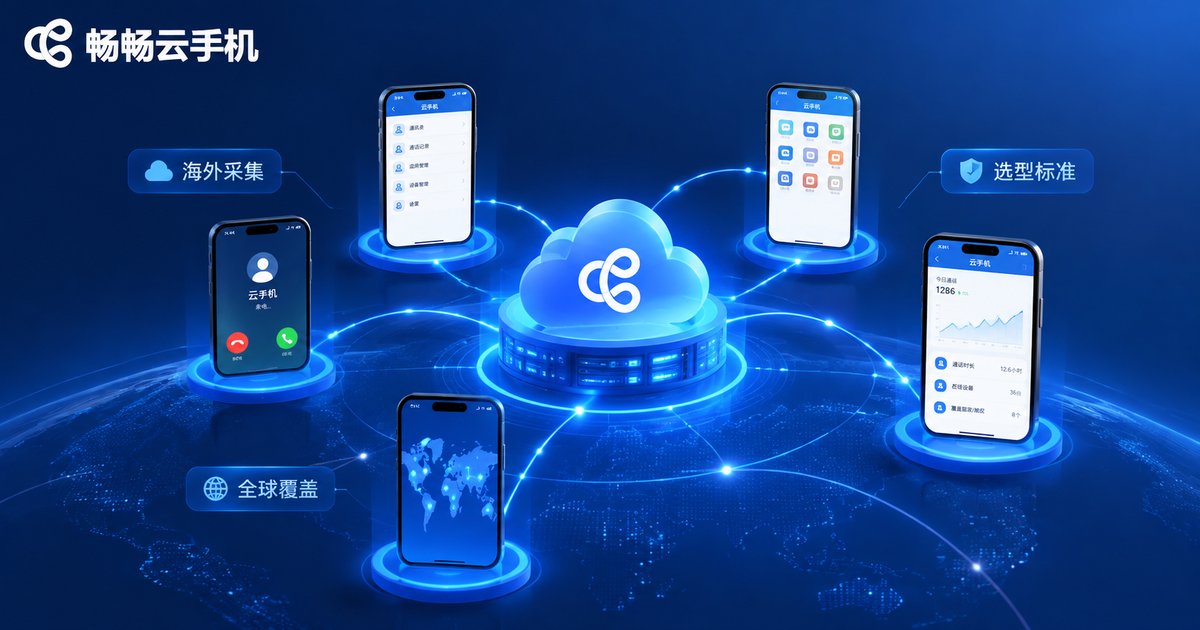
Three criteria matter most: latency performance (does the operation feel responsive during a trial), stability (does it stay connected during long idle sessions), and data security (does it offer isolated running environments).
Take ccloudphone as an example: it runs native Android on cloud ARM servers, supports multiple cloud phones online simultaneously with batch group control, making it well suited for multi-account operations and game idling. Data is stored in the cloud—log in from any device to continue where you left off. We recommend visiting the official website to review plan details and trying the service yourself to verify latency and stability before deciding.
FAQ
Q: What is the difference between a cloud phone and an emulator?
An emulator simulates an Android environment on your computer, consuming local resources and limited by your machine's performance. A cloud phone's system runs on cloud servers, uses no local resources, and each cloud phone is an independent environment—much closer to a real device.
Q: What happens if my network disconnects?
Your local screen temporarily loses the display, but the cloud system keeps running. Reconnect once the network recovers—idle tasks are unaffected.
Q: Does a cloud phone consume a lot of data?
It consumes data for streaming the display, similar to watching a video; the cloud-side operation itself uses none of your local data. When idling without watching the screen, you can turn off the display stream and use almost no data.
Q: Can cloud phones run large 3D games?
Yes, the vast majority of mainstream games run well, and idle or daily-task experiences are excellent. For latency-sensitive competitive play, we still recommend your local device.
Q: Is my data safe on a cloud phone?
Reputable cloud phone services provide isolated running environments with data stored in the cloud. Choose a provider with clear data security policies and set a separate password for your cloud phone.


