
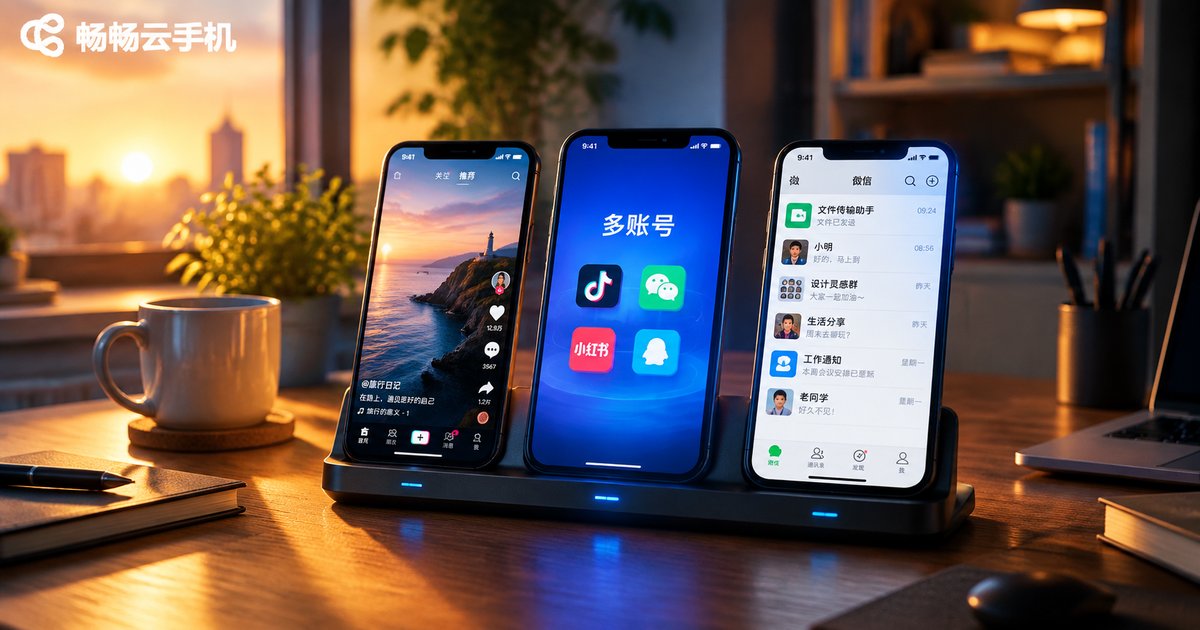
How Many Accounts Can One Cloud Phone Run? Multi-Account Limits Explained
First, Understand the Relationship Between One Cloud Phone and Multiple Accounts
Many people new to cloud phones ask: how many accounts can one cloud phone actually run? To answer this, you first need to understand what a cloud phone really is. A cloud phone is not the physical device in your hand—it is a virtual Android device running on remote servers. Each cloud phone instance works like a standalone smartphone, with its own device information, its own storage, and its own operating environment.
So the question actually has two layers: how many accounts can be logged in within a single cloud phone instance, and how many instances can run under one cloud phone account. The answers differ, so let's break them down separately.
How Many Accounts Can a Single Cloud Phone Instance Hold?
Technically, a cloud phone instance is a complete Android phone, and you can install any app on it. For example, if you install WeChat, Douyin, and Xiaohongshu, each app can hold its own account without interfering with the others. Note, however, that apps like WeChat typically allow only one account per device.
The real trouble arises when you want to operate multiple accounts on the same platform (for example, running three Douyin accounts at once) and cram them into a single instance. That is not a good idea, for three reasons:
- Platform risk-control systems detect multi-account behavior on the same device, which can trigger association flags
- Multiple accounts share one device fingerprint—if one account runs into trouble, the others may be implicated
- Frequent account switching invites captchas and even account restrictions
That is why the industry-standard practice is to log in only one primary account per instance, and handle multi-account needs with multiple instances instead.
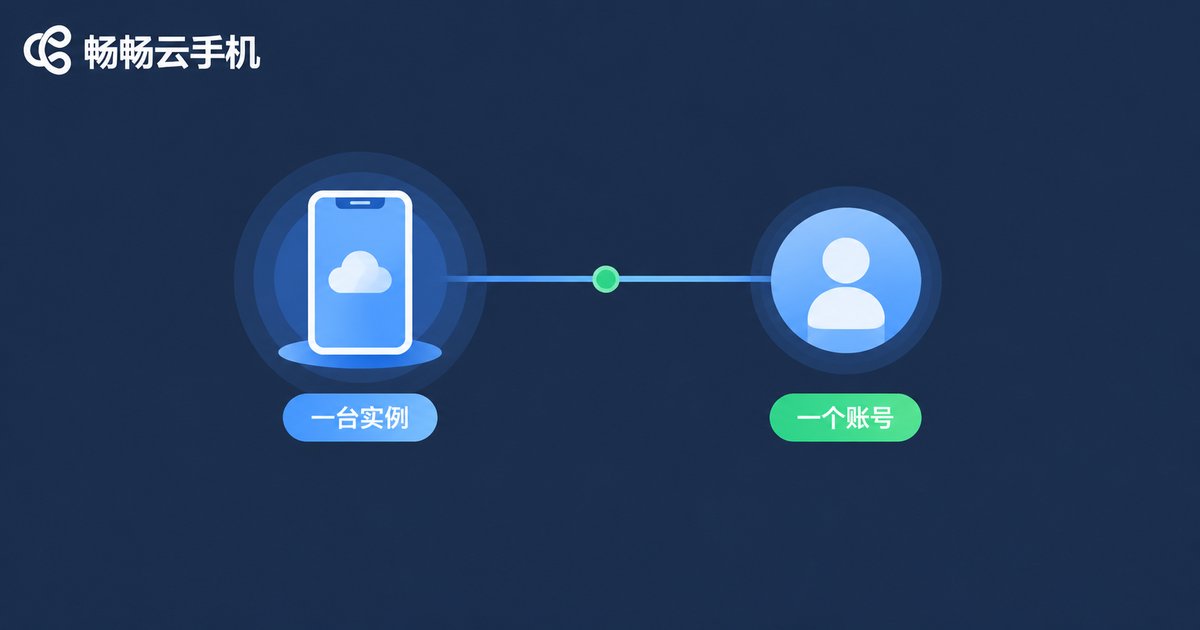
The Real Multi-Account Approach: One Account Managing Many Cloud Phones
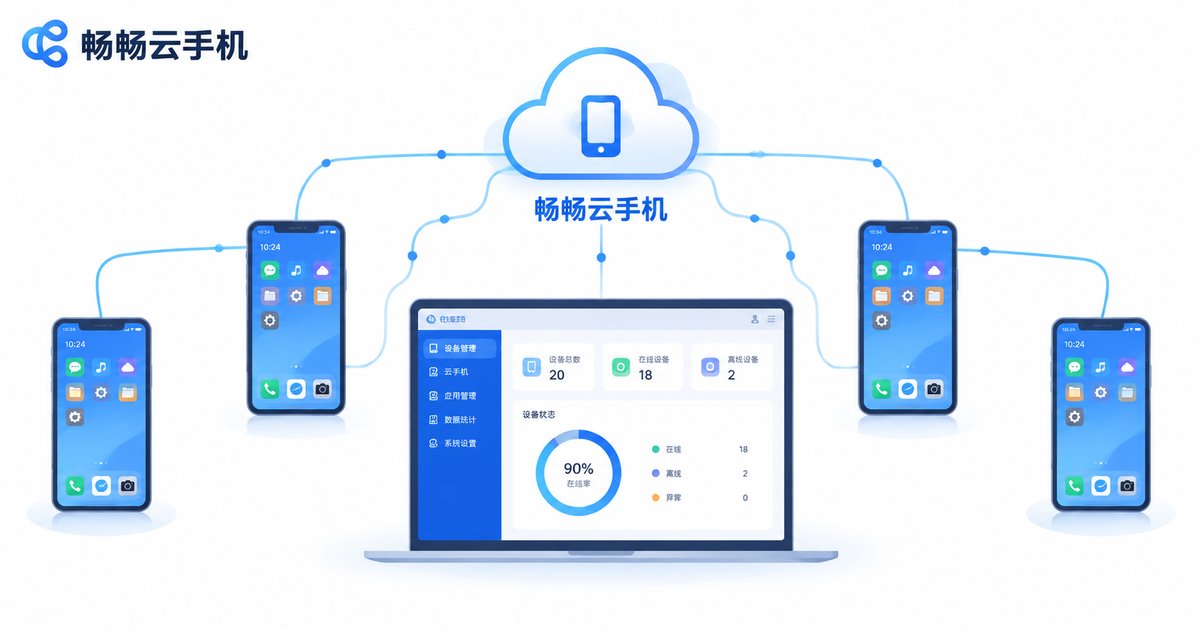
This is the correct way to do multi-accounting. With ChangChang Cloud Phone (ccloudphone), you can create and manage multiple cloud phone instances under one management console. Each instance is an independent virtual device with its own device parameters. Whether you need 3, 10, or more, all instances can be managed centrally and operated in batches from a unified console.
This one-user-many-devices model is far safer than one-device-many-accounts:
| Dimension | One Device, Many Accounts | One User, Many Devices (Recommended) |
|---|---|---|
| Device fingerprint | Shared by all accounts, easily associated | Independent per instance, no cross-impact |
| Account safety | One failure drags all down | Risk isolated per account |
| Efficiency | Constant switching required | All online simultaneously, parallel operation |
| Management | Manual, one by one | Unified console, batch operations |
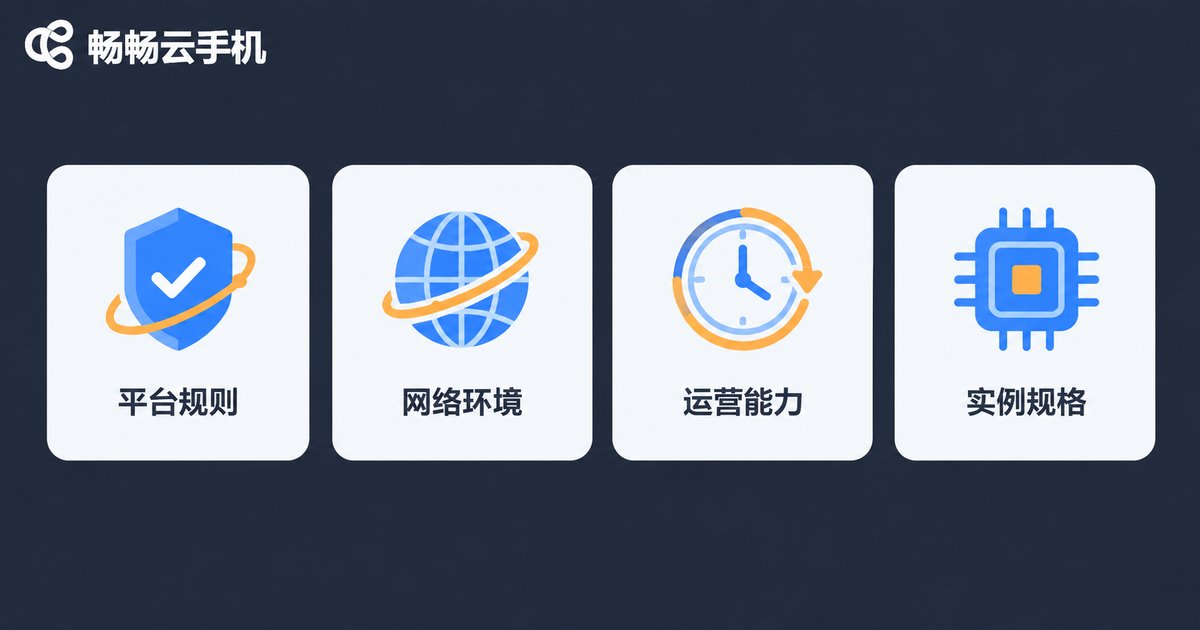
Four Key Factors That Determine How Many Accounts You Can Run
Technically, you can run many cloud phone instances, but how many accounts you can healthily operate depends on the following:
1. Platform rules: Different platforms have different policies on one entity operating multiple accounts—some allow matrix operations, others strictly limit them. Understanding the target platform's rules before creating accounts is the first step to avoid wasted effort.
2. Network environment: If multiple cloud phones share the same network exit, identical IP addresses increase association risk. It is recommended to configure different network environments for different instances.
3. Operational capacity: More accounts is not always better. Every account needs content updates and engagement maintenance—only take on what you can sustain with quality.
4. Instance specifications: The CPU and memory configuration of an instance affects performance. If you need to run large apps or heavy multitasking, choosing the right configuration matters.
Five Best Practices for Multi-Account Operations
Based on extensive real-user experience, here are some practical tips:
- One account per device: Log in only one primary account per instance to reduce association risk at the source
- Independent information: Use different registration details and login habits for different accounts
- Separate networks: Configure independent network environments for different instances
- Warm up accounts first: Use new accounts normally for a while before conducting business operations
- Regular backups: Make good use of the cloud phone snapshot feature to save instance states periodically
ChangChang Cloud Phone: A Worry-Free Choice for Multi-Instance Management
For multi-account scenarios, ChangChang Cloud Phone (ccloudphone) offers a complete solution: cloud-based 24/7 online operation without consuming local device resources; multi-instance centralized management with time-saving batch operations; and fully independent instances with no data interference. Whether you are building a new-media account matrix, running multiple e-commerce stores, or testing app multi-instance behavior, you will find a suitable workflow.
The exact number of instances you can create depends on your chosen plan's specifications. Visit the official ChangChang Cloud Phone website to check the latest plan details and choose according to your actual needs.
FAQ
Q: Can one cloud phone log in to multiple WeChat accounts at the same time?
A: A cloud phone instance works like an Android phone, and WeChat itself supports only one account per device. To keep multiple WeChat accounts online simultaneously, run multiple cloud phone instances with one account each.
Q: Are accounts on cloud phones easily banned?
A: Account safety mainly depends on whether your operations comply with platform rules. Cloud phones provide an independent device environment, which—combined with normal operating habits—effectively reduces multi-account association risk. But no tool can replace compliant operation itself.
Q: Can multiple cloud phones run at the same time?
A: Yes. Cloud phones run on remote servers, so they stay online even when your local device is powered off, and multiple instances can run simultaneously without interfering with one another.
Q: How many cloud phones should a beginner start with?
A: Start with a small number of instances, complete the full content-operation-monetization workflow first, then gradually add instances as your business grows to avoid wasting resources.
Q: What is the difference between a cloud phone and app cloning on a phone?
A: App cloning duplicates an app on the same device—the device fingerprint stays identical, so multi-account association risk remains high. Each cloud phone instance is an independent device with more thorough environment isolation, making it far better suited for large-scale multi-account operations.


