

Does Mobile Cloud Storage Cost Money? Apple vs. Android Cloud Service Pricing Comparison
What Is Mobile Cloud Storage? Free or Paid?
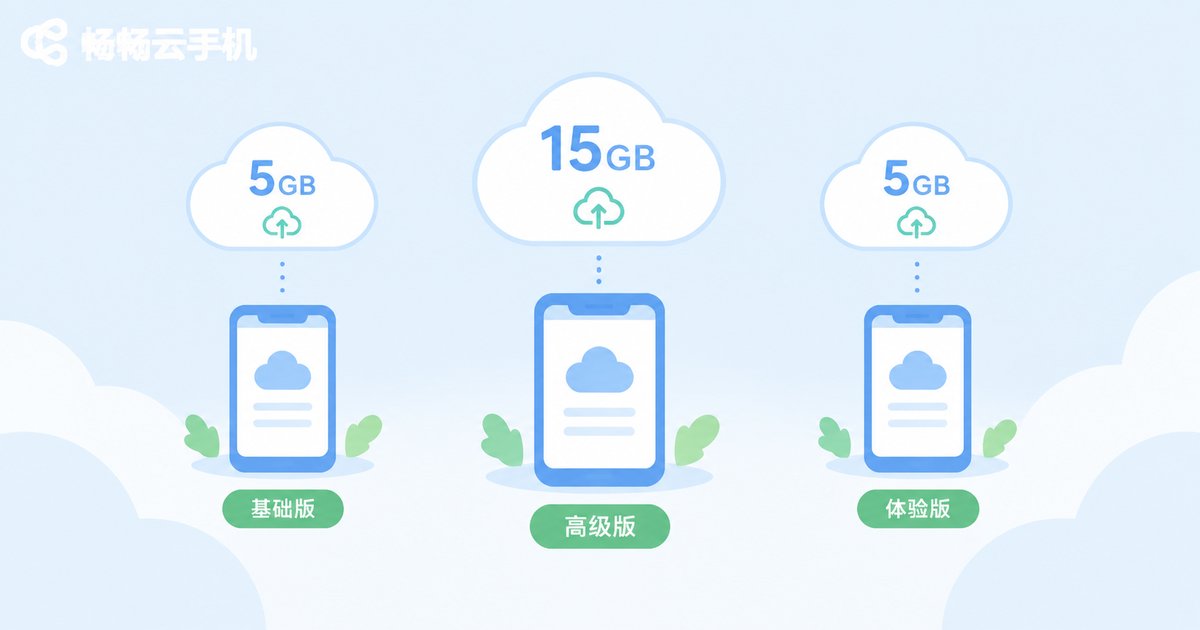
Mobile cloud storage is essentially an “online hard drive” provided by your phone maker. Photos, videos, contacts, and notes are automatically backed up to the cloud, ready to restore when you switch phones, delete something by mistake, or lose your device. The answer: it's both free and paid. Every provider includes a free tier, but it's usually only 5GB–15GB. Once your photo library grows, you'll need to pay a monthly fee for more space.
Is the Free Tier Enough? Check the Starting Allowances
Your free allowance determines how soon you start paying. Apple iCloud offers just 5GB, which fills up within months for anyone who shoots video. A Google account includes 15GB shared across Photos and Gmail, which is relatively generous. Samsung, Xiaomi, and other Android makers typically start at 5GB as well. Considering a typical photo is 3–5MB and a minute of 4K video is around 400MB, 5GB holds only about 1,000+ photos.
Apple iCloud+ Pricing at a Glance
Apple's paid cloud storage is called iCloud+. Reference pricing in the US (check Apple's official site for current rates):
| Capacity | Monthly (ref.) | Annual (ref.) |
|---|---|---|
| 5GB | Free | Free |
| 50GB | $0.99 | ~$11.99 |
| 200GB | $2.99 | ~$34.99 |
| 2TB | $9.99 | ~$99.99 |
| 6TB | $29.99 | ~$299.99 |
| 12TB | $59.99 | ~$599.99 |
The 200GB and 2TB plans support Family Sharing for up to 6 people, which brings the per-person cost down to just a few dollars a month.
Android Cloud Service Pricing Comparison
Android users have more options, from built-in cloud services to third-party drives. Here are common choices at reference prices:
| Service | Free Tier | Entry Paid Plan | Large Plan |
|---|---|---|---|
| Google One | 15GB | 100GB $1.99/mo | 2TB $9.99/mo |
| Samsung Cloud | 5GB | Migrating to Google One | — |
| Microsoft OneDrive | 5GB | 100GB $1.99/mo | 1TB with Microsoft 365 |
| Dropbox | 2GB | 2TB $11.99/mo | — |
Phone makers' cloud services win on system-level integration—one-tap backup and restore of photos, contacts, and home screen layout. Third-party drives offer bigger capacity and cross-platform access, but free versions often throttle download speeds.
Head-to-Head: Which Offers the Best Value?
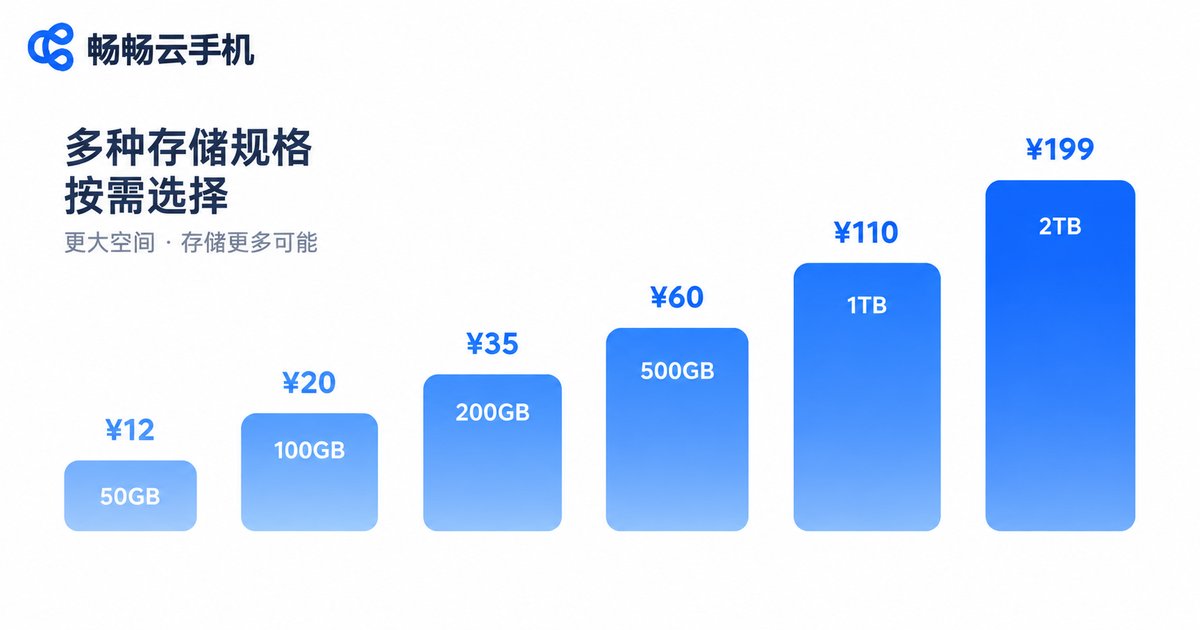
Comparing mainstream options at the 2TB tier (reference monthly prices):
| Service | 2TB Monthly | Cost per GB | Best For |
|---|---|---|---|
| Apple iCloud+ | $9.99 | ~$0.005/GB | Apple ecosystem users |
| Google One | $9.99 | ~$0.005/GB | Android + Google users |
| Microsoft 365 | from $6.99 | ~$0.007/GB | Office users (apps included) |
| Dropbox | $11.99 | ~$0.006/GB | File sharing & sync |
On pure per-GB cost, annual third-party plans are cheapest. But the automatic backup + seamless phone migration experience of native cloud storage is hard to replace.
Three Practical Money-Saving Tips
1. Clean up before upgrading. Many people pay because their gallery is full of screenshots and duplicate videos. Run your phone's built-in cleanup tool first—the free tier might be enough.
2. Use family sharing. Apple's 200GB/2TB plans and several Android makers' large tiers support family sharing. A few people splitting a 2TB plan can cut the per-person cost to just a few dollars a month.
3. Pick the right tier. For photo backup only, 50–100GB is usually enough. If you shoot 4K video regularly, go straight to 200GB or 2TB to avoid repeated upgrades.
A Different Approach: CC Cloud Phone Moves the Heavy Lifting to the Cloud
If your real pain point is insufficient phone storage and memory, consider CC Cloud Phone in addition to cloud storage. It runs a complete Android phone on cloud servers—apps and games are installed in the cloud, while your local phone just displays the screen, using almost no local storage or RAM. For AFK gaming, multi-accounting, and memory-heavy games, let the cloud device do the work while your phone acts as a “remote control.” Cloud storage solves the “saving” problem; a cloud phone solves the “computing” problem. Together, they can keep an older phone going for years.

FAQ
Q: What happens if I don't pay for cloud storage?
Once the free tier is full, new data stops backing up, but existing backups aren't deleted. Apple pauses uploads when you're over quota and gives you time to clean up or upgrade.
Q: Can I take my cloud data when switching phone brands?
Universal data like contacts and photos can be exported and re-imported via official tools. But system-level full-phone backups don't transfer across brands—export important files separately before switching.
Q: Is cloud storage the same as a cloud drive?
Not quite. Native cloud storage focuses on automatic system backup and seamless migration; cloud drives focus on large-capacity storage and file sharing. The former is more “invisible,” the latter is cheaper per GB.
Q: Can I cancel my subscription anytime?
Yes. Cloud storage subscriptions are billed monthly. After cancellation, your capacity reverts to the free tier at the end of the billing cycle—remember to download data that exceeds the free allowance first.


