
How Are Cloud Phones Priced? By Time, Device, or Features?
The Basic Logic of Cloud Phone Pricing
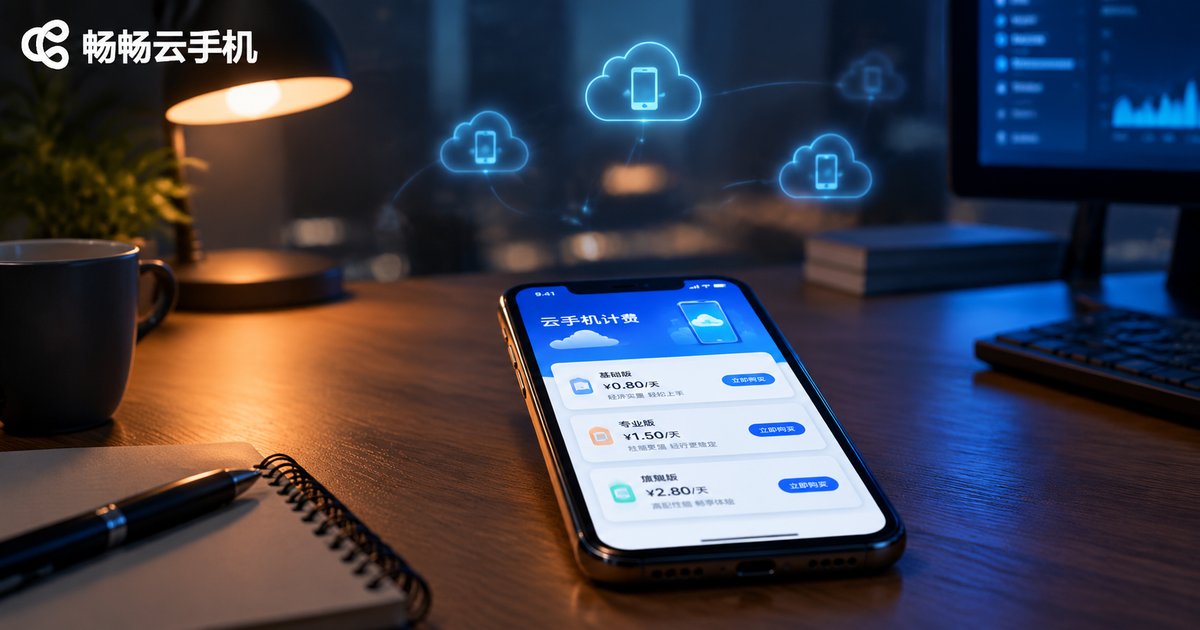
The most common question from first-time users is: how exactly are cloud phones charged? The pricing logic is not mysterious at all. It works much like renting a cloud server—you rent a virtual phone device in the cloud, and the cost is determined by three dimensions: rental duration, device configuration, and add-on features. Once you understand these three factors, you can quickly figure out what any provider's quotation means for your budget.
Time-Based Billing: Monthly Plans Are the Mainstream
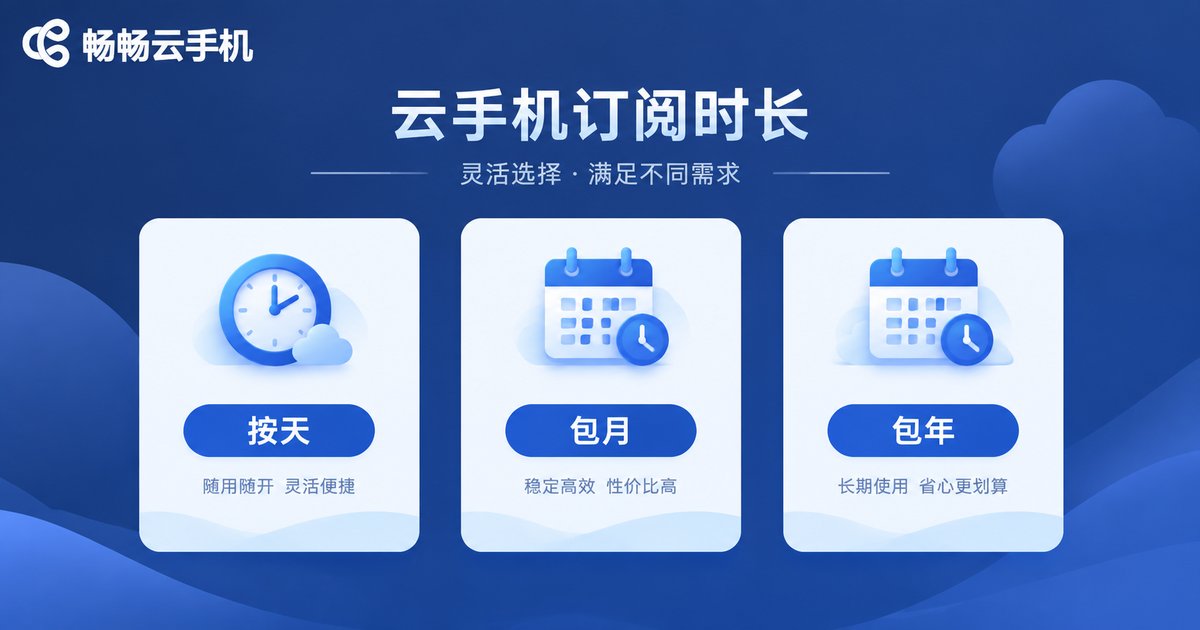
Time is the most fundamental billing dimension. Mainstream cloud phone platforms generally use monthly, quarterly, and yearly subscription models, and some also offer daily plans for short-term needs such as temporary AFK farming or quick testing.
Generally, the longer the rental period, the lower the daily rate. For example, a daily plan might cost several dollars per day, while a yearly plan may work out to just one or two. If you are a long-term user running multiple accounts, choosing a longer subscription is usually more cost-effective.
Device-Based Billing: Performance Determines the Price Tier
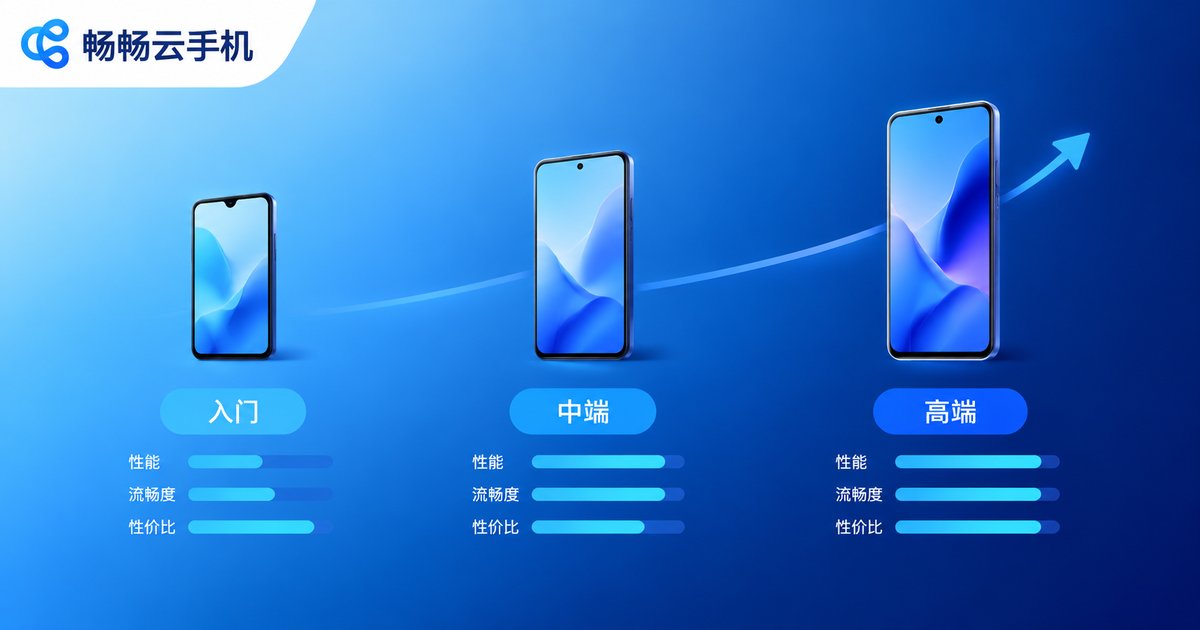
Why do some cloud phones cost only a few dollars per month while others cost much more? The difference lies in device configuration. Like real phones, cloud phones come in entry-level and premium models:
Entry-level configurations: suitable for daily AFK farming, check-ins, and light multi-instance use, at the most affordable price. Mid-to-high configurations: suitable for demanding scenarios such as large mobile games, live streaming, and batch group control, at correspondingly higher prices.
Simply put, higher configurations deliver smoother visuals, faster performance, and stronger multi-instance capabilities—at a higher price. The key is to buy according to your actual needs: if you are just doing check-ins, there is no need for a premium device; if you are running demanding games, a low-end device's lag will only waste your time.
Feature-Based Billing: Add-On Services Cost Extra
Beyond the basic device rental fee, some platforms charge separately for certain advanced features as value-added services. Common examples include:
Dedicated IP: each cloud phone gets an independent network environment, ideal for multi-account operations that need to avoid association. Group control: control multiple cloud phones from one computer to greatly boost batch operation efficiency. Data backup and imaging: back up device data with one click and quickly clone it to other devices.
This is where pricing varies the most between platforms. Some bundle these features into plans, while others sell them separately. Always check exactly what is included in a plan before purchasing.
Comparison of the Three Billing Dimensions
| Billing Dimension | Common Forms | Best For |
|---|---|---|
| By time | Daily / monthly / quarterly / yearly | All users; longer terms are cheaper |
| By device configuration | Entry / mid-range / premium models | Choose performance tier by use case |
| By features | Dedicated IP, group control, backup, etc. | Multi-account and batch operations |
Watch Out for These Hidden Costs
Beyond the listed plan prices, a few things are easy to overlook:
Renewal prices: some platforms offer first-purchase discounts and revert to full price on renewal, so long-term users should calculate totals based on renewal rates. Feature inclusions: budget plans may not include dedicated IP or group control, and buying them separately later may not be cheaper overall. Device quantity: multi-instance users should confirm whether a plan covers a single device or multiple devices, as bulk purchases often come with discounts.
How to Choose the Right Plan for You
Here is a simple decision framework:
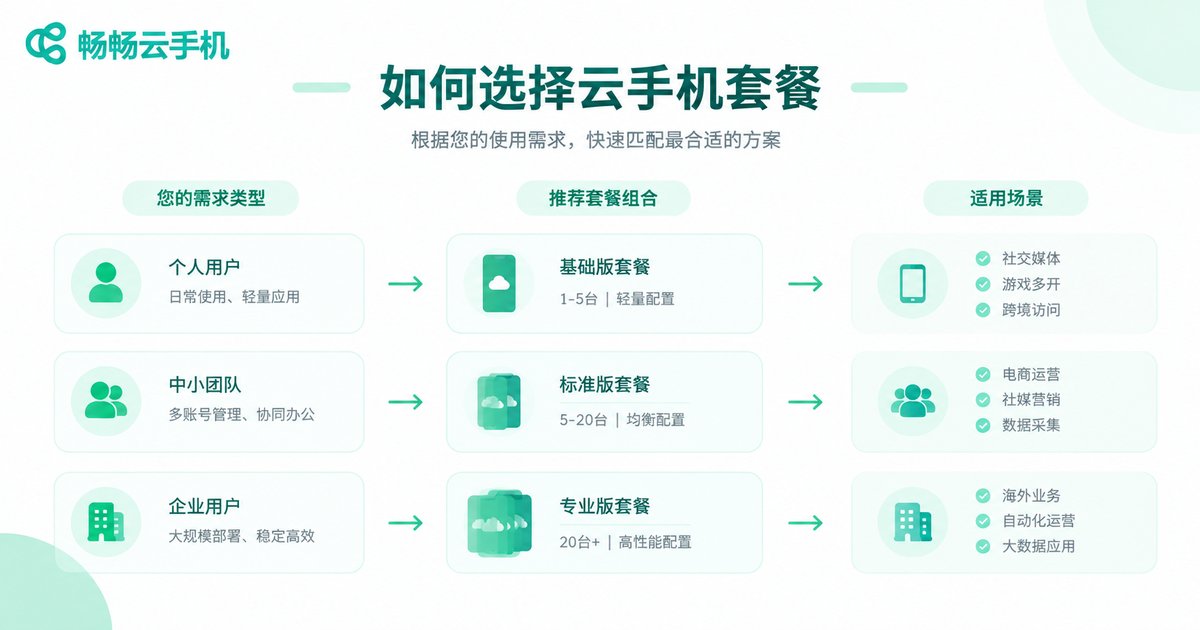
Casual users (check-ins, single account): entry-level configuration plus a monthly plan to keep costs down. Gamers (large mobile games, multi-instance farming): mid-to-high configuration plus a quarterly or yearly plan for smooth performance. Studio users (batch account operations): premium configuration plus dedicated IP and group control, purchased at bulk rates.
Recommended: CCLOUDPHONE
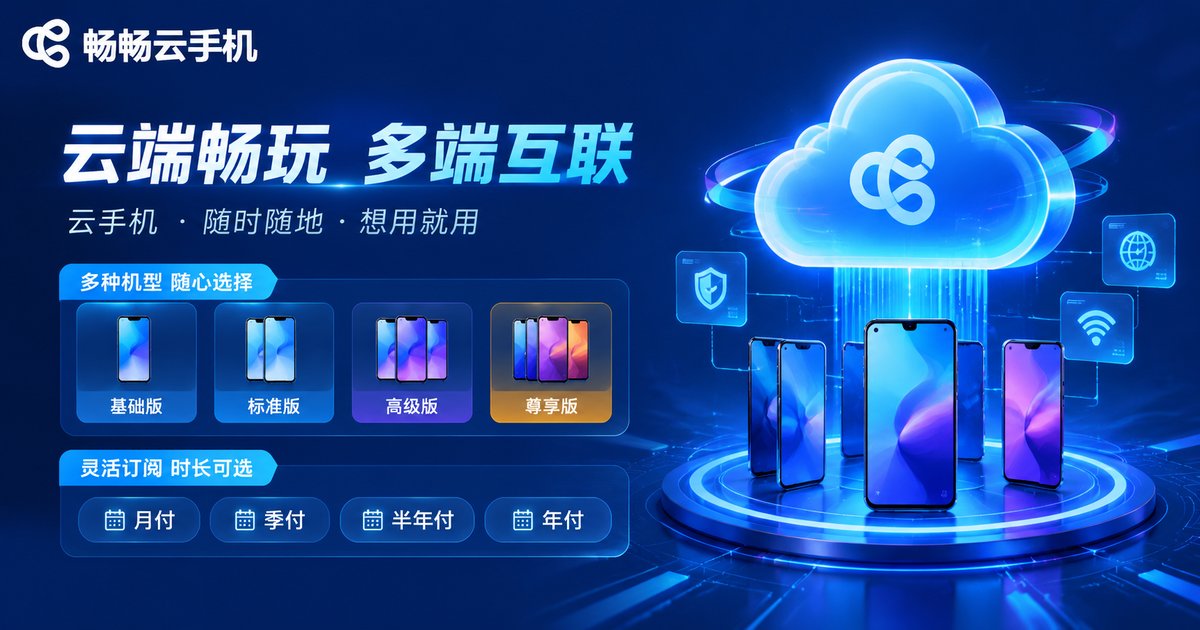
If you are shopping for a cloud phone, give CCLOUDPHONE a try. It offers cloud phone devices across multiple configuration tiers, with monthly, quarterly, and yearly subscription options that you can flexibly combine according to your actual needs. Whether it is daily AFK farming, game multi-instance use, or batch account operations, there is a suitable plan for you. All plans and prices can be checked in real time on the official website—clearly listed, with no hidden charges to worry about.
FAQ
Q: Are cloud phones charged per device or per account?
Per device. One cloud phone equals one independent virtual phone device—you can sign in with your own account, and the account itself costs nothing extra.
Q: Is there a big difference between monthly and yearly plans?
Usually, the longer the term, the lower the daily rate. Quarterly or yearly plans are more cost-effective for long-term users. Check the platform's official website for exact prices.
Q: Do I always have to pay extra for a dedicated IP?
Policies differ across platforms. Some plans include dedicated IPs, while others sell them separately. Check the plan details or contact customer support before purchasing.
Q: Is my data kept after my cloud phone expires?
Generally, expired devices enter a grace period. Renewing within that period restores your data; after it ends, data may be cleared. Back up important data in advance.


