
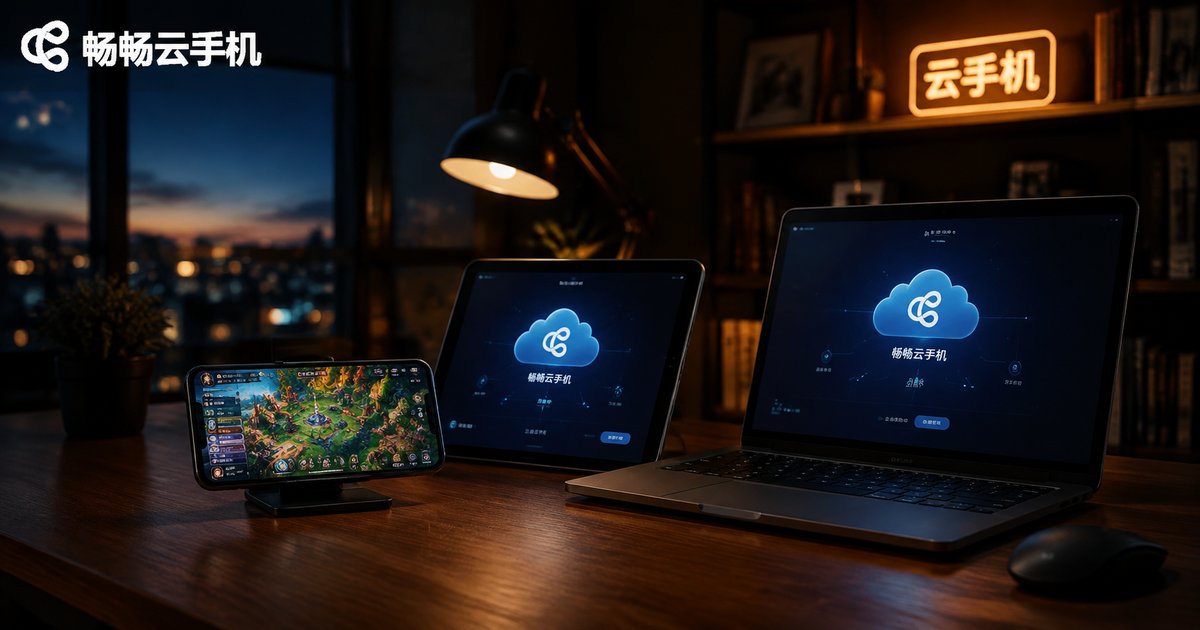
Can Cloud Phones Play iOS Games? How to Run App Store Mobile Games
The Short Answer: Can Cloud Phones Play iOS Games?
Let's answer directly: cloud phones cannot run iOS-exclusive apps, but they can run the Android versions of the vast majority of App Store mobile games. Mainstream cloud phone products, including CC Cloud Phone, are essentially Android instances deployed on ARM servers in the cloud. Apple's iOS is a closed ecosystem licensed exclusively for its own hardware—no third-party device can legally run iOS, and cloud phones are no exception.
The good news? The vast majority of popular mobile games on the App Store—MMOs, card games, idle games, anime-style RPGs—have official Android versions, and many support cross-platform account sync. So the goal of "playing your iOS-region games on a cloud phone" is achievable in most cases; the path just looks a little different from what you might expect.
Why Can't Cloud Phones Install iOS Apps Directly?
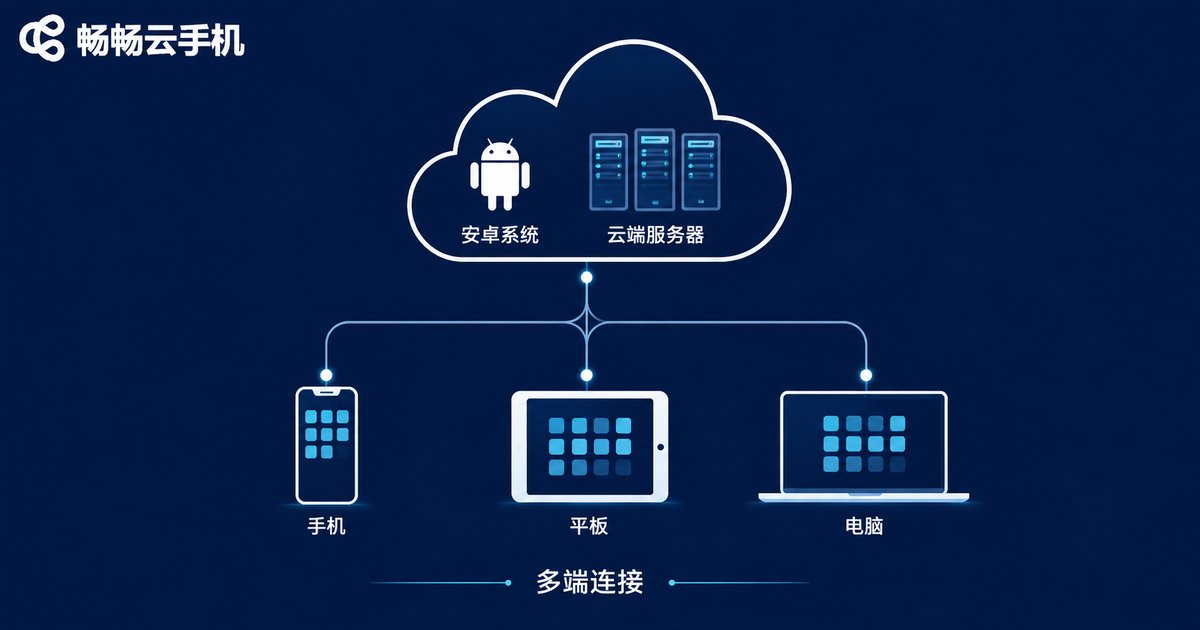
To understand this, you need to know what a cloud phone really is. A cloud phone is not "a phone placed in the cloud"—it's an Android system instance running on ARM servers in a data center. You connect to this cloud device through an app on your phone, tablet, or computer; the screen streams to your display in real time, and your inputs are sent back to the cloud instantly.
The reason Android is chosen over iOS comes down to three points:
First, Android is an open-source system that permits deployment on third-party hardware. iOS is licensed only for Apple devices, so no compliant "cloud iOS phone" exists, legally or technically.
Second, Android's APK format offers flexible distribution channels, making it easy to install game versions from different regions and stores.
Third, ARM servers share the same architecture as mobile chips, so Android instances deliver mature compatibility and performance.
Solution 1: Install the Android Version of the Same Game
This is the simplest and most common approach. The mobile game you play on iOS most likely has an official Android release on major app stores. Take CC Cloud Phone as an example: the device comes with a built-in app market where most popular mobile games can be found and installed with a quick search.
One thing to watch out for is the difference between channel servers and official servers: some games route players to different servers depending on where the app was downloaded, and account data doesn't transfer between them. If you play on the official server on iOS, make sure you download the official package on your cloud phone to avoid landing on the wrong server.
Solution 2: Get Regional Android Installation Packages
When many players say "iOS region," they actually mean international game versions downloaded with overseas Apple IDs (Japanese, US, or Korean accounts). Most of these games also offer Android versions—they're just not listed on domestic app stores.
On a cloud phone, you can obtain the corresponding Android installation package from the game's official website and install it directly onto your cloud device. Since a cloud phone is a complete Android device, the installation process is identical to a regular phone. Once installed, simply log in to your game account and continue playing.
Tip: Always download installation packages from the game's official website to avoid security risks from third-party sources.
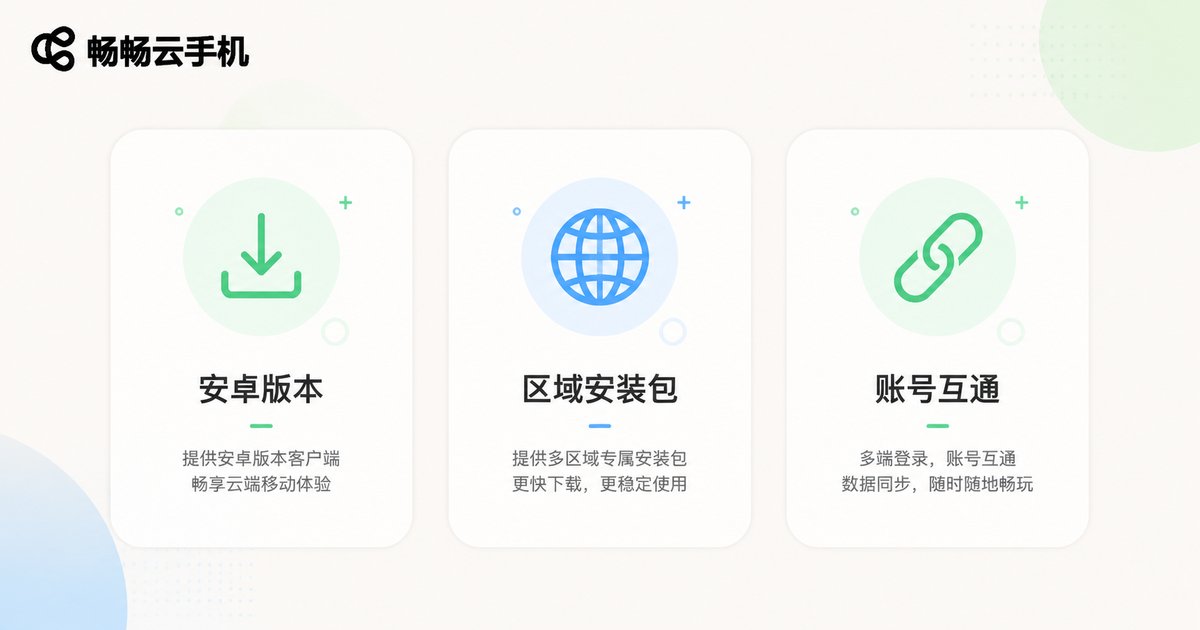
Solution 3: Handle Account and Data Synchronization Properly
This is where many players stumble. Whether iOS and Android data sync is supported depends entirely on the game developer's design. There are roughly three scenarios:
| Game Type | Data Sync Status | Behavior on Cloud Phone |
|---|---|---|
| Games with cross-platform accounts | iOS and Android data fully synced | Log in with the same account to inherit all progress |
| Games with third-party account login | Usually synced | Log in with the same third-party account |
| Games with separate iOS/Android servers | Data not synced | Must start over on the Android server |
We recommend confirming the sync rules on the game's official site or with customer service before investing significant time.
What Makes Cloud Phones Worth It for Mobile Gaming?
If cloud phones run Android versions anyway, why not just use your own Android phone? Because cloud phones offer what local devices can't:
| Aspect | Local Phone | Cloud Phone |
|---|---|---|
| AFK uptime | Device must stay powered on | Online 24/7 in the cloud |
| Heat and battery | Directly drains local device | Handled entirely in the cloud |
| Multiple accounts | Limited by device count | Multiple cloud instances available |
| Switching devices | Re-download and migrate | Log in to restore environment |
24/7 online AFK farming: Cloud phones run on cloud servers, independent of your local device. Even if you turn off your phone and computer, your game character stays online in the cloud—daily quests, stamina recovery, and idle rewards never miss a beat.
Zero local resource usage: All the heat, battery drain, and storage consumption happen in the cloud. Your phone only displays the stream, so even older devices can "run" demanding games smoothly.
Multi-account management: Need to manage multiple accounts? Spin up multiple cloud phone instances that run independently—pair them with group control features for even higher efficiency.
Access from anywhere: Switch phones or computers freely—log in to the same account and your cloud phone environment and game progress remain untouched.
Why We Recommend CC Cloud Phone
When choosing a cloud phone product, CC Cloud Phone is a solid option worth considering. Built on cloud ARM servers providing Android instances, it focuses on a stable, smooth cloud experience: all-day cloud uptime ideal for AFK farming and daily quests, cloud-guaranteed performance that doesn't depend on your local hardware, and a clean, intuitive management interface that beginners can quickly master. For specific plans and pricing, visit the official CC Cloud Phone website and choose according to your needs.
FAQ
Q: Can cloud phones install iOS?
No. iOS is Apple's closed system, licensed exclusively for Apple devices. No legal "iOS cloud phone" exists—all cloud phone products run Android.
Q: Can I continue using my iOS game account on a cloud phone?
It depends on whether the game supports cross-platform data sync. For synced games, logging in with the same account inherits your progress; for games with separate servers, you'll need to start over on the Android server. Confirm with the game's official support first.
Q: Will I get banned for playing the Android version on a cloud phone?
A cloud phone is essentially a normal Android device—regular gameplay won't trigger bans. Just follow the game's rules and avoid any prohibited cheating tools.
Q: Is gaming on a cloud phone laggy?
Games actually run on cloud servers with cloud-guaranteed performance; your local device only displays the stream. The experience mainly depends on network latency, so use Wi-Fi or a stable connection for best results.
Q: How much does CC Cloud Phone cost?
For specific plans and pricing, refer to the information published on the official CC Cloud Phone website and choose the configuration that fits your needs.


