
Operations · Engineering · Trends
Hands-on playbooks, product updates and cross-border insights from the CCloudPhone team.

Does a Cloud Phone Need the App Open All the Time? How Background Running Works
Many users worry they must keep the app open while using a cloud phone. This article explains how cloud phone background running works: apps actually run on cloud servers, and the local app is just a remote display and control window. Closing the app, locking the screen, or even powering off your phone won't interrupt cloud tasks. We also compare cloud phones with local devices, cover typical scenarios like AFK game farming and multi-account management, and share practical tips for using ChangChang Cloud Phone.
What Are the Core Features of a Cloud Phone? These 8 Are the Most Practical
Cloud phones offer core features like 24/7 cloud uptime, multi-account management, game AFK farming, cross-device access, and batch operations. This article breaks down the 8 most practical cloud phone features in plain language, explains what each one does and who it suits, and includes a comparison table against traditional phones plus a FAQ section. Whether you're a mobile gamer, a multi-account operator, or a studio manager, this guide will help you quickly understand the real value of cloud phones and decide whether you need one. By the end, you'll know exactly which features matter most for your use case.
What Is a Cloud Phone For? Top 10 Mainstream Use Cases in 2026
A cloud phone is not a physical handset but a virtual Android device running on remote cloud servers. This article reviews the top 10 mainstream use cases in 2026: mobile game multi-account farming, game multi-boxing, 24/7 online hosting, cross-border e-commerce multi-store management, social media matrix operations, live streaming, app development and compatibility testing, privacy protection, enterprise group control, and office automation. It also compares cloud phones with physical phones and local emulators across stability, cost, and scalability, helping gamers, sellers, and creators decide whether a cloud phone fits their workflow.
How Long Do Cloud Phone Free Trials Last? A Full Breakdown of Trial Durations
Free trial lengths for cloud phones vary widely. Some platforms offer just a 10-minute taster, others provide a few hours to a full day of standard access, and a few open up 2-7 day deep trials. This guide breaks down the three common trial duration tiers across the industry, explains the key factors that determine how long a free trial lasts, and shows you how to judge whether a cloud phone is worth paying for within a limited window. It also explains why CCLOUDPHONE deserves the first spot on your try-list, with simple sign-up, multiple performance tiers, and 24/7 cloud operation.
What Money-Making Projects Can You Run on a Cloud Phone? Reliable Projects and Pitfall Avoidance Guide
A cloud phone stays online 24/7 and lets you manage multiple accounts without draining your local device, making it a powerful tool for game farming, social media account matrices, multi-store e-commerce, and app promotion. This guide walks through four proven money-making projects, compares their difficulty, startup costs, and time to results, and shares practical tips to avoid common traps. Whether you are a beginner or an experienced operator, you will learn how to pick the right project, test on a small scale first, and scale up steadily.

Which Cloud Phone Is Best? 2026 Cloud Phone Platform Comprehensive Review
Which cloud phone is best in 2026? This comprehensive review evaluates major cloud phone platforms across five dimensions: performance and fluidity, uptime stability, data security, feature compatibility, and value for money. Our weeks of hands-on testing found that streaming optimization—rather than raw specs—is the decisive factor in real-world experience. Among the platforms tested, ccloudphone delivered the most balanced overall performance, featuring low-latency operation, support for multiple simultaneous cloud phones, cloud-based data storage, and simple onboarding. It suits game AFK farming, app multi-instance use, and account matrix management. The article closes with scenario-based selection advice and answers to frequently asked questions.

Which Cloud Phone Has the Strongest Performance in 2026? Configuration, Benchmarks & Fluency Comparison
In 2026, performance is the number one criterion for choosing a cloud phone. This guide builds a complete evaluation framework across configuration, benchmarks, and fluency: learn to read the three key spec indicators (vCPU, RAM, GPU), spot benchmark fluctuation and resource overselling traps, and test input latency, frame rate, and 72-hour stability like a pro. A tier-by-tier comparison table is included, along with a recommendation for CCloud Phone as one of the most balanced high-performance options, plus a three-step buying guide.
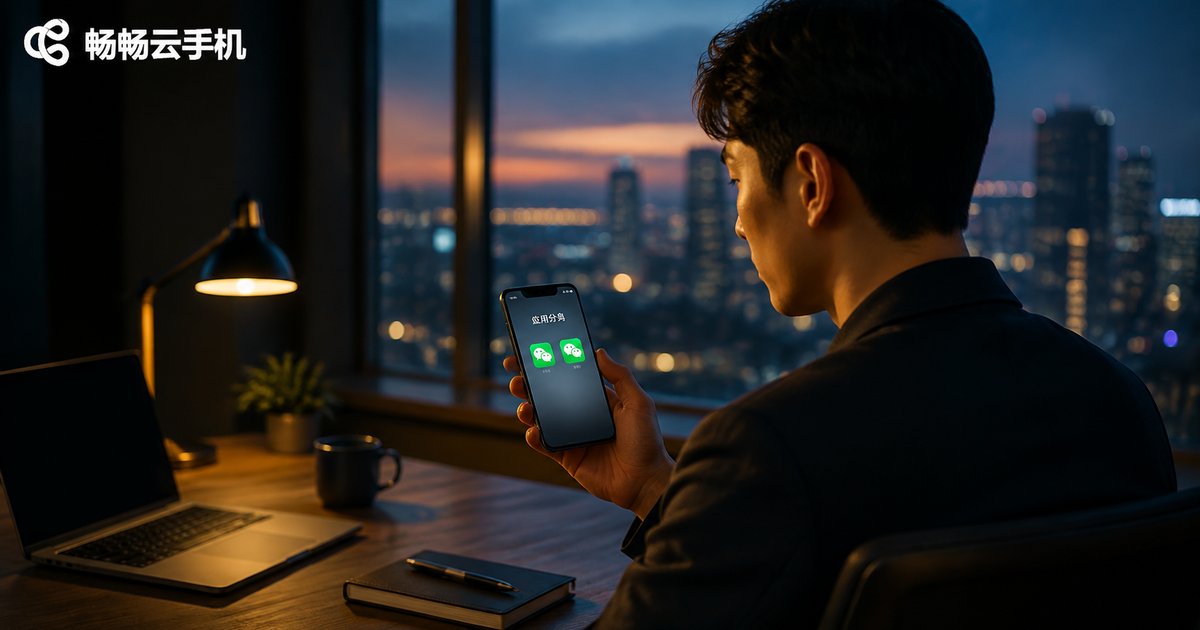
How to Use App Cloning Software? Dual-Space Tools vs Cloud Phones
App cloning software lets you run two instances of the same app on a single phone—simple to use, but limited by your device's performance. Cloud phones, on the other hand, run on remote servers, consuming no local resources while supporting multi-device management and 24/7 cloud operation. This guide walks you through how to use app cloning software in three simple steps, breaks down the core differences between dual-space tools and cloud phones in a clear comparison table, and helps you choose the right solution for your needs.
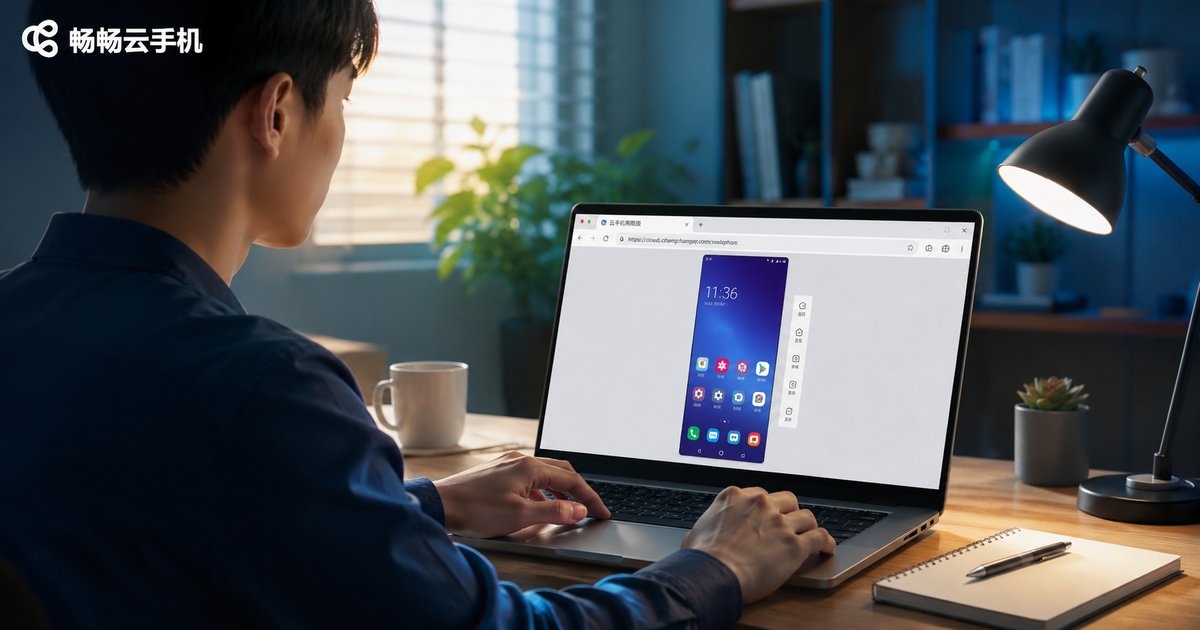
How to Use Cloud Phone Web Version: Open Cloud Phone Directly in Browser
The cloud phone web version lets you open and control a cloud-based Android phone directly in your browser, with no client download required. Using ccloudphone as an example, this tutorial walks you through every step: registering an account, connecting to your cloud device, controlling the phone with your mouse and keyboard, and uploading files. We also compare the web version with the desktop client and a physical phone, and answer frequently asked questions to help you get started quickly and manage your cloud device anytime, anywhere.

What Is Cloud Phone Idle Running? Key Differences from Real Device Idle Running Explained
Cloud phone idle running means hosting your games or apps on remote cloud servers so they keep farming resources and completing tasks automatically—without tying up your local device. This article explains what cloud phone idle running means and compares it with real device idle running across key dimensions: device occupation, battery consumption, 24/7 uptime, multi-instance capability, and hardware wear. Whether you want to automate daily grinding in mobile games or manage multiple accounts, you will learn why cloud phones deliver true around-the-clock operation while keeping your real phone free, cool, and fully charged. The guide also covers common use cases and recommends a reliable cloud phone service to get started.
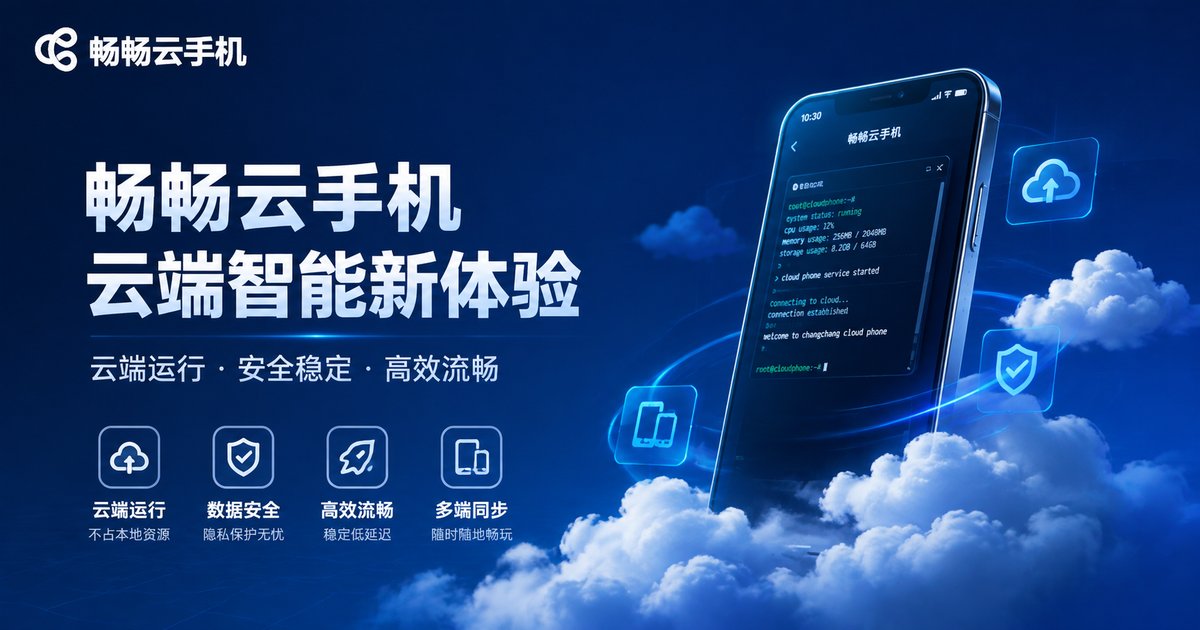
Complete Guide to Mobile Super Terminal Commands: Common Commands and Usage Tutorial
The mobile super terminal is an essential tool for advanced users, developers, and anyone seeking deeper control over an Android device. This guide systematically compiles the most commonly used terminal commands, covering file and directory management, system information queries, process and memory control, network diagnostics, and advanced app management techniques. Each command comes with clear usage examples and practical precautions to help you avoid common mistakes. Whether you are just getting started or looking for a handy reference, this tutorial will build your command-line skills step by step. We also explain why practicing on a cloud phone is a safer way to learn, protecting your daily device from accidental damage.

Is Doing Trial Tasks on Cloud Phones Reliable? The Right Way to Earn from App Trials
Is earning money through app trial tasks on cloud phones actually reliable? This article starts with the real income level of trial tasks, then explains why cloud phones shine at multi-device management, data isolation, and saving local resources. You'll also learn how to spot common trial-platform scams—such as pay-to-earn schemes and fake automation promises—and follow a practical, step-by-step approach to doing trial tasks the right way. By the end, you'll know how to treat this side income rationally, scale your devices safely, and avoid the pitfalls that trip up most beginners who jump in without a plan.