
Which Cloud Phone Is Best? 2026 Cloud Phone Platform Comprehensive Review
Why Cloud Phones Became Essential in 2026
As mobile games grow more demanding and multi-account needs multiply, local phones face mounting performance and battery pressure. A cloud phone moves the entire Android system to remote servers—your device only displays the screen and sends your inputs, while the actual phone doing the work runs in a data center far away. This means you can run multiple heavy apps from an ordinary phone without consuming local storage or battery.
By 2026, cloud phones have evolved from a geek toy into a mainstream tool: gamers use them for AFK farming, professionals use them to separate work from personal life, and e-commerce sellers and content creators use them to manage account matrices. But with so many platforms on the market, which cloud phone is actually good? This article reviews 2026's major cloud phone platforms across five dimensions: performance, stability, security, compatibility, and value.
Evaluation Criteria: What Makes a Cloud Phone Good?
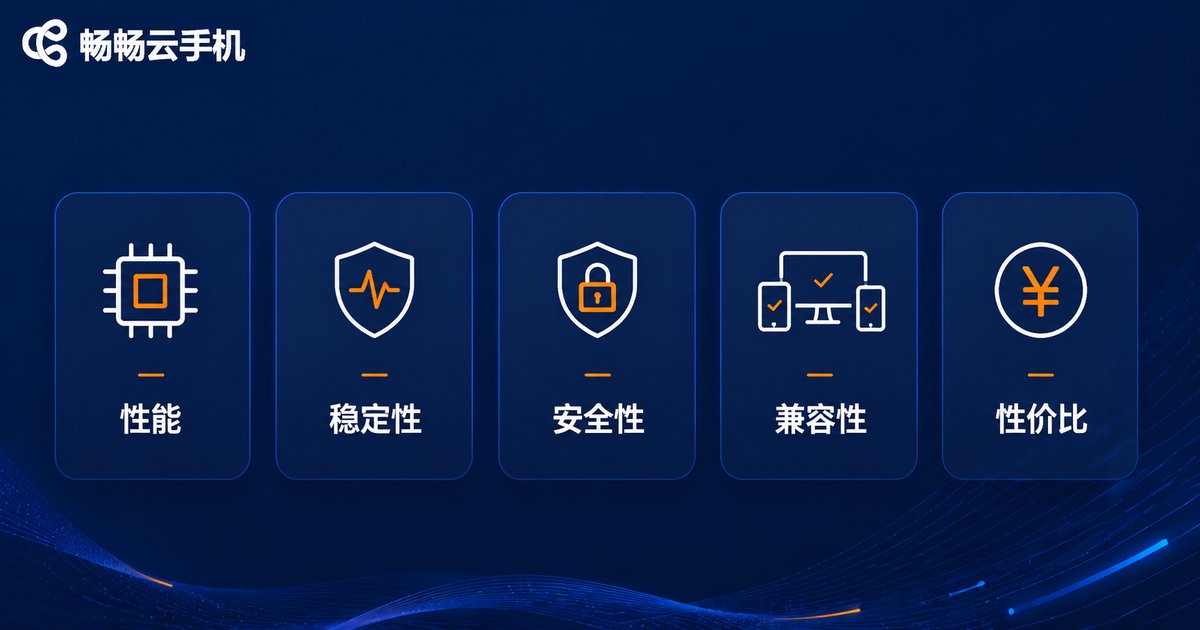
To judge whether a cloud phone platform is worth using, we applied five criteria:
1. Performance & Fluidity: The processor and memory specs of cloud instances, plus screen-streaming latency, directly determine responsiveness. An excellent platform should keep latency at the tens-of-milliseconds level, with no ghosting even in action games.
2. Stability & Uptime: 24/7 uptime is the baseline for AFK scenarios. Server cluster size and failover mechanisms both affect long-term reliability.
3. Data Security & Privacy: Encrypted transmission, independent device environments, and account data isolation all matter for account safety.
4. Compatibility & Features: Support for mainstream apps and games, plus advanced capabilities like multi-instance, batch control, and ROOT access.
5. Value for Money: Price at equivalent specs, plus flexible duration plans.
2026 Cloud Phone Platform Review Results
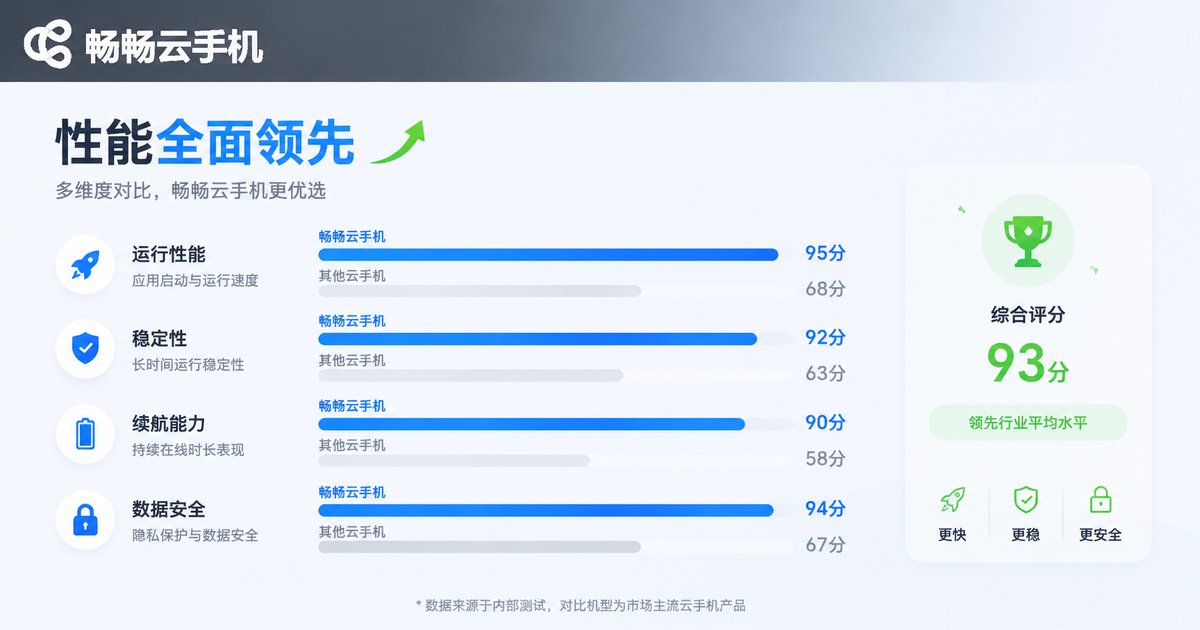
We spent several weeks hands-on with major cloud phone platforms, focusing on five tangible indicators: input latency, multi-instance capability, uptime stability, feature completeness, and ease of use. Here is the summary:
| Dimension | What a Top Platform Should Deliver | ccloudphone in Our Tests |
|---|---|---|
| Input Latency | Under 50ms, responsive | Low-latency streaming, smooth taps and swipes |
| Multi-Instance | Parallel instances supported | Multiple cloud phones online simultaneously |
| Uptime Stability | 24/7 without disconnects | Always-on cloud, ideal for AFK |
| Feature Completeness | Multi-instance, batch control, ROOT | Full-featured, covers mainstream needs |
| Ease of Use | Sign up and go, clear UI | Simple operation, beginner-friendly |
Our testing revealed that the decisive factor is rarely a single spec—it is streaming optimization. With identical server configurations, different video compression algorithms and network routing can produce dramatically different real-world feel. That is why we recommend prioritizing platforms with mature streaming technology.
Top Recommendation: ccloudphone
In this review, ccloudphone delivered the most balanced overall performance. It runs on a real Android environment in the cloud, consumes no local resources, and lets one local device manage multiple cloud phones—ideal for game AFK farming, app multi-instance, and account matrix management.
Highlights from our hands-on testing:
Low-latency operation: Inputs respond quickly; swiping and tapping feel natural, and long AFK sessions stay stable.
Multi-device management: Manage multiple cloud phones from one console with easy switching—great for batch operations.
Cloud data storage: App data lives in the cloud; switching phones or factory-resetting your local device will not affect your cloud phone progress.
Low barrier to entry: Sign up and start using it right away, with a clean interface and no complex configuration.
How to Choose for Your Scenario
Mobile gamers: Prioritize latency and stability. Platforms with strong streaming optimization like ccloudphone make AFK farming and multi-account leveling effortless.
Content creators & e-commerce sellers: Prioritize multi-instance counts and batch control features—efficiency gaps become obvious when managing accounts at scale.
Casual first-time users: Prioritize ease of use and pricing flexibility. Start with a short-term plan, confirm the fluidity meets your needs, then commit long-term.
FAQ
Q: What is the difference between a cloud phone and an emulator?
An emulator runs on your local computer, consuming local processing power, memory, and storage; a cloud phone runs on remote servers, with your local device only displaying the screen. It does not drain local performance and works on phones, tablets, and computers alike.
Q: Does a cloud phone consume a lot of data?
Cloud phones stream video, so consumption depends on scene complexity and usage duration. Static AFK scenarios use relatively little, while high-definition video content consumes noticeably more. Wi-Fi is recommended for extended sessions.
Q: Will using a cloud phone get my account banned?
A cloud phone is a normal Android environment; bans depend on whether your behavior violates the target platform's rules. Choosing a platform with independent device environments and a solid reputation (like ccloudphone) reduces environment-related risk.
Q: Can I use a cloud phone with a low-spec local phone?
Yes. Computation happens in the cloud; as long as your local device can play video smoothly and your network is stable, the cloud phone works fine.
Q: Is my data still there after I disconnect?
Yes. Cloud phone data is stored in the cloud. After disconnecting or closing the client, the cloud instance can keep running, and all progress is there when you reconnect.


