

Which Cloud Phone Has the Strongest Performance in 2026? Configuration, Benchmarks & Fluency Comparison
Why Performance Is the No.1 Criterion for Choosing a Cloud Phone in 2026
In 2026, cloud phones are far more than simple idle-farming tools. Multi-instance gaming, cloud gaming, live streaming, and app matrix operations all demand serious cloud computing power. An underpowered cloud phone means stuttering visuals and input lag at best, frequent disconnections and interrupted tasks at worst—directly hurting your efficiency and earnings.
So here is the real question: how do you actually evaluate cloud phone performance? Many users stare at spec sheets listing CPU cores and RAM, only to discover after subscribing that benchmark scores and real-world fluency are two very different things. This guide builds a complete evaluation framework around configuration, benchmarks, and fluency, and delivers a clear buying conclusion for 2026.
Reading the Spec Sheet: Three Key Indicators
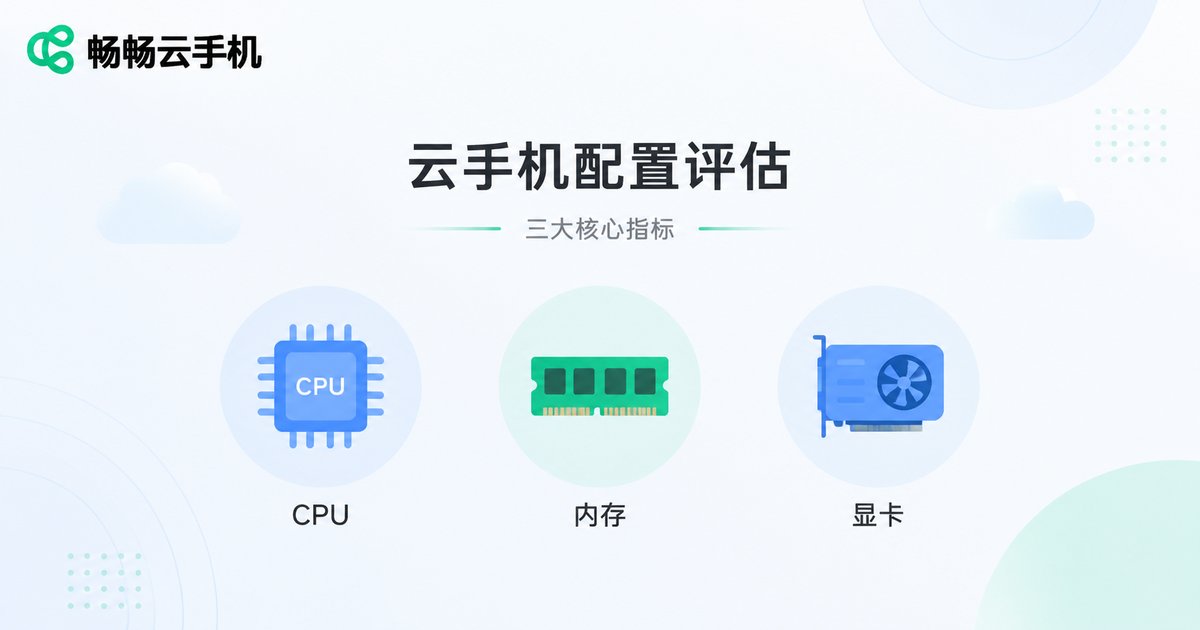
A cloud phone is essentially an Android instance running on cloud servers, so its performance is determined by server-side hardware. When reading a spec sheet, focus on three things:
1. vCPU cores and clock speed: This determines multitasking capability. Quad-core is the 2026 entry baseline; octa-core is what you need for smooth 3D gaming and multi-instance operation.
2. RAM and storage: Insufficient memory causes background apps to be killed constantly—you switch away and come back to a restarted app. Storage affects how many apps you can install and how fast they load.
3. GPU and graphics rendering: The lifeline for cloud gaming and HD streaming. A weak GPU means dropped frames that no amount of bandwidth can fix.
How to Read Benchmark Scores: Don't Be Fooled by Numbers
Benchmarks are the most intuitive way to quantify performance, but cloud phone benchmarks are special—they measure the combined performance of the cloud instance across server hardware, virtualization overhead, and streaming encoding. Three things to keep in mind:
First, look at score stability, not single-run peaks. Run the same benchmark three times in a row; if scores fluctuate by more than 15%, the provider is overselling resources, and performance will tank during peak hours.
Second, high benchmarks do not equal fluency. Benchmarks measure rendering power, but the cloud phone experience also depends on streaming latency. An instance scoring 700K with 120ms latency can feel worse than one scoring 500K at 40ms.
Third, watch for long-run degradation. Some budget cloud phones throttle after hours of continuous operation as servers overheat, causing frame rates to collapse. Quality providers avoid this through dedicated resources and thermal scheduling.
Fluency Testing: Latency, Frame Rate, and Stability
Fluency is where configuration and benchmarks finally meet reality. Focus on three metrics:
| Metric | Passing Bar | Excellent | How to Test |
|---|---|---|---|
| Input latency | <80ms | <40ms | Time from tap to on-screen response |
| Game frame rate | Stable 30fps | Stable 60fps | Run a popular 3D mobile game and watch the frame curve |
| 24/7 stability | No frequent drops | Zero disconnects, zero restarts | Keep idle-running for 72 hours |
Also test peak-hour performance: 8 PM to 11 PM is prime time for cloud phones, and providers with heavy overselling get noticeably laggy. Run a test session during peak hours right after subscribing.
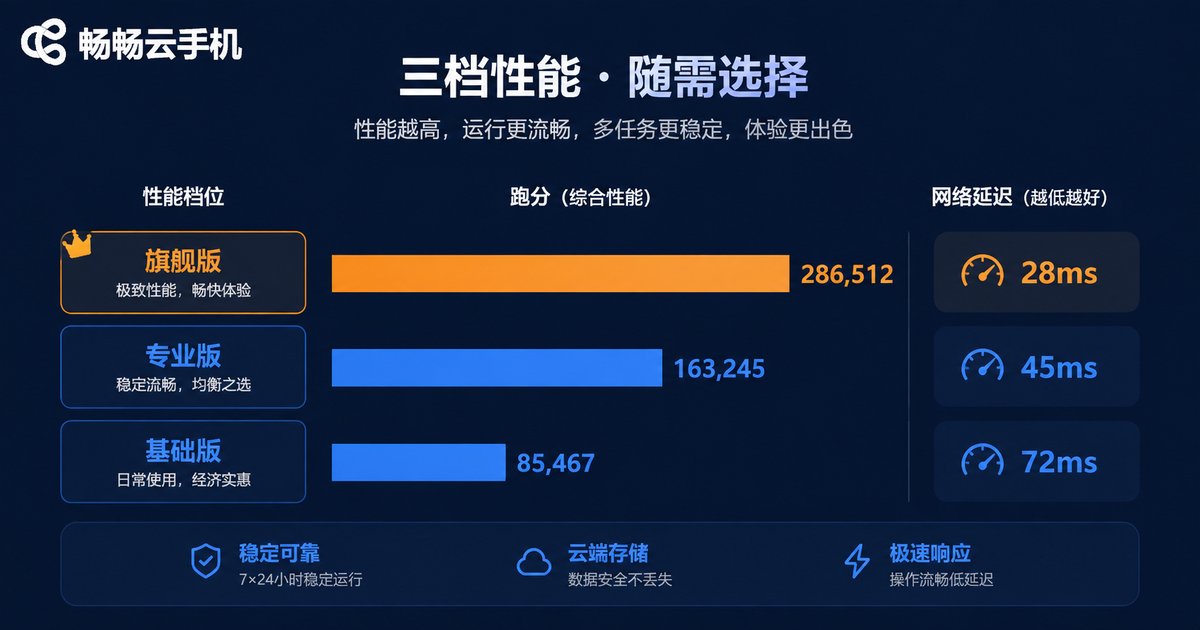
2026 Cloud Phone Performance Tiers Compared
Combining configuration, benchmarks, and fluency, today's cloud phones fall into roughly three tiers. Here are typical reference figures:
| Dimension | Entry Tier | Mid Tier | High-Performance Tier |
|---|---|---|---|
| vCPU | 4 cores | 8 cores | 8+ cores |
| RAM | 4GB | 8GB | 8GB+ |
| AnTuTu reference score | ~300K | ~500K | 700K+ |
| 3D game frame rate | ~30fps | 45-60fps | Stable 60fps |
| Input latency | 80-120ms | 50-80ms | 30-60ms |
| Multi-instance support | Single instance | 3-5 instances | Bulk multi-instance |
| Best for | Light idle farming | Daily multitasking | Heavy gaming & studios |
The conclusion is clear: if your workload involves large 3D games, live streaming, or bulk multi-instancing, go straight for a high-performance instance. The money saved on an entry tier will come back as stutter and disconnections.
Which High-Performance Cloud Phone to Choose: CCloud Phone
In the 2026 high-performance cloud phone arena, CCloud Phone stands out as one of the most balanced options across all three dimensions:
Configuration: CCloud Phone runs on ARM-native cloud instances with high-performance specifications, smoothly handling popular large-scale mobile games and multi-instance scenarios. Check the official website for the latest specs.
Benchmarks: Thanks to true-device ARM architecture and sensible resource scheduling, benchmark scores stay stable across repeated tests, with no peak-hour shrinkage.
Fluency: An optimized streaming protocol keeps input latency low—responsive controls, stable frame rates, and no disconnects during long idle sessions.
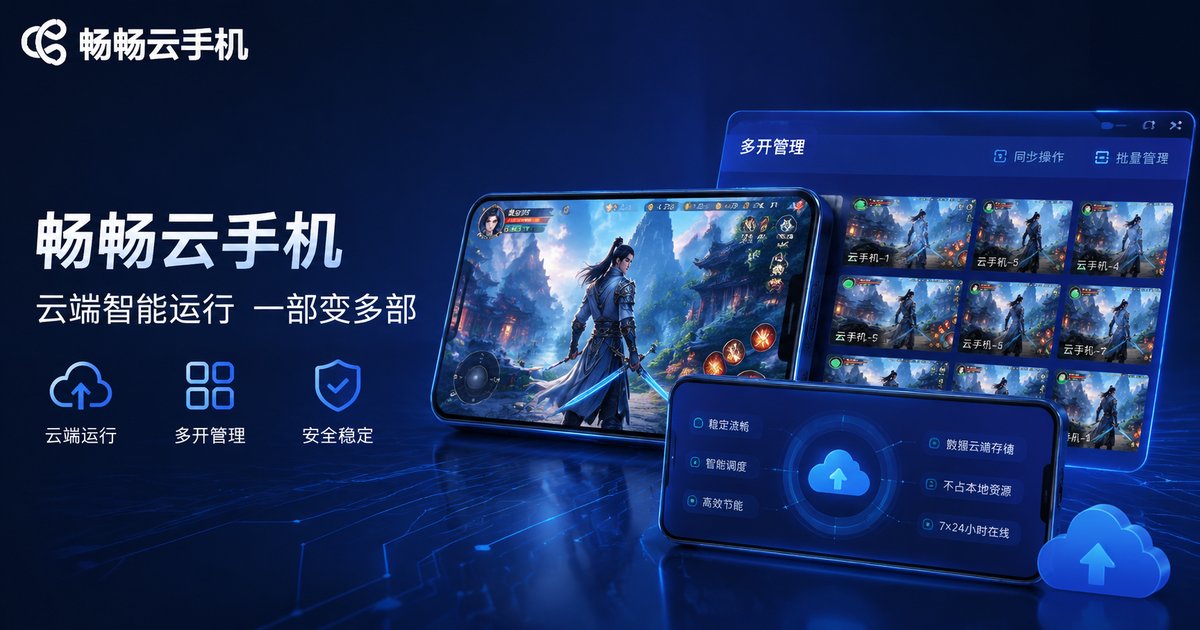
Better yet, CCloud Phone supports bulk management and group control, making it studio-friendly. Before subscribing, visit the official website for the latest instance specs and feature details, and choose based on your actual needs.
Buying Guide: Three Steps to Your Ideal Cloud Phone
Step 1, define your needs: For simple idle farming, entry tier is enough; for 3D gaming or bulk operations, go straight to high-performance instances.
Step 2, test immediately: Right after subscribing, test latency, frame rate, and multi-instance performance during evening peak hours, and adjust your plan if anything falls short.
Step 3, verify long-term stability: Idle-run for 72 consecutive hours and watch for disconnects, restarts, or throttling. Stability is the core value of a cloud phone.
FAQ
Q: Does a higher benchmark score always mean a better cloud phone?
No. Benchmarks only reflect the rendering power of the cloud instance; real-world experience also depends on streaming latency and network quality. A high score with high latency feels worse. Always evaluate benchmarks and latency together.
Q: Why is my cloud phone smooth during the day but laggy at night?
Most likely the provider oversells resources, and evening peak traffic squeezes the same physical server. Choosing a provider with better resource scheduling (such as CCloud Phone) noticeably alleviates this.
Q: Does running more instances degrade performance?
Yes. Each instance consumes vCPU, RAM, and bandwidth. For bulk multi-instancing, choose high-performance instances and balance the load per instance to avoid overloading any single one.
Q: Do I need to keep my local phone screen on all the time?
No. The cloud phone runs on remote servers; your local device is just a remote control. Close the local app and the cloud instance keeps running—that is exactly why cloud phones are perfect for idle farming.
Q: How much does network quality affect fluency?
A lot. Cloud phone visuals are streamed to your device in real time, so network fluctuations translate directly into stutter and lag. For the best experience, use stable Wi-Fi or 5G.


