
Operations · Engineering · Trends
Hands-on playbooks, product updates and cross-border insights from the CCloudPhone team.

What Can a Cloud Phone Do? Lesser-Known Uses Most People Don't Know
A cloud phone is far more than a game idling tool — its hidden potential is much bigger than most people imagine. This article rounds up several lesser-known uses that even experienced users may have missed: reviving an aging handset as a brand-new device, trying new apps without cluttering your main phone, running multi-account matrices for social media and e-commerce, keeping downloads and background tasks alive 24/7 in the cloud, and isolating your privacy with a second digital identity. It also explains how ChangChang Cloud Phone (ccloudphone) makes each of these workflows simple and reliable, helping you unlock the full value of a device that lives entirely in the cloud.

What Cloud Phone Brands Are There? A Guide to Mainstream Product Types and Positioning
The cloud phone market is full of brands, but when it comes to product form, mainstream cloud phones fall into four major categories: gaming-oriented, multi-account operation, office-oriented, and development and testing. Each type differs significantly in performance configuration, feature focus, and applicable scenarios. This article outlines the positioning and characteristics of each cloud phone type, helps readers understand the overall market landscape, and explains how to evaluate and choose the right cloud phone service across four key dimensions—performance, stability, data security, and pricing—so you can find the option that best fits your actual needs.
Does a Cloud Phone Take Up Your Real Device's Storage? App Size and Cache Usage Explained
A cloud phone does not take up storage on your real device. It is an Android device running on remote cloud servers, where the system, every app, and all cached data live entirely in the cloud. Your real phone only runs a lightweight client that displays the cloud screen in real time. The only local footprints are the client app itself and a small amount of streaming cache, which can be cleared anytime with one tap. This article uses comparison tables to explain how app sizes and cache usage actually work, and shows how ChangChang Cloud Phone (ccloudphone) helps small-storage devices run large apps with zero burden.

How to Run Cloud Phones Remotely? Methods to Manage Cloud Devices While Away
Cloud phone remote idle running keeps your games and apps running 24/7 on cloud servers, so your local phone can be switched off anytime without losing progress. This guide explains in plain language how remote idle running works, typical use cases, and three practical ways to manage cloud devices while away — through a mobile app, a web console, and batch management tools. It also walks you through the setup steps with CC Cloud Phone and shares key tips to keep your cloud idle running smooth, stable, and hassle-free.
Where Is the Official Cloud Phone Download Entrance? Spot Genuine Channels and Avoid Fake Apps
A cloud phone runs your mobile system in the cloud and handles sensitive data such as accounts, chat history, and payment information. Installing a counterfeit client can lead to anything from constant crashes and broken features to account theft, privacy leaks, and real financial loss. This guide walks you through the three legitimate download entrances—the official website, official app stores, and official customer service—and teaches you how to spot copycat websites and bundled installers in three simple steps. A clear comparison table between genuine and fake channels helps you steer clear of common traps, so you can download ccloudphone safely and get started with total peace of mind.
Cloud Phone Developer Essentials: Best Practices for Remote Debugging and Fast Recovery in a Native ARM Environment
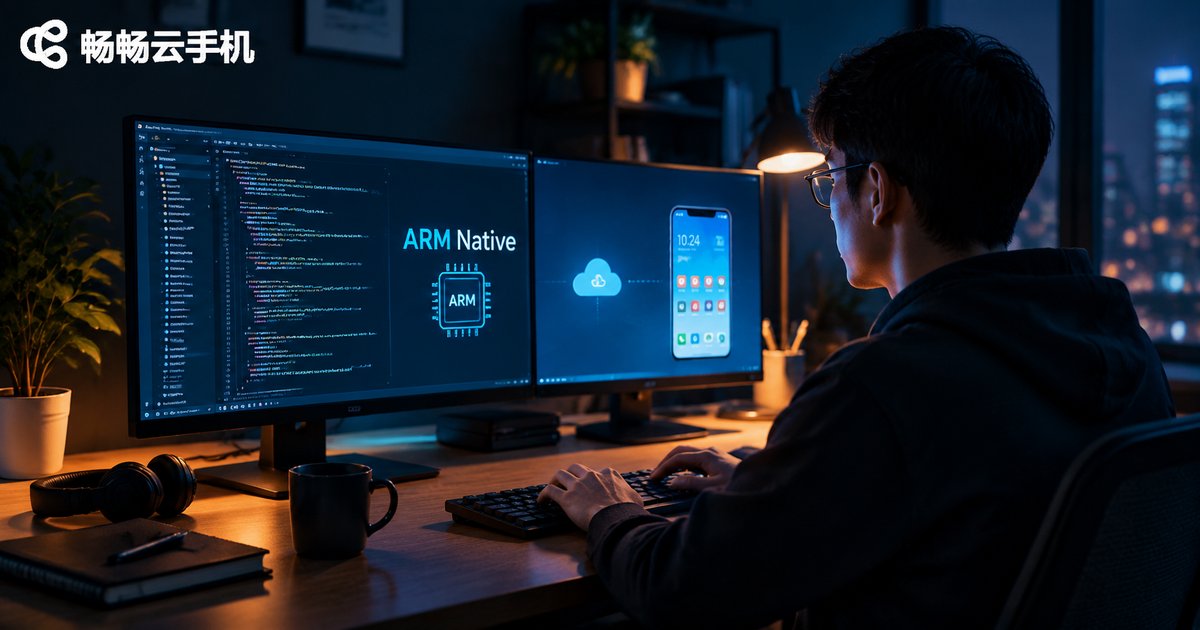
This guide is written for mobile app developers who want to debug reliably in a native ARM environment using cloud phones. It explains how ARM-native cloud phones differ from x86-based local emulators, walks through the complete ADB remote connection workflow, and shares practical best practices for day-to-day debugging, including log-driven troubleshooting, clean instance management, and version control in the cloud. It also covers snapshot-based backup and recovery strategies that restore a full debugging environment within minutes, plus multi-instance parallel testing techniques. Finally, it explains why ccloudphone is a solid choice for developers who need a genuine ARM environment, stable remote access, and fast recovery.
Cloud Phone Mass App Automated Testing: One-Click Deployment of 100 Real-Device Environments, 300% R&D Efficiency Boost
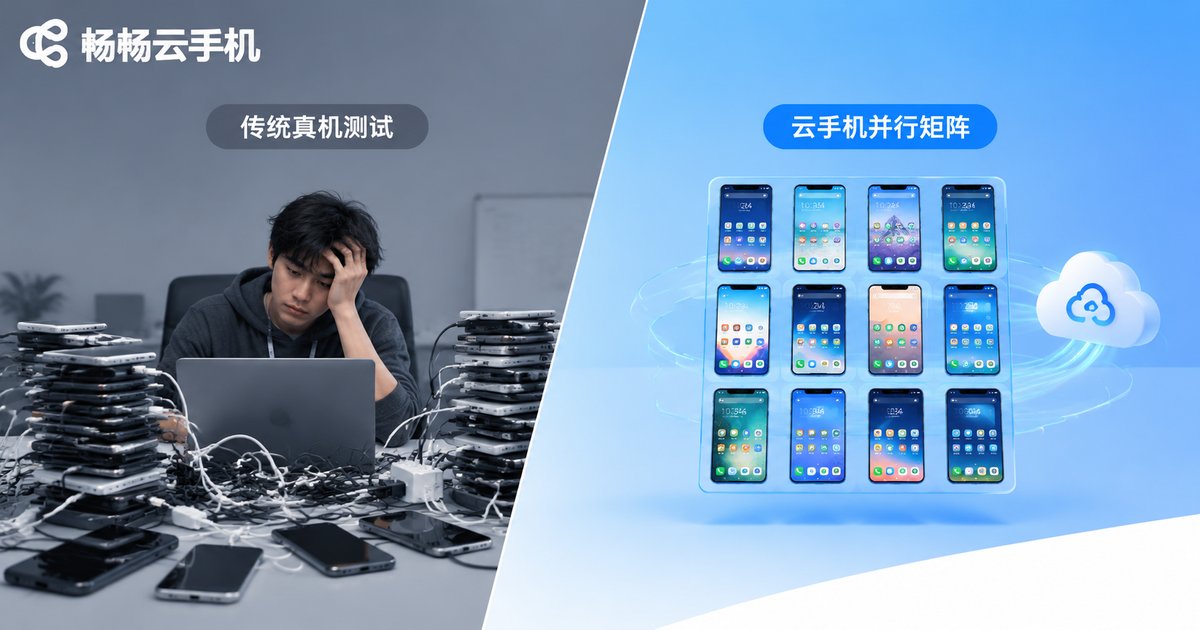
Before every release, mobile teams must verify their app across a long list of devices, and building an in-house device farm is expensive and painful to maintain. Cloud phones move the entire test environment to the cloud: instances can be created in batches, apps installed in one go, and automation scripts executed on hundreds of devices in parallel. This article walks through the full workflow of deploying one hundred real-device environments with a single click, breaks down where the 300% efficiency gain comes from with a concrete example, and shares practical tips for building your test farm with CCloudPhone (ccloudphone), helping teams cut a multi-day regression cycle down to hours.

Cloud Phone Multi-Streaming: Control Multi-Platform Livestreams from One Device and Expand Your Traffic Pool
Cloud phone multi-streaming lets content creators run live broadcasts on several platforms at the same time using just one control device. Instead of juggling piles of physical phones, your streaming apps run inside cloud phones on remote servers, and a single control hub manages them all. This article explains how the setup works, why broadcasting on multiple platforms multiplies your traffic pool, what to prepare before going live, and a five-step workflow from creating cloud phones to monitoring every stream. It also covers practical tips on content, scheduling and account safety, plus answers to the most common questions about hardware and platform compliance.

Cloud Phone Virtual Human Livestreaming: 24/7 AI Digital Human Selling, Low-Cost Traffic
This guide walks you through running an AI digital human livestream on a cloud phone: preparing your virtual host and sales scripts, installing streaming apps in the cloud Android environment, and setting up scheduled, looping broadcasts that sell products around the clock without anyone at the desk. It also compares the true cost of a traditional human-hosted studio with a cloud phone setup, and shares three practical, low-cost tactics — off-peak broadcasting, script A/B testing and multi-room matrices — to grow traffic steadily. Ideal for small merchants and individual creators who want 24/7 selling without heavy hardware investment.
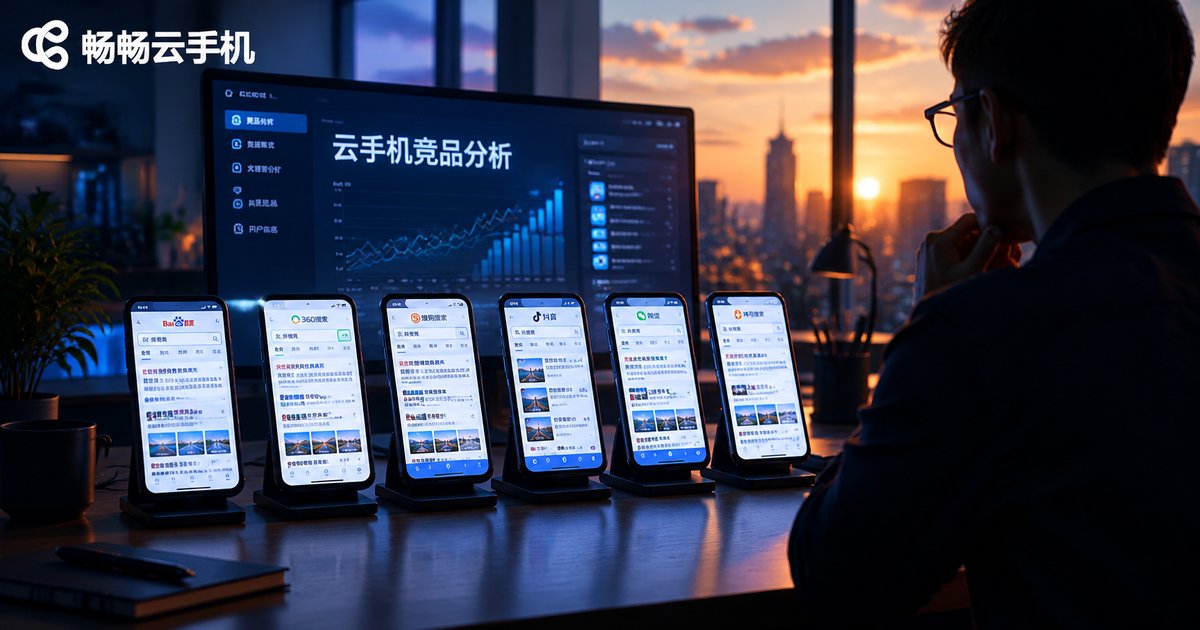
Competitor Analysis with Cloud Phones: Simulate Multi-Device Search Behavior to Decode Competitor SEO Strategies
Search results are personalized: the same keyword can rank differently depending on device, region, and search history — yet most competitor analysis relies on averaged third-party data that hides what real users actually see. This guide shows how to use cloud phones to simulate real multi-device search behavior, track competitor rankings across devices and locations, audit their landing pages and content structure, and turn those insights into concrete SEO actions for your own website. It includes a five-step monitoring workflow, a comparison of tools, the five data points that matter most, and a practical FAQ for getting started with cloud phone based competitor research.

Google SEO Footprint Tasks in the Cloud: Cloud Phone Backlink Matrix & Rank Tracking
Google SEO footprint tasks demand consistency, and manual execution rarely lasts. This article shows how to move footprint tasks into the cloud with cloud phones: build a backlink matrix on isolated instances, automate account engagement and content distribution through scheduled tasks, and track keyword rankings continuously from a real mobile perspective. You will learn the pain points of the traditional approach, a three-step method for building your matrix, and a practical tracking table. It also introduces Changchang Cloud Phone (ccloudphone) as an always-on cloud base camp for SEO teams, with 24/7 uptime, batch instance management, and remote access. An FAQ section is included.

Cloud Phone Batch SEO Ranking: Independent Fingerprints + Automation Scripts for Safe Weight Growth
This guide explains how to scale SEO rankings safely with cloud phones. It starts by breaking down how search engines detect fake traffic through device fingerprints, IP quality, and behavior patterns, then walks through a complete four-step workflow: environment setup, automation script configuration, frequency control, and data monitoring. You will learn why independent device fingerprints matter, how to write human-like click-flow scripts, which red lines trigger penalties, and how to track rankings, CTR, and dwell time with realistic timelines. The article includes a sample automation script, comparison tables, a FAQ section, and an overview of why ccloudphone is a solid foundation for batch SEO operations.