
What Can a Cloud Phone Do? Lesser-Known Uses Most People Don't Know
What Exactly Is a Cloud Phone?
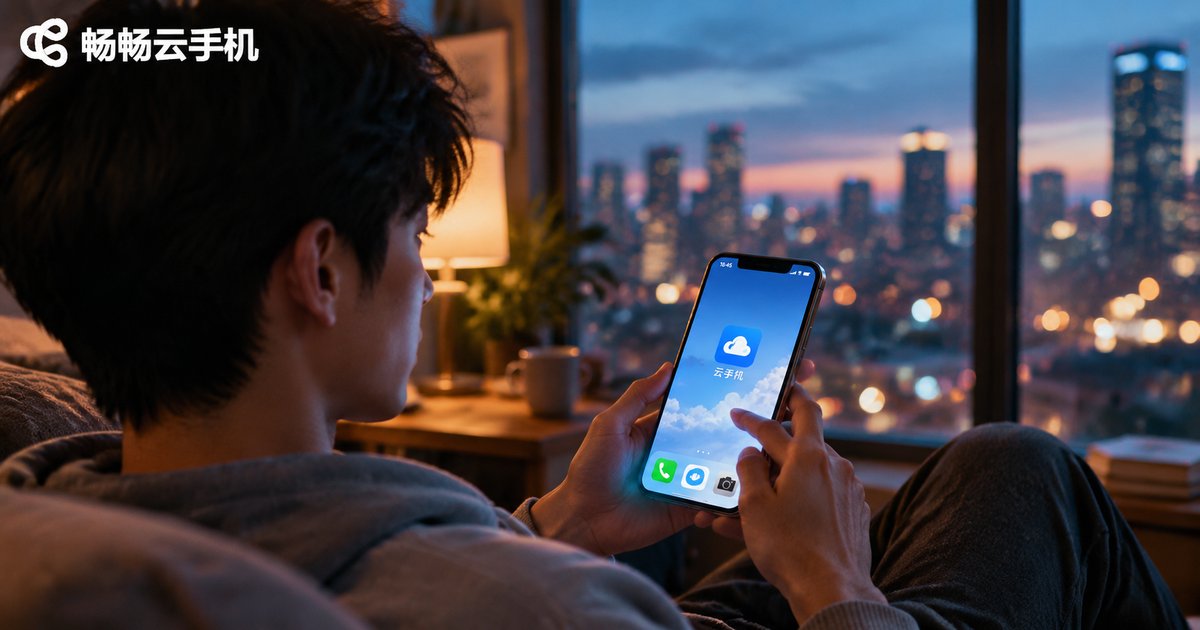
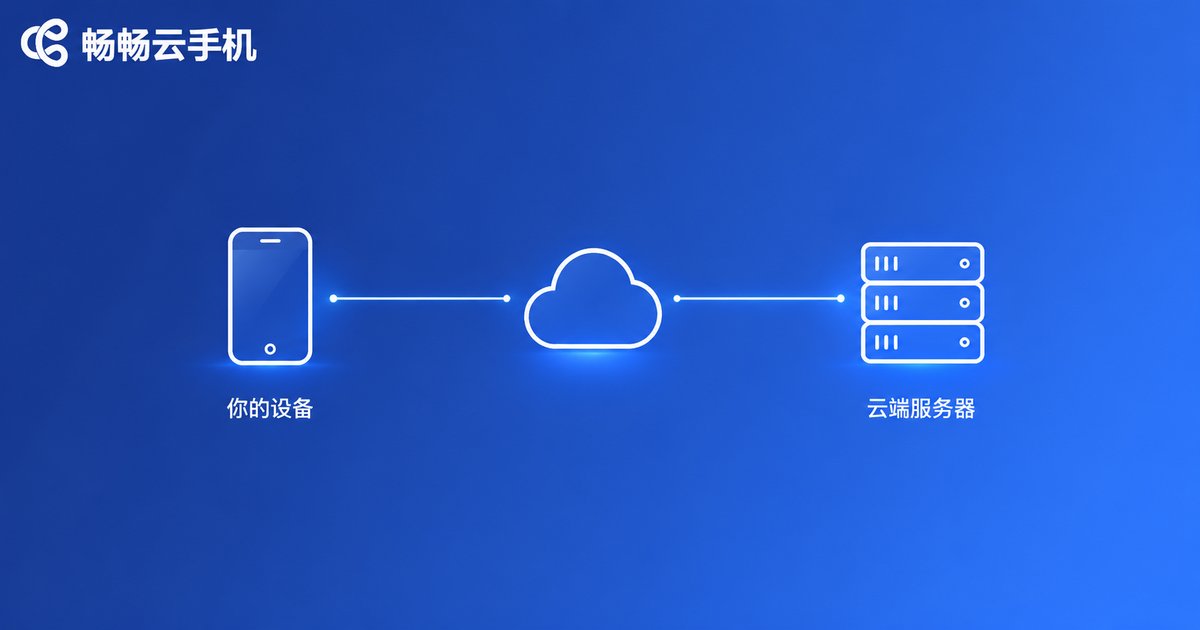
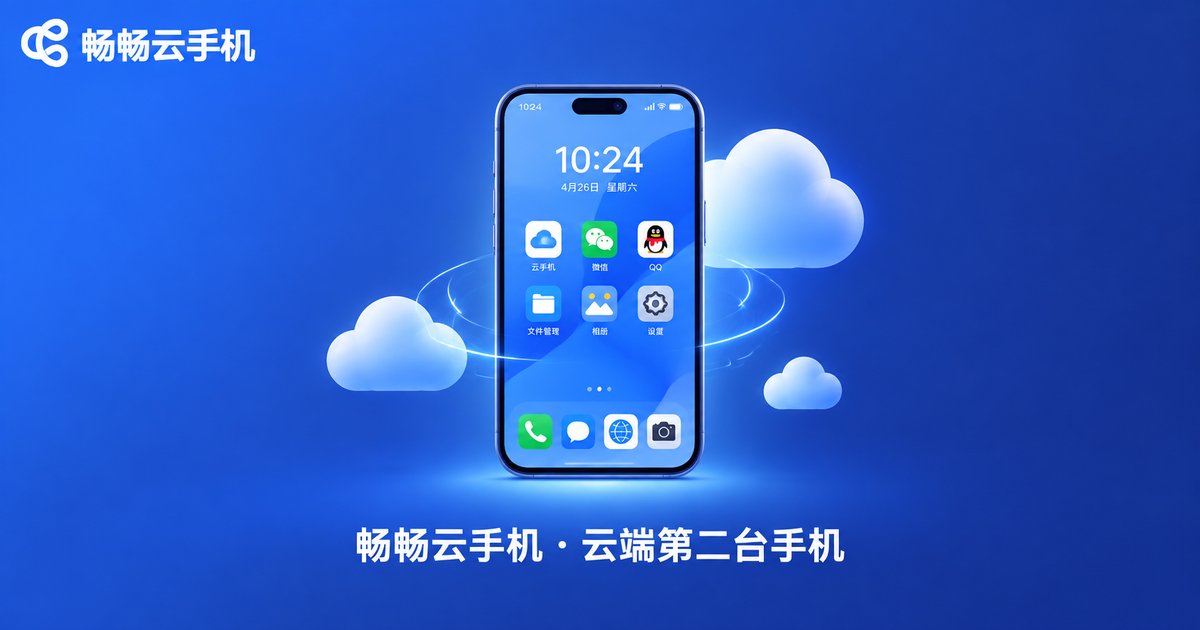
Simply put, a cloud phone is an Android phone running on remote servers. Your phone, tablet, or even computer just needs a client app — then, over the network, you can control this “phone in the cloud” anytime. The screen streams to you in real time, and your taps stream back just as fast, so it feels almost identical to using a real device.
Most people hear “cloud phone” and think “game idling tool.” In reality, idling is just the most basic use. What makes a cloud phone truly interesting is that it turns “a phone” into an on-demand cloud resource. The uses below surprise even many long-time users.
Hidden Use #1: Bring an Old Phone Back from the Dead
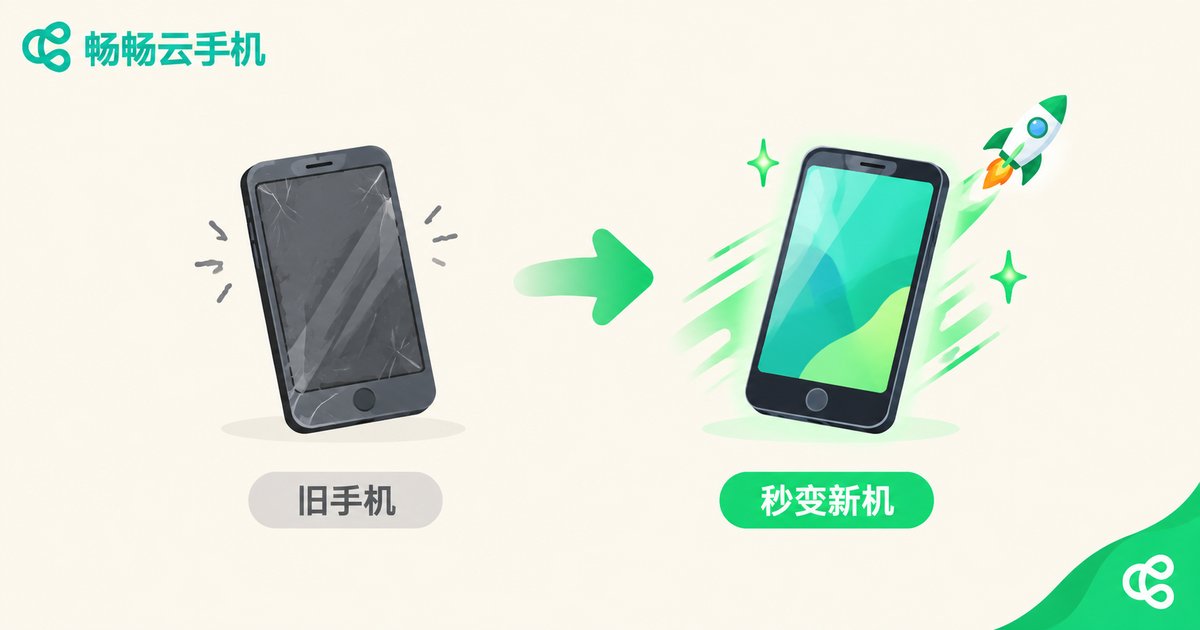
Got an old, laggy handset with a full memory gathering dust in a drawer? Install a cloud phone client, and all the heavy lifting moves to remote servers — the old device only displays the screen. Even a five-year-old phone can run demanding games and heavy apps smoothly, turning that old handset into a “new phone” overnight.
For students and budget-conscious users, this beats spending hundreds on a new device: the old phone becomes the “remote control,” the cloud becomes the “mainframe” — and the whole experience levels up.
Hidden Use #2: Try Apps Without Dirtying Your Main Phone
Want to test a new app, but worried about notification spam, sneaky background services, and leftover files after uninstalling? Move the trial to a cloud phone: apps installed there never touch your main phone's storage. Don't like the app? Reset the cloud phone with one tap and everything returns to zero — your real device stays untouched.
App reviewers and content creators can go further and treat a cloud phone as a dedicated test device: every test runs in a clean environment, which makes conclusions far more reliable.
Hidden Use #3: The Standard Tool for Multi-Account Operations
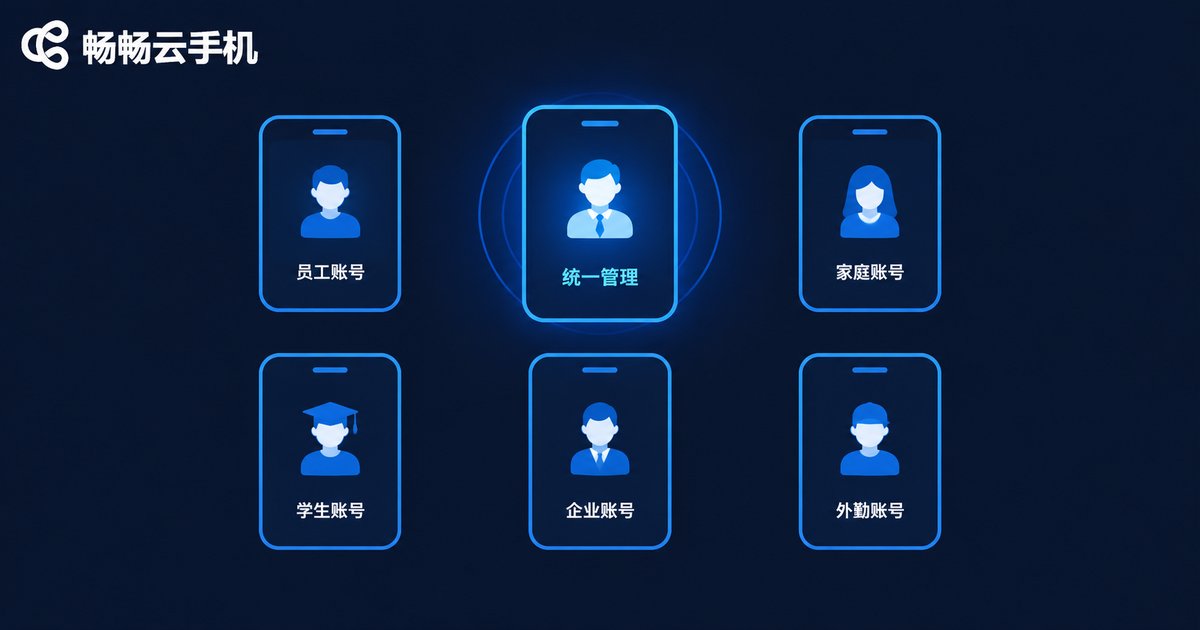
If you run short-video accounts, e-commerce shops, or communities, you probably juggle multiple accounts daily. Constantly logging in and out on one real phone is tedious — and it can trigger platform risk controls. A cloud phone is a natural multi-instance tool: one cloud phone per account, each with an independent environment. Switching feels just like switching real devices.
Combined with ChangChang Cloud Phone's multi-device management, you can oversee your account matrix like a mini data center: login states and device info at a glance, doubling your operational efficiency.
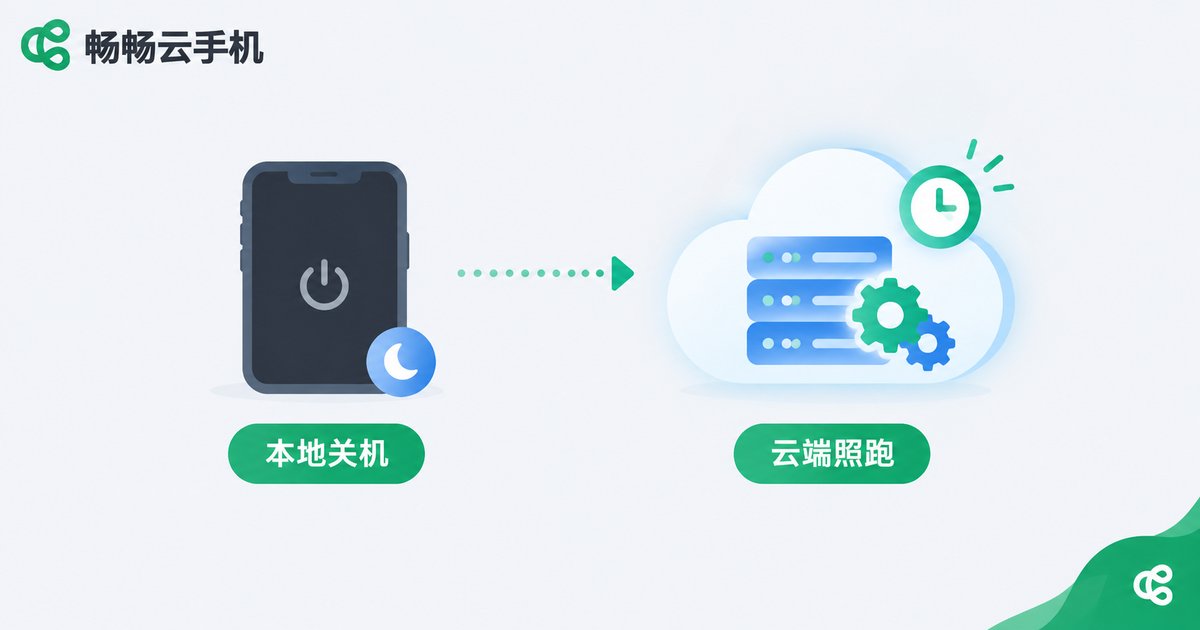
Hidden Use #4: 24/7 Cloud Idling — It Never Stops, Even When You Power Off
This is the most classic — and most underrated — capability of a cloud phone: tasks run in the cloud, so powering off, losing connection, or switching phones locally changes nothing.
Examples: keeping online-course videos playing to accumulate hours, downloading large files to the cloud before transferring them, idling games offline to farm resources, or running scheduled scripts in the middle of the night. Every task that “needs the phone to stay on” can be handed to a cloud phone — your real device stays free, and battery anxiety disappears.
Hidden Use #5: Privacy Isolation — Give Yourself a Second Identity
Ever worried about privacy leaks when signing up for throwaway accounts, receiving verification codes, or using one-time services? Do all of that on a cloud phone: your real device info, contacts, and photo library are never exposed. Reset when you're done, and everything is spotless.
The same logic separates work from life: run all work apps on a cloud phone and keep your main phone personal. “Clock out” by closing the cloud phone — no more juggling two accounts.
Why We Recommend ChangChang Cloud Phone (ccloudphone)
Every use case above demands stability, smooth streaming, and solid device management. ChangChang Cloud Phone (ccloudphone) delivers on all three:
| Capability | What It Means for You |
|---|---|
| Real Android environment in the cloud | Full Android environment with strong app compatibility, less likely to be flagged as an emulator |
| Multi-device management | Manage multiple cloud phones from one panel — ideal for account matrices |
| One-tap reset | Restore a clean environment anytime — perfect for trials, tests, and privacy isolation |
| Always-on availability | Local device off? Cloud tasks keep running |
Whether you want to revive an old phone, build an account matrix, or simply own a “second phone in the cloud,” visit the official ChangChang Cloud Phone website (ccloudphone) to learn more.
FAQ
Q: Does a cloud phone use a lot of data?
The cloud phone itself runs on remote servers and consumes no local battery or storage. However, streaming the screen to your client does require a network — Wi-Fi or a stable connection gives the smoothest experience.
Q: How is a cloud phone different from an emulator?
An emulator simulates Android on your computer, hogging local resources and often getting flagged by apps. A cloud phone is a real Android environment in the cloud — no local performance cost, better compatibility and stability.
Q: Can an old phone really handle a cloud phone?
Yes. The client has very low hardware requirements because all computing happens in the cloud. Your local device just displays and passes along taps, so even aging hardware runs smoothly.
Q: Is my data safe in a cloud phone?
ChangChang Cloud Phone uses encrypted cloud storage. Data lives in secure data centers, and a full reset wipes it completely — a lower risk than carrying it on a local phone that could be lost.
Q: Is a cloud phone beginner-friendly?
Absolutely. A cloud phone works exactly like a real phone. If you can use a phone, you can use a cloud phone — virtually zero learning curve.


