
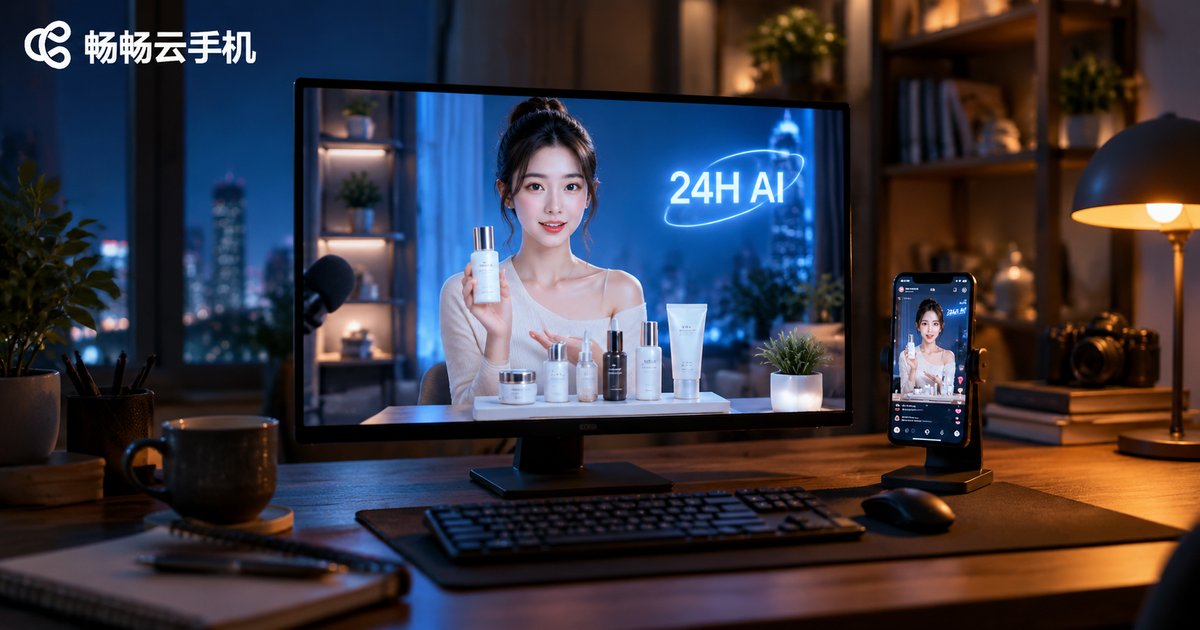
Cloud Phone Virtual Human Livestreaming: 24/7 AI Digital Human Selling, Low-Cost Traffic
What Is Cloud Phone Virtual Human Livestreaming?
In short, it combines two things: an AI digital human that appears on camera and presents your products, and a cloud phone that runs the streaming software in a data center and pushes the live feed. The digital human is not a real person — it is an AI-driven virtual avatar working from pre-written scripts, able to present products on a loop for hours. A cloud phone is an Android device running in the cloud: it does not consume your local computer's resources, and you never have to keep a machine switched on at home.
Put together, your livestream room becomes an unattended, automated selling system: the broadcast keeps running whether or not you are at the desk.
Why Run Digital Human Livestreams on a Cloud Phone?
Many people start with a local computer, but the problems appear quickly: long hours of high load overheat the machine, home networks drop connections, and every extra livestream room means buying more hardware. A cloud phone solves these pain points:
- Less hardware: computing power lives in the cloud; locally you only need a device that can open a web page or an app — an ordinary laptop or even an old phone is enough.
- More stable: data center power and networking are far more reliable than a home environment, so streams are less likely to drop.
- Easier management: one dashboard manages multiple cloud phones, so several livestream rooms can run in parallel without interference.
- Flexible cost: release the device when idle, boot it in seconds when needed, and control spending on demand.
Step-by-Step: From Zero to a 24-Hour Broadcast
Here is a common workflow you can follow:
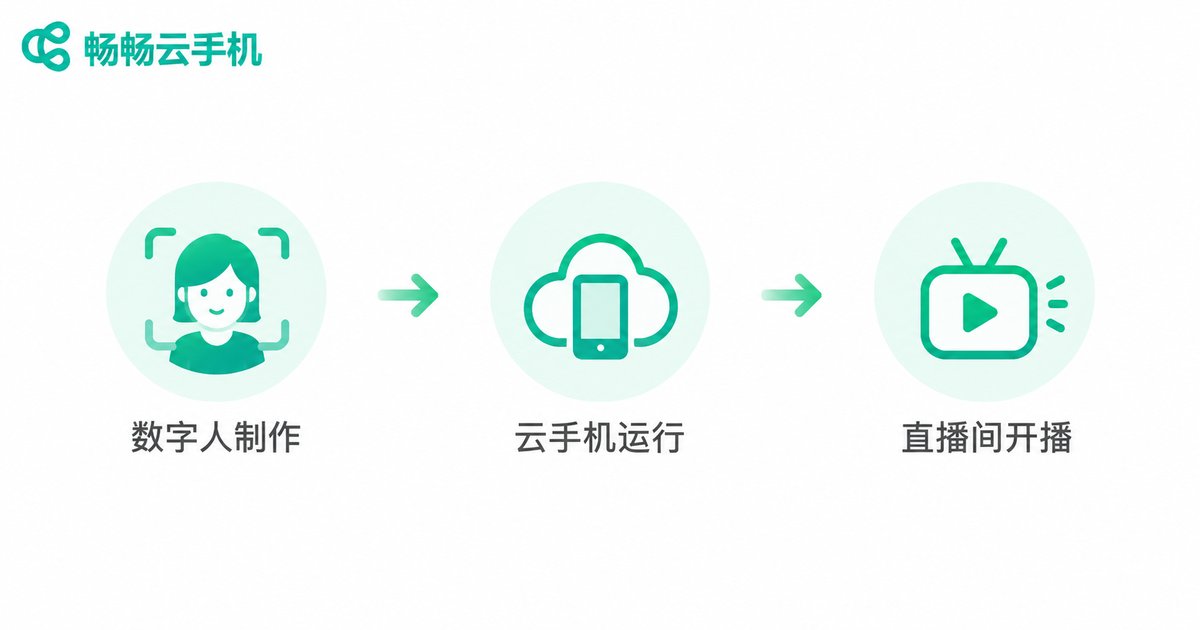
Step 1: Prepare your digital human and scripts. Choose an AI digital human tool, record or generate your virtual host, and write presentation scripts around your product's selling points. Keep the language conversational and organize it into 5-10 minute loops so it can run for a long time.
Step 2: Build your livestream assets. Prepare product images, looping videos, background music and FAQ responses, then arrange them in advance inside the digital human tool.
Step 3: Install streaming apps on the cloud phone. After signing up for a cloud phone service, install the livestream platform app and the digital human streaming tool inside the cloud Android environment, then log in with your livestream account.
Step 4: Set scheduled broadcasting and looping. Connect the digital human video feed to your livestream room and configure scheduled tasks so the broadcast loops through your script. Run a 1-2 hour test first to confirm the picture, audio and product narration all work before scaling up.
Step 5: Review the data daily. Unattended does not mean ignored: check watch time, engagement and sales every day, and replace underperforming scripts and assets so your room keeps its weight in the platform's algorithm.
Cost Comparison: Traditional Studio vs Cloud Phone Digital Human
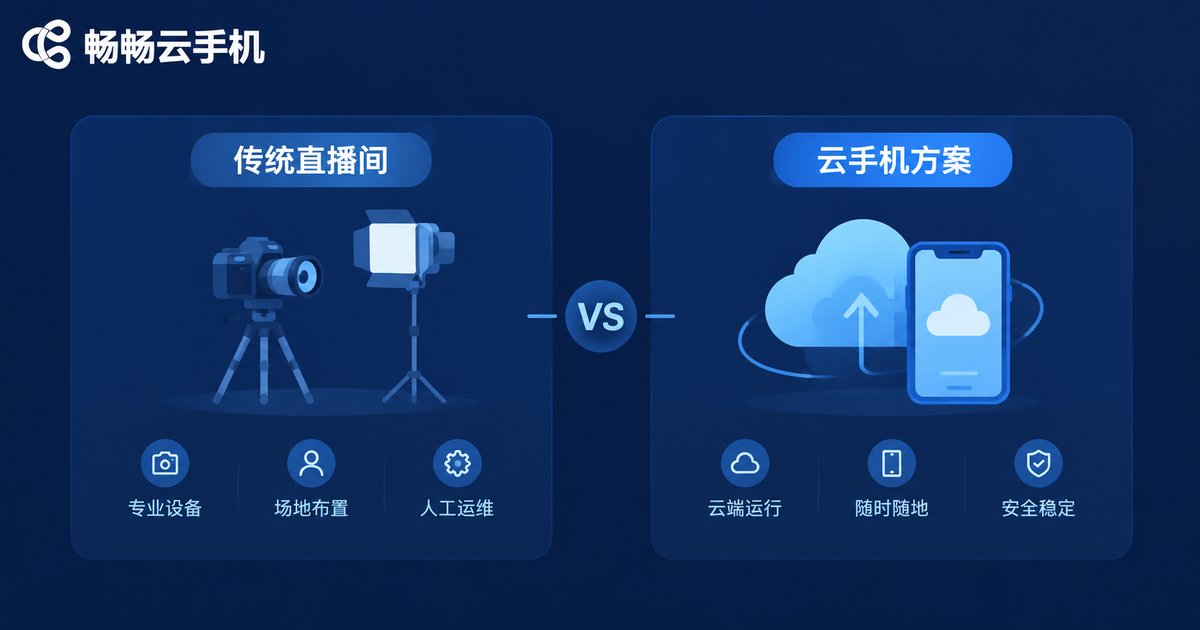
| Item | Traditional human-hosted studio | Cloud phone digital human |
|---|---|---|
| Host labor | Professional hosts paid by the hour | Produce once, reuse long-term |
| Equipment | High-end PC, camera, lighting, audio gear | Runs in the cloud; almost no local requirements |
| Broadcast hours | Limited by staffing, usually a few hours a day | Can run 24/7 without interruption |
| Premises | Dedicated studio space required | No studio; manage from anywhere |
| Scaling | More people, more gear — costs rise linearly | Clone rooms by adding cloud phones |
In other words, the cloud phone approach turns fixed costs into flexible ones — ideal for small merchants on a budget who want to extend broadcast hours.
Three Low-Cost Traffic Tactics
Digital human streaming makes the broadcast affordable; traffic still takes tactics:
1. Broadcast off-peak to capture long-tail traffic. Late night and early morning are quiet hours for human hosts — exactly when your digital human can pick up extra exposure at minimal cost.
2. A/B test your scripts. Prepare two or more script versions, run them in different time slots, compare watch time and conversion, and keep optimizing the winners.
3. Build a multi-room matrix. Use multiple cloud phones to run several livestream rooms, testing different categories and scripts. Once one model works, replicate it and scale the playbook.
Why We Recommend CCCloudPhone
Among cloud phone services, CCCloudPhone (official site: ccloudphone.com) is a good fit for livestreaming: it provides cloud Android devices that stay online 24/7, so you can manage your rooms without a high-spec local computer; it supports unified management of multiple devices, which makes building a matrix of livestream rooms easy; and devices run stably in the data center, so a local power cut or network drop will not interrupt your broadcast.
For current plans and pricing, see the official website. Start with the smallest setup — one device, one room — calculate the cost per room, then scale up as your business grows.
FAQ
Q: Will AI digital human livestreams be penalized by platforms?
A: Rules on unattended streams vary by platform. The key is compliant content: use legitimate digital human tools, avoid exaggerated claims, keep product information accurate, and have someone handle real user messages and orders promptly. Check your platform's latest rules before scheduling long loops.
Q: What local hardware do I need?
A: Almost none. All computing happens in the cloud; you only need a device that can open the management dashboard or app to install applications, adjust scripts and review data.
Q: How much does it cost per day?
A: Costs come mainly from the cloud phone plan and the digital human tool, and both vary by specification. Start with the smallest setup, calculate the cost of a single room, then decide how far to scale. See the CCCloudPhone official site for current pricing.
Q: Which product categories suit digital human livestreaming?
A: Standardized, high-repeat-purchase products work best, such as food, daily necessities and books. Categories that need strong interaction or expert explanation, like high-ticket electronics, work better when digital humans and human hosts alternate.


