
Where Is the Official Cloud Phone Download Entrance? Spot Genuine Channels and Avoid Fake Apps
Why the Official Cloud Phone Download Entrance Matters
A cloud phone moves an entire mobile system to the cloud, which means your accounts, chat history, and payment details all generate data on remote servers. With so much sensitive information involved, choosing where to download the client matters more than with ordinary apps. Install a counterfeit client and you may face anything from frequent crashes and broken features to account theft, privacy leaks, and real financial loss.
Today, download links claiming to offer cloud phones are everywhere: installation packages from unknown sources, copycat official websites, download portals bundled with promotional software... One careless click and you are in trouble. This guide will help you sort out the official download entrance once and for all, and spot fake channels at a glance.
Where Is the Official Cloud Phone Download Entrance?
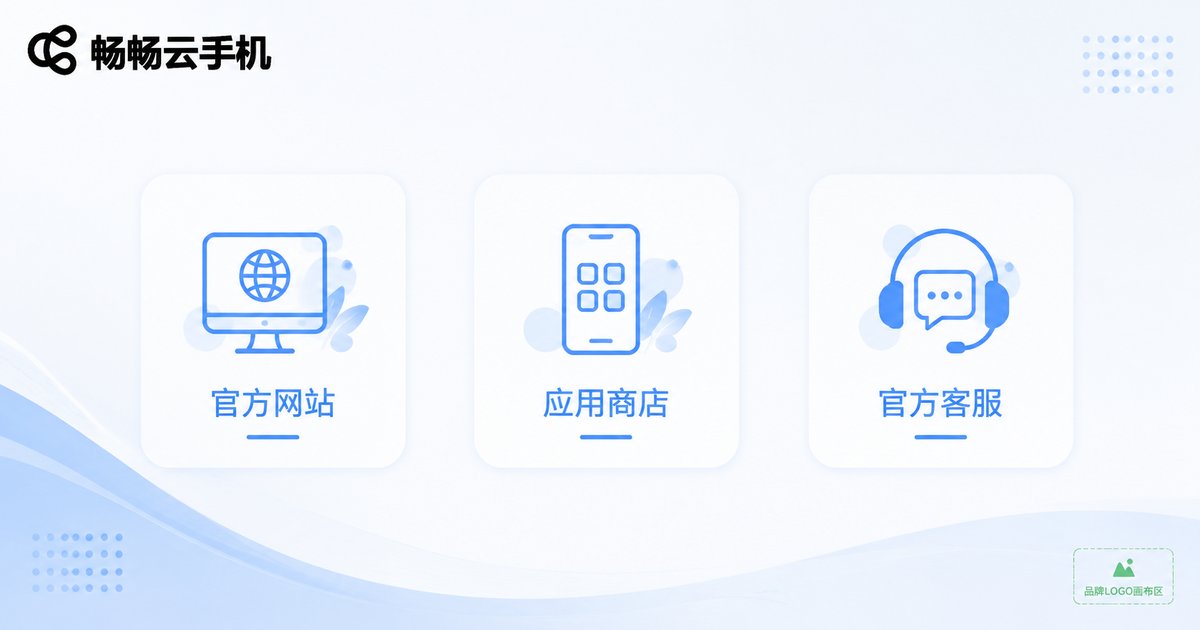
There are really only three legitimate routes. Remember them and you will rarely go wrong:
First, the official website. Take ccloudphone as an example: visit the official site directly, and you will find a prominent download entrance on the homepage. The official website is the most reliable channel—the installation package comes straight from the provider, and updates arrive first.
Second, official app stores. Search in your phone's built-in app store or major app marketplaces, and make sure the developer name matches the official one before downloading. Stores run basic security checks before listing apps, which filters out most malicious packages.
Third, official customer service. If you are not sure whether a link in hand is official, simply contact official customer service to verify. It is the easiest way to confirm authenticity.
Three Steps to Identify a Genuine Channel
Before tapping any download link, take three quick actions:
Step 1: Check the domain and developer. Copycat sites often differ from the official one by just one or two characters—an extra letter or a different suffix. Compare carefully against the officially published domain. That one extra look may save you from a trap.
Step 2: Review permissions and ratings. A genuine cloud phone client only requests necessary permissions. If a small tool asks to read your contacts and messages, or if reviews are full of complaints about hidden charges, failed installs, and crashes, walk away.
Step 3: Verify with the official team. After downloading, confirm with the customer service contact published on the official website that your package is the official version. A few minutes brings complete peace of mind.
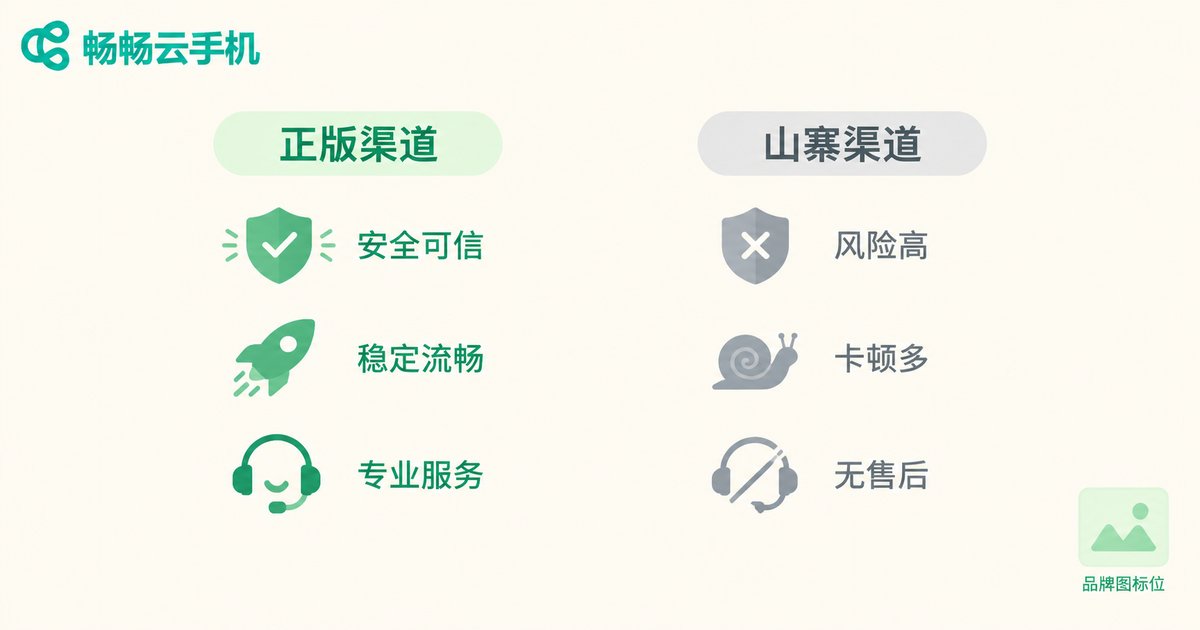
Genuine vs. Fake Channels at a Glance
To make things more intuitive, here is a table of typical features:
| Item | Genuine Channel | Fake Channel |
|---|---|---|
| Download source | Official website, official app stores | Unknown links, copycat sites, third-party download portals |
| Installation package | Official signature, no bundling | Abnormal signature, bundled promotional software |
| Permission requests | Only necessary permissions | Asks for contacts, messages, and other unrelated permissions |
| Version updates | Timely official updates | Delayed or even no updates |
| After-sales support | Verifiable official customer service | No one to contact, no accountability |
In short: a traceable source, reasonable permissions, and reachable customer service. Meet these three points and you are almost certainly on a genuine channel.
Why We Recommend ccloudphone
Among the many cloud phone services, ccloudphone is a choice you can feel confident about. Getting started is refreshingly simple: download the official client from the official website, install it, sign in, and you are ready to go. The supported platforms and features are subject to the information published on the official site.
More importantly, ccloudphone is maintained by an official team, with proper channels for version updates and feedback. Any usage issue can be handled through official customer service, so you will never download an app and find that no one is available to help. For newcomers to cloud phones, this kind of transparent channel and reachable support is exactly the sense of security that matters most.
FAQ
Q: Must I download a cloud phone from the official website?
Not necessarily. Both the official website and official app stores are legitimate channels. The key is to stick to officially published entrances and avoid installation packages from unknown sources.
Q: How can I tell whether a website is a copycat official site?
Check the domain spelling carefully, look at the filing information at the bottom of the page, and compare it with the officially published contact details. When in doubt, verifying with official customer service is the safest move.
Q: I have already installed a cloud phone app from an unknown source. What should I do?
Uninstall it immediately, check your phone for unexpected charges or permission changes, change the passwords of important accounts if necessary, and then re-download from an official channel.
Q: What ways can I use ccloudphone?
Refer to the information published on the official website. Both the download entrance and login methods can be found there, and official customer service is always available if you have questions.


