
Operations · Engineering · Trends
Hands-on playbooks, product updates and cross-border insights from the CCloudPhone team.

Cloud Phone Multi-Instance Account Warming: One Device One Account & Independent Fingerprint Isolation
One device, one account is the golden rule of cloud phone multi-instance account warming. This guide explains how to build a true independent fingerprint isolation setup across four dimensions: device parameters, app environments, behavior trails, and profile information. You will also get a five-step configuration walkthrough with ccloudphone, a physical-phone-versus-cloud-phone comparison table, and a practical list of pitfalls to avoid, so you can manage dozens of accounts safely and efficiently from a single computer.
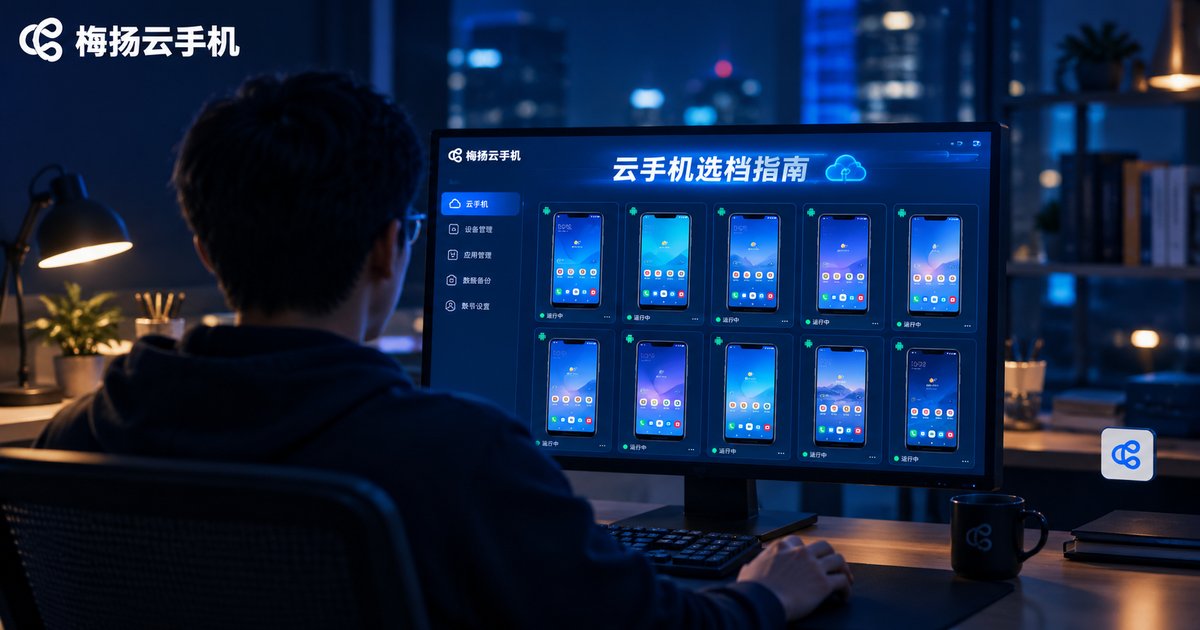
How to Choose Cloud Phone Tiers: Matching Light Idle and Moderate Multi-Instance Use
Is a higher cloud phone tier always better value? Not necessarily—the key is matching the tier to your scenario. This guide breaks down the two most common needs: light idle users running 1–3 instances should prioritize uptime stability and cost efficiency, where an entry tier is enough; moderate multi-instance users running 5–15 instances should estimate with the formula of instances times per-instance resources plus 20% headroom, focusing on CPU cores, total RAM, and group-control capability. You will find a comparison table, a three-step self-check, common pitfalls, and a recommendation of ChangChang Cloud Phone (ccloudphone) with flexible tier upgrades.
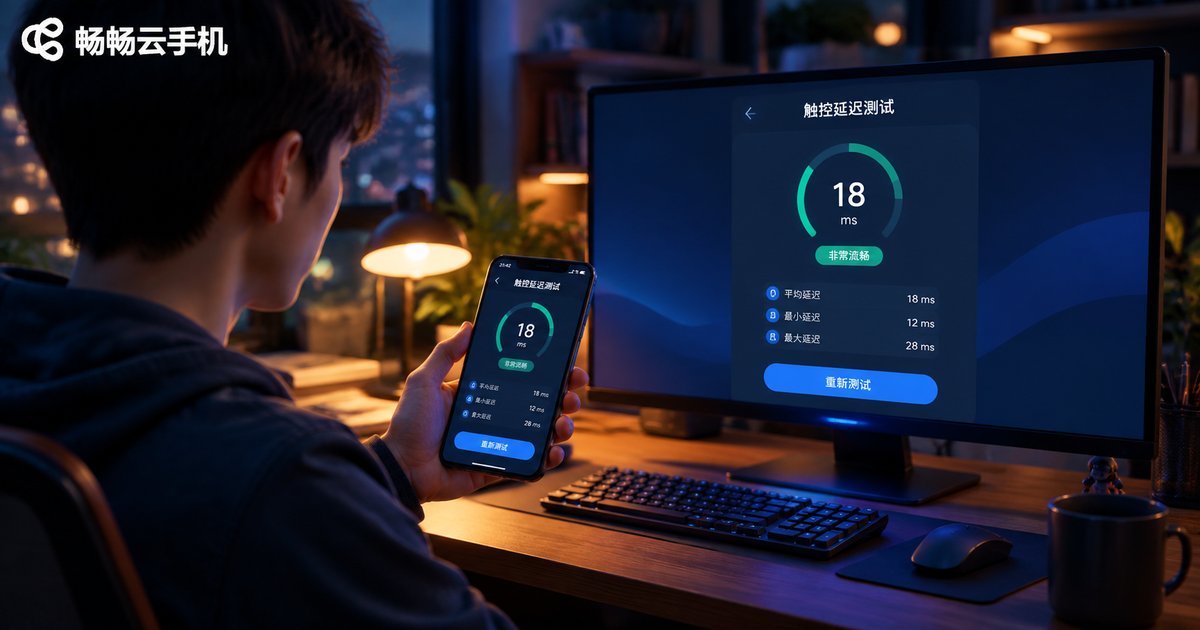
Cloud Phone vs Real Phone: How Big Is the Touch Latency Gap? Multi-Device Switching Test Data
How much slower does a cloud phone feel than a real phone? We spent a week benchmarking a flagship phone, a mid-range phone, and a cloud phone over Wi-Fi 6 and 4G, using 240fps slow-motion recording, then tested real switching across phone, tablet, and PC. The data shows cloud phone touch latency trails a real phone by only 30-50ms on a good network, which is imperceptible in daily use, while device handoff takes about 7-10 seconds with zero interruption to cloud tasks. If you are deciding between a cloud phone and a second real device, this data will help. Latency optimization tips and FAQs included.

Which Cloud Phone Region Has the Lowest Latency? Node and Business Matching Tips
The smoothness of a cloud phone depends largely on which region and node you choose. This guide breaks down the four factors behind latency: distance, route quality, server load, and your local network. It shares the core rule of putting the node where your business is, includes a reference table of typical latency by node distance, and offers matching suggestions for real-time gaming, idle tasks, short-video account matrices, and cross-border e-commerce. A simple three-step testing method helps you quickly find the best low-latency node on ccloudphone for a smooth, responsive experience.

How to Configure Cloud Phone Intranet Interconnection? A Guide to Network Isolation Across Regions
Intranet interconnection allows multiple cloud phones in the same region to communicate directly over the data center's internal network, delivering lower latency and more stable transmission. This article explains how to configure intranet interconnection for cloud phones, walks through a practical four-step deployment process, and clarifies why networks are isolated across different regions for security, stability, and resource scheduling reasons. A comparison table highlights the differences between same-region and cross-region devices in latency, stability, and IP location. You will also find key considerations for regional isolation, purchase and deployment recommendations, and answers to frequently asked questions, helping you choose the right region from the start and avoid costly rework.
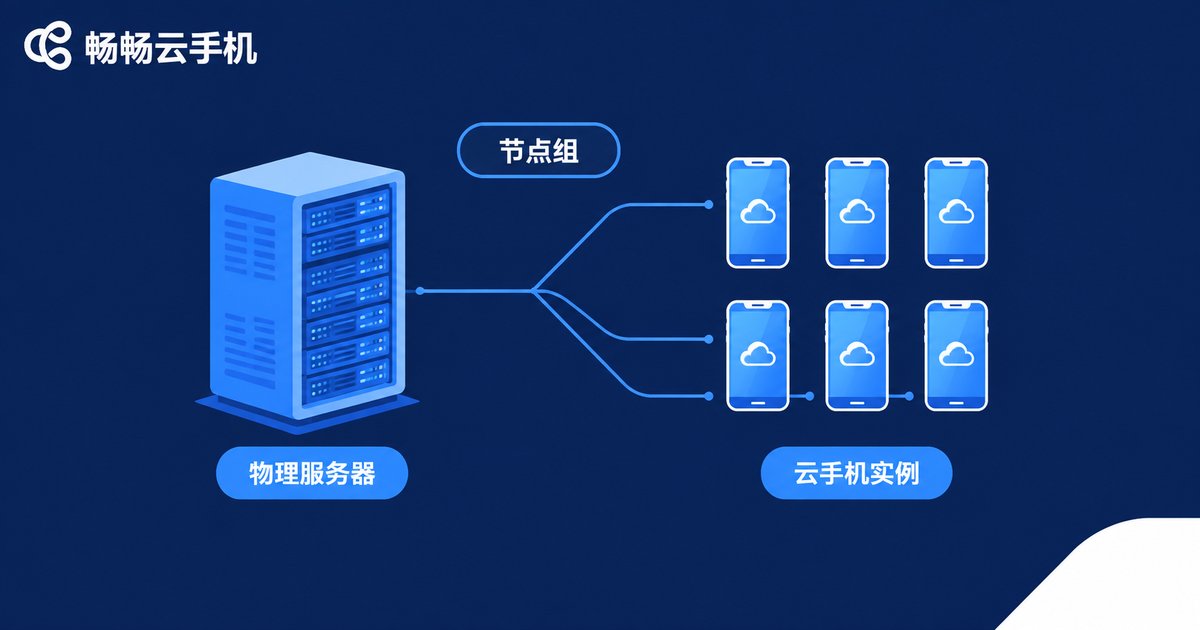
Cloud Phone Node Groups vs Instance Groups: A Resource Management Comparison
Node groups and instance groups are two of the most commonly confused concepts in cloud phone platforms. A node group sits at the infrastructure layer: it bundles physical servers into a resource pool and handles scheduling, capacity expansion, and failure migration. An instance group sits at the business layer: it organizes individual cloud phones into fleets for batch power-on, bulk app installation, and synchronized group control. This article uses a clear comparison table to break down the differences in management layer, target objects, typical operations, and scaling methods, explains how the two layers work together, and shares practical grouping tips to help you manage cloud phone resources with clarity and efficiency.
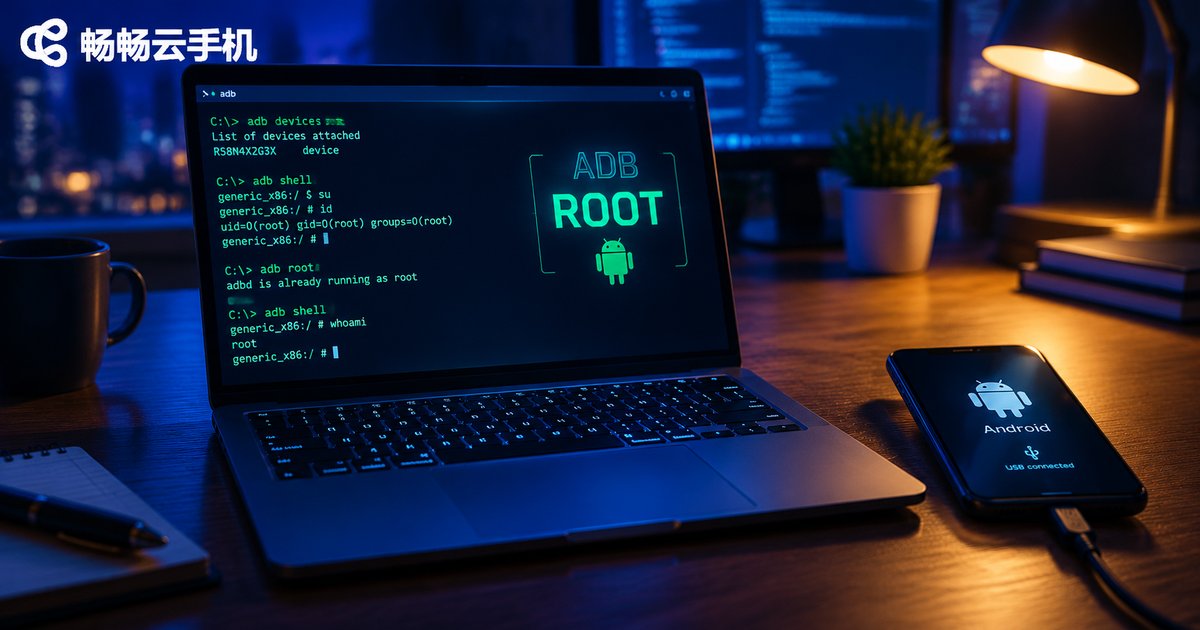
Does a Cloud Phone Have Root Access After ADB Connection? remount Explained
Ran adb connect to your cloud phone, typed adb remount, and got 'remount failed: Operation not permitted'? You are not alone. A successful ADB connection only gives you a shell user, not root. This guide explains the relationship between ADB and root access, shows you how to check root status with id and adb root, breaks down what remount actually does to the /system partition, and walks through the most common error messages. It also introduces ChangChang Cloud Phone (ccloudphone), a cloud phone service with built-in root and ADB support, so developers can perform system-level operations without flashing anything.

How to Get Cloud Phone Access Key and Secret Key: API Authentication Guide
This guide explains how to get your cloud phone Access Key and Secret Key and how signature-based access authentication actually works. You will learn the exact steps — logging into the console, creating a key pair, and safely storing your Secret Key — along with a practical Python example of signing requests and five essential key-security tips. Using CCloudPhone as a walkthrough example, you can finish authentication within minutes and start calling cloud phone APIs for automation, multi-instance control, and batch device management with confidence. It also covers the most common pitfalls, such as signature errors and leaked keys, so your integration runs smoothly from day one.
How to Set Up Auto-Shutdown for Idle Cloud Phones? HarmonyOS Cloud Phone Configuration Guide
Idle auto-shutdown lets a cloud phone power down automatically after a set period with no operation or task, saving battery, mobile data and cloud resources. This guide walks you through configuring idle auto-shutdown on a HarmonyOS cloud phone step by step: enabling scheduled shutdown inside the cloud phone app, granting the app background-running permissions in HarmonyOS settings, and removing deep sleep restrictions so shutdown tasks execute reliably. You will also learn how to balance idle-detection time with automation tasks, keep your data safe after a shutdown, and troubleshoot tasks that fail to trigger. A practical FAQ at the end answers the questions beginners ask most. If you are looking for a dependable service, CCloud Phone (ccloudphone) offers a simple, stable experience for multi-device management and app automation.
How to Use Cloud Phone Custom Images: App and Whitelist Configuration Tutorial
A custom image is the core of efficient cloud phone management: you pack a fully configured master device into a template, then clone it onto new devices in one click. This guide explains in plain language how to create an image, preload apps, and configure an app whitelist, and compares manual setup with image-based deployment. It also covers image updating habits, includes a comparison table, and answers frequently asked questions, making it a practical reference for multi-account users, studio teams, and IT administrators.

Is Cloud Phone Data Safe? Cloud Container Isolation and Pixel Streaming Explained
Worried about putting your accounts and game data on a cloud phone? This article explains, in plain language, the two technologies that keep cloud phones safe: cloud container isolation and pixel streaming. Every cloud phone runs in its own sandbox with separate storage, so instances cannot see each other's data. Your local device only receives an encrypted, video-like stream of pixels and sends back tap commands, so no apps or business data ever touch your phone. We also share a practical checklist for choosing a trustworthy provider, daily habits that reduce risk, and answers to the most frequently asked questions about cloud phone security.

What Is a Cloud Phone Edge Computing Solution? The Impact of ARM Server Costs
A cloud phone edge computing solution deploys Android cloud instances on ARM server clusters located in edge nodes close to users, instead of a few distant central data centers. This article explains in plain language what edge computing means for cloud phones, walks through the three-layer architecture, and shows why ARM servers beat x86 in compatibility, power efficiency, and cost per instance. It also breaks down the four major cost components—hardware, power and cooling, bandwidth, and operations—and analyzes how edge deployment raises some fixed costs while lowering bandwidth and churn costs, before sharing three practical optimization strategies.