
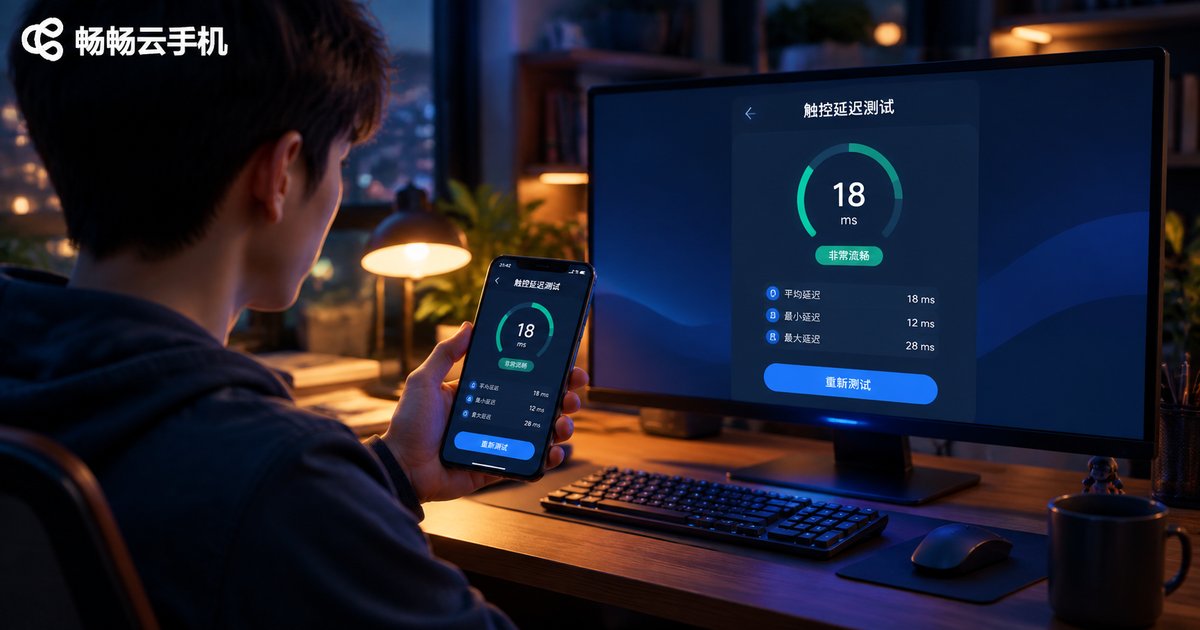
Cloud Phone vs Real Phone: How Big Is the Touch Latency Gap? Multi-Device Switching Test Data
Quick Answer: The Gap Is Real, but Smaller Than You Think
Many people assume a cloud phone must feel laggy, with every tap taking ages. We spent a week benchmarking a flagship real phone, a mid-range real phone, and a cloud phone side by side, using 240fps slow-motion recording to count the frames between fingertip contact and on-screen response. The verdict: on a good Wi-Fi connection, a cloud phone's touch response trails a real phone by only about 30-50 milliseconds, while most people only start noticing delay at around 100ms. In everyday scrolling, background tasks, and multi-account work, the difference is nearly imperceptible.
What actually widens the gap is not the cloud phone itself but network quality. The same cloud phone can be almost twice as responsive on Wi-Fi 6 as on 4G. Here is the data.

How We Tested
To keep the results credible, we standardized the environment:
- Network: 500M broadband with a Wi-Fi 6 router, cloud phone connected to the nearest server node;
- Tool: 240fps slow-motion video, frame-by-frame conversion to milliseconds;
- Sample: 20 repetitions per test, averaged;
- Devices: flagship real phone (120Hz), mid-range real phone (60Hz), cloud phone.
Note that latency fluctuates across home networks and times of day; the figures below represent typical performance under good network conditions.
Benchmark Results: Touch Latency Compared
| Test Item | Flagship Phone | Mid-range Phone | Cloud Phone (Wi-Fi 6) | Cloud Phone (4G) |
|---|---|---|---|---|
| Static tap response | 38ms | 55ms | 72ms | 130ms |
| Fast swipe tracking | 45ms | 68ms | 95ms | 175ms |
| In-game tap feedback | 42ms | 60ms | 88ms | 160ms |
Three patterns stand out:
First, on Wi-Fi the cloud phone stays under 100ms; for simple taps it trails the mid-range phone by just 17-27ms, which is imperceptible in daily use.
Second, swipe tracking shows the largest gap, because continuous swiping streams video nonstop and demands more bandwidth and stability.
Third, latency rises noticeably on 4G; fast-paced games feel sluggish, but background tasks and turn-based play remain perfectly usable.
Multi-Device Switching: No Downtime Is the Real Value
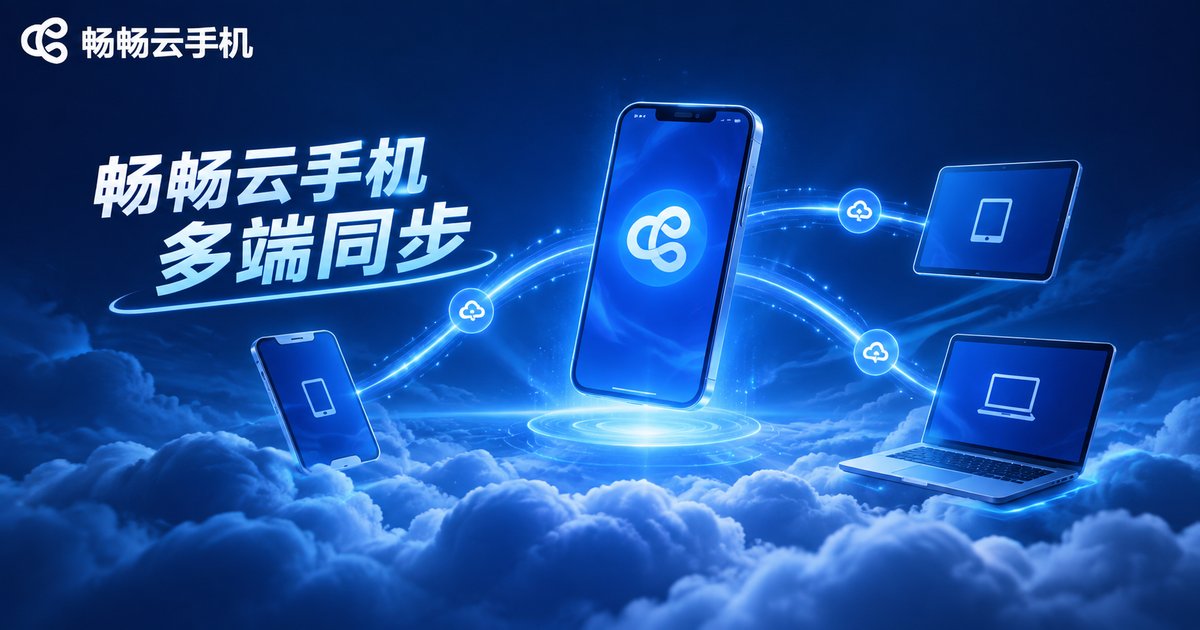
Beyond a few dozen milliseconds of latency, the bigger advantage of a cloud phone is multi-device switching. We logged the same cloud phone in on a phone, a tablet, and a PC in turn and measured how tasks carried over:
| Switch Path | Average Handoff Time | Cloud Task Interrupted? |
|---|---|---|
| Phone → Tablet | About 8s | No |
| Phone → PC | About 10s | No |
| PC → Phone | About 7s | No |
In testing, switching devices only required signing back in; the screen resumed within seconds, and games and apps on the cloud phone kept running in the cloud the whole time — a task started on your phone was still progressing when you opened it on your PC. A real phone simply cannot do this: its progress is locked inside the device, and switching means starting over.

What Makes the Latency Gap Worse
During testing, these situations noticeably degraded cloud phone latency — try to avoid them:
- Unstable network: weak Wi-Fi signal or shared bandwidth can push latency from 70ms past 200ms;
- Distant server node: the farther the data travels, the longer the round trip;
- High stream quality: high resolution and frame rates mean more data to transmit and decode;
- Weak local decoding: older devices struggle to play the video stream, dragging overall response down.
Four Tips to Minimize Cloud Phone Latency
- Prefer 5GHz Wi-Fi or a wired connection over the crowded 2.4GHz band;
- Choose the server node closest to you;
- Lower the stream quality a notch in settings for a clear smoothness boost;
- Close bandwidth-heavy apps (downloads, video streaming) on your local device.
CCloudPhone: A Solid Choice for Multi-Device Switching
If you want to experience this seamless handoff yourself, start with CCloudPhone (ccloudphone). It runs Android in the cloud, letting your phone, tablet, and PC all log in to the same cloud phone, with all data stored in the cloud — switch devices without changing the experience. Whether it is background gaming, multi-account management, or keeping apps online around the clock, CCloudPhone lets you pick up exactly where you left off on any device; with a good network, the touch experience stays within an imperceptible margin of a real phone.
FAQ
Q: Can ordinary users actually feel cloud phone latency?
On Wi-Fi, cloud phone latency runs about 30-50ms behind a real phone — below the roughly 100ms threshold most people notice. It only becomes apparent on 4G or unstable networks.
Q: Is a cloud phone okay for fast-paced games?
Turn-based and background games are no problem at all. For highly competitive titles, use 5GHz Wi-Fi and drop the stream quality one notch for a much better experience.
Q: Can multiple devices log in to the same cloud phone at once?
We recommend operating from one device at a time. After switching, the screen resumes within seconds and cloud tasks are never interrupted.
Q: What happens if my connection drops?
The cloud phone keeps running in the cloud; a local disconnection only hides the picture temporarily. Reconnect and your progress is exactly as you left it — data lives in the cloud and is not lost.
Q: How is a cloud phone different from an emulator on a PC?
An emulator depends on local PC power and stops when the PC shuts down. A cloud phone runs on cloud servers, uses none of your local resources, stays online around the clock, and is the same phone no matter which device you log in from.


