
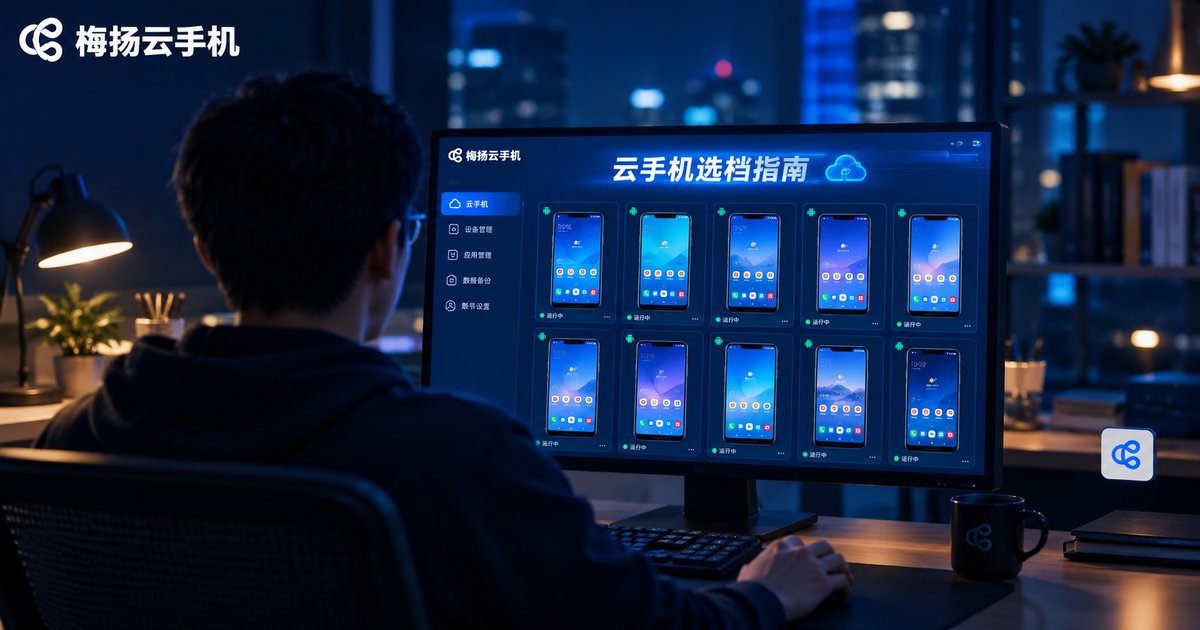
How to Choose Cloud Phone Tiers: Matching Light Idle and Moderate Multi-Instance Use
Why Do Cloud Phones Come in Tiers?
Nearly every first-time buyer asks the same question: which cloud phone tier should I pick? Go too low and sessions drop or multi-instance runs turn into a slideshow; go too high and most of what you pay for sits unused. In essence, a cloud phone tier is just a different combination of CPU cores, RAM, bandwidth, and the number of instances you can run. The right mindset is not the more expensive the better, but matching your actual scenario to the right resource package. This guide uses the two most common scenarios to help you get it right in one shot.
Step 1: Identify Which Scenario You Belong To
Almost all individual users and small teams fall into one of two groups:
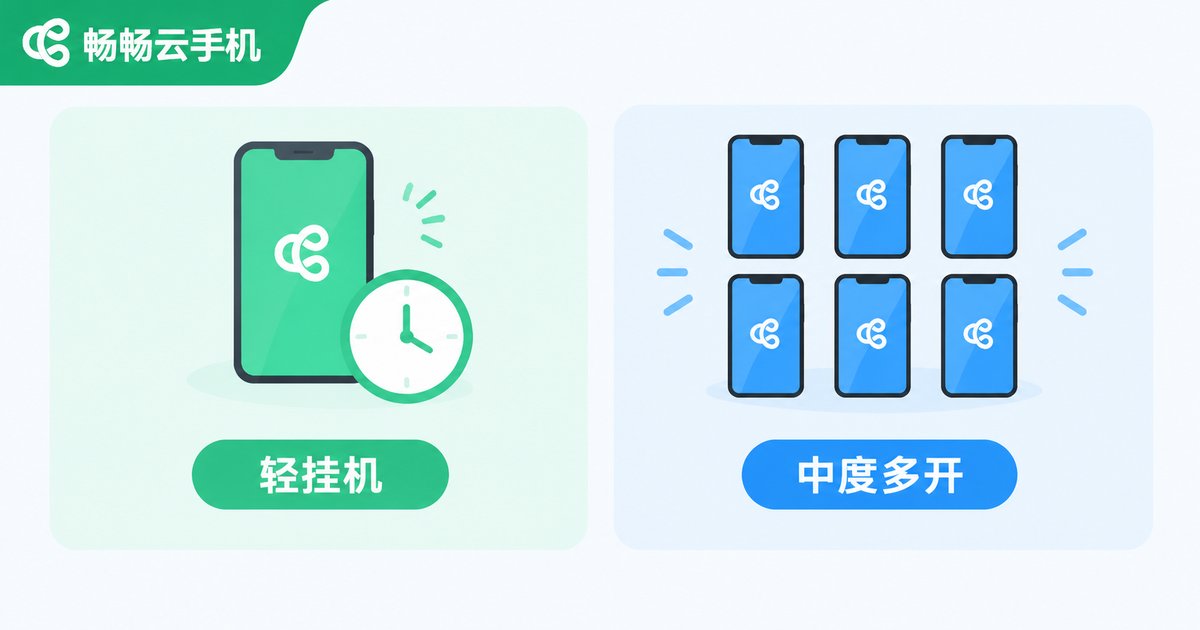
Light idle users: running 1–3 cloud phone instances for daily check-ins, idle rewards, and automated tasks. Almost no manual intervention, but a strong demand for long-term stable uptime—an overnight disconnect is the biggest headache.
Moderate multi-instance users: running 5–15 instances at once for multi-account operations, small-scale game farming, or batch content management, relying on group-control sync with clearly higher CPU and RAM demands.
Light Idle: Entry Tier Is Enough—Prioritize Stability
Idle usage burns very few resources: each instance runs only one or two resident apps, with light CPU load and modest memory needs. An entry tier handles it comfortably—there is no reason to pay extra just to idle.
What actually matters in this scenario is three things:
First, uptime stability. Idling fears disconnects more than anything. When comparing tiers, look at the provider's online rate and auto-reconnect mechanism rather than the one extra CPU core on the spec sheet.
Second, offline running. A reliable cloud phone keeps cloud-side tasks running even when your local device is powered off or offline—that is the whole point of cloud idling.
Third, cost per unit. Light idle is the most common scenario, so entry tiers tend to be the most competitive and the cheapest per unit. Budget-conscious users should start here.
Moderate Multi-Instance: Do the Math, Don't Guess
Multi-instance demand is additive, instance by instance. Before choosing a tier, run this simple calculation:
Required resources ≈ number of instances × per-instance resources + 20% headroom
For example, to run 10 cloud phones smoothly, match tier specs against the total for 10 instances and add 20% headroom for peak periods, so nothing lags when everything runs at once. For moderate multi-instance use, watch three specs closely:
CPU cores: every instance needs its share of computing power; with too few cores, synced operations visibly lag.
Total RAM: memory decides how many instances can run simultaneously. Go half a tier higher rather than running at the ceiling.
Group control: beyond 5 instances you will depend on batch control. Beyond tier specs, confirm this capability is supported.
One Table: How Each Scenario Should Choose
| Dimension | Light Idle | Moderate Multi-Instance |
|---|---|---|
| Concurrent instances | 1–3 | 5–15 |
| Online pattern | Round-the-clock uptime | Concentrated working hours |
| Operation intensity | Low, mostly scheduled tasks | Medium, batch sync operations |
| Key specs to watch | Stability, auto-reconnect | CPU cores, total RAM |
| Recommended tier | Entry tier | Mid or upper-mid tier |
The 3-Step Self-Check Before You Buy
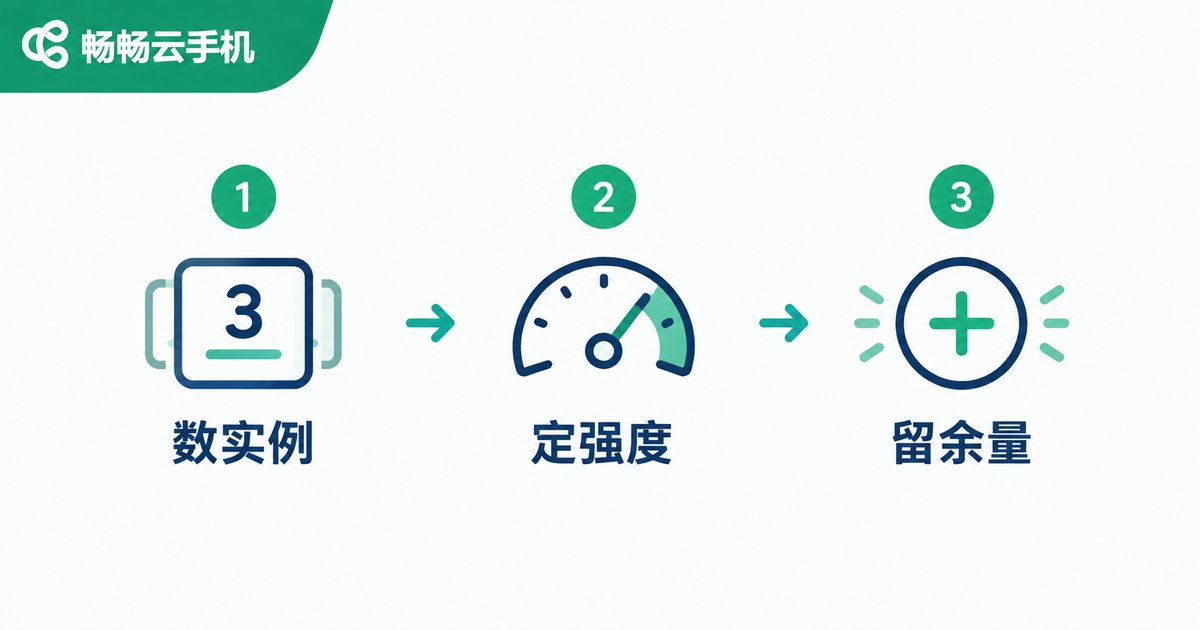
Still unsure? Walk through these three steps:
Step 1, count your instances. List how many cloud phones you may run simultaneously over the next three months, not just today.
Step 2, gauge the intensity. Pure background idling can stay one tier lower; frequent manual operations or group control push you one tier up.
Step 3, leave headroom. Add 20% on top of your calculated need—that buffer is the insurance for a smooth experience.
Three Pitfalls 90% of Buyers Fall Into
Pitfall 1: picking the lowest tier on price alone. If the cheapest tier cannot carry your instance count, the time lost to lag and disconnects costs far more than the difference in price.
Pitfall 2: blindly buying the top tier. Top tiers are built for heavy-duty studio workloads; individual users end up paying for capacity that mostly sits idle.
Pitfall 3: ignoring upgrade flexibility. Accounts multiply and scenarios change. Choosing a provider with flexible tier upgrades matters more than getting it perfect the first time.
ChangChang Cloud Phone: Tiers That Grow With You
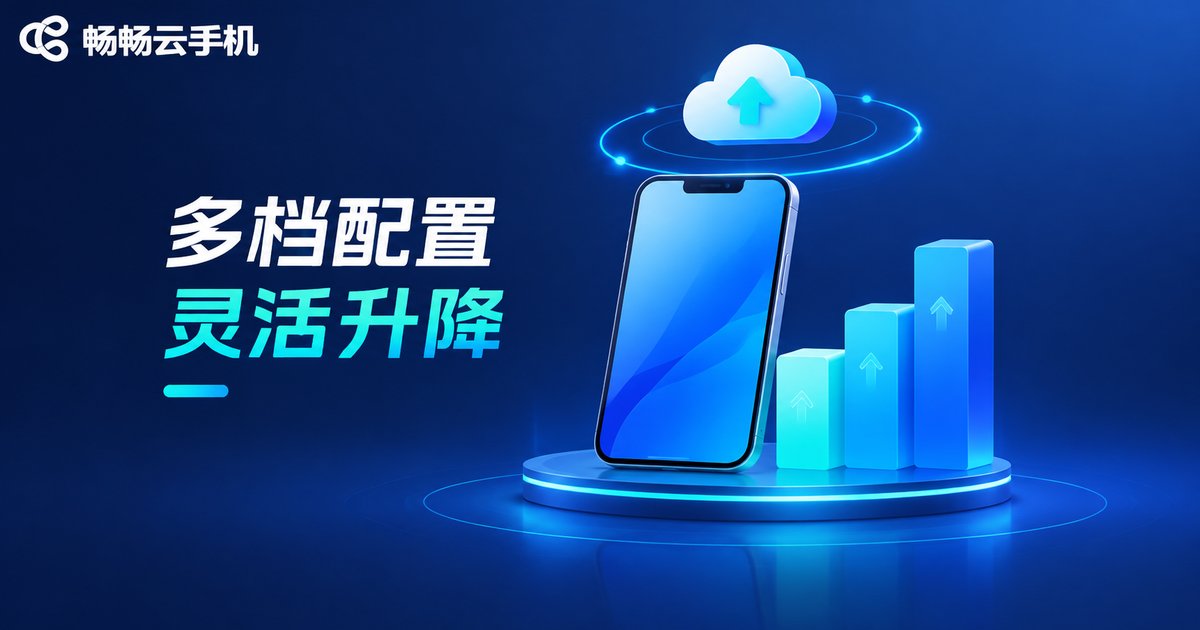
ChangChang Cloud Phone (ccloudphone) offers multiple configuration tiers, covering everything from entry-level packages for light idling to upper-mid tiers built for moderate multi-instance workloads, with flexible upgrades and downgrades—start on a lower tier and scale up smoothly as your accounts grow, without wasting a cent. The Android environment runs in the cloud around the clock, so idling continues even with your local computer shut down, and multi-instance management plus group control are handled right inside the console. For the latest specs and pricing of each tier, refer to the official ChangChang Cloud Phone website.
FAQ
Q: Will the lowest tier disconnect often for light idling?
Disconnects depend mainly on the provider's node quality and reconnection mechanism, not the tier level. Entry tiers are designed for long-term idling—just check the provider's uptime reputation before deciding.
Q: I run about 10 instances—which tier fits?
A mid tier usually works. Make sure total RAM and CPU cores cover 10 instances with headroom, and check the exact tier specs on the official ChangChang Cloud Phone website.
Q: Can I start on a low tier and upgrade later?
Yes. Start with your current needs and scale up when necessary. ChangChang Cloud Phone supports tier upgrades and downgrades, so you never overpay upfront.
Q: Is a higher instance count always better?
No. Once you exceed a tier's capacity, every instance slows down. Match your real account count with a small buffer for the most stable experience.
Q: Does my local computer need to stay on while idling?
No. Cloud phones run on cloud servers, so tasks keep executing after your local device shuts down—that is the biggest advantage of cloud-based idling.


