

Cloud Phone Multi-Instance Account Warming: One Device One Account & Independent Fingerprint Isolation
Why One-Device-One-Account Is a Must for Account Warming
Anyone who runs multiple accounts knows that platform risk control is most sensitive to account linking. Logging into many accounts on the same device, near-identical device parameters, and copy-paste behavior patterns can quickly get your accounts flagged as batch-run bots — throttled reach at best, permanent bans at worst. The idea behind one device, one account is simple: give every account its own independent digital identity — its own device environment, its own parameter fingerprint, its own behavior habits — cutting the linking chain at the source.
Cloud Phone Multi-Instance: Manage Dozens of Phones from One Computer
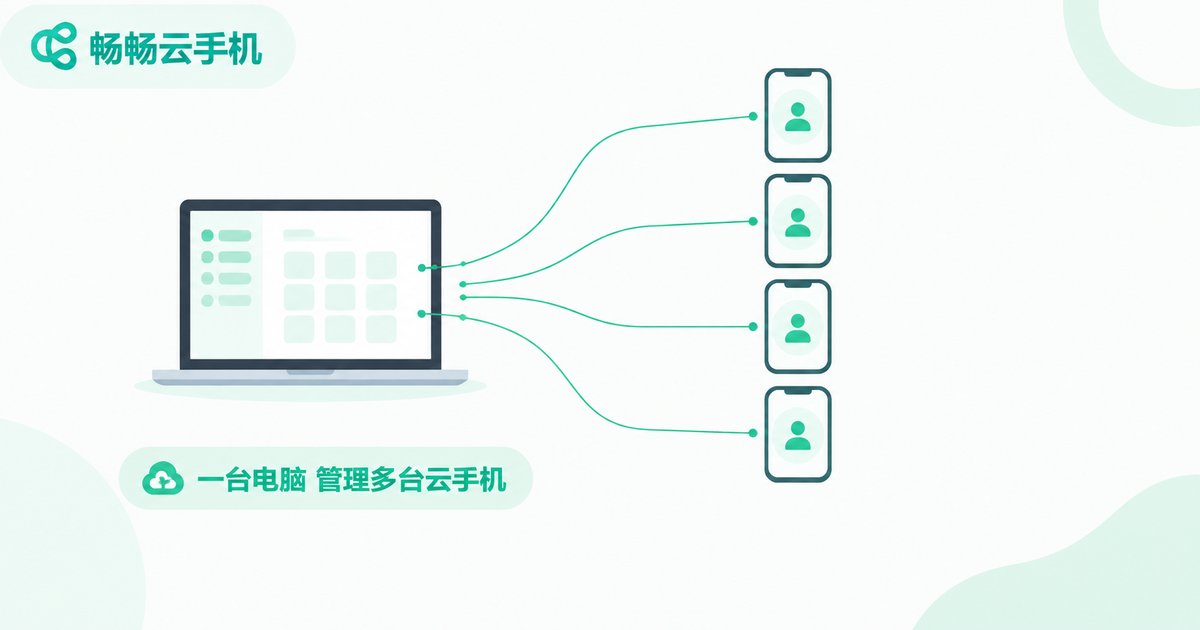
The traditional approach means stacking physical phones: buying devices, charging them, tapping each screen by hand — expensive, space-hungry, and exhausting. Cloud phones move all of that to the cloud. Each cloud phone is an independently running virtual device with its own system environment, online around the clock, consuming none of your local battery. With ccloudphone, you can run multiple cloud phones side by side on one computer, one account per phone — a natural one-device-one-account setup.
Independent Fingerprint Isolation: Four Independences You Cannot Skip
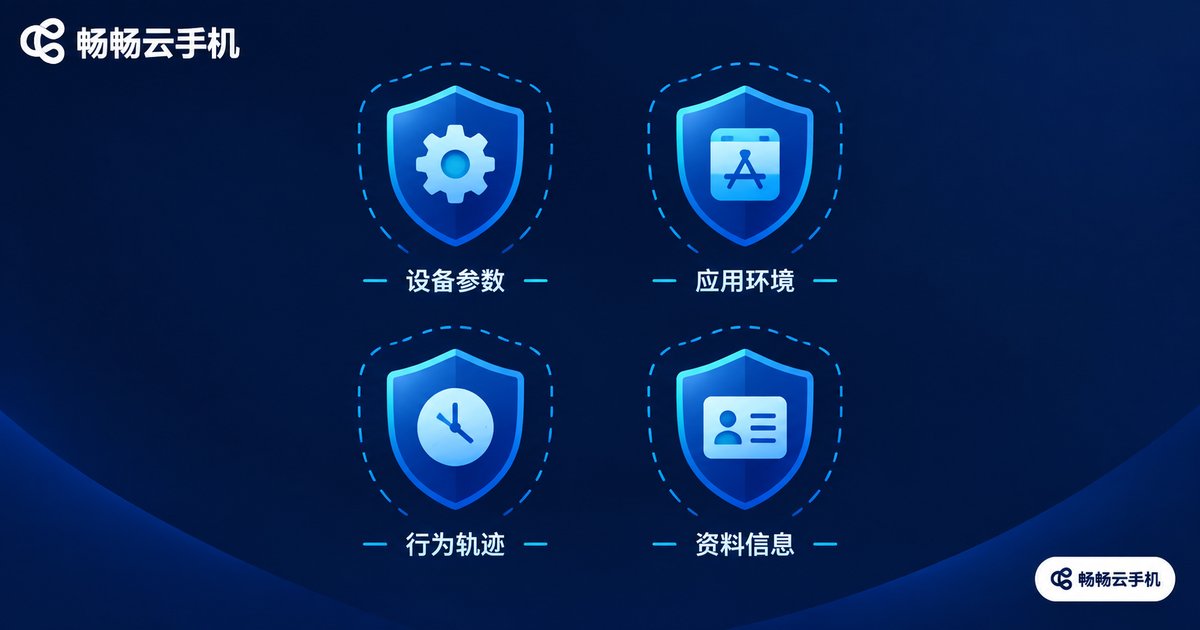
Fingerprint isolation is the core of the whole warming setup. Keep these four rules:
1. Independent device parameters: give each cloud phone a different combination of device model and system parameters so your devices do not share one face.
2. Independent app environments: install the app separately inside each cloud phone; account data and caches never overlap, so a problem on one device will not spread to others.
3. Independent behavior trails: do not run every account with the same script and rhythm; assign different active hours and habits to each account.
4. Independent profile info: keep avatars, nicknames, and binding details distinct — never reuse registration data.
Five Steps to Set Up One Device One Account
Using ccloudphone as an example, the whole process is straightforward:
Step 1: Go to the official ccloudphone website and sign up
Step 2: Add cloud phone devices as needed - one device per account
Step 3: Inside each cloud phone, install the target app and log in
Step 4: Plan independent active hours and daily tasks for each device
Step 5: Review account status regularly and fine-tune your rhythm
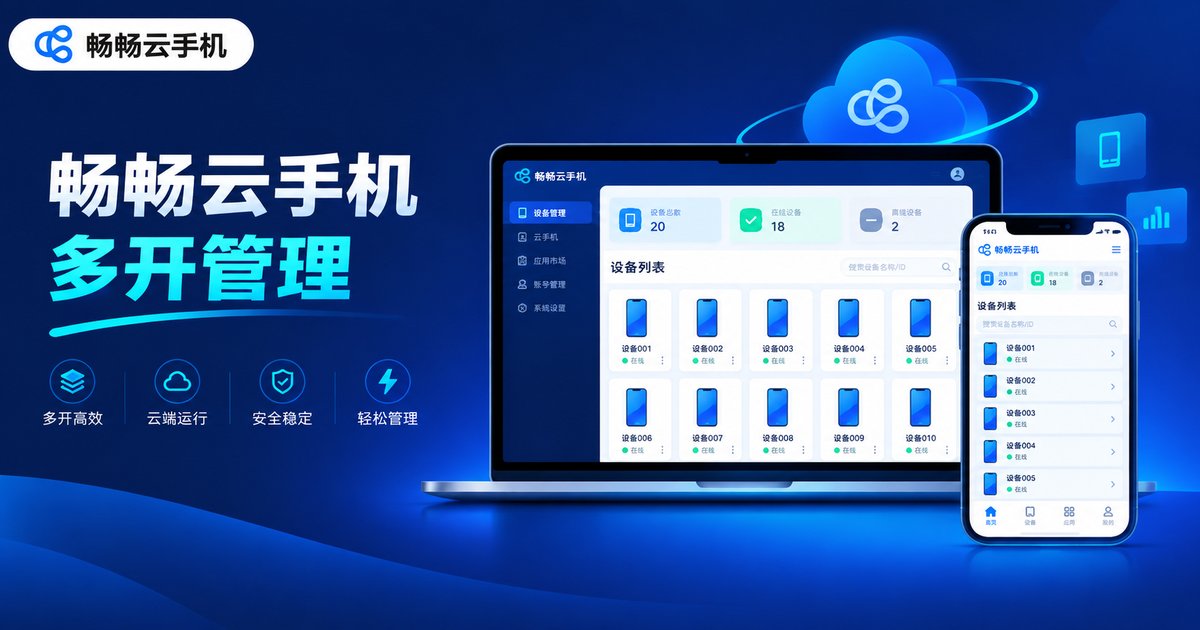
ccloudphone supports centralized management of multiple cloud phones: a single dashboard shows the online and running status of every device, so maintaining dozens of accounts no longer means endless app-switching — a clear efficiency boost for any account team.
Physical Phones vs. Cloud Phone Multi-Instance
| Item | Physical Phones | Cloud Phone Multi-Instance |
|---|---|---|
| Hardware cost | Constant spending on devices | Activate as needed, scale anytime |
| Management | Tap each phone by hand | Centralized dashboard control |
| Uptime | Limited by battery and failures | Online around the clock in the cloud |
| Isolation | Naturally separate but hard to duplicate | Independent system parameters, no interference |
| Scalability | Limited by budget and space | Add or remove devices anytime |
Account-Warming Pitfalls to Avoid
Do not rush new accounts: browse normally for the first few days, then gradually increase activity to mimic a real user's growth curve.
Do not roam between devices: keep each account pinned to one cloud phone; frequent device switching raises risk-control flags.
Act human: warming is not robotic liking — browse, comment, and interact so the account builds a genuine behavior temperature.
Keep a steady rhythm: consistent daily active hours are far safer than erratic bursts.
FAQ
Q: Can one cloud phone hold multiple accounts?
Technically yes, but stick to one account per cloud phone. One-device-one-account maximizes isolation and keeps linking risk to a minimum.
Q: Will multi-instance cloud phones be detected by platforms?
As long as you isolate device parameters, app environments, behavior trails, and profile info — and keep your operation rhythm natural — detection risk stays low.
Q: My computer is low-spec. Can I still run many instances?
Yes. Cloud phones run on cloud servers; your local machine only needs to run the control panel smoothly, while the multi-instance workload is handled in the cloud.
Q: What ruins a warming account fastest?
High-frequency actions on brand-new accounts, identical behavior across accounts, and reused registration data are the three most common ban triggers.


