
Operations · Engineering · Trends
Hands-on playbooks, product updates and cross-border insights from the CCloudPhone team.
Is the Free Online Cloud Phone Web Version Real? A Web-Based Usage Analysis
Many platforms advertise a free online cloud phone you can use right in your browser. Is it a genuine freebie or just marketing? This article explains how web-based cloud phones work, breaks down the real cost structure behind the service, and reveals what free usually means in practice: time-limited trials, low-spec devices, peak-hour queues, and paid upgrades. It also compares the web version with the native app on convenience, stability, and features, lists common pitfalls of free services, and offers a practical checklist for judging whether a cloud phone platform is trustworthy.

Can Cloud Phones Run Multiple Instances? A Complete Guide to One-Device Multi-Account
Yes—cloud phones are practically built for running multiple instances. This guide explains exactly how one device can manage many accounts through cloud phones, covering three proven methods: launching parallel cloud phone instances, using in-phone app cloning, and applying group control for batch management. You will also find a side-by-side comparison of cloud-based versus local multi-opening, a breakdown of common use cases such as mobile gaming, social media matrices, e-commerce stores and app testing, plus practical tips on account safety. Read on to see how a single subscription can replace a shelf full of physical phones.
Can Cloud Phone Scripts and Physical Phone Scripts Be Shared? Compatibility Explained
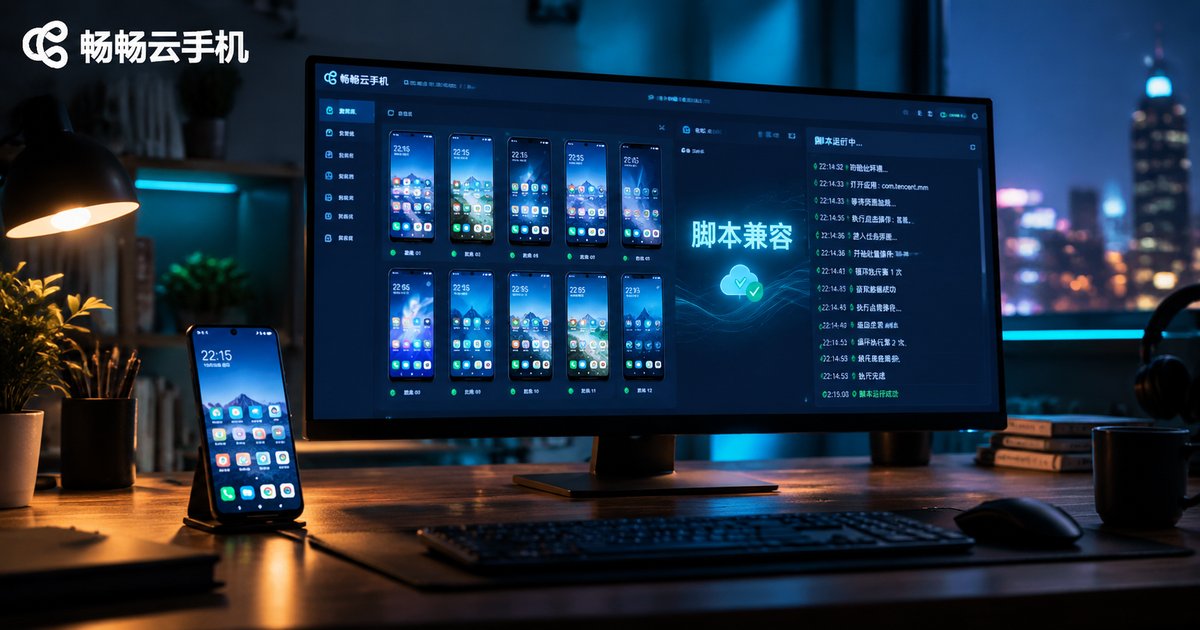
Want to move your scripts from a physical phone to a cloud phone? This article breaks down script compatibility across four key dimensions: resolution, Android version, permission environment, and CPU architecture. Learn which types of scripts, from image recognition to accessibility and protocol-based automation, can be shared directly and which need adjustments. You will also get a practical step-by-step migration checklist, tips to avoid common pitfalls like resolution and DPI mismatch, and clear answers to frequently asked questions about running automation scripts on cloud phones.

Are There Free Cloud Phones for iPhone? A Guide to Free iOS Options
Many iPhone users want a cloud phone for idle tasks, multiple accounts, or running Android apps, but worry about the cost. The good news: free options do exist on iOS. This article breaks down the three that actually work—free trial hours for new users, daily check-in rewards, and lightweight web access—explaining how long each lasts, what the real limitations are, and who each option suits. A side-by-side comparison table makes the trade-offs easy to see. You will also get practical tips for running a cloud phone smoothly on an iPhone, plus answers to common questions about safety, background running, and game latency, so you can test everything at zero cost before deciding whether a paid plan is worth it.
What Is a Cloud Hanging Machine? Key Differences Between Hanging Machines and Cloud Phones
A cloud hanging machine is a device hosted in the cloud that stays online around the clock, commonly used for game farming, script tasks, and keeping accounts active. The key difference between a traditional hanging machine and a cloud phone lies in the underlying architecture: hanging machines are built on x86 cloud servers and can only run PC software and scripts, while cloud phones are ARM-based virtual Android devices that let you install apps and play mobile games just like on a real phone. This article breaks down how they differ, which scenarios each one fits, and how to choose the right always-on cloud solution for your needs.
How to Run Multiple Cloud Phones on One Device
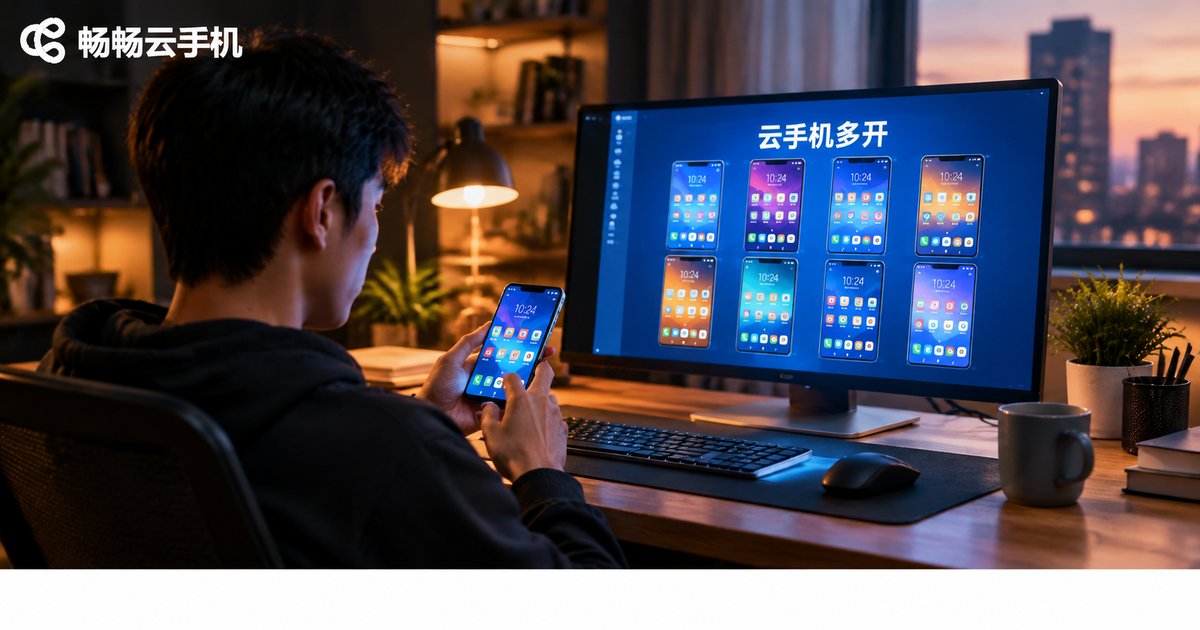
Running multiple cloud phones on a single device is far easier than most people think. Because cloud phones execute on remote servers, your local phone or computer only streams the screen and sends commands — the number of instances you can run depends on your cloud plan, not your hardware. This guide explains how cloud phone multi-instancing works, walks through a five-step setup using Changchang Cloud Phone (ccloudphone), compares it with local emulator multi-opening, and covers common use cases such as AFK gaming, multi-account operations, and e-commerce store coverage, along with practical tips for stable large-scale management.
Will Cloud Phone Data Be Lost If You Forget to Renew? Data Retention After Expiration
Forgot to renew your cloud phone? In most cases your data is not deleted immediately. After expiration, the service typically enters a grace or retention period—commonly 7 to 30 days across the industry—during which your apps, files, and settings remain stored in the cloud. Renew within this window and everything is restored as usual; miss it, and the data may be wiped permanently. This article explains how cloud phone data retention works, which types of data are most at risk, and shares practical tips such as auto-renewal, calendar reminders, and regular backups to keep your data safe.
What to Look for in Cloud Phone Reviews? Read the Specs, Avoid the Traps
Cloud phone marketing pages are full of phrases like flagship-grade specs and high-frame-rate gaming, yet the real experience often falls short. This guide breaks down the five things that actually matter when evaluating a cloud phone: whether CPU and RAM are dedicated or shared, true resolution and frame rate, network latency, storage and OS version, and stability under concurrent workloads. You will learn what each spec means in daily use, which claims to distrust, and how to verify everything hands-on. A five-step practical checklist at the end shows you how to test any cloud phone in your own environment before paying, so inflated specs never fool you again.

How to Use a Cloud Phone: Download, Install, and Login Step by Step
This step-by-step guide walks you through the entire cloud phone setup process: how to download the ccloudphone app from official channels, what permissions to allow during installation, key tips for registration and login, and how to choose your first cloud device. You will also learn practical tricks such as running multiple apps, keeping tasks alive in the background, and syncing data across devices. A FAQ section at the end answers the most common beginner questions, so you can get your cloud phone running smoothly in just a few minutes.
Can iPhone Use a Cloud Phone? A Complete Guide to Cloud Phones on iOS
Many people assume cloud phones are only for Android users, but iPhone owners can use them too. This guide explains how a cloud phone works: the Android system runs on remote servers while your iPhone simply streams the screen and your inputs. You will learn the most common iOS use cases, such as playing Android-exclusive games on an iPhone, 24/7 idle farming, running multiple accounts, and saving storage space. Using ChangChang Cloud Phone (ccloudphone) as an example, we walk you through the whole process from registration to entering the cloud desktop in minutes. A practical FAQ at the end answers common questions about lag, jailbreaking, data safety, and pricing.

How Does Cloud Phone AFK Work? Cloud Background Running Explained
Cloud phone AFK works by running a full Android system on ARM servers in a data center, while your physical phone acts only as a remote control and display. App processes, game logic and scheduled tasks all execute inside your cloud instance, so you can close the app, lock the screen or even power off your device while tasks keep running around the clock. This article breaks down the complete pipeline of cloud background running, the infrastructure that keeps sessions stable, how it differs from local AFK, and the scenarios where it makes the most sense.
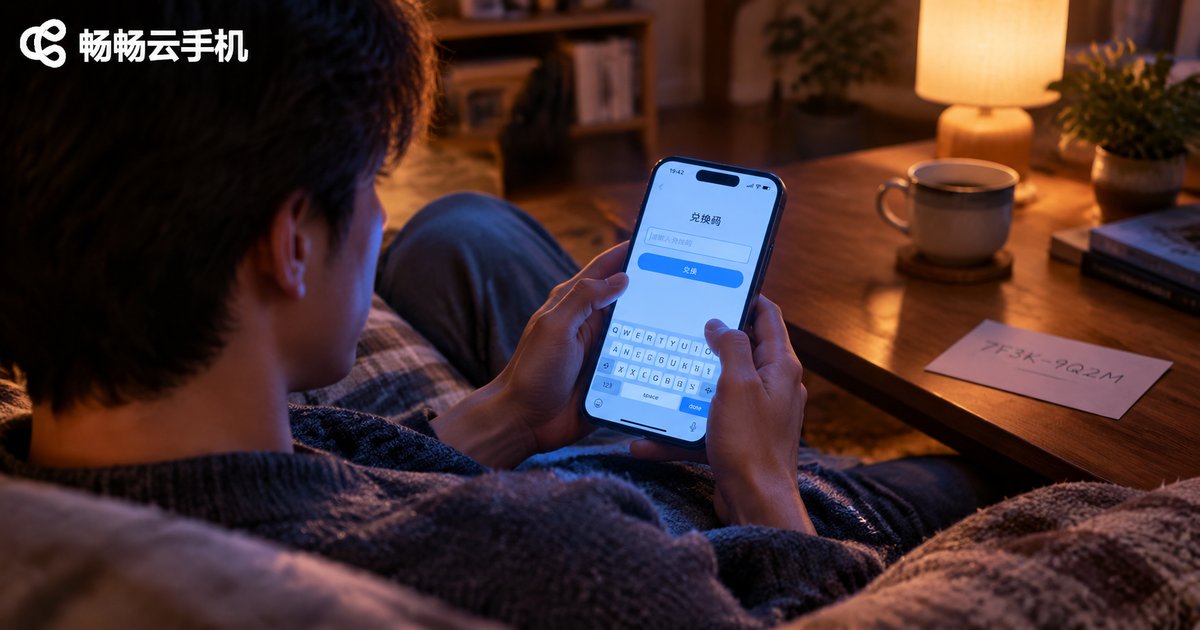
How to Use Cloud Phone Redemption Codes? Time and Membership Redemption Explained
Cloud phone redemption codes are a handy way to claim free usage time and membership benefits without paying. This guide walks you through how to use redemption codes in CCloudPhone step by step: where to find the redemption entrance, how to redeem time codes and membership codes, and how to fix common errors such as invalid codes, already-used codes, expired codes, and benefits that never arrive. You will also find a troubleshooting table of typical error messages, practical tips like one-code-one-use rules and expiration reminders, plus a FAQ answering the questions users ask most. Whether you are a new user holding your first starter code or an existing user wondering why a code will not redeem, this article helps you turn every valid code into real account benefits quickly and safely.