
Is the Free Online Cloud Phone Web Version Real? A Web-Based Usage Analysis
What Exactly Is a Web-Based Cloud Phone?
In simple terms, a cloud phone is an Android system running in a remote data center, with its screen streamed to your device in real time. A web-based cloud phone means you can control it straight from your browser—no app download needed.
The principle is simple: the cloud phone runs on a remote server, its screen is encoded into a video stream and delivered to your browser, and your taps and swipes are sent back. The load on your local device is tiny—an ordinary laptop or even a tablet handles it smoothly.
Precisely because of this 'open and go' convenience, many platforms promote a free online cloud phone web version. So how real is that 'free'?
Is 'Free' Real? Understand the Cost Structure First
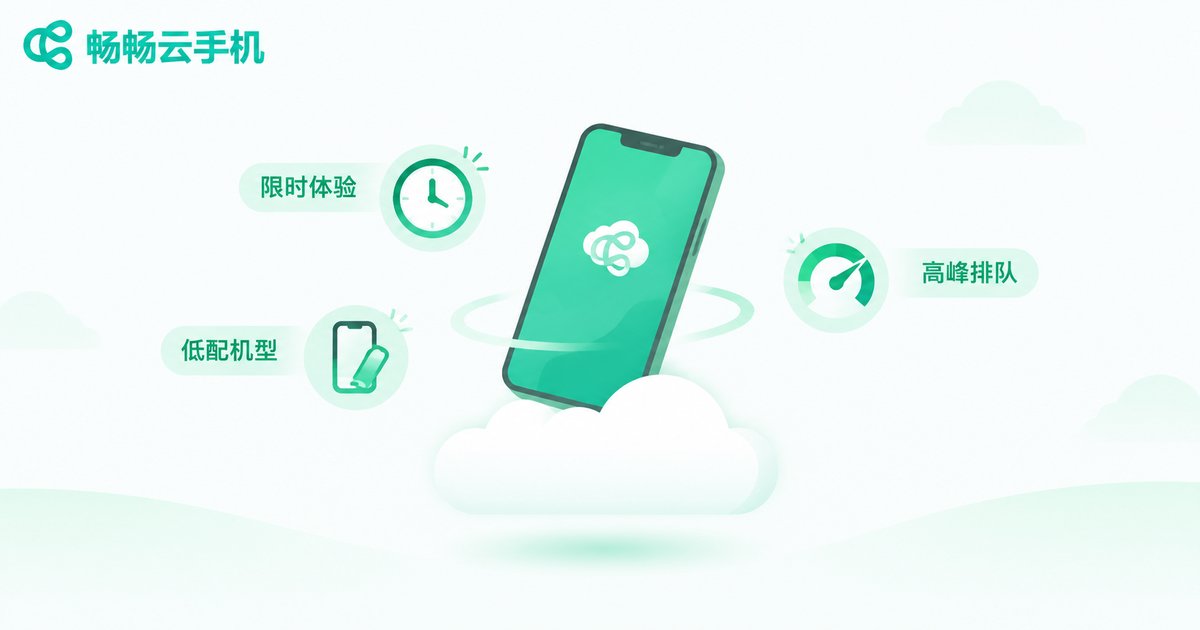
Short answer: yes, it is free—but usually 'free with limits.' Behind every cloud phone are real costs: servers, GPU power, and bandwidth. No platform can give everything away indefinitely. You will typically encounter one of four kinds of 'free':
1. Time-limited trials: new users get a few hours or days of free access, then must pay to continue.
2. Free basic tier: free users get low-spec devices with capped resolution and frame rates, plus queues at peak hours.
3. Free basics, paid extras: core controls are free, while multi-instance, group control, and high frame rates cost extra.
4. Ads for time: watch advertisements to earn usage minutes—you pay with your attention.
| Item | Free tier | Paid tier |
|---|---|---|
| Usage time | Limited or task-based | Online all day |
| Device specs | Low-end models | High-spec options |
| Quality | SD, low frame rate | HD, high frame rate |
| Peak hours | Possible queues | Priority access |
| Data safety | Weaker protection | Better isolation |
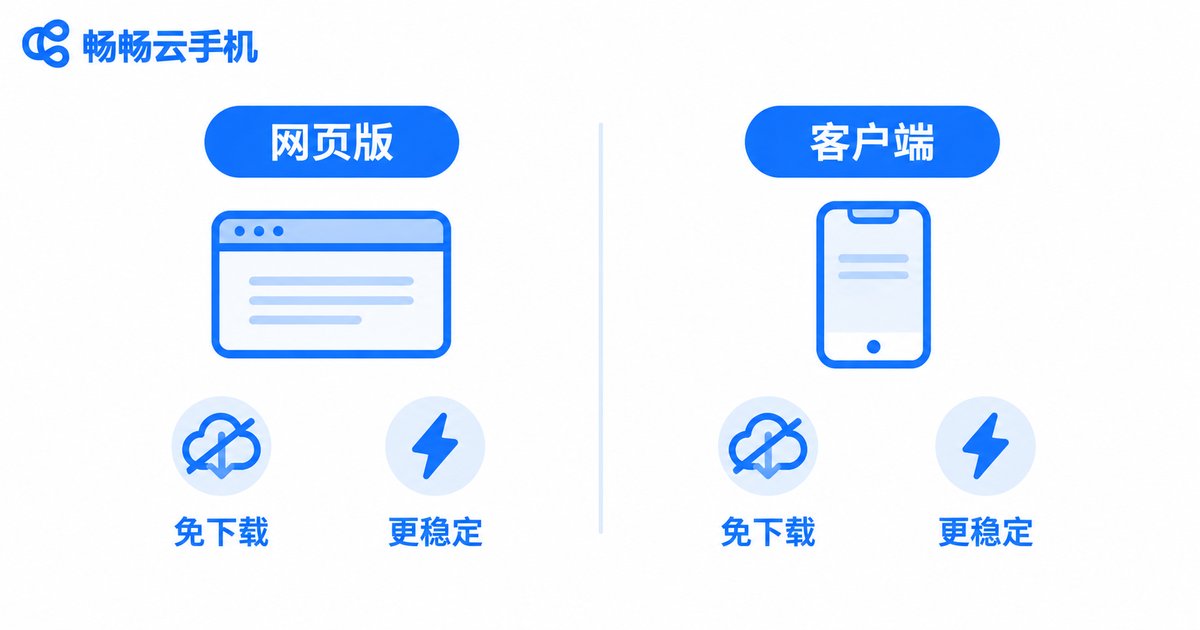
Web Version vs. Native App: What Is the Difference?
Convenience: the web version wins. No download or installation, no local storage used, and you can pick up where you left off on any computer after logging in.
Performance and stability: the app wins. Dedicated apps use optimized streaming protocols with more reliable reconnection and rendering, while the web version depends on browser performance and tab-sleep policies—long idle sessions may get interrupted.
Feature completeness: advanced features such as multi-instance management and batch file upload are often simplified on the web; the full experience still lives in the app.
Four Common Pitfalls of Free Web Versions
1. Hidden charges: 'free' is used as bait, then paid upgrades are pushed everywhere with vague pricing.
2. Data security risks: accounts you log into on the cloud phone are theoretically visible to the platform. Unknown free services raise the stakes.
3. Poor stability: free resources get low priority—lag and disconnects at peak hours are normal, and idle tasks break easily.
4. Ad interruptions: some free services inject ads or pop-ups that degrade the experience.
When a Web-Based Cloud Phone Makes Sense
Light trial: your first encounter with cloud phones, just feeling out how it works.
Temporary access: your own device is out of reach and you need to check messages from a browser.
Short-term testing: developers testing app compatibility without needing round-the-clock uptime.
But if you need 24/7 idle running, multi-account management, or long gaming sessions, the time limits and stability of a free web version will quickly fall short.
Want Something More Reliable? Meet CCCloudPhone
If the free web version leaves you wanting more performance, uptime, or stability, take a look at CCCloudPhone (ccloudphone). It provides a cloud-based Android environment where mobile games and everyday apps stay online continuously, regardless of your local device's specs.
CCCloudPhone keeps things practical: your data lives in the cloud, so progress follows you when you switch devices; it supports managing multiple cloud phones in one place, ideal for multi-account workflows; and the interface is clean enough for beginners. For current plans and pricing, check the official site at ccloudphone and choose what fits your needs.
One-line takeaway: use free services to explore and for emergencies; entrust long-term, always-on needs to a professional platform.
Four Checks Before Trusting a Cloud Phone Platform
1. Transparent pricing: plans, prices, and time rules stated clearly, not vaguely.
2. Proper credentials: a registered operator with verifiable filings means lower risk of vanishing service or lost data.
3. Real reputation: search genuine user reviews, focusing on disconnect rates and support responsiveness.
4. Solid security: account isolation and data encryption are baseline requirements.
FAQ
Q: Is the free online cloud phone web version real?
Mostly it is 'limited free': time-capped trials, low-spec devices, or restricted features. Truly unlimited free cloud phones basically do not exist, because server costs are real.
Q: Which is better, the web version or the app?
Choose the web version for convenience; choose the app for stable idle running and the full feature set. Both usually connect to the same cloud device, so you can use them together.
Q: Are free cloud phones safe? Could my account be stolen?
Reputable platforms are relatively safe, but be careful with unknown ones. Avoid logging into payment accounts on free cloud phones and enable two-factor authentication on important accounts.
Q: Does the web version use a lot of data?
Yes. A cloud phone stream is essentially video: expect roughly 100-300 MB per hour depending on resolution and frame rate. Use Wi-Fi for long sessions.
Q: Can I idle games on the web version?
Light idle sessions are fine, but free web versions often impose time limits and suffer browser sleep issues. For long tasks, use the app or a paid plan for stability.


