

What to Look for in Cloud Phone Reviews? Read the Specs, Avoid the Traps
Why Most Cloud Phone Reviews Tell You Nothing
Open a cloud phone marketing page and you will see phrases like flagship-grade specs, octa-core performance, and smooth AAA mobile gaming. Sounds great — until you actually use it and run into lag, disconnections, and blurry visuals. The problem is usually not the product category itself, but the several layers of word games standing between the advertised specs and the real experience.
This article does not rank specific products. Instead, it teaches you a method for reading configuration parameters: what to check when evaluating a cloud phone, what each spec really means, and which marketing claims are traps. Once you understand this, you can judge any vendor by your own standards.
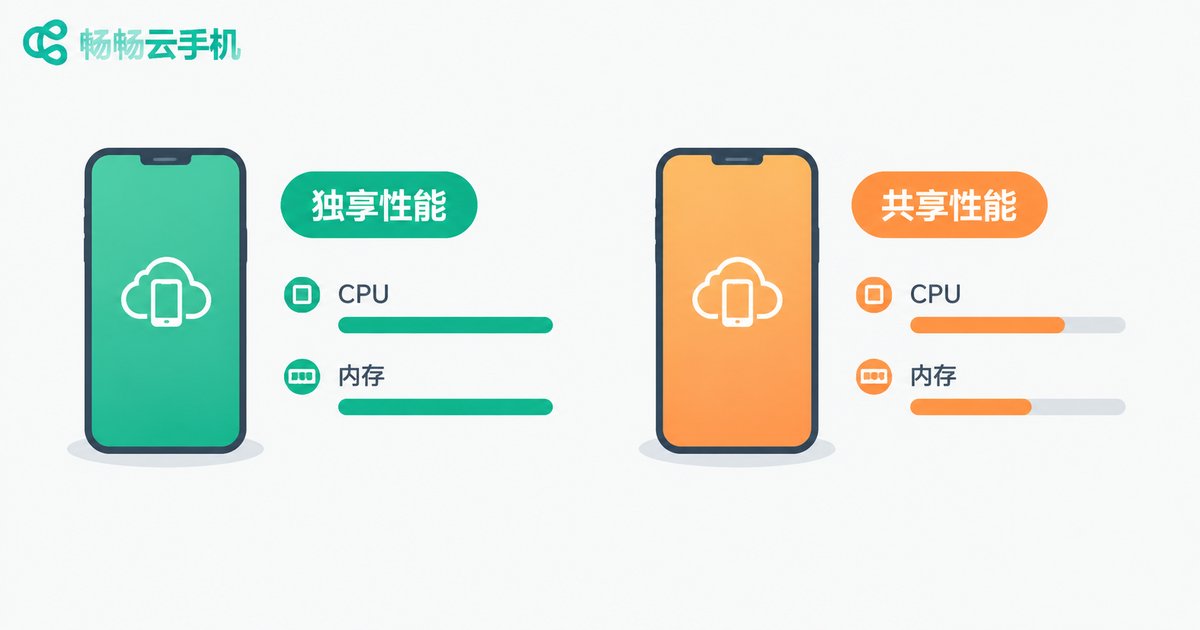
Check #1: CPU and RAM — Shared or Dedicated?
Many pages advertise an 8-core CPU with 8GB of RAM, which sounds identical to a flagship phone. But the biggest difference between a cloud phone and a physical phone is that these resources are a slice carved out of a server. Two 8-core instances can behave completely differently: one may have dedicated cores, while another squeezes several cloud phones onto a single physical core — a real-world performance gap of several times.
When evaluating, confirm three things:
1. Are resources dedicated or shared? Dedicated means your instance's compute power will not be grabbed by other users, which matters for demanding apps. Shared plans cost less but tend to lag at peak times.
2. Is RAM being eaten by background services? Open system settings and check available memory. If an 8GB instance shows only 3GB free, the vendor has packed it with preloaded services.
3. Treat benchmark scores as a reference only. Running a benchmark is fine, but what matters more is running the apps you will actually use and watching load times and smoothness.
Check #2: Resolution and Frame Rate — The Hard Metrics of Visual Quality
A cloud phone's picture is rendered on a server and streamed to your device as video, so resolution and frame rate directly determine what you see. Here are the common traps:
| Marketing Claim | Reality | How to Verify |
|---|---|---|
| Supports 1080P HD | May render at 1080P server-side but compress the stream to 720P or lower | Check fine details, such as small in-game text |
| High frame rate gaming | Default may be 30fps; high frame rate may need manual activation or cost extra | Enable the FPS counter and measure in-game |
| Smooth, lag-free visuals | Bitrate drops automatically on poor networks, making the image blurry | Test on ordinary home Wi-Fi, not a data-center connection |
A simple rule: test in the real network environment you will actually use. Office broadband, home Wi-Fi, and subway 4G can deliver completely different experiences.
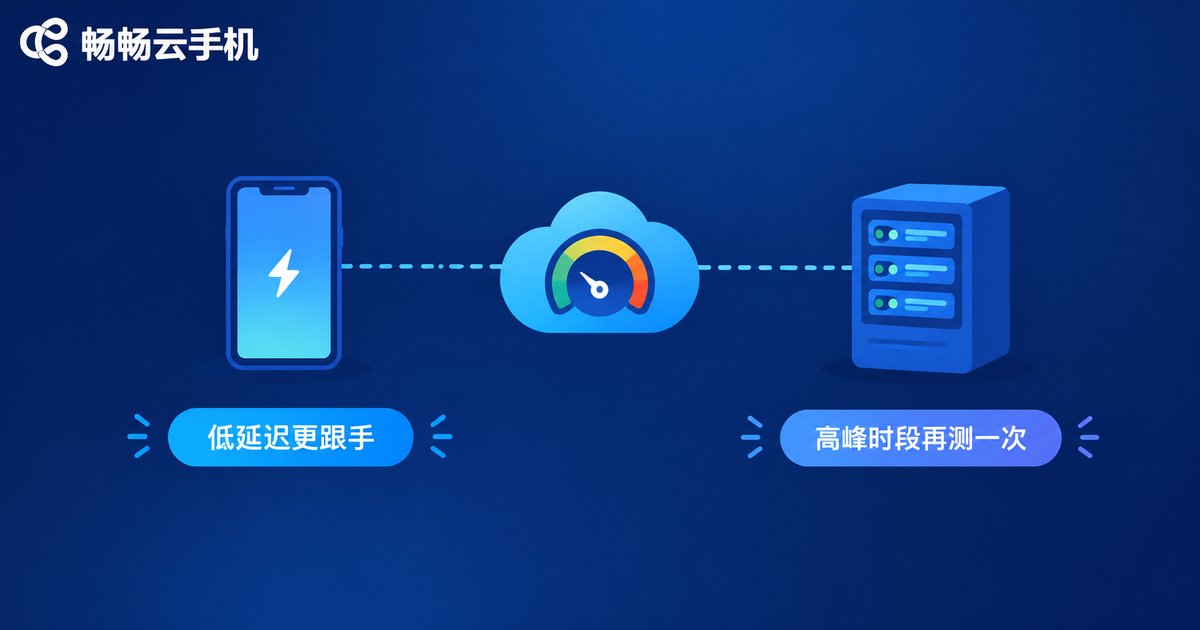
Check #3: Network and Latency — More Important Than Raw Specs
Every cloud phone interaction travels over the network: your tap goes to the data center, the server executes it, and the video stream comes back. That round trip is latency. Above 100 milliseconds, typing and swiping feel laggy; apps that demand instant reactions become nearly unplayable.
How to test it:
1. Read the latency number. Most cloud phone clients display real-time latency. It should stay within a few dozen milliseconds with minimal fluctuation.
2. Check data center location. The closer the server, the lower the latency. Some providers run a single data center, so users in distant regions suffer noticeably higher latency.
3. Test at peak hours. From 8 to 11 p.m. the network is at its busiest. Many services that run smoothly by day fall apart at night — always test once during peak hours.
Check #4: Storage, OS Version, and Device Independence
Storage: Distinguish total capacity from available capacity. The system itself takes a chunk, and the more preloaded apps, the less space is left for you. If you plan to install large apps or store files, evaluate based on available capacity and confirm whether expansion is supported.
OS version: An outdated Android version can prevent new apps from installing or cause crashes. Check the real system version in settings rather than trusting a latest-system claim on the marketing page.
Device independence: This matters most for users running accounts at scale. Does each cloud phone have its own device parameters and isolated storage? If multiple instances share one set of device fingerprints, platforms can easily flag them as abnormal.
Check #5: Stability, Concurrency, and Support
Uptime: A cloud phone runs 24/7 in the cloud — disconnections, reboots, and data loss are fatal flaws. Keep it running for a day or two during your evaluation and watch for unexplained disconnects and whether your apps and data survive a reconnect.
Concurrency and batch control: If you need many instances at once, verify whether per-instance performance degrades when multi-running and whether proper batch management tools exist. Services like ChangChang Cloud Phone (ccloudphone) offer unified multi-device management and group control for teams that operate at scale — but you should still benchmark real performance using the methods above.
Support responsiveness: How quickly someone responds when things break, and whether data can be recovered — hard to verify before buying, but a trial lets you run your most critical workflows first.
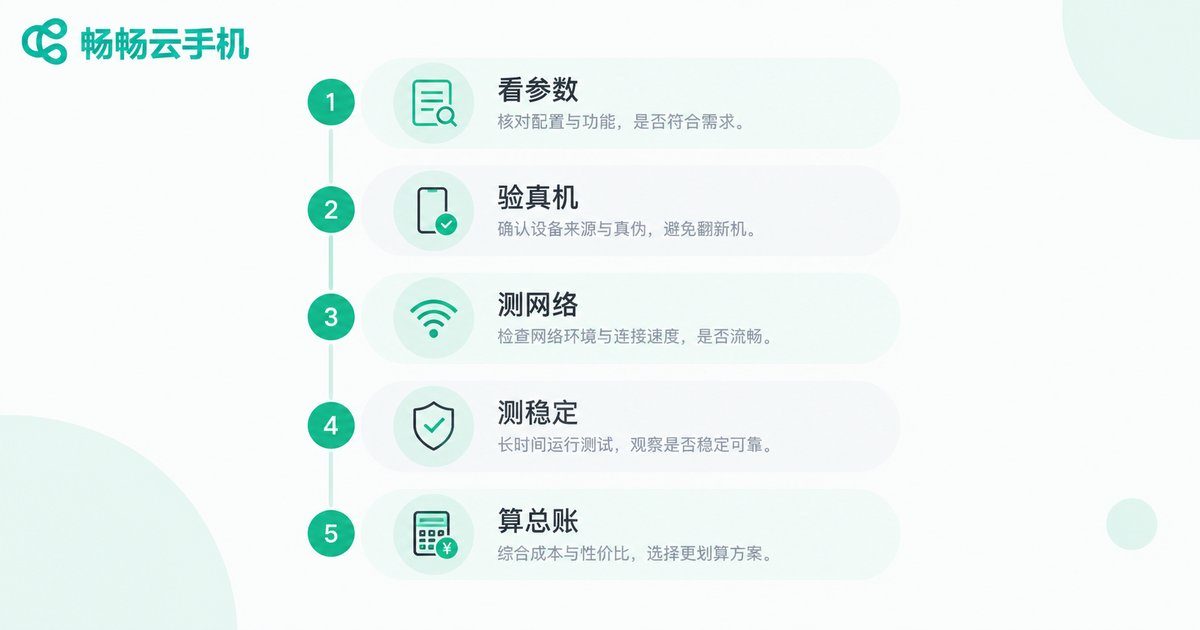
The Five-Step Hands-On Evaluation Checklist
Here is everything above condensed into an actionable checklist. Run through it once and you will dodge most traps:
Step 1: Read the spec sheet. Confirm whether CPU and RAM are dedicated or shared, available storage, Android version, and data center location.
Step 2: Verify inside the system. Check real available memory and storage, and install an app you actually use.
Step 3: Test the network. Record latency, retest at peak hours, and run something latency-sensitive.
Step 4: Test stability. Leave it running overnight; the next day, check for disconnects and data integrity.
Step 5: Do the real math. Add up the monthly fee plus extras such as high frame rate, storage expansion, and instance count to compare true costs — not just the first-month price.

Buying Advice: Choose by Your Needs, Not the Spec Sheet
The spec sheet is only the starting point. What actually determines your experience is resource scheduling quality, network quality, and operational discipline. Casual users who just keep an app running can usually settle for a mid or low-tier shared plan; gamers and multi-account operators should prioritize dedicated resources, low-latency data centers, and solid management tooling.
Take ChangChang Cloud Phone (ccloudphone) as an example: it provides cloud Android devices along with multi-device management and group control, keeping devices online around the clock — a fit for batch management and long-duration tasks. For current configurations and features, refer to what is published on the official site ccloudphone.com, and test with your real workload before committing long-term.
Remember one principle: every advertised spec must be verified inside your own real use case. A good review is not the loudest one — it is the one that survives your own hands-on testing.
FAQ
Q: If a cloud phone's specs match a real phone, is performance the same?
No. Cloud phone resources are virtualized slices of a server. Identical numbers can mean dedicated or shared resources, with vastly different real-world performance. Always test — never trust specs alone.
Q: What latency is considered normal?
With a nearby data center, latency is typically a few dozen milliseconds and feels smooth. Above 100ms, controls feel laggy. Cross-region use and peak hours raise latency, so test in your real environment.
Q: It was smooth during the trial but lags after purchase. Why?
Common causes are different resource policies between trial and production, or test conditions that did not match real usage. Before buying, run a full test of core features at peak hours on your everyday network.
Q: What should I watch out for when running many instances?
Focus on whether per-instance performance degrades, whether device parameters are independent, and whether batch management tools work well. Start small, confirm stability, then scale up.
Q: How can I tell if a vendor's specs are inflated?
Check real values inside the system — available memory, available storage, OS version, real-time latency — and compare them against the marketing page item by item. For any mismatch, ask support for a written explanation.


