
Operations · Engineering · Trends
Hands-on playbooks, product updates and cross-border insights from the CCloudPhone team.
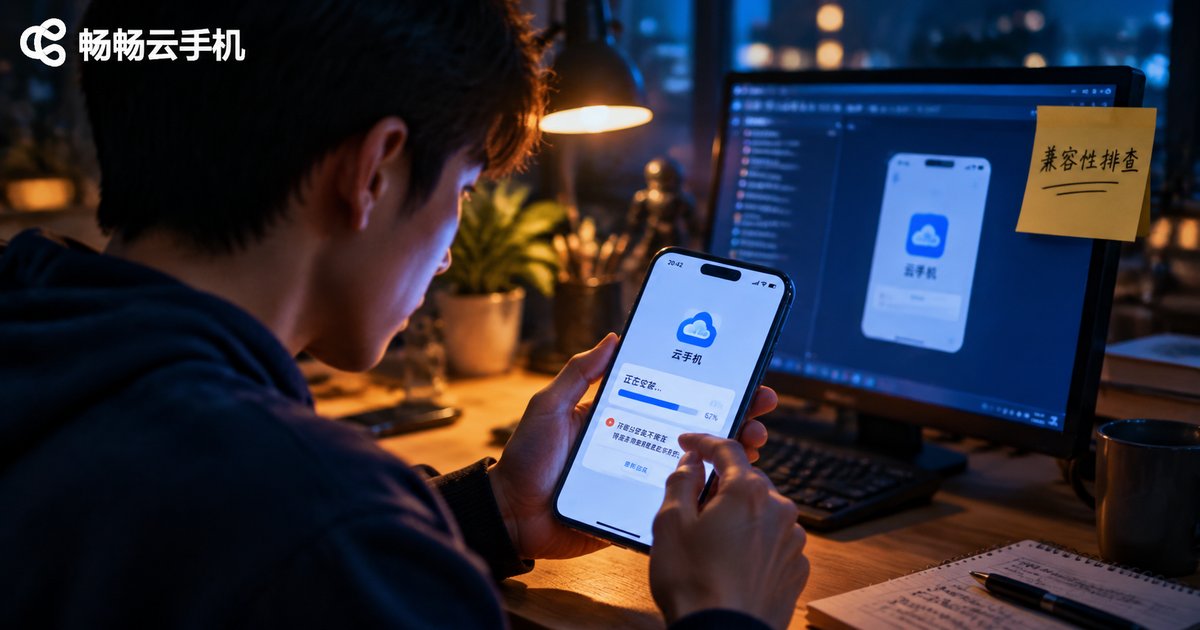
Can't Install Niche or Old Apps on Cloud Phones? Compatibility Troubleshooting Guide
Installing niche or legacy apps on a cloud phone often fails with errors like 'App not installed' or 'There was a problem parsing the package.' This guide walks you through a complete compatibility checklist: verifying the APK file itself, matching Android versions and CPU architectures, enabling unknown-source installation, clearing signature conflicts, and freeing up storage. You will also learn fallback strategies such as sideloading older app versions, running comparison tests on a different cloud phone instance, and when to contact support, so most stubborn old apps can run smoothly on your cloud phone.
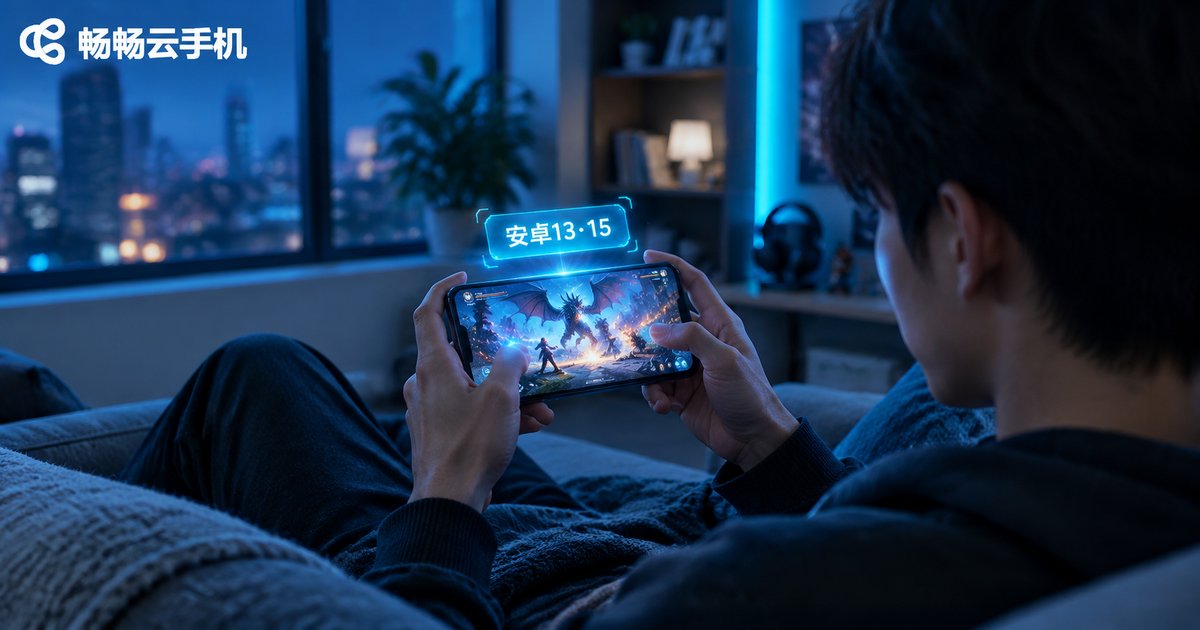
What Android Version Do New Games Need on Cloud Phones After 2024? Android 13 and 15 Checklist
New mobile games released after 2024 are raising the bar on Android versions: Android 13 has become the de facto minimum, while Android 15 is the smart choice for high-frame-rate gaming and long AFK sessions. This guide explains why - newer graphics APIs, 64-bit and 16KB page-size policies, and modern anti-cheat components - and includes a checklist mapping game types to the Android version you actually need. You will also learn how to check a game's minimum OS requirement in one minute. If your physical phone cannot upgrade, a cloud phone like ccloudphone gives you an up-to-date Android device in the cloud.
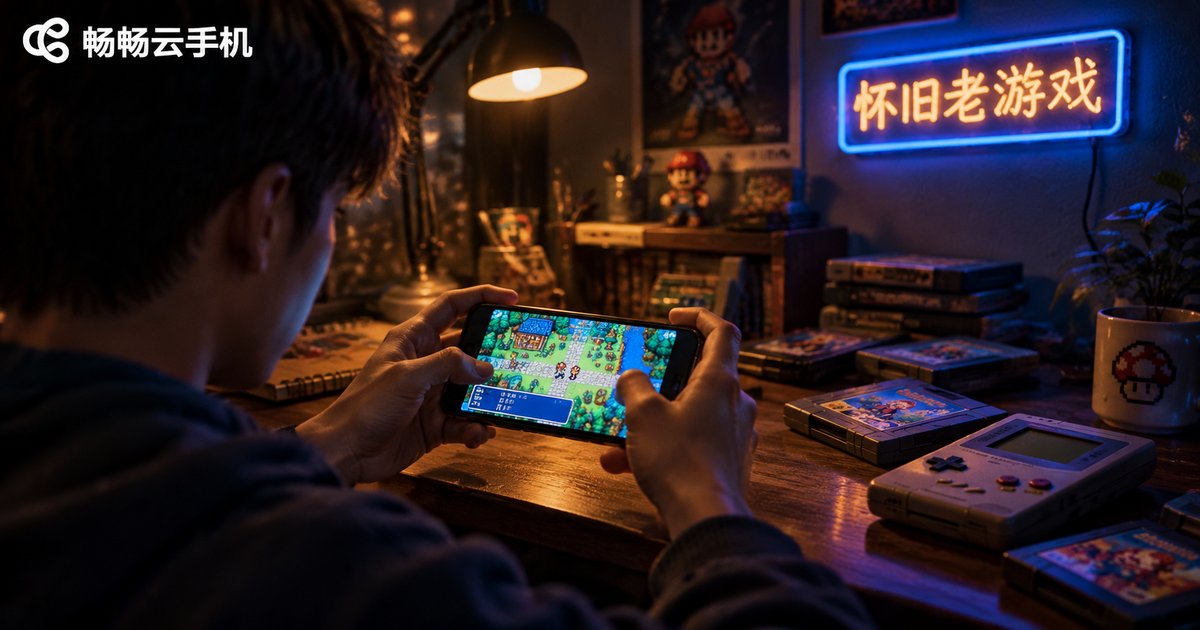
Cloud Phone for Retro Games: Android 7 vs Android 9, Tested in Practice
Want to replay classic mobile games on a cloud phone but torn between Android 7 and Android 9? Based on hands-on testing with a batch of nostalgic titles, this article compares the two system versions on compatibility, smoothness, and graphics rendering. Android 7 turns out to be the comfort zone for pre-2016 games, while Android 9 wins on performance for semi-retro titles. It also explains why legacy engines, permission models, and 64-bit requirements make the version choice matter more than most players expect. You will find a comparison table, a quick version-picking guide, and practical tips for switching system versions on ChangChang Cloud Phone (ccloudphone).
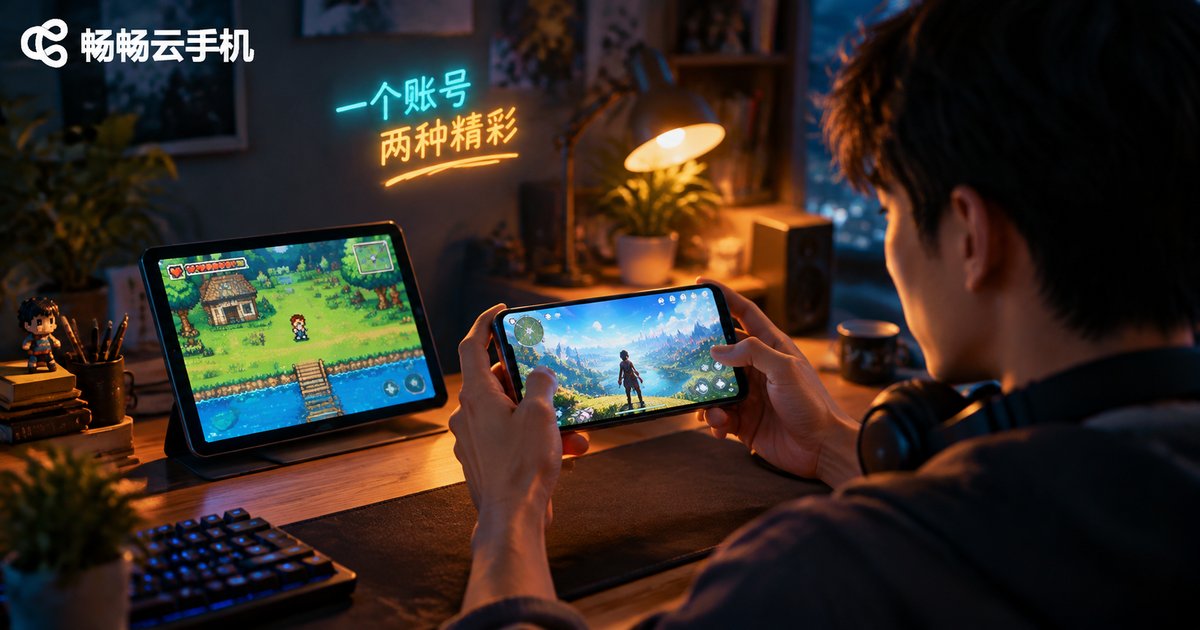
Can One Cloud Phone Handle Both Old and New Games? A Free System Switching Solution
Upgraded your phone and your favorite classic games started crashing, while downgrading makes new titles unplayable? This article explains how a cloud phone solves the dilemma with free switching between system images: multiple Android versions coexisting in the cloud, switching without flashing or data loss, and several devices running in parallel under one account. You will also find a practical daily workflow for playing old and new games side by side, a comparison of flashing versus cloud switching, and a checklist for choosing the right service — plus how ChangChang Cloud Phone (ccloudphone) lets one account cover all your games.
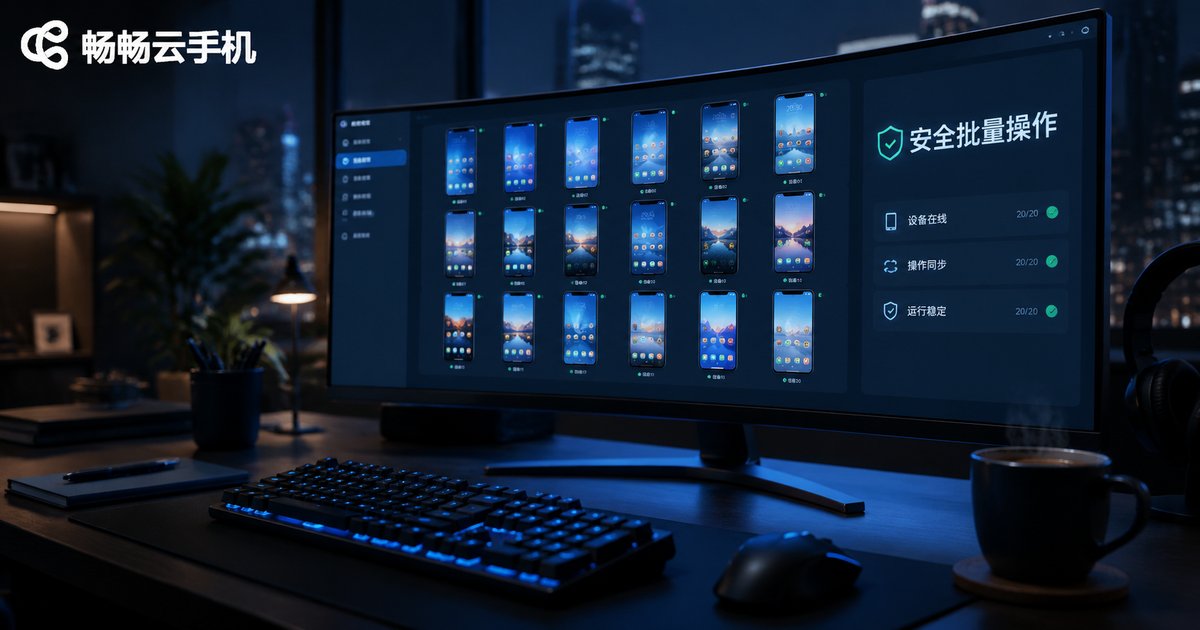
How to Batch Operate Cloud Phones Safely! Small-Batch Testing Standards Explained
Batch operations are one of the biggest efficiency advantages of cloud phones, but careless execution can trigger platform risk controls and put accounts at risk. This guide explains how to batch operate cloud phones safely: why small-batch testing must come first, how to run a three-step gradual rollout, which pre-flight checks matter most, the difference between risky and safe practices, and how monitoring and rollback keep failures contained, so you can scale your workflow with confidence.

How Small Teams Can Manage Batch Cloud Phone Deployment and Prevent Misoperations
A practical guide for small teams running cloud phones at scale. Learn how to standardize batch deployment with templates, business-based grouping and naming conventions; centralize daily control, monitoring and logging; and avoid the five most common misoperation scenarios such as wrong-group deletions and conflicting sessions. The article lays out five lines of defense — tiered permissions, double confirmation, canary execution, regular backups and log audits — so one careless click never takes down dozens of devices. Includes a tool-selection checklist and an FAQ for fast onboarding.

Who Should Use Cloud Phone Mobile Group Control? A Guide to On-the-Go Operations Scenarios
Mobile group control for cloud phones lets you manage dozens of cloud-based devices from a single smartphone, freeing you from desktops, cables, and server rooms. This article breaks down the six types of users who benefit most, including game studios, short-video matrix operators, cross-border e-commerce sellers, and field service engineers. It also analyzes real on-the-go scenarios such as account checks during business trips, device management at trade shows, emergency response while commuting, and batch task handling outdoors. A comparison table shows how mobile group control outperforms traditional multi-device setups in cost, portability, and reliability, helping you decide whether it is worth adopting for your team.
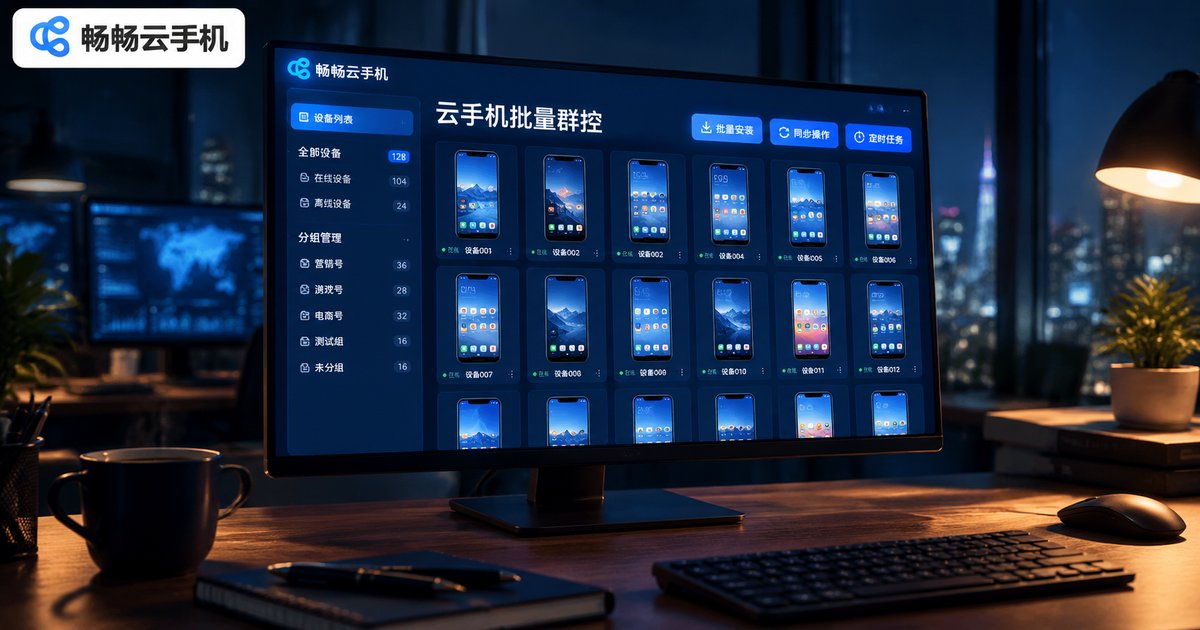
Which Device Scenarios Suit Cloud Phone Batch Group Control? Unified Grouping Strategy Explained
Cloud phone batch group control isn't a universal solution — choosing the right scenario is what multiplies efficiency. This article walks through the six device scenarios best suited to batch control: short video matrices, social commerce, mobile game idling, cross-border social media, app task studios, and app testing, while also pointing out cases where group control isn't worth it. It then breaks down a unified grouping strategy across four dimensions — platform, task type, operation stage, and region — combined with batch installation, synced operations, and scheduled tasks, so one person can keep dozens or even hundreds of cloud phones perfectly organized.
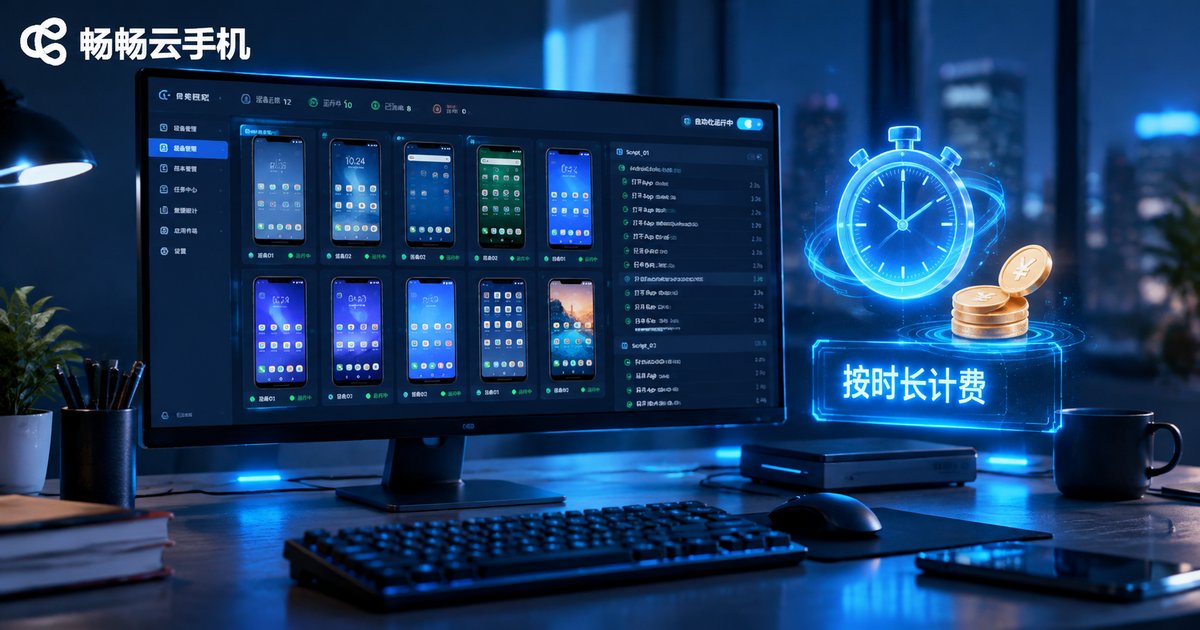
What Is the Billing Method for Cloud Phone AI Automation Tasks? Time-Based Billing Explained
How are cloud phone AI automation tasks billed? This article gives a complete breakdown of time-based billing: what it means, the simple cost formula, and three key rules such as when billing starts and why background tasks still count. It also compares time-based billing with monthly plans and per-task pricing in a clear table, and shares four practical tips to cut costs, from batching tasks to releasing instances promptly. If you run sign-ins, quests, or idle farming in the cloud, this guide—featuring ChangChang Cloud Phone (ccloudphone)—helps you pick the smartest billing model for your workflow and keep every automation minute under control.

How Good Is the Graphics Rendering of Cloud Android Containers in Cloud Phones? Principles Explained
In a cloud phone, the picture you see is not generated on your device. A full Android container runs on an ARM server cluster in a data center, where cloud GPUs render every frame, encode it into a video stream, and push it to your screen in real time. This article breaks down the entire cloud rendering pipeline in plain language, explaining how GPU power, encoding efficiency, network quality, and resolution and frame-rate strategies shape your experience. It also compares local rendering with cloud rendering across heat, multi-opening capability, and consistency, and shares practical tips to make everything smoother. Read on to understand what cloud Android container graphics performance is really capable of.
Which Large Models Do Cloud Phone AI Automation Frameworks Support? Qwen Integration Explained
Cloud phone AI automation frameworks are winning over productivity-focused users. This article maps out exactly which large models such frameworks support: native, deep integration with the full Qwen family, including Qwen-Max, Qwen-Plus, Qwen-VL, and Qwen-Turbo, plus universal compatibility with mainstream standard API protocols. Inside, you will learn how the perceive-understand-decide-act loop actually runs, practical tips for choosing the right model for each job, the most rewarding use cases, and why Changchang Cloud Phone (ccloudphone) makes a solid, always-on foundation for your AI automation workload.
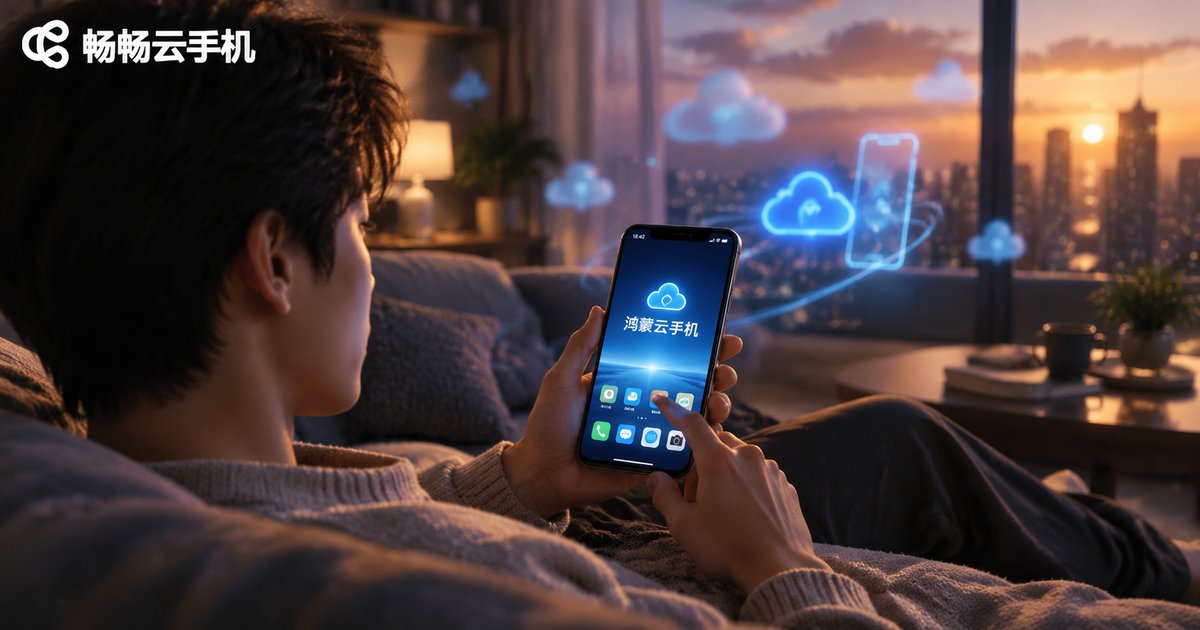
Does Cloud Phone Support HarmonyOS? HarmonyOS Cloud Phone Setup Guide
Can you run a cloud phone on HarmonyOS? This article explains the relationship between HarmonyOS and cloud phones across three layers: the cloud-side system, client access, and app compatibility. You will learn whether cloud phones support the HarmonyOS version, why a HarmonyOS device works perfectly as a control center for cloud phones, and how Android apps behave inside a cloud phone environment. A step-by-step five-part tutorial then shows you how to create a cloud phone directly from a HarmonyOS device, followed by practical scenarios such as multi-account gaming, 24/7 cloud hanging, and app cloning. The article closes with clear answers to the most frequently asked questions.