
What Android Version Do New Games Need on Cloud Phones After 2024? Android 13 and 15 Checklist
Why New Games After 2024 Demand Newer Android Versions
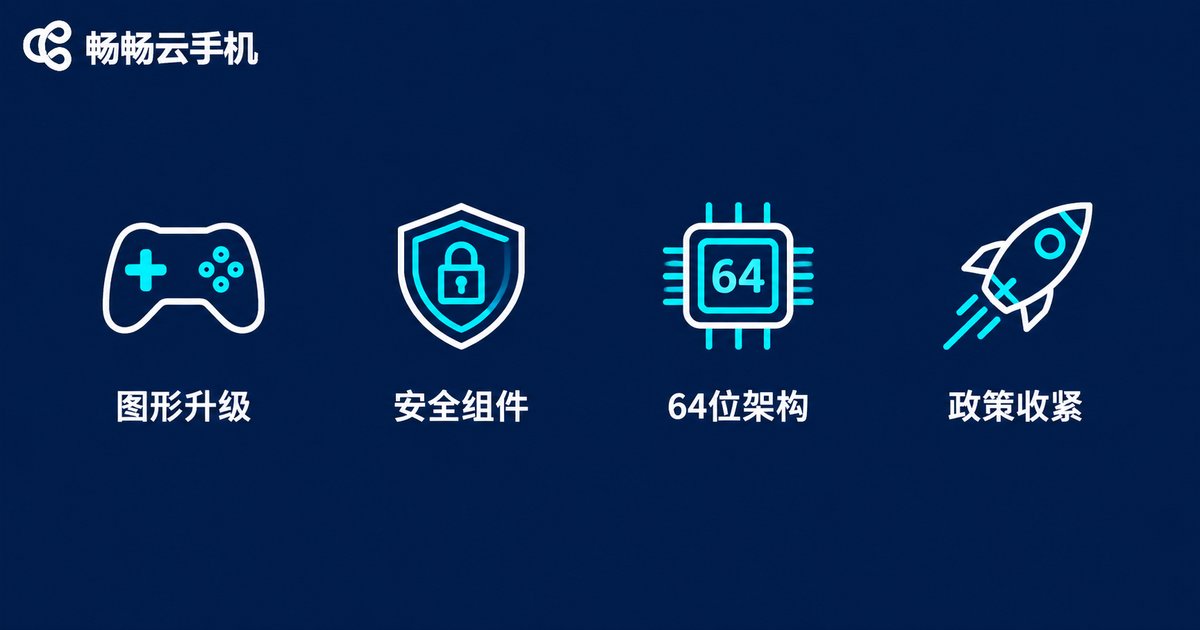
If you have ever seen a system version too low warning when installing a new game on your cloud phone, you have hit the Android version wall. Titles launched after 2024 raise the bar for four main reasons:
Newer graphics APIs: modern games rely on updated Vulkan interfaces that older Android versions support incompletely, causing stutters or crashes;
64-bit and memory management: Google Play requires 64-bit-only packages for new games and is rolling out 16KB memory page support, features that matured after Android 13 and work best on Android 15;
Anti-cheat and security components: competitive and trading features ship with modern security components, so studios often set the minimum at Android 13;
Tighter target API policy: Google Play requires newly submitted apps to target Android 14 from 2024 and Android 15 from 2025, so developers build and test on newer systems and expect players to match.
Android 13: The Entry Ticket for 2024 Games
Based on configuration notices from major studios, Android 13 has become the de facto minimum for post-2024 releases. These game types almost always require Android 13 or higher:
| Game type | Typical traits | Version needed |
|---|---|---|
| Large 3D open-world titles | High-detail scenes, real-time lighting | Android 13 minimum |
| New shooters and MOBAs | Built-in modern anti-cheat | Android 13 minimum |
| High-frame-rate games | 120 FPS and above | Android 13 for stability |
| Games on newer engines | UE5 or updated Unity | Android 13 minimum |
If your cloud phone still runs Android 11 or 12, these games may fail to install or crash frequently. Getting to Android 13 is step one.
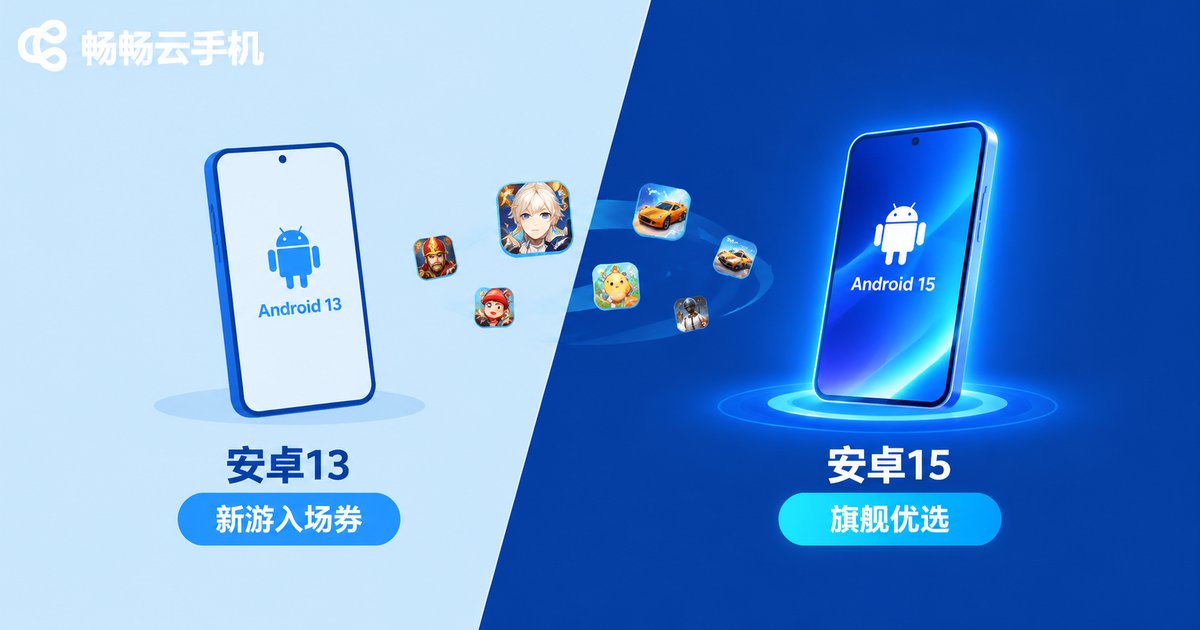
Android 15: The Smart Pick for Flagship Games and AFK Grinding
Android 15 arrived in 2024 and brings three concrete benefits for players:
Future-proof compatibility: from 2025, Google Play requires apps targeting Android 15 to support 16KB memory pages, so new games run best on Android 15 devices;
Smarter background scheduling: finer background task management keeps long AFK sessions and multi-instance play stable;
One and done: games launched after 2025 will increasingly recommend Android 15, so adopting it now saves hassle later.
Quick Checklist: Which Version Does Your Game Need?
Use this quick reference to match your situation:
| Your situation | Recommended version | Why |
|---|---|---|
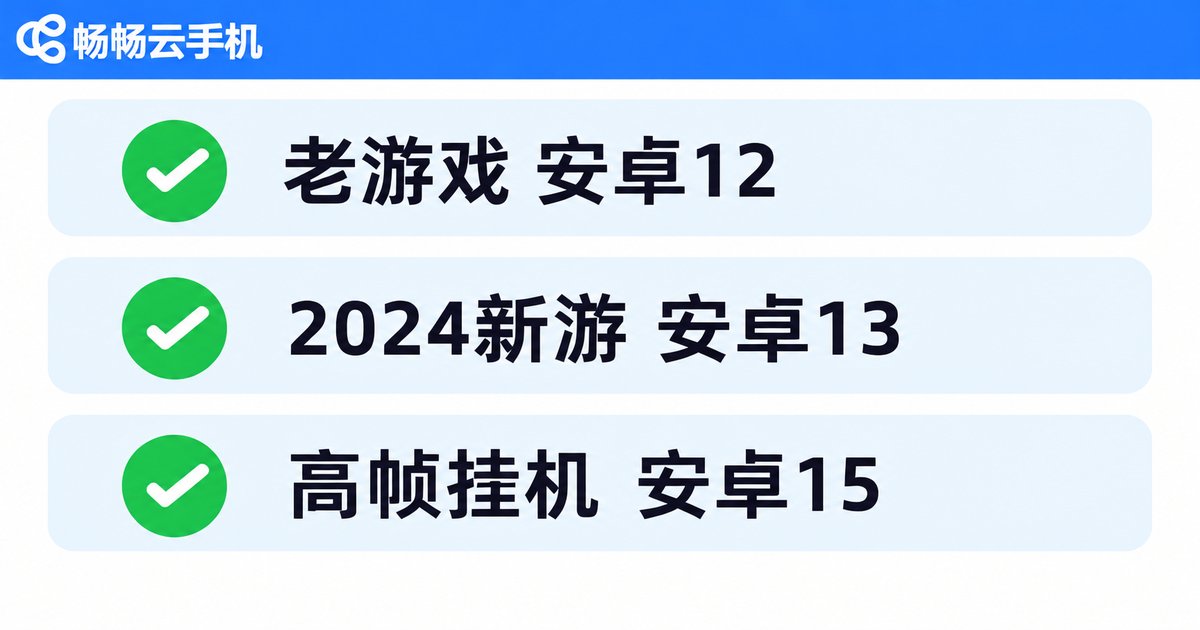
| Only pre-2024 games | Android 12 or above | Barely any pressure |
| Most new games after 2024 | Android 13 | The de facto minimum |
| High FPS, long AFK sessions | Android 15 | Stabler scheduling, longer compatibility |
| One device for old and new | Android 15 | Backward compatible, future-ready |
Can't Upgrade Your Phone? A Cloud Phone Hands You a New Device
Many people's daily phones are stuck on Android 11 or 12 with no more system updates from the manufacturer. This is exactly where cloud phones shine: the system runs in a data center and is maintained and upgraded by the platform, independent of your physical phone's hardware and OS. In other words, even a five-year-old phone can log into an Android 13 or Android 15 cloud device and install new games directly.
Play New Games with ccloudphone
Take ccloudphone as an example: it runs a complete Android system in the cloud, which you control remotely through an app or a browser. Your local phone only streams the picture, so heat, battery drain, and storage pressure all move to the cloud. For new-game players the benefits are direct: system versions are upgraded by the platform - no flashing firmware yourself; cloud devices stay online around the clock for uninterrupted daily quests; multiple cloud phones run in parallel to keep main and alt accounts separate. For supported Android versions and device specs, refer to the official ccloudphone website.
How to Check a Game's Minimum Android Version in One Minute
Three channels, one minute:
Store listing: the app page usually states which Android version is required;
Official announcements: launch notices on the game's website or community spell out minimum and recommended specs;
Test inside a cloud phone: search and install the game on ccloudphone - if it launches, it is compatible.
FAQ
Q: Is game data shared between Android 13 and Android 15?
Yes. Accounts and progress live on game servers, not on the device OS, so you can continue on any device with the same account.
Q: Can I upgrade the Android version on a cloud phone myself?
System images are maintained by the platform and users generally cannot flash them. Pick a provider that offers Android 13 and Android 15 images, such as ccloudphone, and let the platform handle compatibility.
Q: Do older games break on Android 15?
Almost never. Android is backward compatible and most old titles run fine; if one misbehaves, switch to a cloud device running a lower Android version.
Q: Will games after 2025 mandate Android 15?
The trend points that way. As Google Play tightens its target API policy, more titles will list Android 15 as recommended or minimum, so choosing an Android 15-capable cloud phone is the safer bet.


