
Who Should Use Cloud Phone Mobile Group Control? A Guide to On-the-Go Operations Scenarios
What Is Mobile Group Control for Cloud Phones?
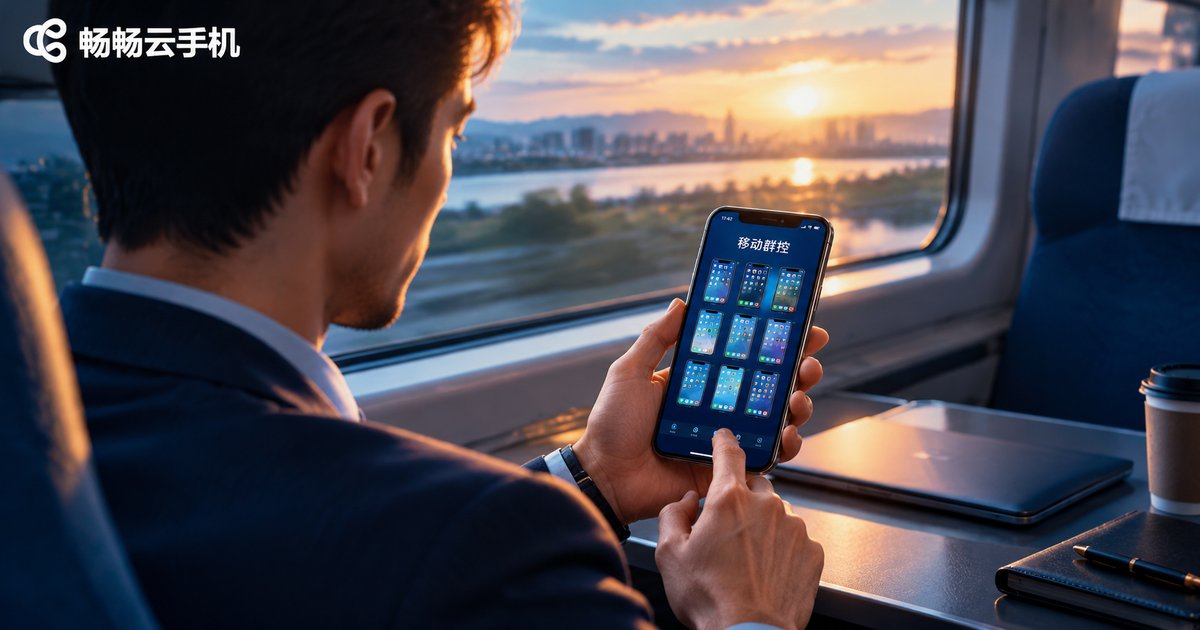
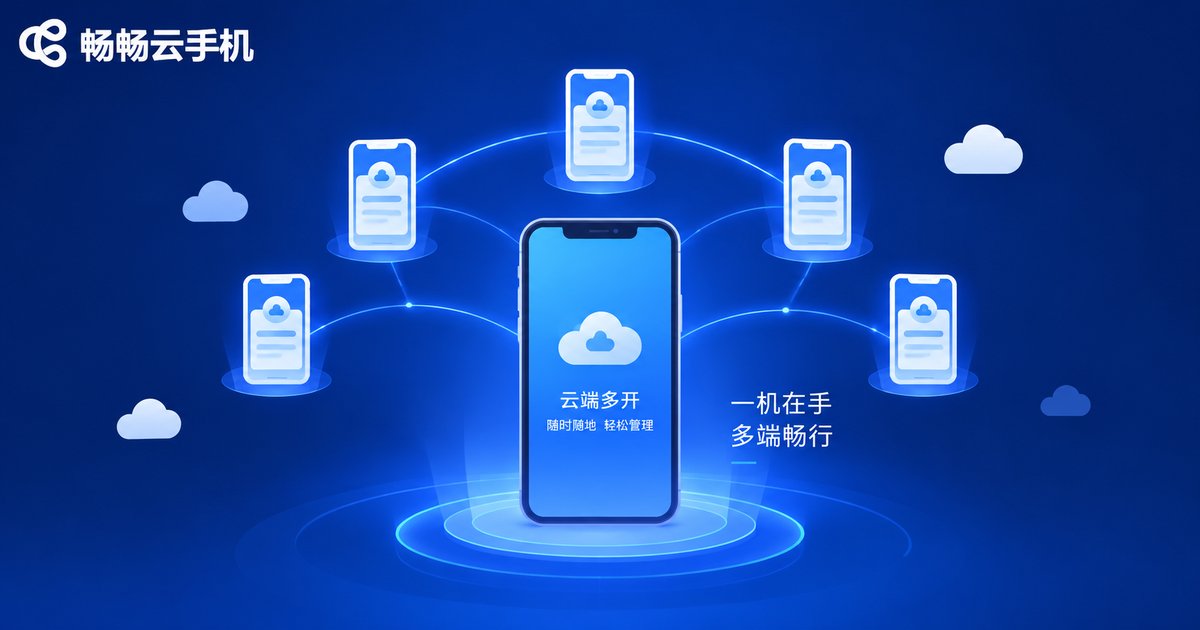
Mobile group control for cloud phones means controlling dozens or even hundreds of cloud phones from a single smartphone. These cloud phones run in cloud data centers, staying online 24/7 without consuming your phone's storage or battery. Just open the ChangChang Cloud Phone app and you can batch-manage every cloud phone from anywhere: install apps in bulk, sync operations with one tap, and monitor running status in real time, all from one screen.
Unlike traditional group control setups that require a desktop, cables, and physical racks, mobile group control is not tied to any fixed location. Office, home, high-speed train, or exhibition hall — as long as you have a network connection, every device is at your fingertips. This manage-anywhere capability is exactly what makes it a powerful tool for on-the-go operations.
Which Users Benefit Most from Mobile Group Control?
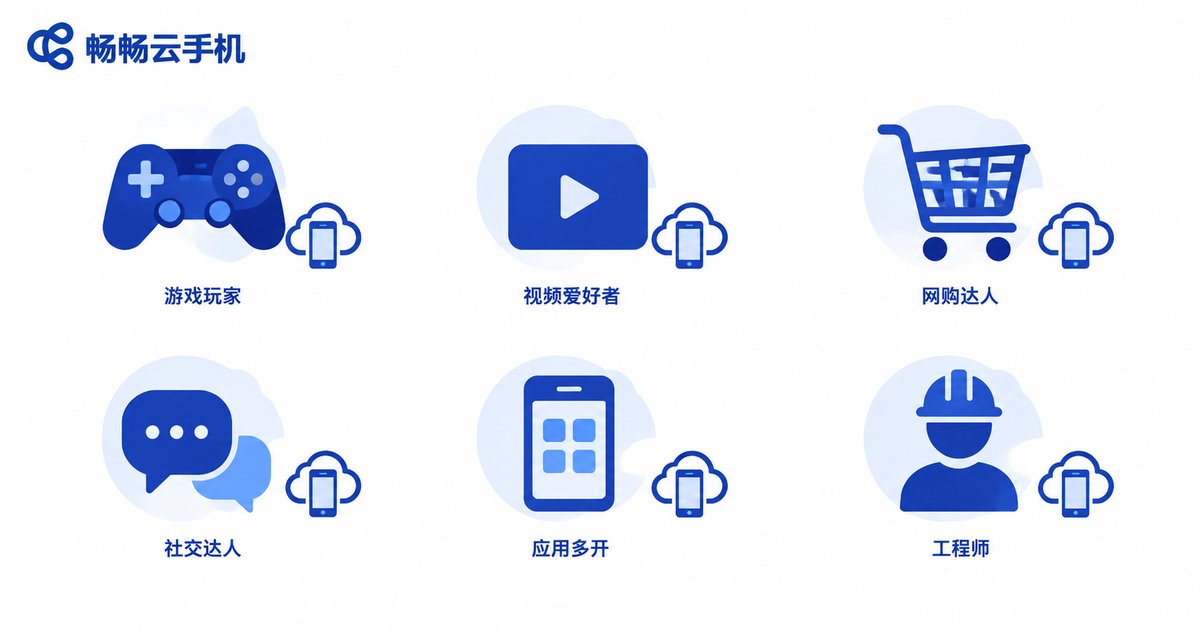
Mobile group control is not for everyone, but the following types of users see dramatic efficiency gains once they adopt it:
| User Type | Typical Needs | Value of Group Control |
|---|---|---|
| Game studios | Multi-account idle farming, daily quests, account leveling | Watch all accounts from one phone, never miss a task while away |
| Short-video and social media operators | Matrix publishing across platforms, comment engagement | Publish in batch, manage accounts even while commuting |
| Cross-border e-commerce sellers | Multi-store maintenance, message replies | Handle buyer messages during business trips, avoid timeouts |
| Community and private-domain operators | Multi-account community management, greetings and engagement | Batch actions cut labor costs significantly |
| App testers and promoters | Multi-device compatibility checks, bulk installation | Rich cloud device models, no need to pile up real phones |
| Field engineers and tech support | Remote inspections, emergency troubleshooting | Your phone becomes the operations console, take over anytime |
The common thread is clear: many accounts, fragmented tasks, and people who are rarely at a fixed desk. If all three apply to you, mobile group control deserves serious consideration.
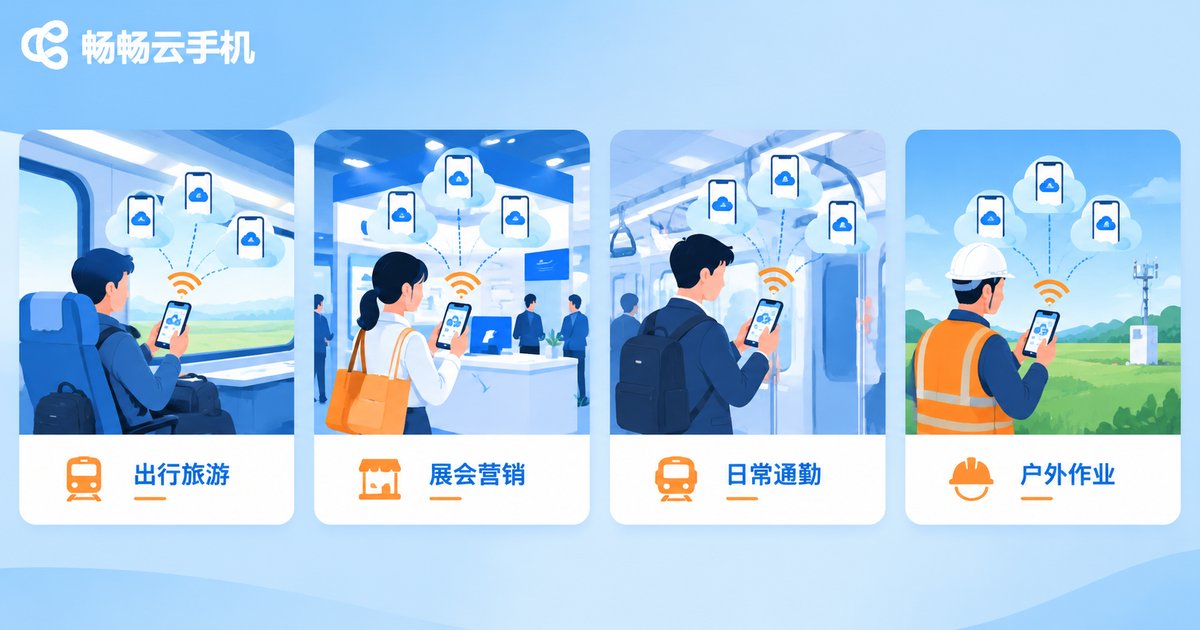
Four Typical On-the-Go Operations Scenarios
Scenario 1: Account inspections during business trips. Sales and operations staff fear account issues they cannot fix while traveling. With mobile group control, open your phone on the train and check each cloud phone in turn: apps online, tasks running, messages piling up — a full inspection takes just minutes, so you land ready to work.
Scenario 2: Device management at trade shows and live events. Live demos, QR interactions, and multi-account reception often require handling several devices at once. The traditional approach is hauling a case of phones; with cloud phones, one smartphone is the entire device wall, keeping the booth clean and the operator calm.
Scenario 3: Emergency response while commuting. Online businesses dread sudden issues: account anomalies, interrupted tasks, unanswered messages. Mobile group control lets you locate the problem device on the subway and batch-execute restarts, switches, or resends, cutting response time from hours to minutes.
Scenario 4: Batch tasks in outdoor and mobile work. In ground promotion, shooting, and field operations, staff are scattered and networks unstable. Cloud phones keep running in the cloud; field staff only need brief moments on their phones to dispatch tasks in bulk and collect results — people away from the desk, business never stops.
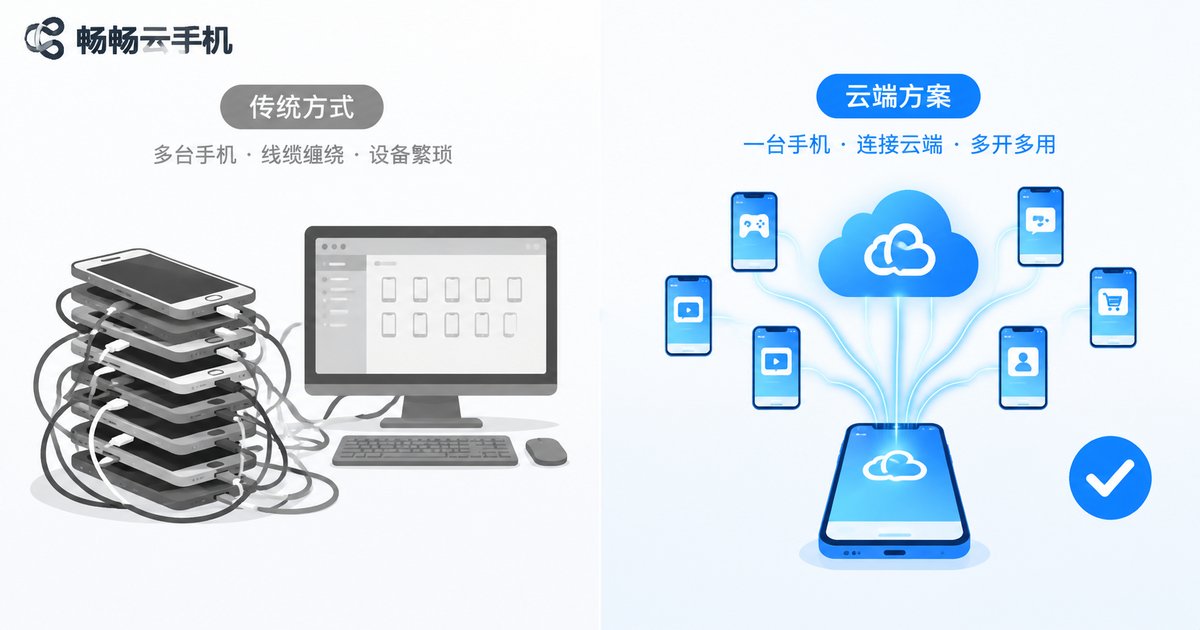
Mobile Group Control vs. Traditional Setups
| Dimension | Physical multi-phone / PC group control | Cloud phone mobile group control |
|---|---|---|
| Device cost | Requires buying many real phones and accessories | Provision cloud phones on demand, more controllable cost |
| Portability | Cases, cables, and stands all required | One phone handles everything |
| Usage scenarios | Basically fixed in a server room or at a desk | Anywhere with a network connection |
| Battery and heat | Real phones overheat during long runs | Runs in the cloud, your phone is only the controller |
| Emergency handling | Helpless when nobody is on site | Instant remote takeover from your phone |
How to Get Started Quickly
When choosing a solution, focus on three things: stability (does the cloud stay online for long periods), user experience (is mobile group control smooth and does it support batch sync), and flexibility (can you adjust device models and quantities as your business grows).
Overall, ChangChang Cloud Phone delivers a solid mobile group control experience: manage cloud phones in batches directly from the mobile app, with multi-instance support and grouping, and cloud devices online around the clock — ideal for teams that are often on the move and need to take over business anytime. For specific device models, quantities, and plans, refer to what is currently shown on the official ChangChang Cloud Phone website and choose a configuration that matches your account scale.
Getting started is simple: register an account, provision cloud phones, group your devices in the mobile app, then run batch installs, synced operations, and status monitoring across the whole group — going from zero to full deployment in minutes.
FAQ
Q: Does mobile group control demand a powerful phone?
Not at all. All computing happens in the cloud; your phone only handles display and commands, so an ordinary mid-range device can smoothly control dozens of cloud phones.
Q: Will tasks stop if I close the app?
No. Cloud phones keep running in the cloud; closing the app or locking your screen does not interrupt tasks, and you can check the latest status the next time you log in.
Q: How many cloud phones can one phone control?
It depends on the number of cloud phones you provision and how you group them; check the official ChangChang Cloud Phone website for specific limits and scale up gradually with your business.
Q: Will unstable network on the road affect group control?
On weak networks, commands may lag slightly, but cloud phones keep executing tasks normally in the cloud; once the connection recovers, you can continue managing, and no tasks are lost.
Q: Are accounts and data in cloud phones safe?
Cloud phone data is stored in cloud data centers, separate from local devices. Even if your phone is lost, account assets remain safe in the cloud — just log in on another device to resume management.


