
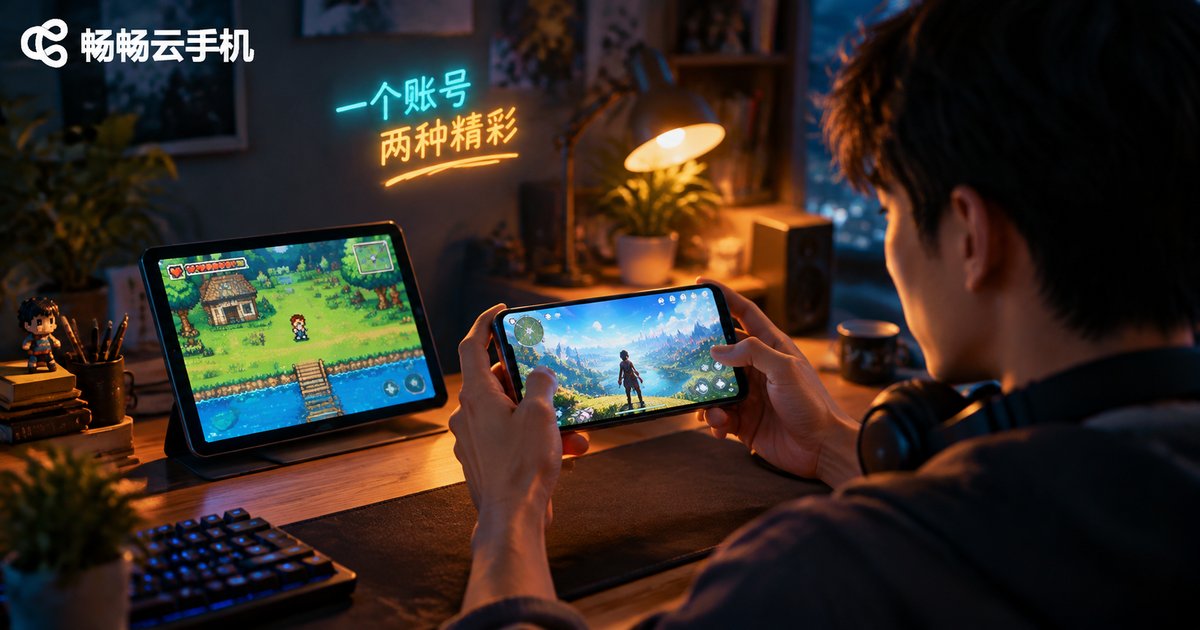
Can One Cloud Phone Handle Both Old and New Games? A Free System Switching Solution
Why Old and New Games Always Clash on One Phone
Many players know this awkward situation: after upgrading to the latest system, visually stunning new games run beautifully, but the moment you open a beloved old game, it crashes, shows a black screen, or refuses to log in. The reverse is just as common — an older phone runs classics smoothly but turns new titles into a slideshow.
The root cause is the Android system version. Most legacy games were built on old system interfaces and often run into compatibility issues on newer systems, while new games demand higher system versions and more raw performance. A physical phone holds only one system, so serving both old and new games well on a single device is genuinely hard. Flashing a dual-boot setup? It is a hassle, and it risks bricking your phone.
The Cloud Phone Answer: Free Switching Between System Images
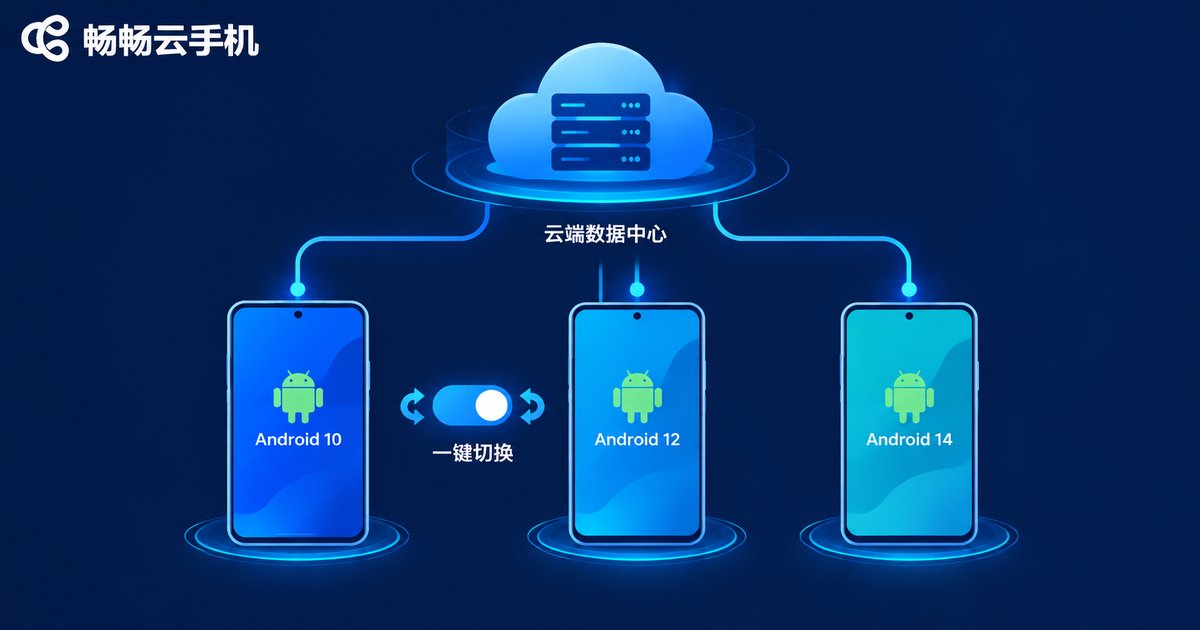
A cloud phone is essentially a virtual Android device running in a cloud data center. It does not depend on the hardware in your hand — system version and device specifications can be flexibly defined in the cloud, which makes peaceful coexistence of old and new games possible:
Multiple system versions coexist. A cloud phone can create devices based on different system images: spin up a device with an older system for legacy games, and a high-spec device with a newer system for the latest titles, with zero interference between them.
Switching without flashing. Changing the system on a physical phone means flashing, wiping data and taking risks. On a cloud phone, switching system environments is essentially just choosing a different device configuration, while game data is stored independently in the cloud, ready whenever you need it.
Several devices running in parallel. One cloud phone account can create multiple independent devices — one idles through old-game dailies while another plays the newest release, even at the same time. One account, many phones.
A Daily Routine for Old and New Games Side by Side
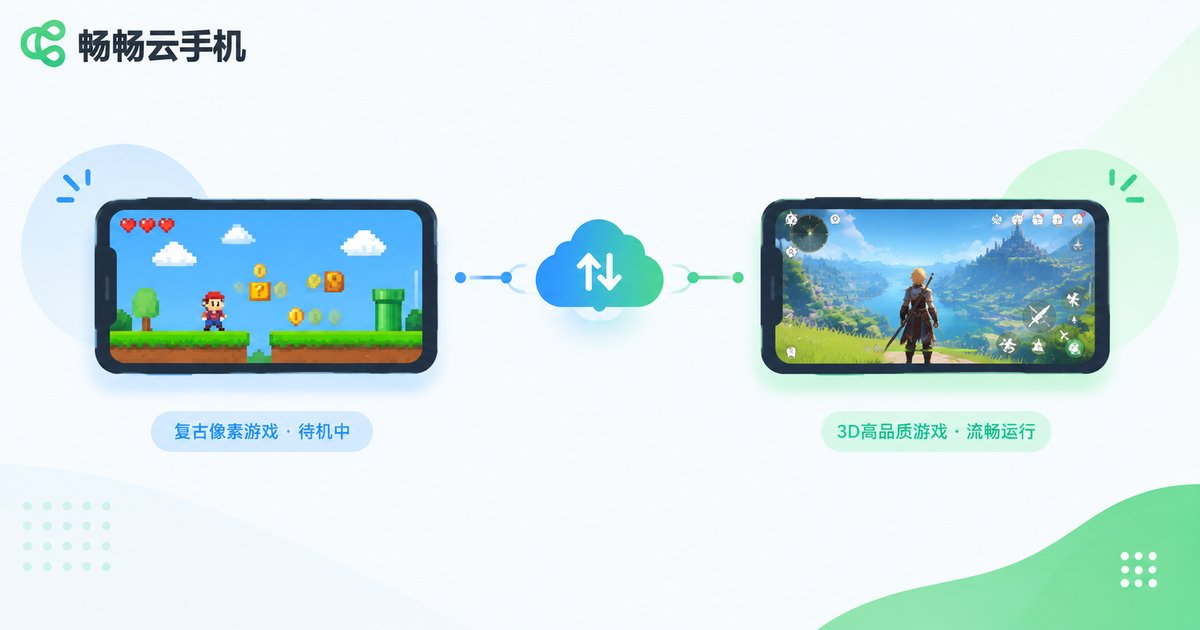
Here is a typical example: during the day at work or school, a low-spec cloud device keeps your turn-based classic running its daily quests; in the evening you switch to a high-spec device and enjoy a big new release at max settings — no overheating, no frame drops. Each device does its own job, and the data never mixes.
| Comparison | Flashing / dual boot | Cloud phone switching |
|---|---|---|
| Difficulty | Unlock and flash, brick risk | Pick a configuration, zero barrier |
| Data safety | Flashing may wipe data | Stored in cloud, kept separately |
| Running at once | Only one system at a time | Multiple devices online in parallel |
| Hardware wear | Heat, battery drain, storage use | No local wear, no storage taken |
One Device for All Your Games? Meet ChangChang Cloud Phone
When choosing a cloud phone that supports system switching, focus on three things: first, whether the range of systems and device models is rich — the more Android versions supported, the more room for old and new games; second, whether multi-instance creation and management are convenient; third, performance and stability, since new games demand high image quality and frame rates from the cloud configuration.
If you want a hassle-free option, take a look at ChangChang Cloud Phone (ccloudphone). It provides cloud-based Android devices that run independently around the clock, supporting 24/7 online game idling. Game data lives in the cloud, so switching phones or networks does not affect anything, and your local device stays cool with storage free. For the latest supported models and system versions, visit the ChangChang Cloud Phone official website and pick a configuration that matches your games.
FAQ
Q: Will switching systems on a cloud phone lose my game data?
No. Every cloud device has its own independent cloud storage, and game data in different system environments is kept separately. Switching devices feels like logging in on another phone — your data is still there.
Q: Do old games run slower on a cloud phone?
Generally not. Legacy games have low requirements, so cloud devices handle them easily. As long as your local network is stable, responsiveness is basically on par with a real phone.
Q: How many games can one cloud phone account run at the same time?
Cloud phones support creating multiple devices, and each device runs games independently. You can idle an old game on one device while playing a new release on another; the exact number of available devices depends on the plan you choose.
Q: Do I need a powerful local device to use a cloud phone?
No. All games run in the cloud; your local device only handles video streaming and touch input. An ordinary phone, tablet or even a low-spec computer works smoothly — a stable network is what matters most.


