
How Good Is the Graphics Rendering of Cloud Android Containers in Cloud Phones? Principles Explained
How Are Graphics Rendered Inside a Cloud Phone?
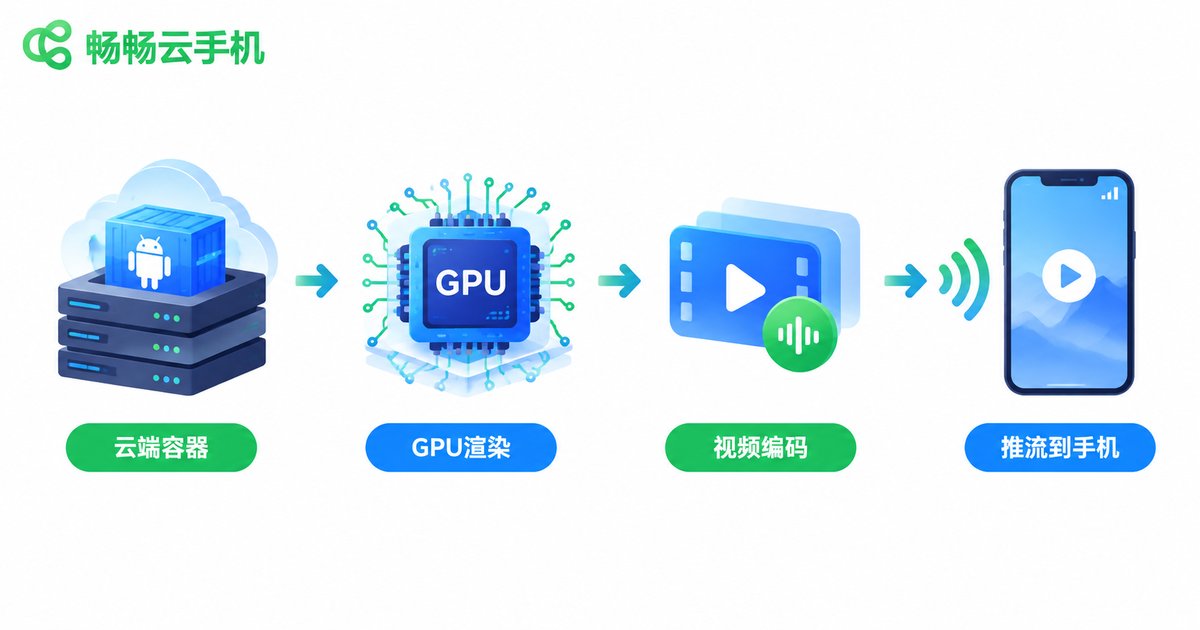
Many first-time cloud phone users wonder: if the app actually runs in a data center far away, how can its picture appear on my screen in real time? The answer is a complete cloud-side graphics rendering pipeline. In short, a cloud phone does not move the installation package onto your device. Instead, a full Android container runs on an ARM server cluster in the data center, where server-side GPUs draw every frame, encode it as video, and stream it to your screen — much like a live broadcast that reacts to your touch.
In other words, what you see locally is a live video stream of the cloud-rendered display. Your device only shows the picture and sends touch commands back, while all the heavy computation and rendering happen in the cloud. That is exactly why even older phones can run demanding apps smoothly through a cloud phone.
What Determines Cloud Rendering Performance?
Cloud phone graphics performance is never decided by a single metric — it is the result of the whole pipeline working together. Four factors matter most:
1. Cloud GPU power: Data-center-grade GPUs generally outperform mobile chips, and with virtualization tuned for Android containers they can sustain high frame rates.
2. Encoding efficiency: Rendered frames must be compressed into a video stream. Hardware encoders directly affect latency and quality; mainstream solutions use H.264/H.265 hard encoding and stay sharp even at lower bitrates.
3. Network quality: However fast the rendering is, frames still travel over the network. Bandwidth caps your image quality, while latency and jitter decide how responsive controls feel.
4. Resolution and frame-rate strategy: 720P vs 1080P, 30fps vs 60fps — each combination puts very different loads on rendering and transmission. Mature cloud phones balance these dynamically.
Local Rendering vs Cloud Rendering
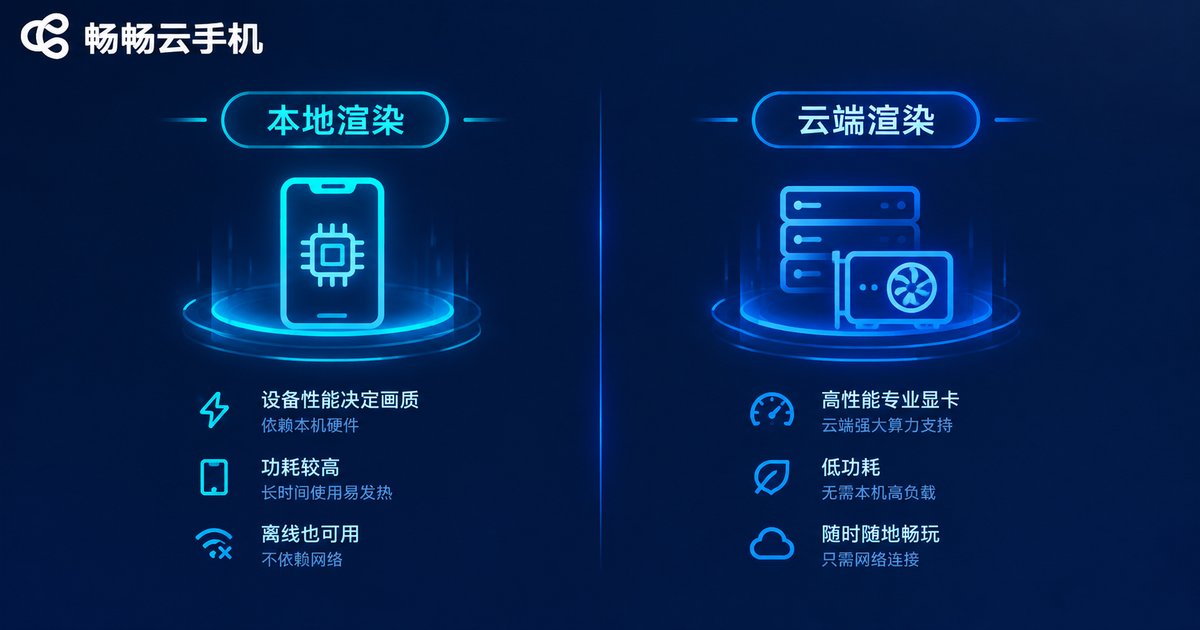
Placing the two side by side makes the differences obvious:
| Dimension | Local Phone Rendering | Cloud Phone Rendering |
|---|---|---|
| Compute source | On-device SoC | Data-center GPU cluster |
| Heat and power | Noticeable heat under long load | Local device only decodes video, stays cooler |
| Multi-opening | Limited by local memory | Containers get isolated resources for batch multi-opening |
| Picture consistency | Degrades as the device ages | Uniform cloud standard for everyone |
| Always-on | Stops when the screen locks or network drops | Runs 24/7 in the cloud |
What Does It Feel Like in Practice?
With a decent network, cloud rendering can feel nearly as responsive as a local device. Three common scenarios:
Graphics-heavy games: Rendering happens in the cloud, so local hardware stops being the bottleneck — even mid-range phones get stable frame rates. Touch commands are tiny, so latency mostly comes from the network round trip, usually tens of milliseconds.
Multi-opening and idle tasks: Background tasks do not demand instant response, but they do demand stability and uptime. Cloud containers are unaffected by your battery or device heat, making them ideal for long sessions.
App testing and multi-account: Every container is an isolated environment; rendering never interferes across instances and picture quality stays consistent, which makes batch management easy.
How to Get Smoother Cloud Rendering
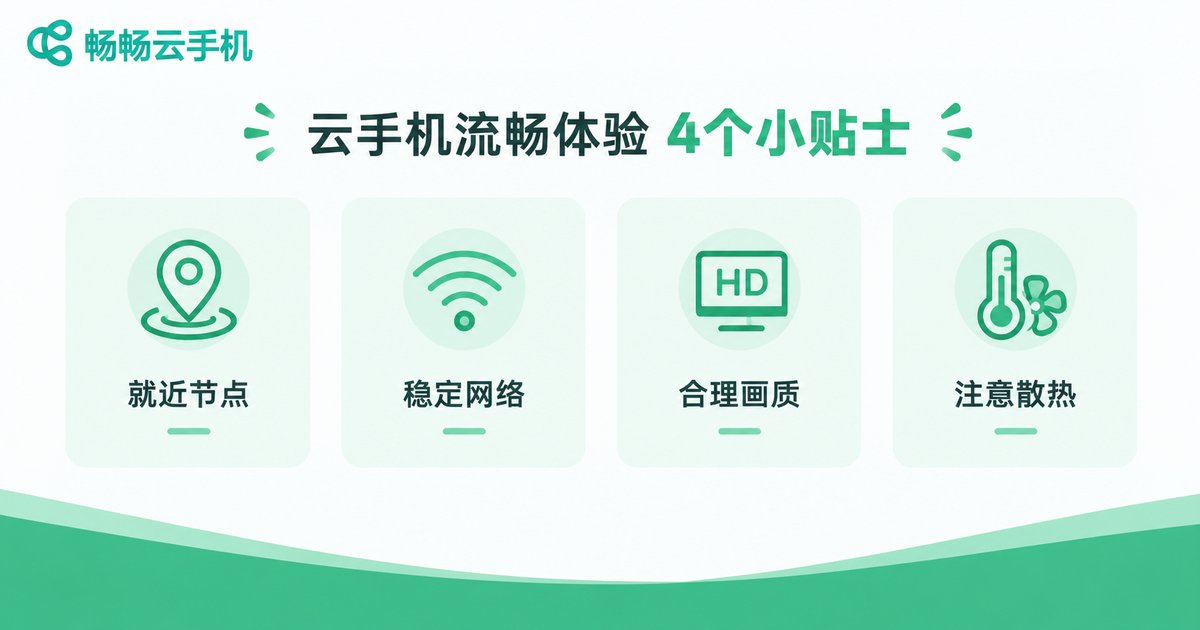
A few practical habits bring a better picture:
Pick a nearby node: The shorter the physical distance, the lower the round-trip latency and the better the responsiveness.
Use a stable network: Prefer 5G or solid Wi-Fi, and avoid peak hours when bandwidth is shared with other devices.
Tune quality settings: On a weaker network, lowering resolution or frame rate noticeably improves smoothness.
Ease the local load: Local decoding is light, but an overheated device can still cause playback stutters, so keep your device cool.
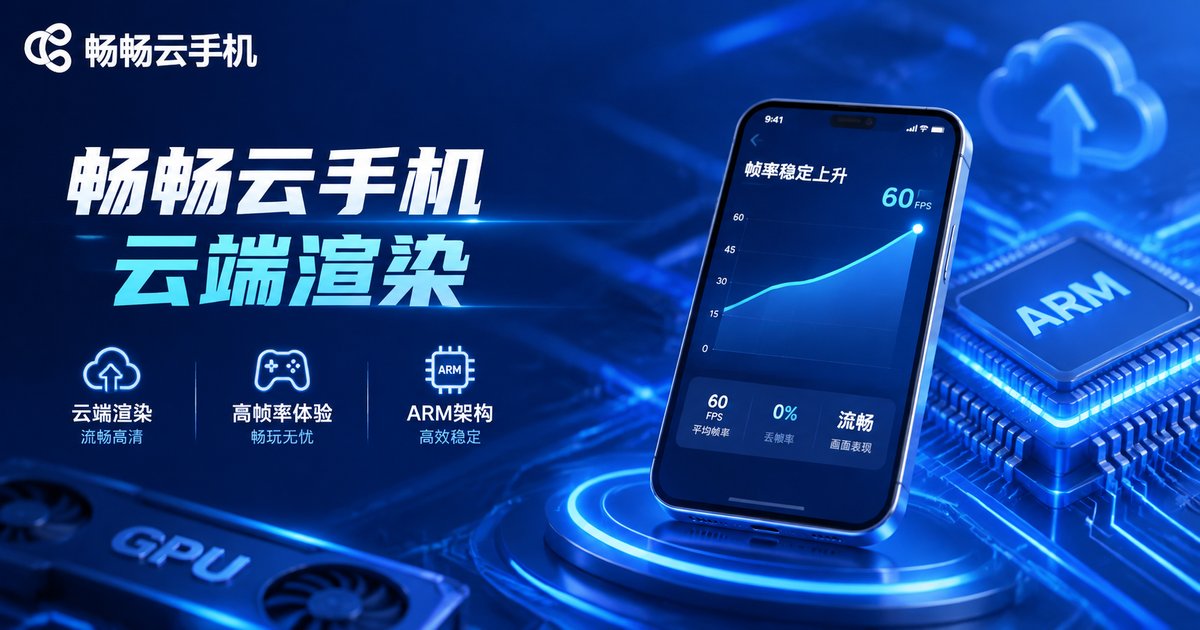
Rendering on ccloudphone
Among the available options, ccloudphone is built on a real ARM-based cloud phone architecture: apps run natively in the cloud, where graphics rendering and video streaming are completed server-side, while your device only handles display and input. Backed by data-center-grade compute and network conditions, it keeps picture quality stable and consistent for gaming, multi-account management, and long-running online tasks. If your phone often overheats, drops frames, or stutters when multi-opening apps, visit the ccloudphone official website to learn more and test the real capability of cloud rendering for yourself.
FAQ
Q: Will heavy games lag on a cloud phone?
Rendering is handled by cloud GPUs, so local hardware is no longer the bottleneck. Most lag comes from network fluctuation — choosing a nearby node and keeping the connection stable improves it significantly.
Q: Is cloud-rendered picture quality much worse than a real phone?
The stream is video-encoded, and with sufficient bandwidth its sharpness is close to a real device. Lower bitrates show more compression artifacts, so adjust the quality tier based on your network.
Q: How much input latency is there?
Touch commands are tiny, so latency is mostly network round-trip time — typically tens of milliseconds on a good connection, barely noticeable in everyday games and apps.
Q: Does a cloud phone drain my device's battery?
Quite the opposite: your device only decodes and displays video, a far lighter load than running demanding apps locally, so both heat and power draw are lower.
Q: What is ccloudphone best suited for?
It fits gaming, multi-account management, and long-duration online app scenarios. For plan details and configurations, check the ccloudphone official website.


