
Operations · Engineering · Trends
Hands-on playbooks, product updates and cross-border insights from the CCloudPhone team.
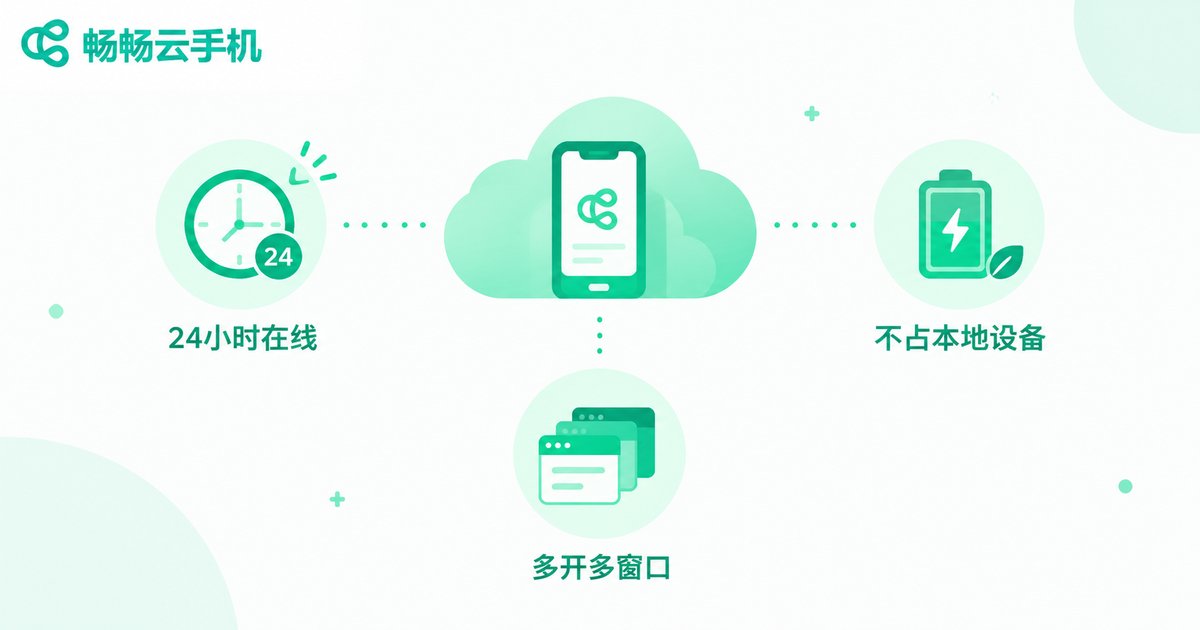
How to Run Scripts on a Cloud Phone: Script Permissions and Configuration Explained
Running scripts on a cloud phone is one of the most popular ways to automate repetitive tasks around the clock. But getting a script to run smoothly takes more than installing a tool: permissions and configuration decide whether your automation lasts for hours or crashes in minutes. This guide walks you through enabling accessibility, floating window, storage and background permissions, then tuning resolution, performance profiles, network and keep-alive settings for stable long-term operation. You will also find a complete step-by-step workflow for running scripts on ccloudphone, plus a troubleshooting table and FAQ covering the most common failures, so you can set everything up correctly the first time.
Which Free Cloud Phone Is Best? A Roundup of Platforms You Can Really Use Long-Term
Plenty of apps claim to offer a free cloud phone, but very few stay usable over the long run. This guide breaks down the most common types of free cloud phone services and the tricks behind them, then shares five practical criteria for judging long-term usability: device performance, online hours, stability, data security, and upgrade flexibility. You will also find a hands-on recommendation for ChangChang Cloud Phone (ccloudphone), a service with a free trial entry and stable cloud Android devices, so you can test everything before spending a cent and avoid wasting time on platforms that stop working after a week.

Which Cloud PC Should You Use? Pros and Cons of Major Platforms Compared
Which cloud PC platform is actually worth your money? This guide sorts the major big-tech offerings into three camps — general-purpose platforms from internet giants, carrier-bundled services, and vertical solutions built for gaming or creative work — and breaks down their strengths and weaknesses across price, performance, latency, ecosystem, and target users. You will also get five hard metrics for judging any cloud PC, plus practical tips to avoid common pitfalls before you pay. And if your real goal is mobile gaming with multiple accounts or AFK farming, we explain why a cloud phone like ChangChang Cloud Phone (ccloudphone) may serve you better than a cloud PC, so you can pick the right product the first time.
What Is Cloud Phone Trial Access? How to Claim Your Free Trial
Cloud phone trial access is a free benefit that platforms offer to new users. After claiming it, you can use an Android phone running entirely in the cloud without paying, and test core scenarios such as idle gaming, multiple accounts, and app hosting. This article explains what trial access is, what it usually includes, and walks you through four universal steps to claim it: choosing a reputable platform, registering an account, claiming the trial, and starting your experience. It also covers validity periods, data backup, and safety tips, helping you decide whether a cloud phone suits you at zero cost.
Which Apple Cloud Phone Is Best? A Pitfall-Avoidance Buying Guide for iOS Users
An Apple cloud phone lets iOS users run a virtual iPhone in the cloud, keeping idle games farming, apps running, and multiple accounts online around the clock without extra physical devices. However, the market is full of services with exaggerated specs, high latency, weak data security, and hidden fees. This guide walks iOS users through five key factors—real performance, stability, security, transparent pricing, and after-sales support—so you can spot the traps before you pay. We also explain why ChangChang Cloud Phone is a reliable option worth a closer look before you subscribe.
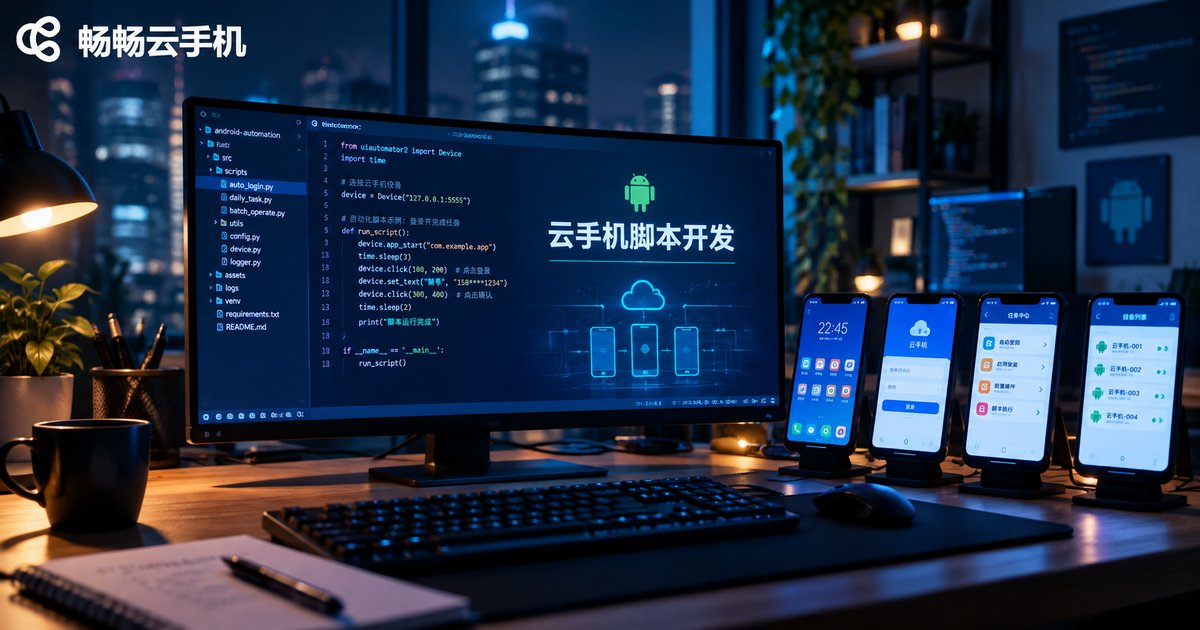
What Tools for Cloud Phone Script Development? A Guide to Common Automation Frameworks
Choosing the right tool is the first step to running automation scripts smoothly on a cloud phone. This guide walks you through the most popular Android automation frameworks, including ADB + Shell, uiautomator2, Airtest, Appium, and Auto.js, explaining how each locates UI elements, its learning curve, and the scenarios it fits best. You will also find a side-by-side comparison table, a four-step tutorial for setting up a cloud phone script development environment with code examples, and practical tips for running scripts around the clock in the cloud. Whether you are automating daily check-ins, testing apps, or building game scripts, this article helps you pick the right framework and get your first script running on a cloud phone quickly.
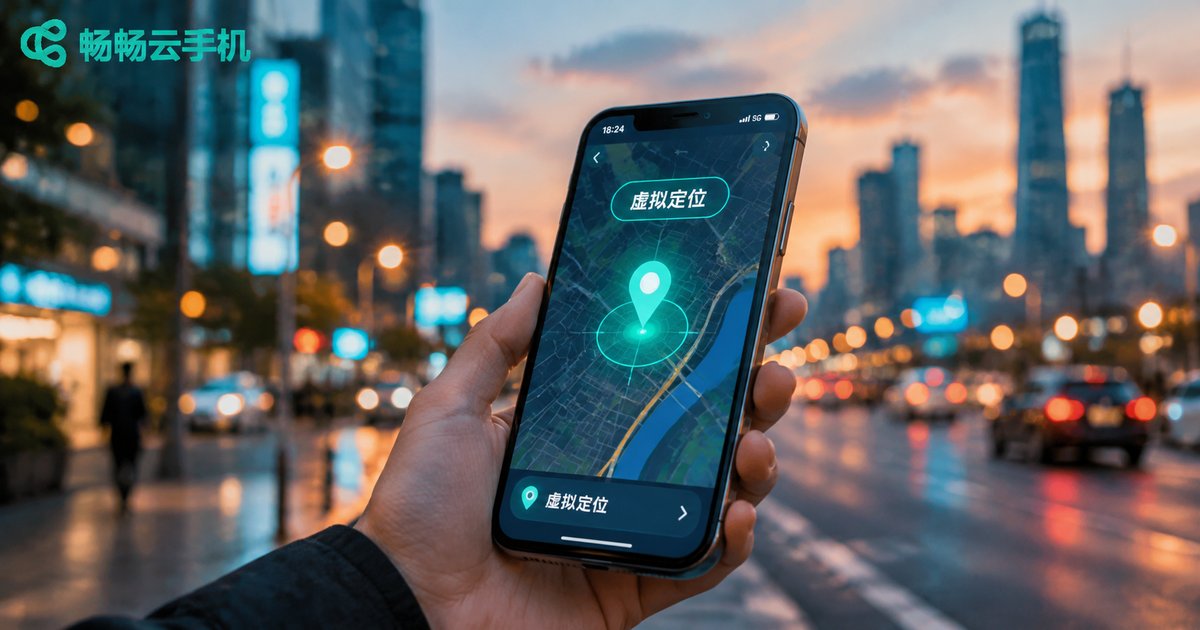
Can a Cloud Phone Change Location? How Virtual Location Works and What It's Used For
Many people wonder whether a cloud phone can change its GPS location. The answer is yes. Because a cloud phone runs on remote servers with a deeply customized Android system, it can simulate location data at the system level — no rooting your physical phone, no shady third-party plugins. In this article, we explain in plain language how virtual location works, the most common legitimate use cases such as app testing, privacy protection, and multi-account regional operations, as well as the platform rules and legal boundaries you should know. We also show how a stable cloud phone service like ccloudphone makes virtual location simple and safe.
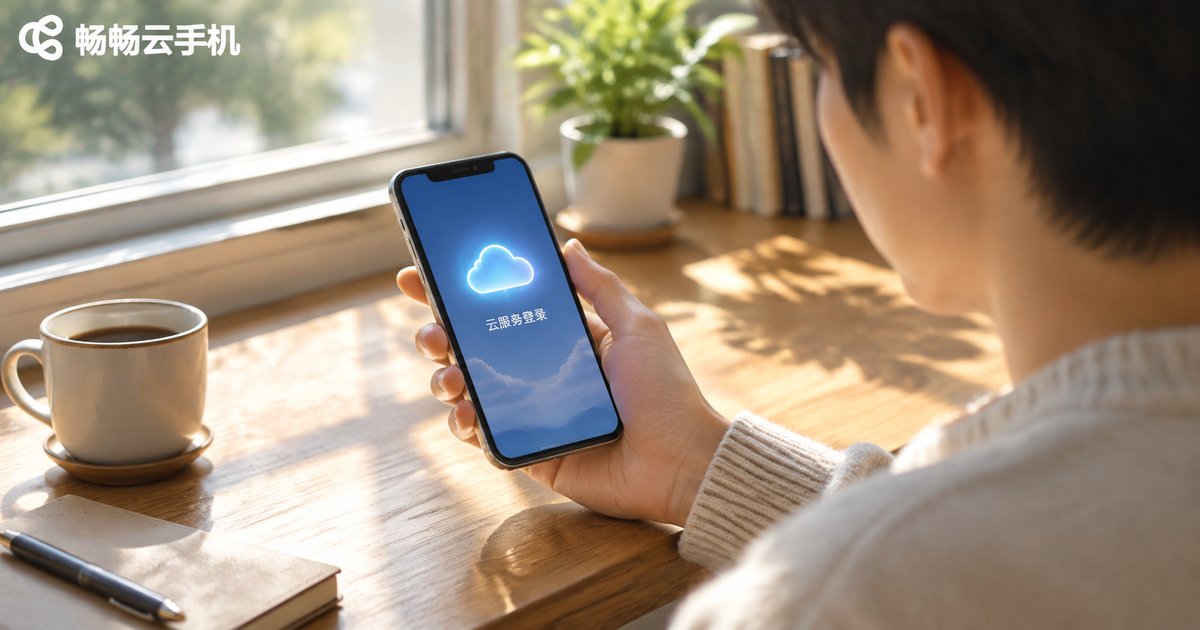
Where Is the Phone Cloud Service Login Entrance? Login Methods for All Major Brands
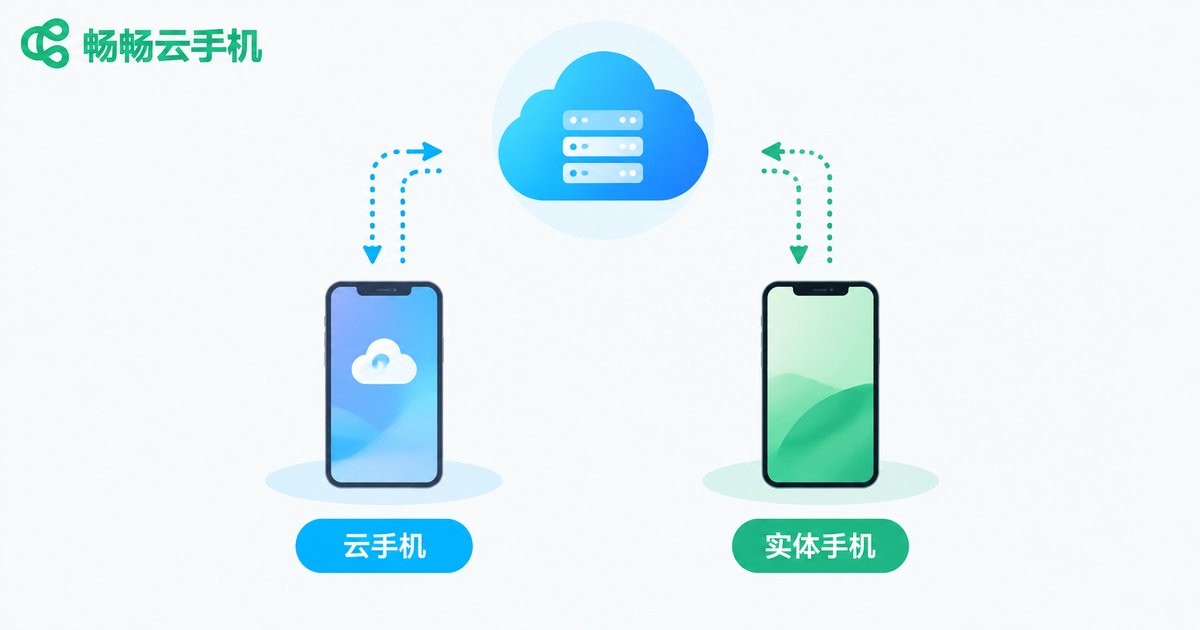
Migrating to a new phone, restoring deleted contacts, or locating a lost device all start with one step: signing in to your phone's cloud service. This guide brings together the login entrances and step-by-step methods for the major brands, including Apple iCloud, Huawei Mobile Cloud, Xiaomi Cloud, OPPO Cloud, and vivo Cloud, covering both the phone settings and the web portals. It also explains how to fix common sign-in problems such as forgotten passwords, verification codes that never arrive, and locked accounts, and clarifies the difference between a cloud service and a cloud phone, so you can get back into your account and keep your data safe in minutes.
How to Download and Install a Cloud Phone? A Detailed Android Installation Guide
How do you download and install a cloud phone on Android? This guide walks Android users through the entire process in detail: from pre-installation checks covering network, storage, and permissions, to the three simple steps of getting the package, installing the app, and registering an account, plus post-installation usage tips and answers to common questions. With clear step-by-step instructions, even beginners can get started quickly. We also recommend ChangChang Cloud Phone, which offers smooth performance and a stable cloud experience, helping you easily launch your first cloud phone on any Android device.

Which Cloud Phone Is the Cheapest? The Hidden Costs Behind Low-Price Plans
When choosing a cloud phone, the lowest price tag rarely tells the whole story. Budget plans often hide throttled performance, extra charges for basic features, renewal price hikes, and unstable devices that put your accounts and workflow at risk. In this guide, we break down the most common traps behind cheap cloud phone plans, teach you how to calculate the true cost per hour of real use, and share a practical checklist for comparing plans fairly. We also introduce ChangChang Cloud Phone, a service known for transparent pricing and stable performance, so you can spend your budget where it actually matters instead of paying for problems later.
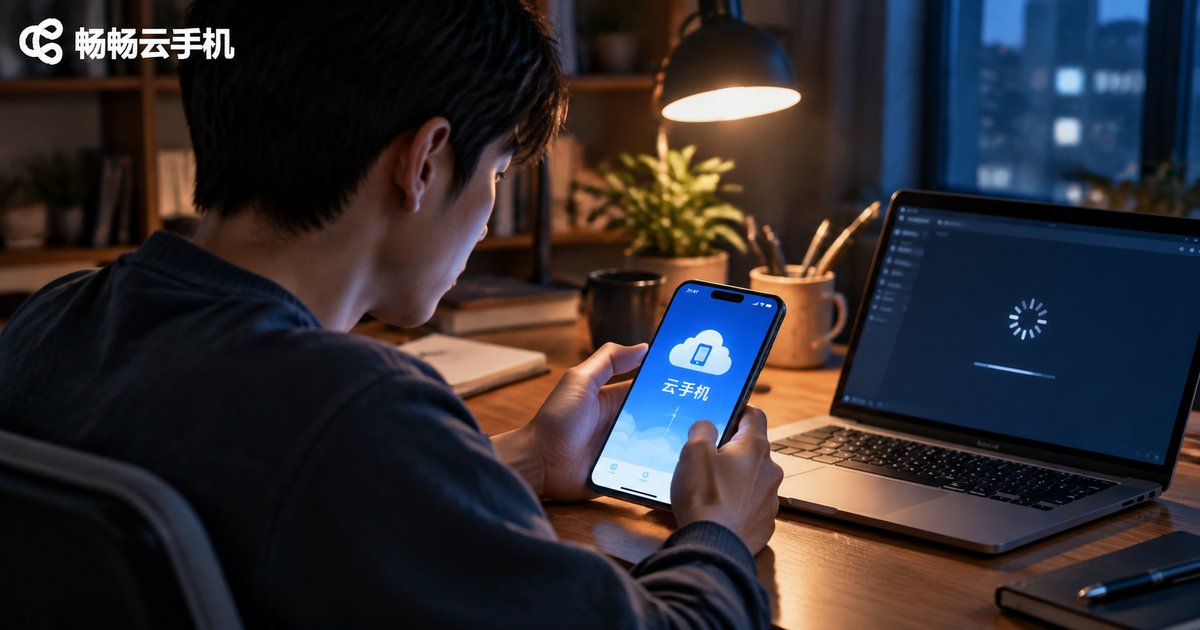
Cloud Phone Crashing or Won't Connect? A Complete Troubleshooting Guide
Cloud phone keeps crashing, freezing, or refusing to connect? Don't rush to reinstall anything. Most cloud phone problems come down to three things: your network, the app version, and your device or account status. This complete troubleshooting guide walks you through the most common issues step by step — checking network stability, updating the client, freeing up device memory, restarting your cloud device, handling simultaneous logins, and dealing with peak-hour congestion. You'll also find a quick-reference symptom table that matches common problems to likely causes and fixes, plus a set of simple daily habits that prevent crashes and connection failures from happening in the first place. Follow along and you can usually restore a smooth experience within minutes.

How to Fix Cloud Phone Gaming Lag: Graphics and Network Optimization Tips
Experiencing lag when playing games on a cloud phone? The problem usually comes down to three factors: network transmission, graphics settings, and server load. This guide walks you through practical graphics optimizations—lowering resolution, locking frame rates, and adjusting streaming quality—along with network improvements such as switching to 5GHz WiFi, closing background downloads, and avoiding peak hours. Follow these tips to dramatically reduce stuttering and input delay, and see how ChangChang Cloud Phone lets even an ordinary device enjoy smooth, stable mobile gaming. With the right balance between visual quality and connection stability, frustrating sessions can become consistently smooth ones.