
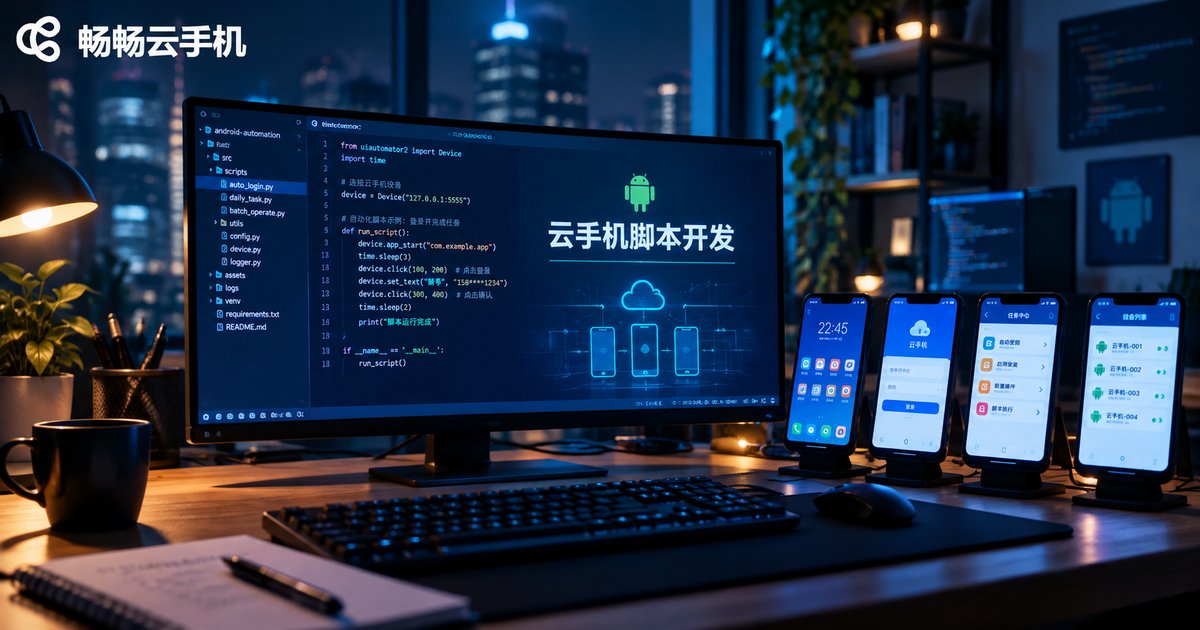
What Tools for Cloud Phone Script Development? A Guide to Common Automation Frameworks
Why Run Scripts on a Cloud Phone?
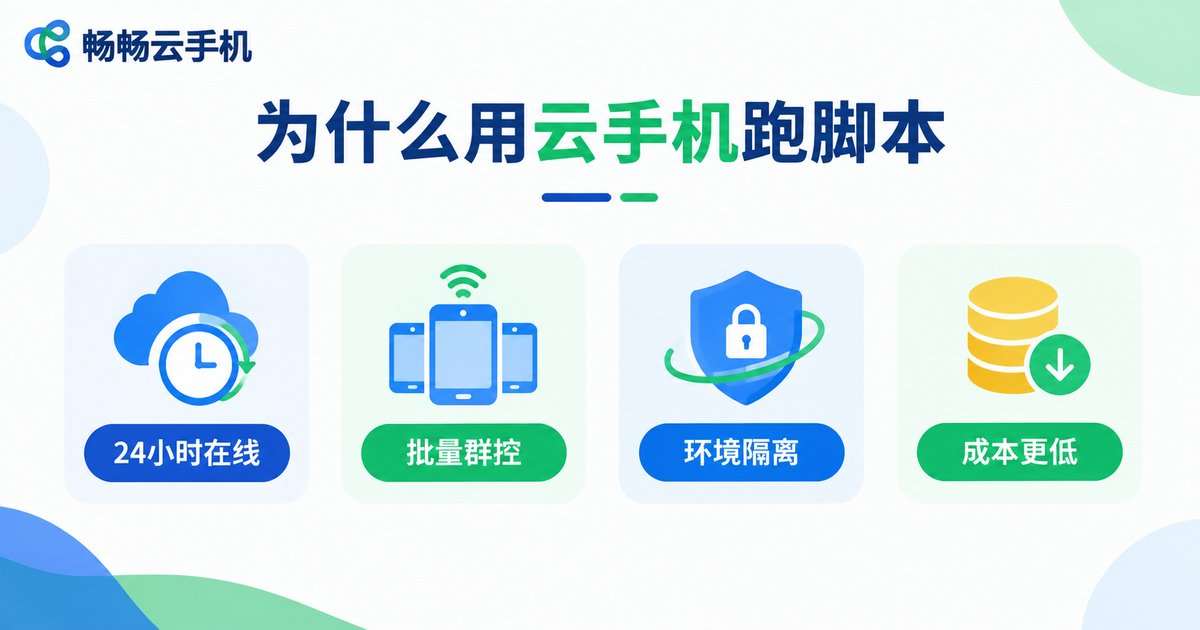
Whether it is game automation, batch check-ins, or app UI testing, scripts need an Android environment that stays online and stable for long hours. Physical phones overheat, run out of battery, and can only handle one task at a time. Cloud phones, running in data centers, stay powered 24/7 without overheating, and a single computer can manage dozens of 'phones' at once — a natural fit for script development and batch execution.
For developers, a cloud phone is essentially an Android device reachable over the network. As long as it supports ADB debugging, almost all mainstream automation frameworks work out of the box.
Common Automation Frameworks at a Glance
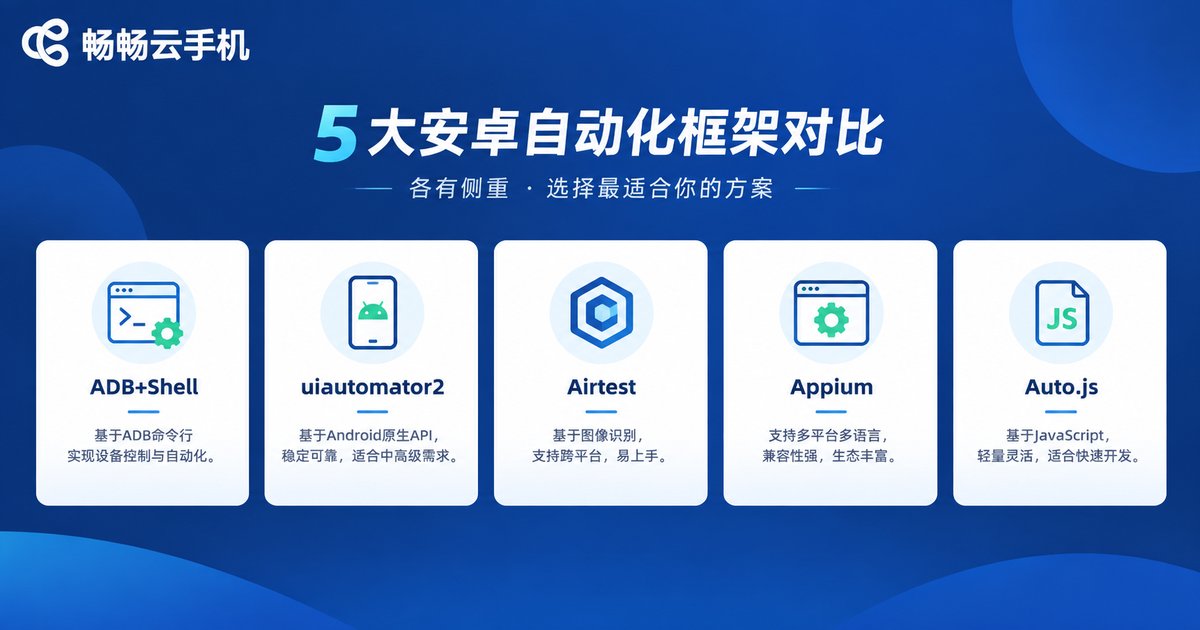
Below are the most widely used Android automation tools. Each has its own strengths, and you can combine them as needed.
1. ADB + Shell: The Foundational Tool
ADB (Android Debug Bridge) is the official Android debugging bridge and the foundation of nearly every automation solution. Once connected to a cloud phone via adb connect, you can install apps, tap, swipe, and take screenshots from the command line, or write simple shell scripts with commands like input and am.
# Connect to the cloud phone
adb connect 127.0.0.1:5555
# List connected devices
adb devices
# Simulate a tap at screen coordinates
adb shell input tap 500 800
2. Python + uiautomator2: Lightweight and Efficient
uiautomator2 is a Python-based Android automation library that locates elements by control ID or text. Its concise syntax makes it ideal for app automation and daily idle scripts.
import uiautomator2 as u2

d = u2.connect('127.0.0.1:5555')
d.app_start('com.example.app')
d(text='Sign in').click()
3. Airtest: The Game Script Powerhouse
Airtest offers image recognition, locating buttons by matching screenshots without relying on the control tree. This makes it perfect for games, where UI elements are hard to describe with controls. It also ships with AirtestIDE, a visual editor that beginners can pick up quickly.
from airtest.core.api import *

connect_device('Android://127.0.0.1:5555')
touch(Template('start_button.png'))
4. Appium: The Professional Cross-Platform Framework
Appium is a veteran mobile automation testing framework that supports both Android and iOS. You can write test cases in Python, Java, and other languages using a Selenium-style API, making it a solid choice for enterprise-grade test projects.
5. Auto.js / AutoX.js: Runs Directly on the Device
The Auto.js family uses JavaScript and runs directly on Android devices without a connected computer. Leveraging the accessibility service for taps and swipes, it suits lightweight idle tasks.
Which Framework Should You Choose?
| Tool | Language | Locating Method | Best For |
|---|---|---|---|
| ADB + Shell | Shell | Coordinates | Simple actions, debugging |
| uiautomator2 | Python | Controls / text | App automation, daily tasks |
| Airtest | Python | Image recognition | Game scripts, complex UIs |
| Appium | Multi-language | Controls | Professional test automation |
| Auto.js | JavaScript | Controls / coordinates | Lightweight on-device scripts |
Beginners should start with uiautomator2 or Airtest — both have simple syntax and rich community resources. Choose Airtest for game scripts and Appium for enterprise testing.
Setting Up a Cloud Phone Script Environment
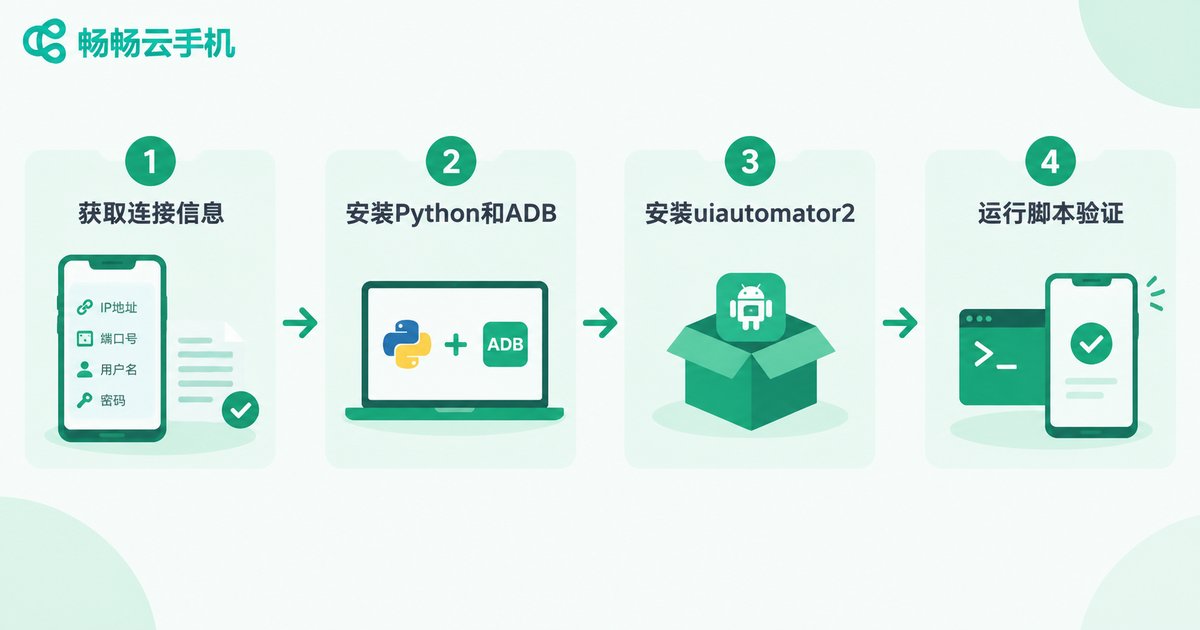
Using Python + uiautomator2 as an example, you can get your first script running in four steps:
Step 1: Get the ADB connection details from your cloud phone console;
Step 2: Install Python and ADB tools locally;
Step 3: Run pip install uiautomator2 and complete initialization;
Step 4: Connect to the cloud phone and run the script to verify.
Core Advantages of Running Scripts on Cloud Phones
1. Always online: Scripts run in the cloud, so shutting down your local computer does not interrupt tasks.
2. Batch control: Manage many cloud phones from one console and deploy scripts in bulk.
3. Isolated environments: Each cloud phone runs independently, ideal for multiple accounts and parallel tasks.
4. Lower cost: No need to buy stacks of physical devices — provision as needed.
Why We Recommend ccloudphone
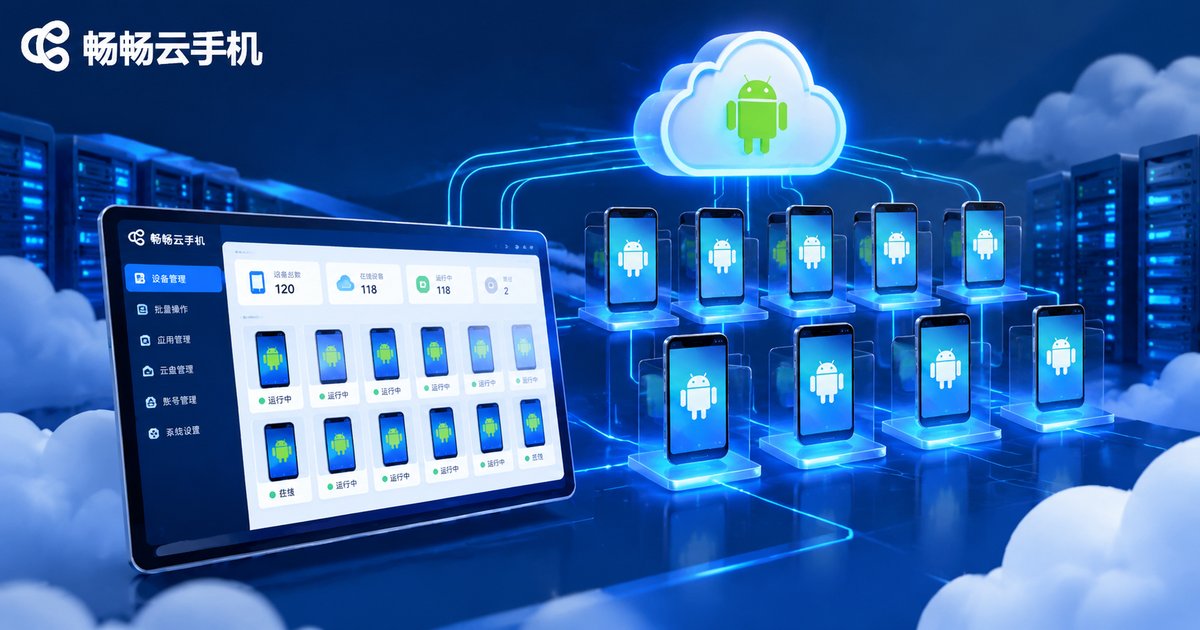
Among cloud phone services, ccloudphone is particularly friendly to script users: it provides stable Android cloud phone instances with ADB debugging support, so you can plug straight into frameworks like uiautomator2 and Airtest. It also supports batch device management, letting your scripts run around the clock in the cloud — perfect for long-running idle tasks and automated testing. Visit the official website at ccloudphone to sign up and try it.
FAQ
Q: Do cloud phones support ADB connections?
Most cloud phones offer ADB access, and ccloudphone is no exception. Once you get the connection address from the console, you can debug it just like a physical device.
Q: Can I create scripts without coding?
Yes. AirtestIDE provides a visual interface where you can record actions and use screenshot matching to generate scripts, greatly lowering the entry barrier.
Q: Can one cloud phone run multiple scripts at once?
Generally, one cloud phone runs one script task at a time. For parallel workloads, provision multiple cloud phones and manage them in batches.
Q: Are scripts stable on a cloud phone?
A cloud phone provides a real Android environment, and scripts behave as they would on a physical device. Keep execution frequencies reasonable and design human-like operations for stable long-term running.


