
Which Apple Cloud Phone Is Best? A Pitfall-Avoidance Buying Guide for iOS Users
What Is an Apple Cloud Phone?
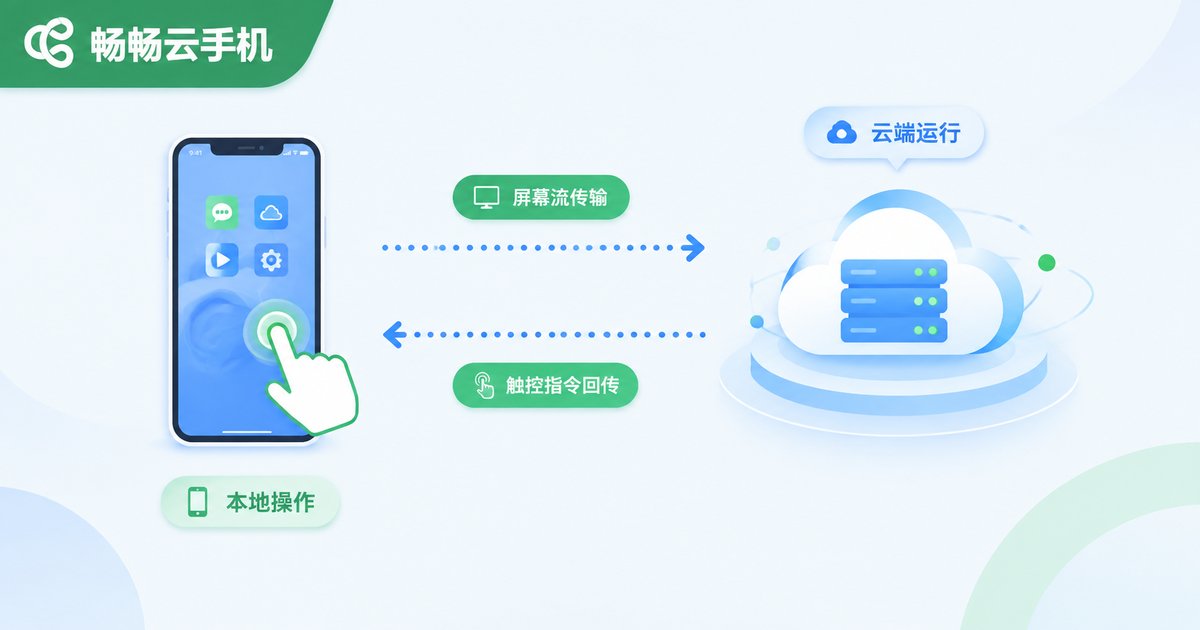
An Apple cloud phone is, in simple terms, a virtual iPhone running in a cloud data center. It runs the same kind of system as the device in your hand, but all the computing is done by servers in the data center, while your iPhone only handles the display and input. This means tasks keep running in the cloud even when your phone is powered off or offline—that is exactly where its value lies.
Why Do iOS Users Need a Cloud Phone?
Most iPhone users first get interested in cloud phones because of these scenarios:
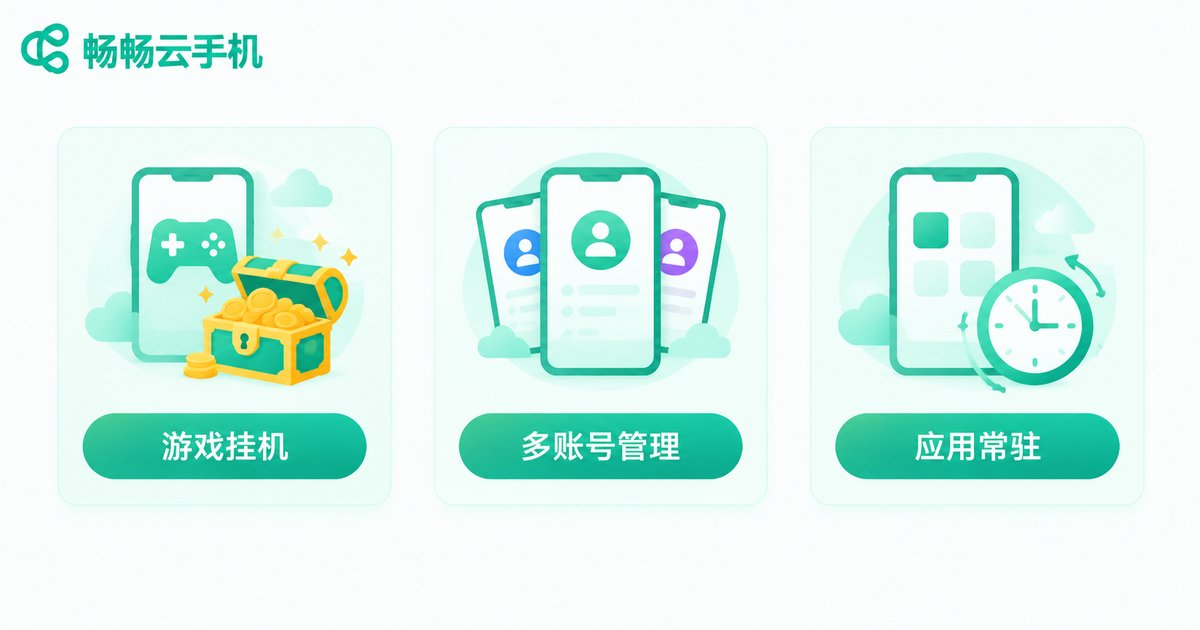
Idle gaming: Turn-based and idle games need long sessions online. A cloud phone frees up your real device while quests and rewards keep coming in overnight.
Multi-account management: Sellers, creators, and studios often run many accounts at once. Cloud phones let you open dozens of devices at a cost far below buying extra physical phones.
Always-on apps: Tool apps that must stay online around the clock can run inside a cloud phone, with no overheating, battery drain, or notification spam on your real device.
Buying Guide: Five Key Factors to Avoid Pitfalls
The market is crowded with cloud phone services of varying quality. Here are the five criteria that decide whether an Apple cloud phone is actually good.
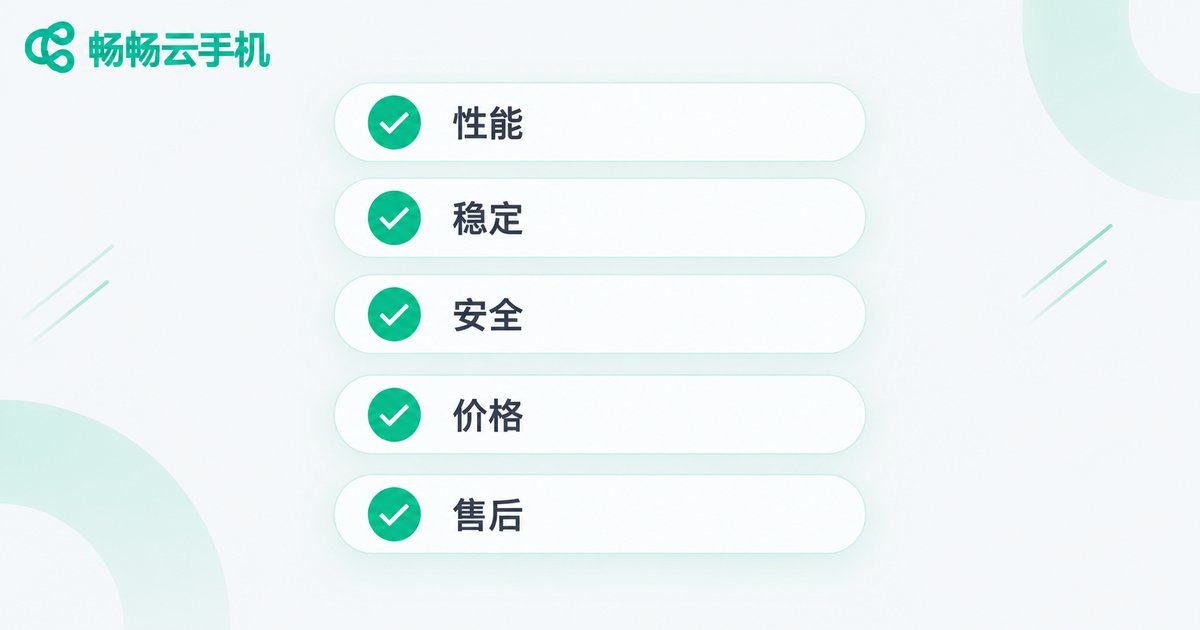
1. Real performance, not marketing specs. Some services look impressive on the sales page but run on low-end servers that drop frames the moment a game opens. Prefer platforms that support a trial before payment and let real experience speak.
2. Latency and stability. Every frame of a cloud phone travels over the network, so data center line quality directly shapes the experience. Providers with their own data centers and multi-line connections are usually far more stable than small resellers renting third-party servers.
3. Data security. Your accounts and game progress live in the cloud, so make sure the platform has data encryption and device isolation mechanisms to prevent account misuse.
4. Transparent pricing. Be wary of loss-leader packages priced far below the market. Read the billing rules carefully—whether charges are per device or per hour—and watch out for hidden fees later.
5. After-sales response. Whether you can reach a real person quickly when problems appear is the most direct test of a provider. Choose services with live chat and a proper ticket system.
Common Traps at a Glance
| Common Trap | How to Spot It |
|---|---|
| Inflated specs, laggy reality | Trial it first and check real frame rates |
| High latency, laggy input | Ask about data center location and lines; test response yourself |
| Mixed data storage, privacy risks | Confirm encryption and device isolation |
| Cheap intro, pricey renewal | Read billing cycles and renewal prices |
| Unreachable support | Test customer service speed before paying |
Why We Recommend ChangChang Cloud Phone
Among the many options, ChangChang Cloud Phone is worth a close look for iOS users. It works directly on Apple devices with no extra hardware required—sign up, activate a cloud device, and hand your idle-farming and multi-account tasks to the cloud. The platform offers several package tiers to fit different needs; for the latest features and pricing, refer to the official website at ccloudphone.
If you are new to cloud phones, start with a basic configuration, confirm it fits your scenario, and then consider long-term use. That is the safest path.
Tips for Getting Started
Network: Use a stable Wi-Fi connection for smoother streaming and lower input latency.
Backups: Enable two-factor authentication on important accounts and back up key data in your cloud device regularly for double protection.
Right-size your plan: A starter configuration is enough for light idle tasks; upgrade only for demanding games or heavy multi-account use, and spend your money where it counts.
FAQ
Q: Do I need to change my phone or jailbreak it to use an Apple cloud phone?
No. The cloud phone runs on remote servers. You only log in to the platform from your iPhone—no jailbreak, and no impact on your real device.
Q: Do tasks keep running after I close the app or web page?
Yes. Cloud devices stay online around the clock. Local logout does not stop cloud tasks; log back in anytime to check progress.
Q: How many cloud phones can one real device open?
It depends on the number of devices included in your package, from a single device to many. See the package details on the ChangChang Cloud Phone official website.
Q: Is my data safe in a cloud phone?
Reputable platforms encrypt data and isolate devices. Choose a provider with a solid reputation and a long operating history, and set up your own account security as well.


