
Which Cloud PC Should You Use? Pros and Cons of Major Platforms Compared
Why Are So Many People Moving Their “PC” to the Cloud?
In short, a cloud PC puts an entire computer in a cloud data center. Your aging laptop, tablet, or even a TV box only handles display and input, while the real computing happens on high-performance servers far away. Not enough local power? The “computer” on the other end of the network delivers top-tier specs on demand. Switching devices? Log in with the same account and everything follows you.
Sounds great — until it is time to pay. With so many platforms out there, whose cloud PC is actually good? Every landing page promises “low latency, high image quality, great value plans,” and ordinary users cannot tell the difference. This article takes the major platforms apart so you can do the math clearly.
First, Know the Camps: Three Types of Cloud PC Platforms
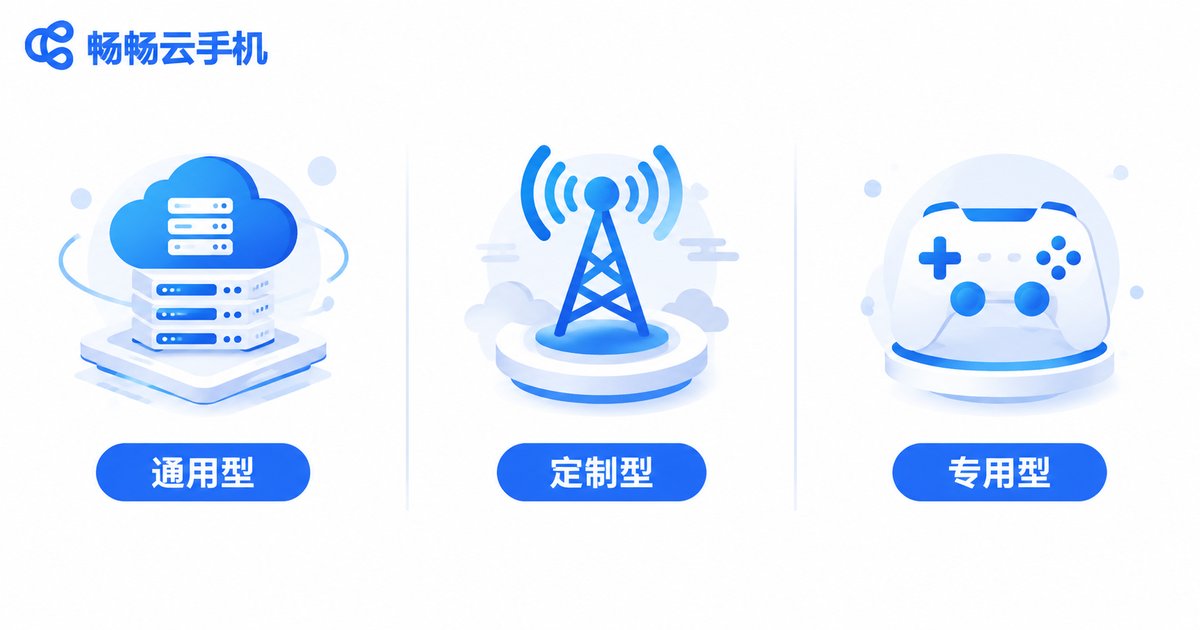
Instead of memorizing dozens of product names, understand the three playstyles behind them. Once you know the camp, the pros and cons are easy to predict.
Type 1: General-purpose platforms from internet giants. Backed by mature cloud infrastructure, they promise “one cloud PC for everything” — office work, design, and light gaming. Strengths: solid technology and broad multi-device support across phones, tablets, and PCs. Weaknesses: plans tend to be pricier, queues can appear at peak hours, and they demand decent local bandwidth.
Type 2: Carrier-bundled platforms. Launched by telecom operators and often sold together with home broadband. Advantages: wide availability and friendly pricing, great for TV streaming, online classes, and light office work. Disadvantages: mediocre image quality and latency, few configuration options, and a struggle for demanding games.
Type 3: Vertical, scenario-specific platforms. Built for gaming or creative work with deep optimization for latency and visuals — they genuinely feel great to use. But they are one-trick ponies: weaker for daily office tasks, usually billed by the hour, and bills climb fast under heavy use.
One Table to Understand the Pros and Cons
| Dimension | Big-Tech General | Carrier-Bundled | Vertical / Specialized |
|---|---|---|---|
| Entry cost | Medium to high | Low, often bundled with broadband | Pay-per-use; pricey under heavy use |
| Performance ceiling | High, wide config range | Medium, limited options | Scenario-optimized, strong results |
| Latency & image quality | Depends on bandwidth, generally stable | Average, fluctuates at peak times | Well-controlled latency, tuned visuals |
| Ecosystem | Multi-device sync, mature accounts | Deeply tied to home services | Narrow features, few extras |
| Best for | Work + entertainment users | Light household users | Heavy gaming / design users |
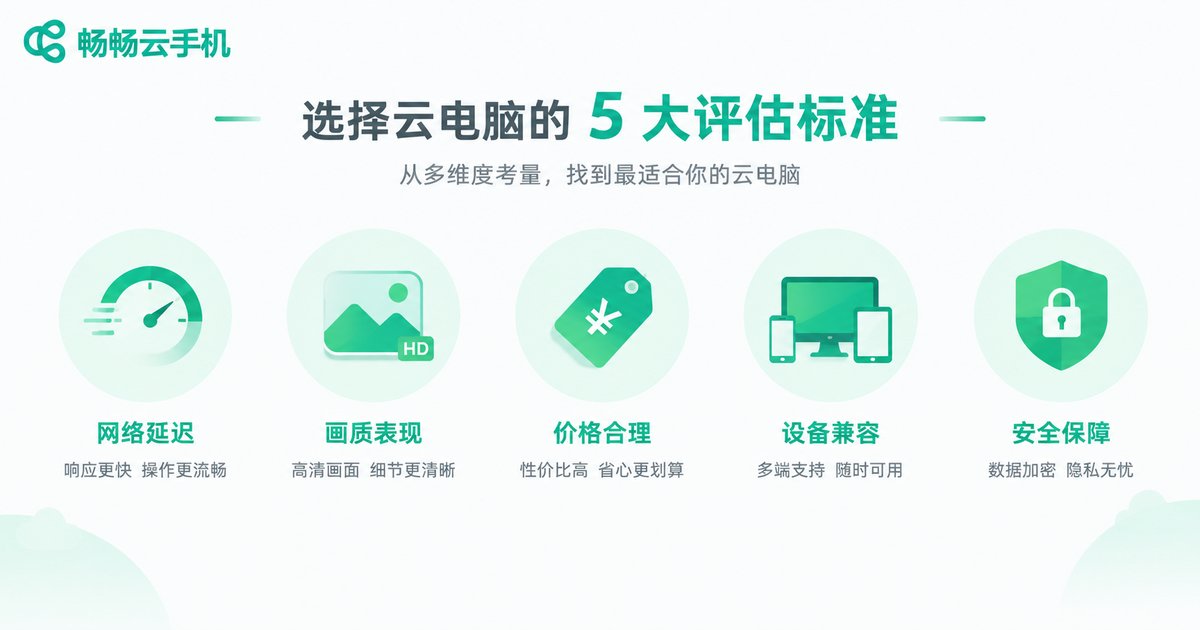
Five Hard Metrics to Judge “Whose Is Better”
Marketing copy can be polished, but these five metrics do not lie. Check them one by one:
1. Latency. The lifeline of any cloud PC. How responsive the controls feel and whether the image smears will define your experience. The closer the data center and the better the routes, the lower the latency.
2. Image quality and resolution. On the same network, some platforms stay sharp while others turn to mush. Check the maximum supported resolution and bitrate, plus how quality degrades on weak connections.
3. Plan flexibility. Can you pay by the hour or by the day? Does money burn while you are away? Flexible billing matters more than a monthly plan that merely looks cheap.
4. Device compatibility. Will your old PC, tablet, and phone all work? Does the client cover the systems you actually use?
5. Data security. Your files live in the cloud, so account security and privacy protection must be rock solid — stick to reputable, properly licensed platforms.
Do These Three Things Before Paying
First, always trial first. Nearly every platform offers free trial time. Test latency and image quality on your own network and devices — that beats reading a hundred reviews.
Second, read the billing rules. Hourly or monthly? How are overages charged? Does queue time count? These details are where real bills diverge.
Third, assess your real needs. Occasional documents? A basic plan is enough. Daily video editing or demanding games? Then a high-performance tier is justified. Paying for performance you never use is the most common waste.
A Different Angle: If Your Main Battlefield Is the Phone, a Cloud Phone May Fit Better
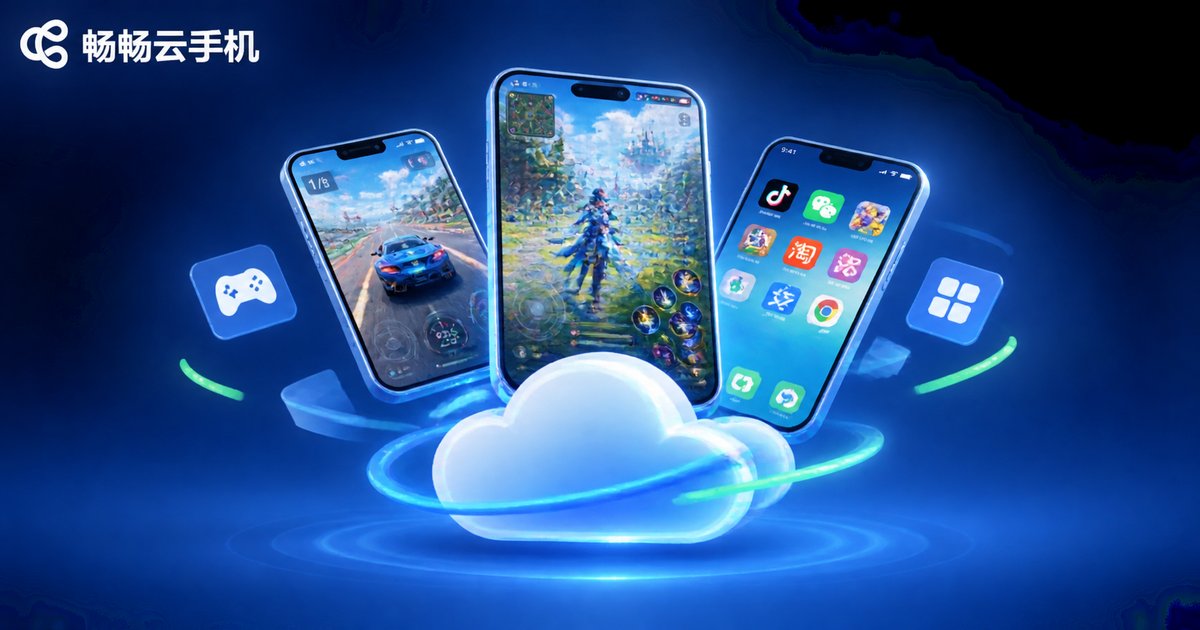
By now you can see that a cloud PC solves the “computer performance” problem. But many readers actually want to run several game alt accounts, AFK-farm for hours, or separate work and personal accounts on phones. A cloud PC handles these awkwardly — a cloud phone is the right tool.
A cloud phone is essentially an Android phone running in the cloud: no local storage used, no overheating, no local battery drain. Among the options, ChangChang Cloud Phone (ccloudphone) is worth trying first: with the Android environment moved to the cloud, your local device’s specs stop mattering, while multi-instance gaming, AFK running, and alt-account management come together in one dashboard — ideal for mobile gamers and multi-account operators.
One-line summary: if you want “a computer in the cloud,” pick a cloud PC using the five metrics above; if you want “a phone in the cloud,” go straight to ChangChang Cloud Phone.
FAQ
Q: Does a cloud PC demand a lot from my network?
Yes — the network is the foundation. A stable broadband or good Wi-Fi connection is the baseline; the higher and more stable your bandwidth, the better the latency and image quality. Test your speed before using mobile data.
Q: Can a cloud PC run demanding games?
Yes, that is one of its core scenarios. Vertical gaming platforms optimize best, while general-purpose platforms handle most games well — just watch hourly billing costs and the latency of nearby servers.
Q: What is the difference between a cloud PC and a cloud phone?
A cloud PC gives you “a computer in the cloud” for office work, design, and desktop games; a cloud phone gives you “an Android phone in the cloud” for mobile multi-instance gaming, AFK farming, and multi-account management. Choose by scenario — for phone scenarios, consider ChangChang Cloud Phone.
Q: Monthly plan or pay-as-you-go?
If you use it daily for hours, monthly is cheaper; for occasional use, pay-as-you-go wins. Unsure? Run pay-as-you-go for a week or two and decide based on real usage.
Q: What should I focus on during a free trial?
Three things: whether controls feel responsive, whether the image stays stable over long sessions, and whether your everyday software installs and runs properly. Pass all three, then consider a paid plan.


