
Phone tags
Audience: anyone with enough phones to need grouping. Page: Cloud Phones → My Phones.
Once you have a lot of phones, names alone stop being enough to find a particular batch. Tags are how you group them, and a phone can carry several.
1. Tagging one phone
In My Phones, open More → Set tags on the phone:
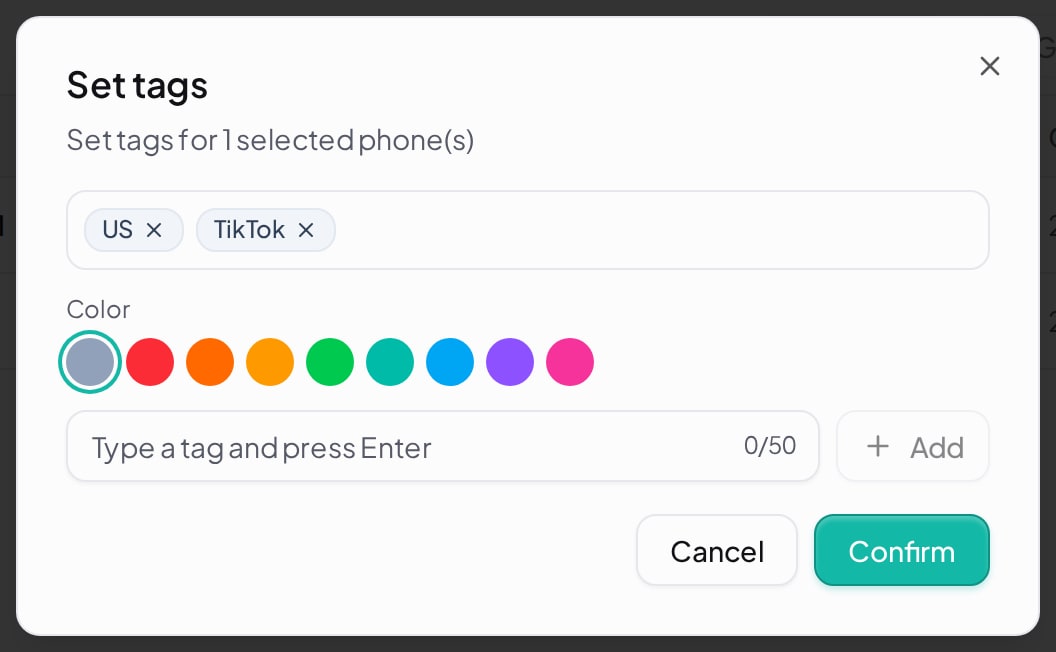
How it works:
- Pick a Color first — different colours per line of business make the list readable at a glance.
- Type in the box and press Enter to add; the Add button on the right does the same.
- Tags already applied appear above; click the × on one to remove it.
- Existing tags below lists tags used elsewhere in your account — click one to reuse it rather than creating a second colour for the same word.
- Click Confirm to save; you get "Tags updated".
Limits: a tag is at most 50 characters, and the same tag cannot be added twice to one phone — a repeat gives you "Tag already added".
2. Tagging a batch
Tick several phones in the list and the Set tags button lights up with a count; click it. The dialog reads "Set tags for N selected phone(s)".
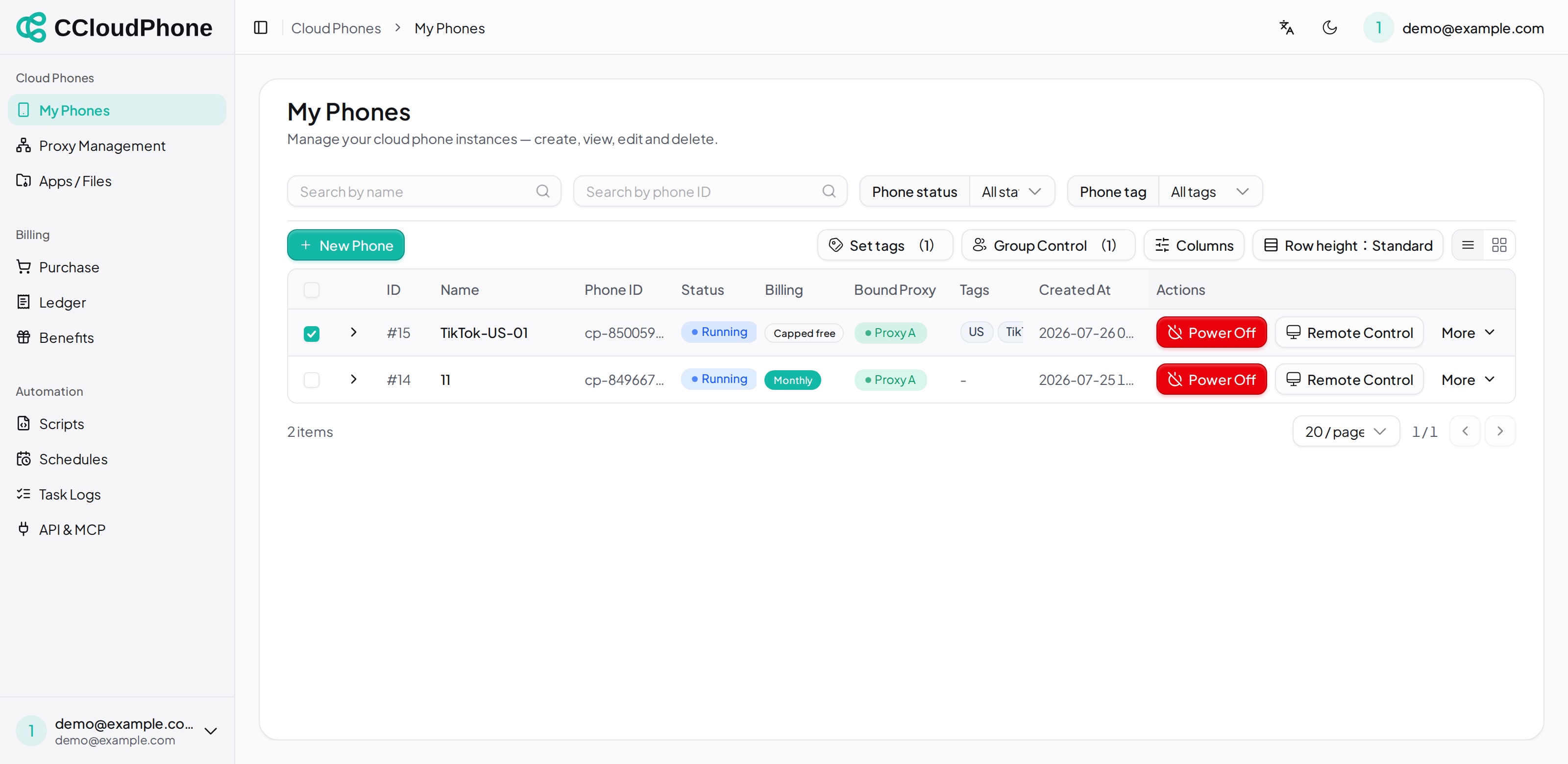
Note that batch tagging replaces: the dialog opens empty, and saving overwrites the tags on all N phones with whatever is in the dialog — their previous tags are not kept. That is convenient for stamping a group label on a batch; to add a tag while keeping the existing ones, do it phone by phone.
Selection accumulates across pages, so paging does not clear what you already ticked.
3. Filtering by tag
There is a Phone tag dropdown above the list. Pick a tag to show only phones carrying it; All tags clears it.
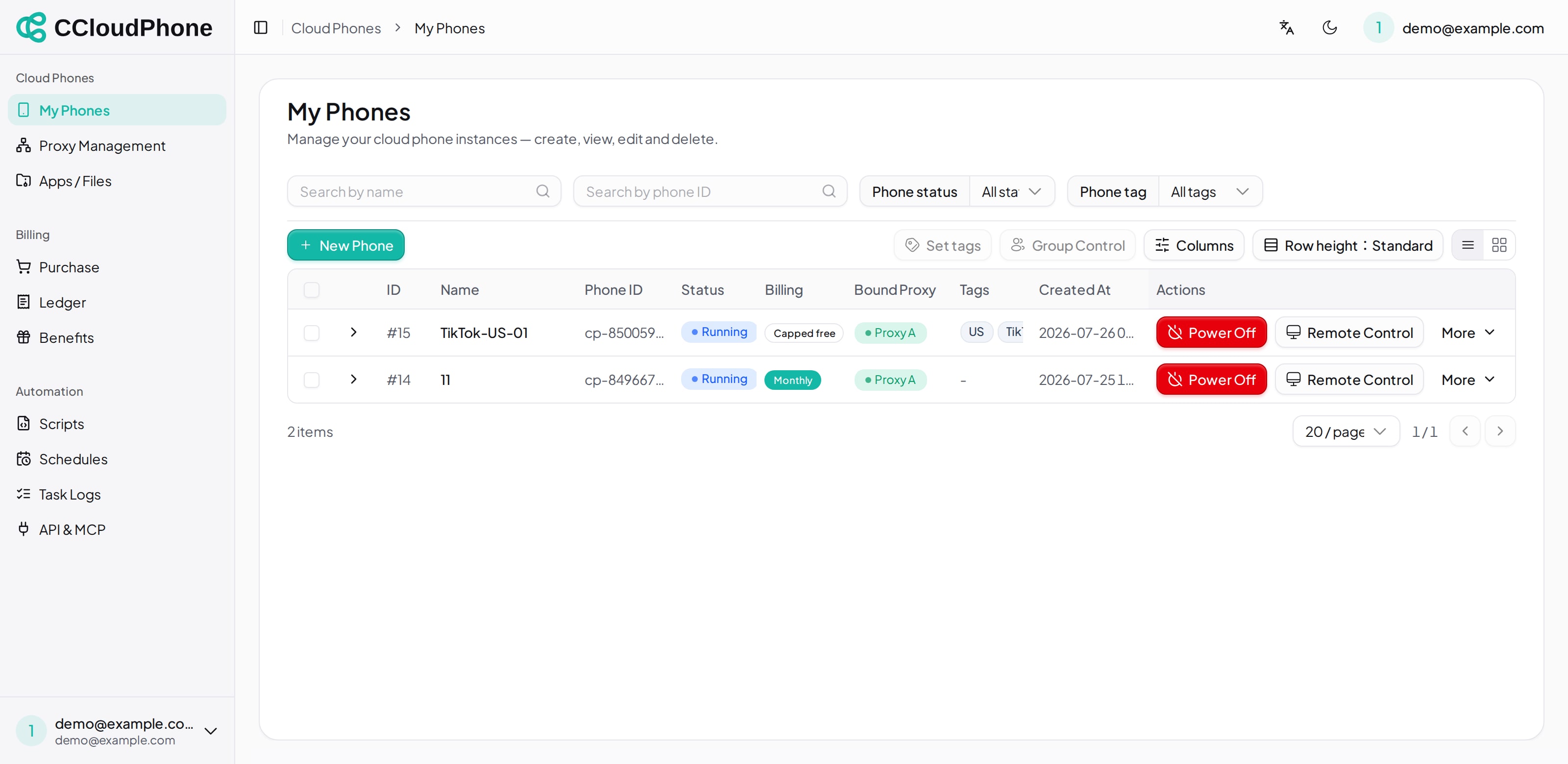
Tag and status filters stack — "tag = US" plus "status = Running", for instance. The filters are reflected in the URL, so you can send someone a link straight to that view.
4. Making them useful
Tags pay off most in group control and batch actions: filter to a group, select all, then go straight into group control or batch tagging.
Common ways to slice:
| Dimension | Examples |
|---|---|
| Line of business | TikTok, Shopee, Affiliate |
| Region | US, SEA, JP |
| Stage | Warming up, Mature, To retire |
| Owner | Alice, Bob |
Putting two tags on each phone — line of business plus region — gives you the most flexibility when filtering. Fix a colour per line of business and you can read the list without reading the words.
5. Next
Last updated: Jul 26, 2026