
What Can a Cloud Phone Do? Full-Scenario Guide: Game AFK Farming, Multi-Account Management & Cross-Border Operations
What Exactly Is a Cloud Phone?
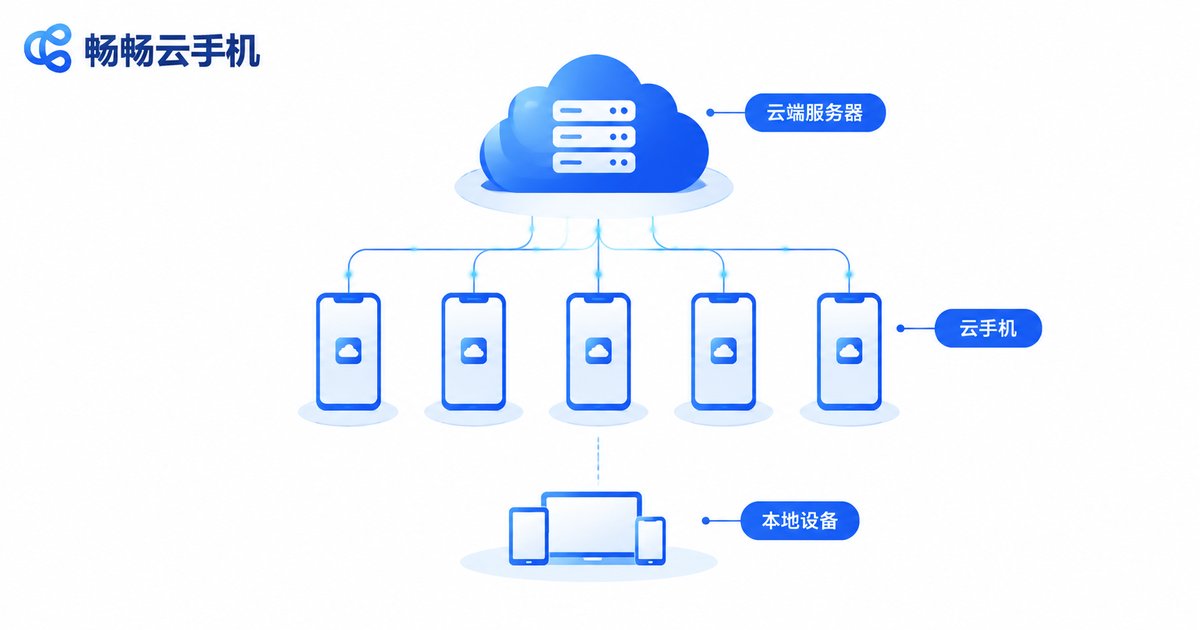
In simple terms, a cloud phone is a virtual Android phone that runs on cloud servers. It is not a physical device — it is a complete mobile system simulated by servers in a data center. You log in from your phone, PC, or tablet and use it just like a real phone.
Its biggest strengths: no reliance on local hardware, online 24/7, and virtually unlimited multi-instance capability. Your local phone can be powered off or out of battery without interrupting anything running in the cloud. These traits make cloud phones increasingly popular in gaming, social media, and e-commerce.
Use Case 1: Game AFK Farming — Let the Cloud Work for You
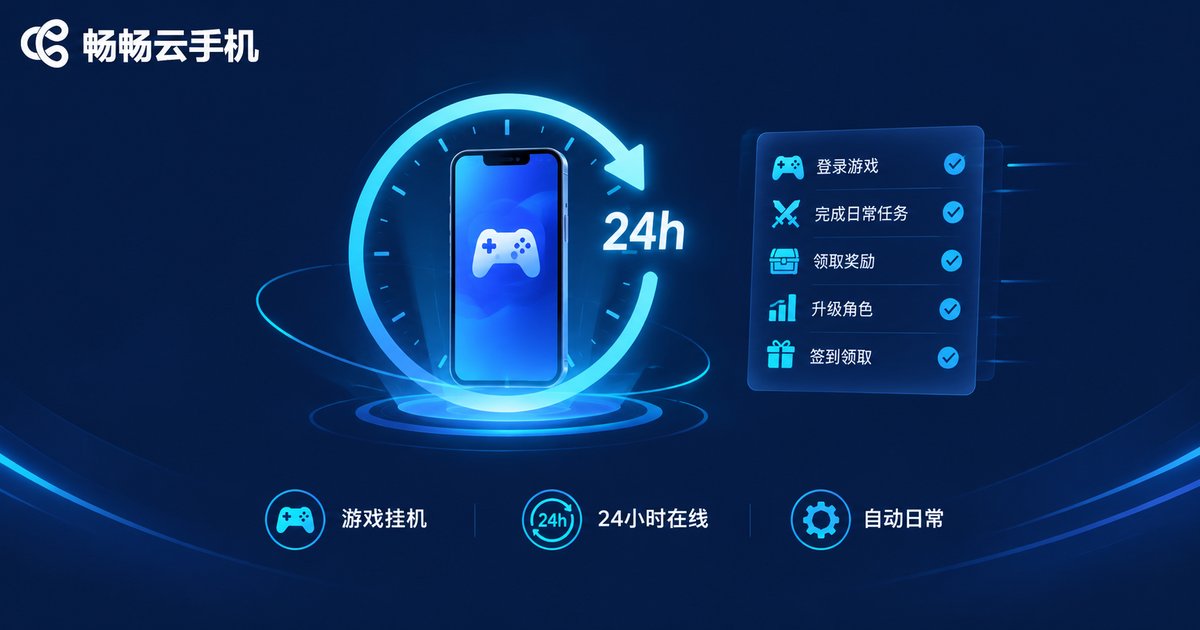
For gamers, the most practical feature is AFK farming. Daily quests, stamina clearing, resource dungeons, guild check-ins — hand these repetitive tasks to a cloud phone. Set everything up before bed and collect the results the next day.
Compared with AFK farming on a physical phone, the advantages are obvious:
| Factor | Physical Phone | Cloud Phone |
|---|---|---|
| Heat & battery | Overheats, degrades the battery | Runs in the cloud, zero local wear |
| Uptime | Limited by battery and heat | Stable 24/7 online |
| Local usage | Phone occupied while farming | Local phone free to use |
| Interruptions | Stops when powered off | Tasks continue in the cloud |
Whether it is daily stamina runs in MMOs, resource gathering in strategy games, or idle-game rewards, any gameplay that demands long online hours is a perfect fit for cloud phone AFK farming. Even if your local phone dies, tasks keep running.
Use Case 2: Multi-Account Management — Run Dozens of Accounts Alone
Game studios, social media matrices, and e-commerce sellers all face the same challenge: nurturing multiple accounts. The key is giving every account an independent, stable, realistic environment — exactly what cloud phones provide.
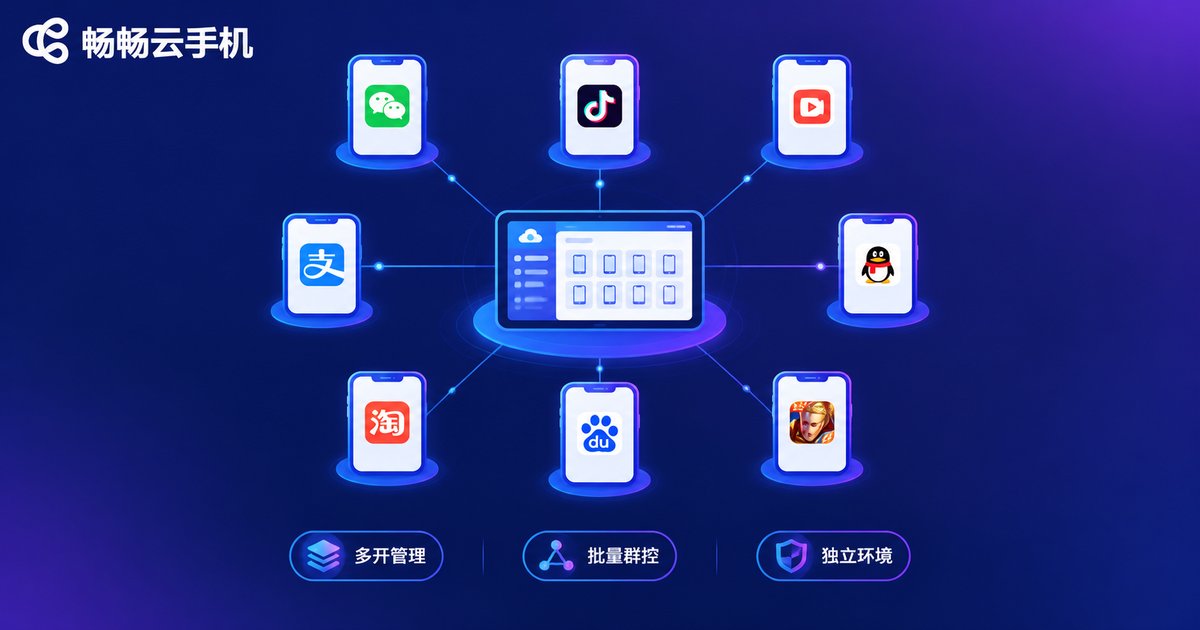
Each cloud phone is an independent Android environment with isolated app data and login states. You can run dozens of cloud phones simultaneously, one account each, and manage them in bulk:
• Game multi-boxing: farm resources on alt accounts while enjoying the game on your main;
• Social media matrix: nurture dozens of short-video accounts and schedule posts in batches;
• Community support: multiple support accounts online at once, never missing a message.
Better yet, cloud phones support group control — one master device can operate all cloud phones in bulk: launch apps with one click and execute batch tasks, dozens of times faster than manual operation.
Use Case 3: Cross-Border Operations — A Powerful Assistant for Global Business
As cross-border e-commerce and overseas social media boom, more sellers need to manage accounts on international platforms. Cloud phones play a key role here:
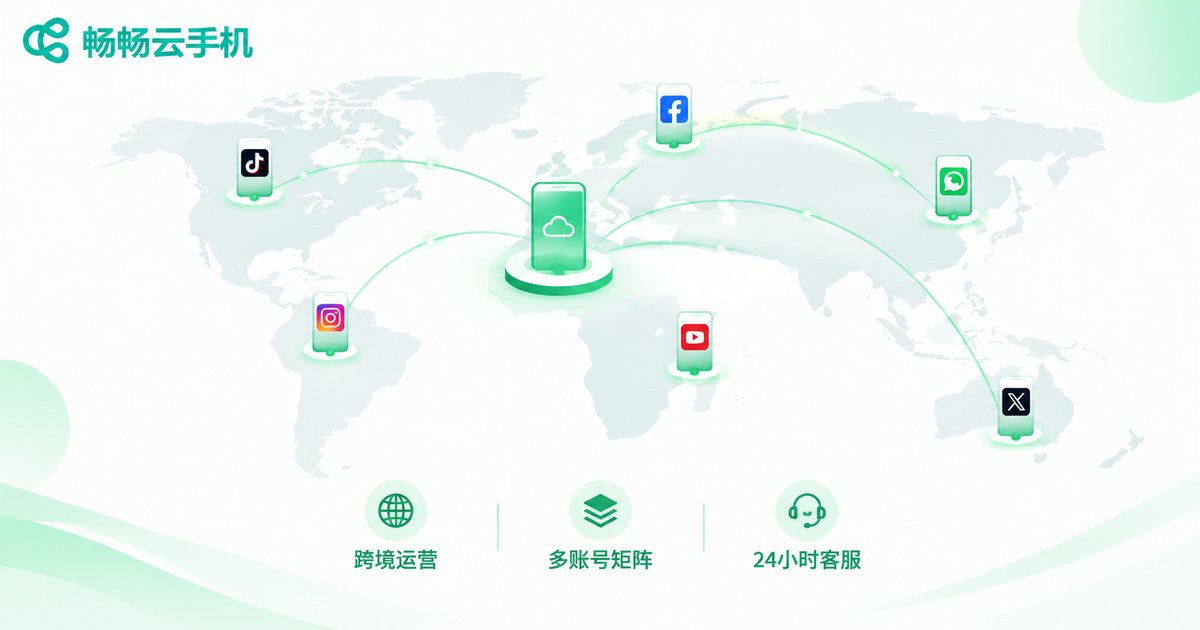
• Overseas social media: keep account matrices on platforms like TikTok and Instagram active long-term, nurturing accounts and scheduling content;
• Cross-border customer service: keep multiple store support accounts on cloud phones, responding to overseas buyers 24/7 and never missing an order;
• App testing for global markets: install your app on cloud phones to simulate real user environments without buying piles of physical devices.
For cross-border teams, a cloud phone works like an on-demand overseas device pool — activate when needed, scale flexibly, at a fraction of the cost of physical hardware.
More Use Cases You May Not Have Thought Of
Beyond the three scenarios above, cloud phones can also:
• Revive classic games: play older titles that no longer run on modern systems in a legacy Android environment;
• Separate work and life: one cloud phone for work apps, another for personal use, with zero interference;
• Rescue old devices: an aging phone or tablet with just a network connection can smoothly run heavy mobile games, since all computing happens in the cloud;
• Live-stream standby: keep a stream online for hours without occupying local devices.
Why We Recommend CCloudPhone
Among the many cloud phone products available, CCloudPhone (ccloudphone) is worth trying first. Built on a real Android cloud environment, it supports the core features covered in this article — game AFK farming, app multi-instance, and batch group control — with a clean interface that beginners can pick up quickly.
Whether you are a gamer who wants hands-free progress or an operator managing dozens of accounts, visit the official CCloudPhone website at ccloudphone to learn more and choose the plan that fits you — let cloud devices boost your efficiency and results.
FAQ
Q1: How is a cloud phone different from an Android emulator?
An emulator runs on your local PC, consuming its CPU and RAM, and stops when the PC shuts down. A cloud phone runs on cloud servers, uses no local resources, stays online 24/7, and each instance is fully isolated — offering far better scalability and stability than emulators.
Q2: Does my local phone need to stay on while AFK farming?
No. Tasks run in the cloud; your local device is only for viewing and control. Power off or lose network — cloud tasks continue unaffected.
Q3: Is gaming on a cloud phone laggy?
Smoothness depends mainly on your network. On typical home broadband or 4G/5G, response is prompt and visuals are smooth; your local device's specs matter little.
Q4: Is my account data safe on a cloud phone?
Reputable providers use isolated environments and encrypted storage; account data lives in the cloud, so losing your local device does not affect your accounts. Choose a reliable provider such as CCloudPhone.
Q5: How many accounts can one cloud phone hold?
Typically one cloud phone is one independent Android environment for one main account. For more accounts, activate more cloud phones and manage them in bulk.


