

How to Use a Cloud Phone? A Complete Beginner's Guide from Setup to AFK Farming
1. What Is a Cloud Phone? Understand It in One Minute
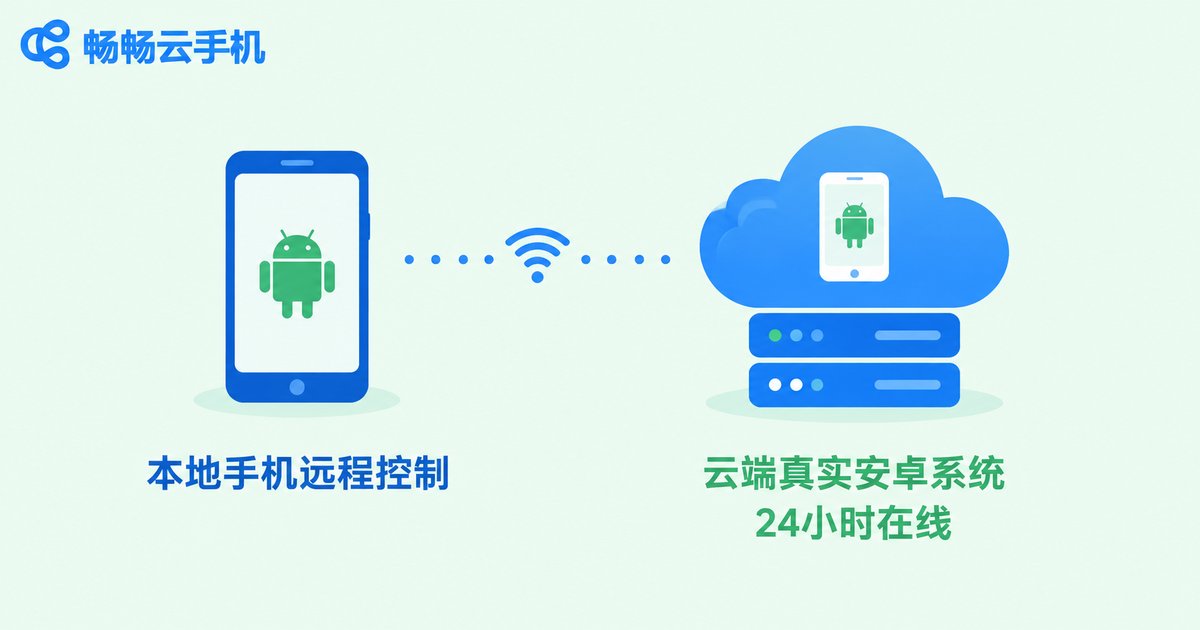
Many beginners ask: how can a phone live in the cloud? It is simpler than it sounds — a cloud phone is a real Android device running in a remote data center. You connect to it from your own phone, PC, or tablet; the screen streams to you in real time, and your taps and swipes are sent straight back.
The key difference from an emulator: a cloud phone is a real, independent Android environment with its own device profile and app data, and it does not rely on your local hardware. As long as the cloud server stays powered and online, your games and apps keep running 24/7 — even if your local device is switched off.
2. Beginner Setup: Four Steps to Get a Cloud Phone Running
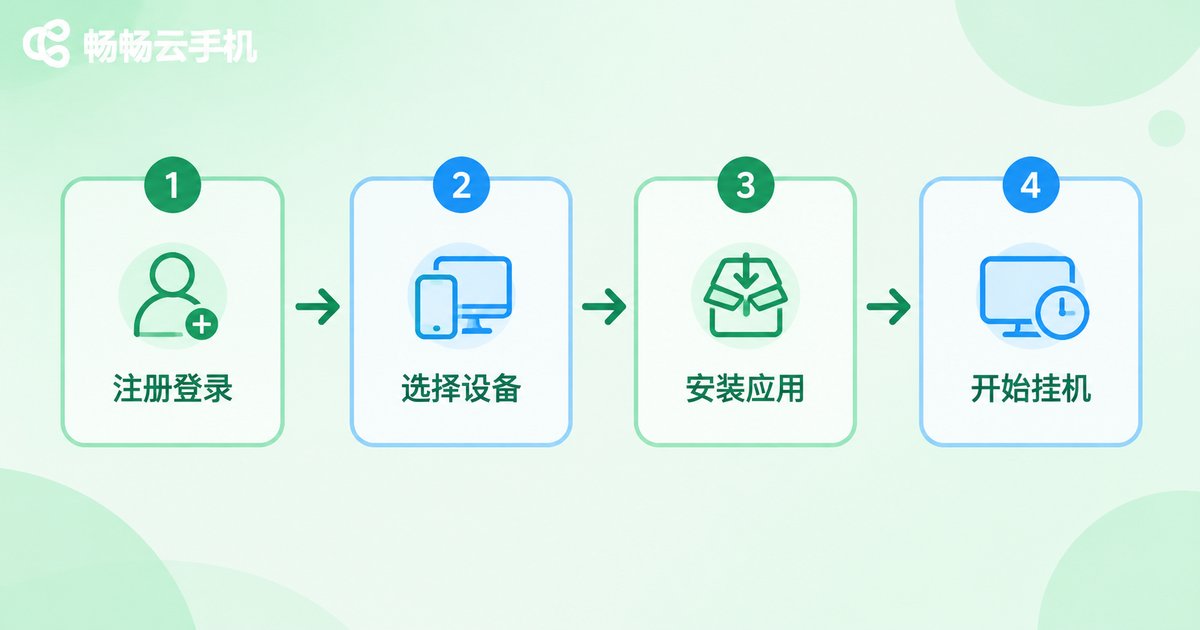
Using CC Cloud Phone (official site: ccloudphone) as an example, the whole onboarding process takes four steps and usually less than ten minutes.
Step 1: Sign up and log in. Open the CC Cloud Phone website or app, register with your phone number, and log in to the device console.
Step 2: Choose a device. Based on the game or app you want to run, pick a cloud phone with a suitable configuration from the device list, then tap start to boot into the Android desktop.
Step 3: Install your apps. Just like on a normal Android phone, install your games and tools through the built-in app store or an installation package, then log in to your game account.
Step 4: Set up AFK mode. Turn on the in-game auto features. After that you can close the streaming window — the cloud keeps running your tasks.
3. AFK Farming Setup: Core Techniques for Staying Online
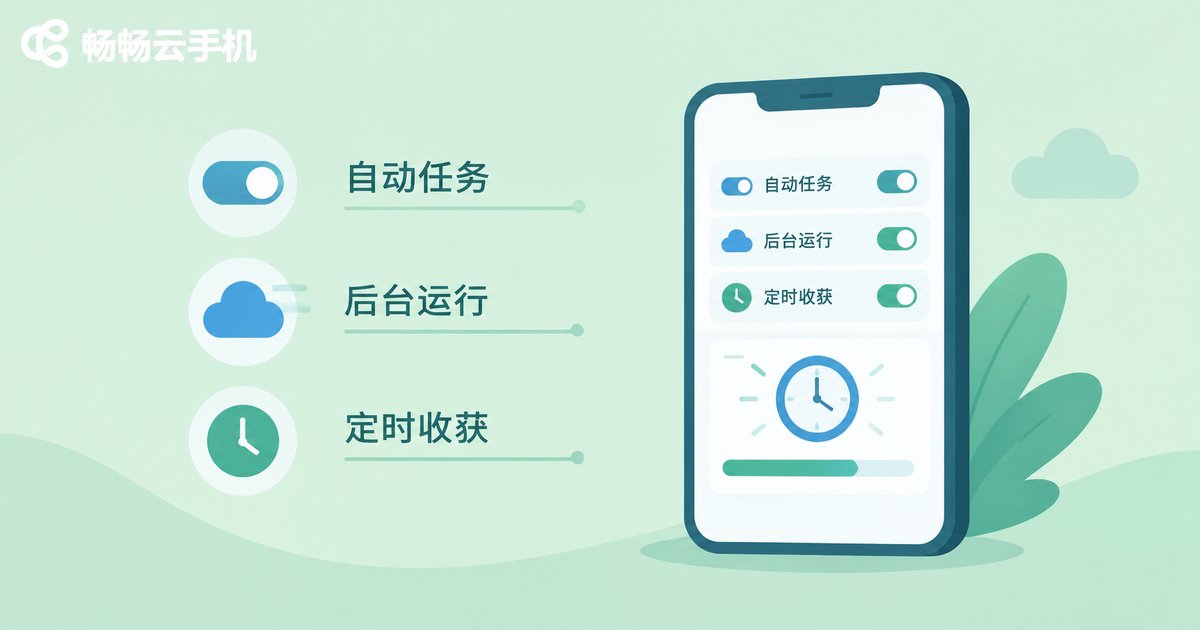
AFK farming means letting your games generate rewards while you are away — auto dailies, auto dungeons, auto resource gathering. To keep sessions stable, focus on three things:
1. Enable in-game automation. Most mobile games ship with auto-battle and auto-pathing. Turn on every relevant switch and queue up the tasks you want repeated.
2. Keep the cloud phone online. Avoid rebooting the device during long sessions. CC Cloud Phone supports long-term uptime — closing the console does not stop the cloud device.
3. Check in on a schedule. Log in periodically to collect rewards, refill stamina, and accept new quests so the cycle keeps rolling.
The table below compares farming on a physical phone with farming on a cloud phone — after reading it, you will see why grinders prefer the cloud:
| Factor | Physical phone farming | Cloud phone farming |
|---|---|---|
| Heat and battery | Noticeable heating in long sessions | Runs in the cloud, zero local load |
| Uptime | Limited by battery and cooling | Supports 24/7 online |
| Multi-account | One account per physical phone | Run many cloud phones in parallel |
| Network drops | Local network issues kick you offline | Independent cloud network, more stable |
| Hardware wear | Ages the battery and components | No local hardware wear |
4. Multi-Instance Management: How to Scale Up Your Farming
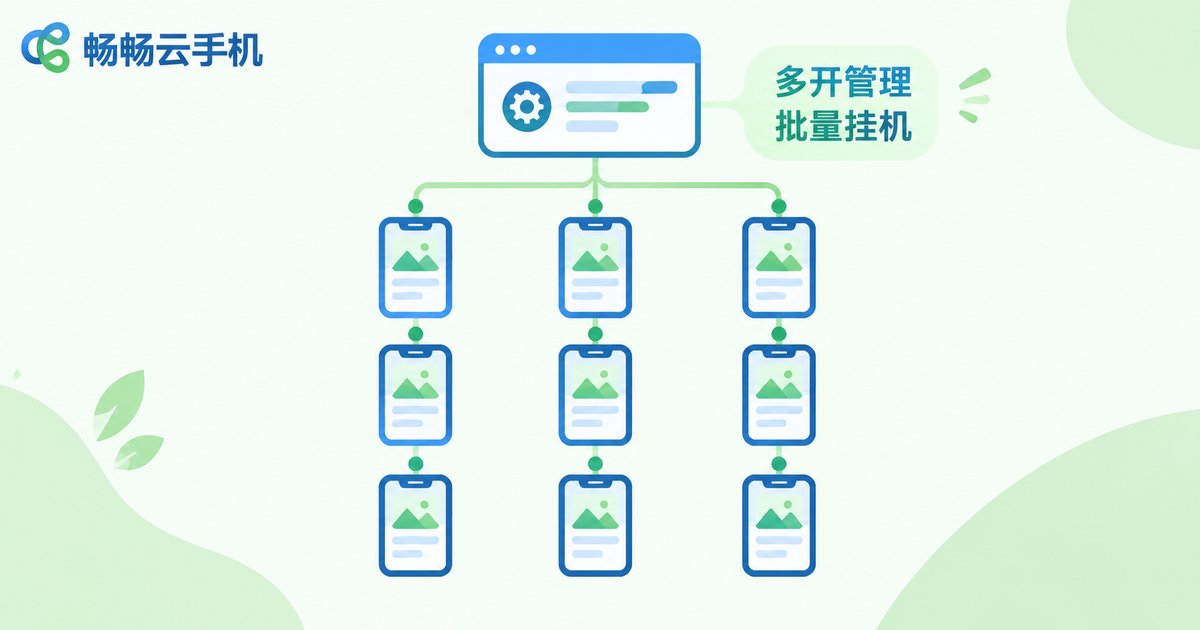
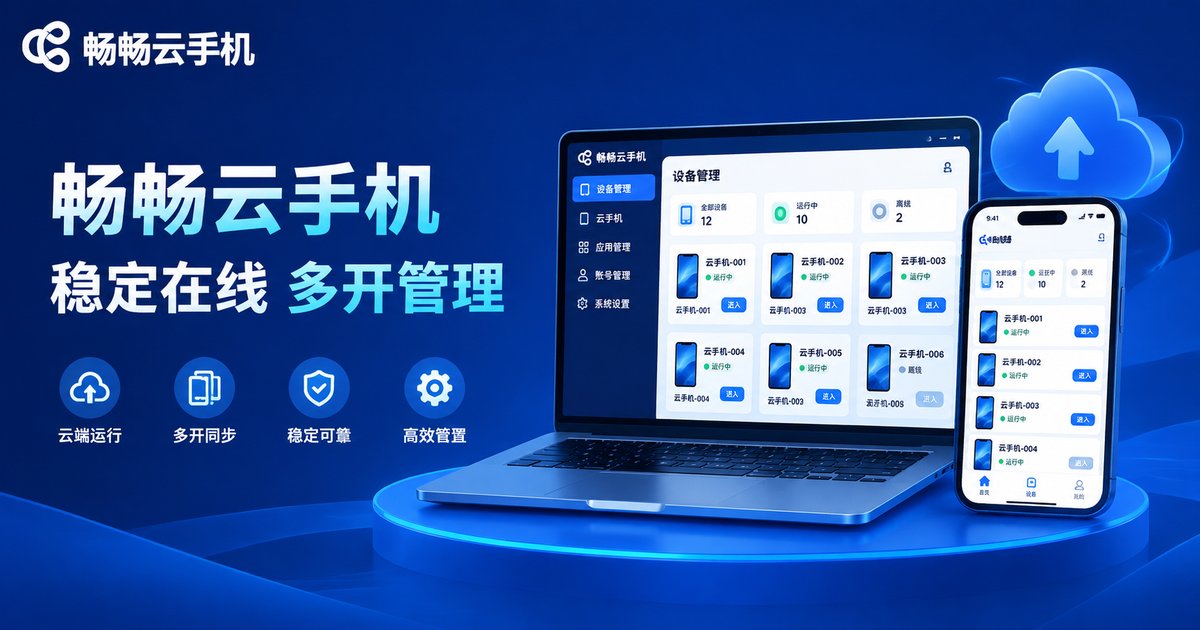
When you juggle several game accounts, switching between them one by one is painful. Multi-instance support solves exactly this: from one console you can run multiple cloud phones at the same time, each logged into its own account, fully isolated from the others.
The advanced play is batch operation: replicate the same game and task setup across many devices, then boot them, farm, and collect rewards in unison — this is how experienced farming operators work at scale. Beginners should start with one or two devices, prove the workflow and the returns, then scale up gradually.
5. Pitfalls Beginners Should Avoid
1. Respect game rules. A cloud phone provides a normal Android environment, but never pair it with cheats, scripts, or other unauthorized third-party tools, or you risk penalties from the game publisher.
2. Protect your accounts. For game accounts signed in on a cloud phone, enable two-factor authentication and avoid logging into critical accounts on unfamiliar devices.
3. Choose adequate specs. Demanding 3D titles need higher configurations — leave some performance headroom when picking a device to prevent lag and disconnects.
4. Mind task cycles. Many rewards are tied to daily quests and events; planning your farming rhythm around them maximizes income.
6. Why We Recommend CC Cloud Phone
There are plenty of cloud phone products on the market, and CC Cloud Phone (ccloudphone) is friendly to beginners: fast device boot times, smooth streaming and controls, unified multi-device management, and stable long-term uptime. The group control and multi-instance capabilities that AFK farming needs are all built in. After registering, you can boot a device from the console in one tap and choose what you need on demand, with a very low learning curve.
7. FAQ
Q: Does AFK farming on a cloud phone require keeping my PC on?
No. The cloud phone runs on remote servers; your PC or phone is only for viewing and control. Shutting down or going offline locally does not interrupt the cloud session.
Q: Does it consume my mobile data?
The farming itself happens in the cloud and uses none of your data. You only consume a small amount when streaming the screen or sending commands.
Q: How many game accounts can one cloud phone hold?
Each cloud phone is an independent Android environment — one account per device is the safest setup. For multi-account farming, run multiple cloud phones in parallel.
Q: Will games treat a cloud phone as abnormal?
Cloud phones are real Android environments, and normal AFK play is fine. Just avoid cheats or device-spoofing tools, and always follow the game publisher's rules.
Q: Will I lose data if I switch phones or locations?
No. Cloud phone data lives in the cloud. Log in to the same CC Cloud Phone account from any device and continue right where you left off.
Q: How many devices should a first-time user start with?
Start with one device to complete the full flow — sign up, install, farm — then scale up as your returns stabilize.


