
What Can a Cloud Phone Do? 6 Scenarios That Are Revolutionizing the Way You Work
When most people hear "cloud phone," their first thought is: isn't it just projecting a phone screen onto a computer? If that's still where your understanding stands, you've been missing out on a lot. Since 2024, cloud phones have evolved from a geek toy into a genuine productivity infrastructure, penetrating nearly every workflow that requires a mobile device — gaming, e-commerce, office work, R&D, and more.
This article skips the fluff and breaks down 6 scenarios that are actually happening right now, showing you what a cloud phone can really do, how it does it, and why a single physical phone simply isn't enough anymore.
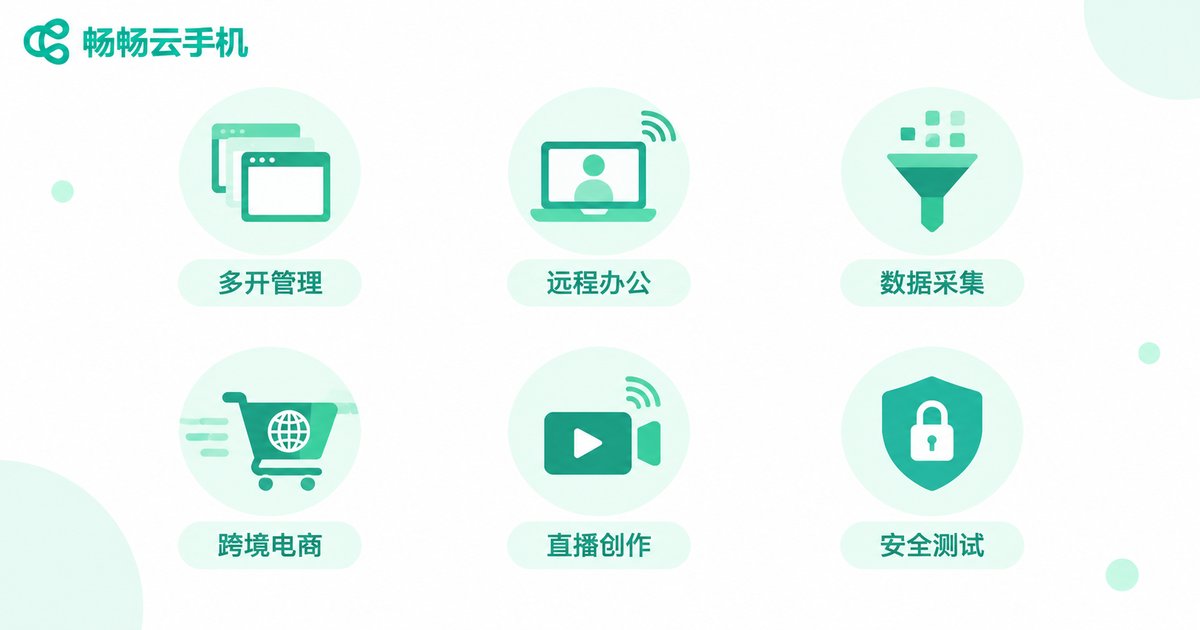
Scenario 1: Multi-App Parallel Management — One "Phone" Does the Work of Five
If you run a gaming studio, you know this pain all too well: running 5 accounts simultaneously for daily tasks means 5 real phones, 5 SIM cards, 5 charging bricks, and a desk that looks like a battlefield. Even worse, phones throttle when they overheat, and a task can crash mid-run, wasting an entire day's effort.
The cloud phone solution is refreshingly straightforward: run multiple independent Android instances on a single cloud VM, each with its own storage, network environment, and system settings. You don't need to buy 5 phones — just hit "Create" in the ccloudphone dashboard, and a brand-new cloud phone appears in seconds, completely isolated from the others.
In practice, the biggest change isn't saving on hardware costs — it's the cliff-like drop in management overhead. All instances sit on one screen. Batch operations, unified configuration, remote restarts — things that used to require tapping 5 phones individually now take a few mouse clicks.
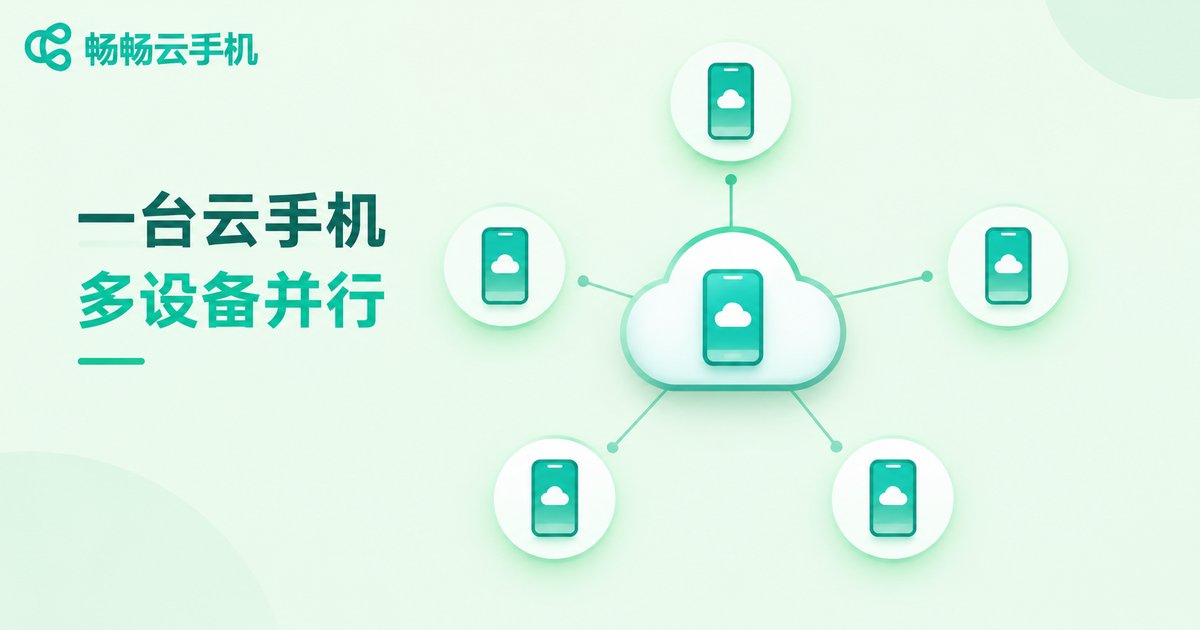
Scenario 2: Remote Mobile Work — Your Office Doesn't Have to Be in the Same City
Post-pandemic, remote work has become the norm, but "remote" and "mobile" are two different things. Many roles — think frequent approval checks, ticket management, or constant messaging on enterprise apps — are fundamentally tethered to a single phone. Lose the phone, switch devices, or need to log into a company system from abroad, and things get awkward fast.
Cloud phones decouple the "phone" from physical hardware entirely. Your work phone becomes a permanently online cloud Android device. From anywhere, on any terminal (PC, tablet, or even another phone), you connect and see the full desktop of "your phone." Files, apps, and login states all persist in the cloud — switching terminals loses no data, and reconnecting after a network drop loses no progress.
For enterprises with compliance requirements, this is especially critical: sensitive data stays in the cloud, employee local devices leave no trace, and offboarding is as simple as one-click recycling of the cloud phone instance with zero data residue. ccloudphone supports enterprise-grade permission management and audit logs, covering exactly this kind of need.
Scenario 3: Automated Data Collection — Let Scripts Handle the Repetition
Market researchers, competitive intelligence analysts, and reputation monitors all do the same tedious loop every day: open an app → search a keyword → screenshot → log → next keyword. Hundreds of taps a day, eyes aching, efficiency low.
Cloud phones are naturally built for running automation scripts, and the reasons are simple: they're online 24/7, don't overheat, don't run out of battery, and don't suffer accidental touches. Deploy ADB commands or automation tools on the cloud phone, set your collection logic, and let it run on schedule. You just check the results periodically.
Compared to running scripts on real phones, the cloud phone's advantage is batch scalability. Need to monitor 50 keywords simultaneously? Spin up 50 cloud phone instances in parallel. No need to buy 50 phones, and no worry about one phone crashing and derailing the entire pipeline. ccloudphone provides stable long-connections and independent IP environments, making it ideal for these sustained collection tasks.
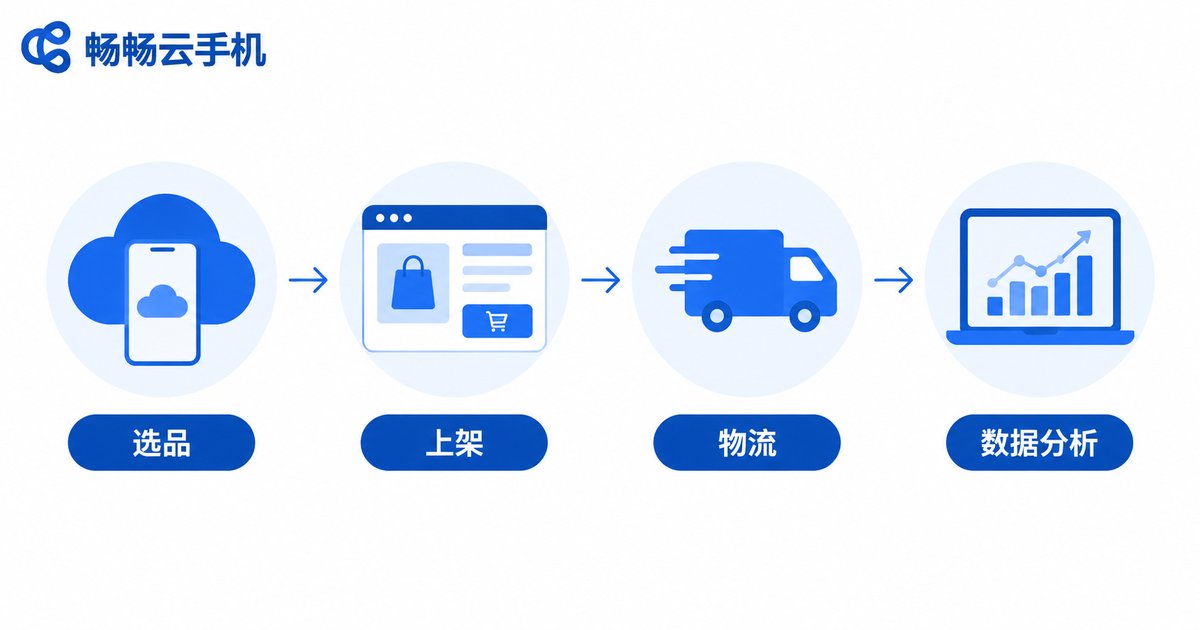
Scenario 4: Cross-Border E-Commerce Operations — Multiple Stores, Multiple Platforms, All Online
Sellers running cross-border e-commerce — especially those managing multiple platforms like Shopee, Lazada, TikTok Shop, and Temu simultaneously — know the nightmare of device isolation. Each platform and each store needs a unique device fingerprint and network environment. Duplicate IPs or device info can trigger traffic throttling at best, or store bans at worst.
Cloud phones are practically a must-have in this scenario. Assign each store its own dedicated cloud phone instance with an independent Android environment, independent IP exit, and independent storage, eliminating device fingerprint collisions at the root level. Daily operations — listing products, processing orders, responding to customer service, reviewing data reports — all happen in the cloud. You sit at your office desk and manage every store from your PC.
Here's a more practical point: cloud phones don't require you to stare at them 24/7. Set up automated replies, scheduled listings, and inventory sync workflows, and the cloud phones quietly run in the background. You just spend 30 minutes a day checking for anomalies. For a solo seller managing 3-5 stores, the time saved is enough to onboard two new platforms.
Scenario 5: Livestreaming & Content Creation — Broadcast Anywhere Without Tying Up Local Resources
Short-video and livestream creators constantly hit a contradiction: their local PC is already maxed out running editing software and streaming tools, and adding a phone app for real-time interaction or multi-platform distribution pushes the machine over the edge.
Offload streaming, multi-platform sync, and real-time comment monitoring to cloud phones. Your local PC handles what you truly need to fine-tune (editing, effects), and resource allocation makes sense again. The cloud phone runs the streaming app independently in the cloud, with video transmitted back over a low-latency channel. Perceived latency is typically under 100ms, indistinguishable from holding a phone in your hand.
For matrix account operations (one person managing multiple accounts broadcasting or posting simultaneously), the cloud phone's batch creation and unified management capability is a dimensionality shift. Instead of 5 phones propped up on a desk broadcasting at once, 5 cloud phone instances run in the background, and your desk stays clean.
Scenario 6: Security Testing & App Debugging — Full Testing Without a Single Real Device
App dev teams doing compatibility testing, security penetration testing, or staged release validation traditionally maintain a "real-device lab" — dozens of different models and OS versions racked up, with testers queuing for access. Expensive, slow, and prone to human error.
Cloud phones move this lab to the cloud. Need to test compatibility across Android 12 through Android 15? Batch-create instances with the corresponding OS versions. Need to simulate different geographies and network conditions? Configure each instance independently. Test scripts run automatically, results auto-compile into reports, and the entire workflow shifts from "manual operation" to "one-click trigger."
When security teams run penetration tests, cloud phones provide a fully isolated sandbox environment. Any risk generated during testing never touches real user devices. After testing, instances are destroyed with one click, the environment is completely wiped, and no trace remains.
Why ccloudphone?
Across all 6 scenarios above, the core requirements boil down to three things: stability, isolation, and scalability. A cloud phone isn't a "good enough" tool — it underpins your business continuity. A single disconnect or data cross-contamination can cost far more than the hardware you saved.
ccloudphone has made solid investments in all three:
| Core Capability | What It Looks Like in Practice |
|---|---|
| Stability | Cloud instances online 24/7 with dedicated resource allocation — no shared physical hardware, no cross-interference |
| Environment Isolation | Every cloud phone has its own Android OS, storage, and IP exit — eliminating cross-environment contamination at the root |
| Elastic Scaling | Create and destroy instances on demand. Scale from 1 to 50 in minutes. Release when done — no paying for idle capacity |
| Multi-Terminal Access | Connect via PC, tablet, or phone. Access your cloud phone desktop from anywhere, anytime |
Whether you're running multi-account gaming, multi-store e-commerce, or app testing, ccloudphone delivers a ready-to-use cloud Android environment out of the box, so you can focus on your business instead of wrestling with hardware and OS setup.
Frequently Asked Questions
Q: Is a cloud phone the same as remote desktop (like ToDesk or Sunlogin)?
No. Remote desktop projects the screen of an existing physical computer/phone to you — that device must stay powered on. A cloud phone creates a brand-new virtual Android device in the cloud. It doesn't depend on any physical phone. Close your local terminal and the cloud phone keeps running, with no data loss.
Q: Is cloud phone latency high? Will it lag for mobile gaming?
Mainstream cloud phone services typically achieve screen transmission latency of 50-100ms, which is imperceptible for daily office work, e-commerce operations, and livestreaming. For competitive mobile games, if your network conditions are good (wired broadband or low-latency Wi-Fi), the experience is close to a local phone. Choose a provider with multiple domestic nodes for the most stable latency — ccloudphone deploys nodes in several major Chinese cities.
Q: How is data security handled on a cloud phone?
Data is stored in cloud data centers, typically with encrypted storage and access controls. Enterprise users can opt for dedicated instance isolation, audit logs, and automatic expiration-based destruction. For individual users, follow the same security habits you'd use on a real phone — don't store sensitive data like payment passwords in plaintext locally.
Q: How many cloud phones can one person use simultaneously?
It depends on your plan tier. ccloudphone supports creating multiple instances on demand — check the official website for specific plan limits. For most individuals and small teams, 5-10 concurrent instances cover the vast majority of use cases.
Q: What apps are supported? Are there compatibility issues?
Cloud phones run a standard Android OS, so the vast majority of Android apps install and run normally. A very small number of apps that depend on specific hardware sensors (gyroscope, NFC, etc.) may have limited functionality, but mainstream apps for office work, e-commerce, gaming, and livestreaming are fully compatible.


