

How to Set Up Cloud Phones for TikTok Multi-Account Operations: The One-Account-One-Device-One-IP Standard
Why TikTok Multi-Account Operations Need One Account, One Device, One IP
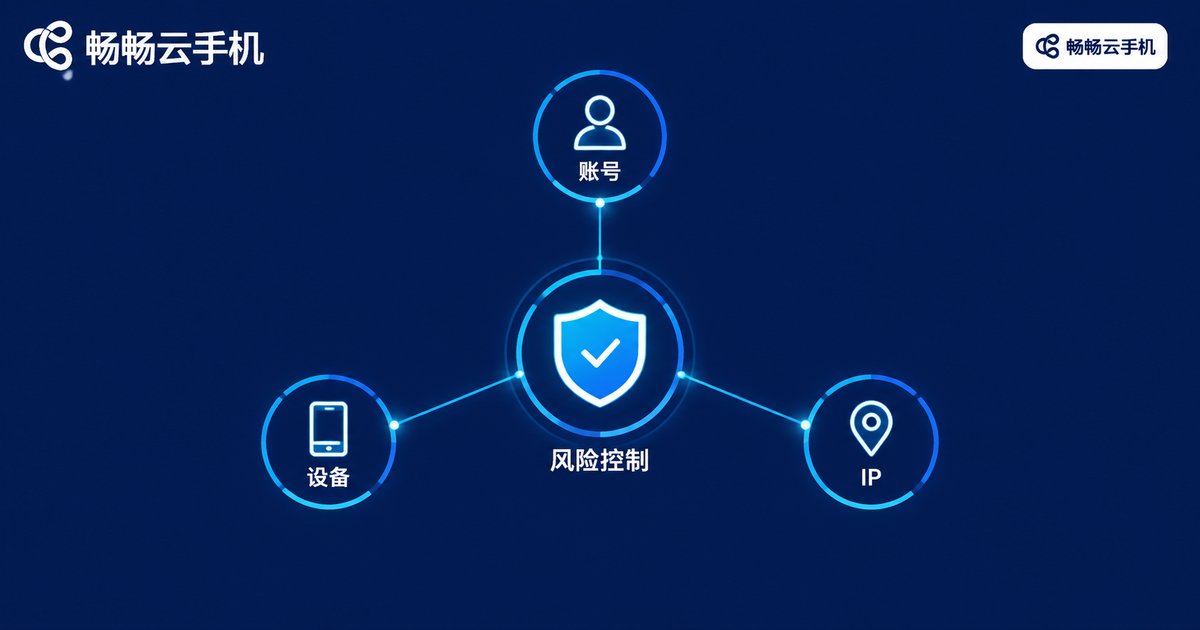
Anyone running a TikTok account matrix has seen it: accounts get throttled just as they gain traction, or several accounts fail or get logged out at the same time. The problem usually is not the content — it is the environment. TikTok's risk-control system combines device hardware parameters, system characteristics, and network IPs to judge whether a group of accounts is being batch-operated by one person. If you log five accounts in and out of one physical phone, or several accounts share the same network exit for months, the platform can easily link them — and once one account is flagged, the others are often dragged down with it.
That is why the industry has settled on a simple rule: one account, one device, one IP. Bind every account to its own device environment and its own stable IP, so that to the platform each account looks like an unrelated, ordinary user. This is the foundation every healthy, long-running account matrix is built on.
Why Cloud Phones Are a Natural Fit for This Standard
To implement one-account-one-device the traditional way, you would buy a batch of physical phones: expensive, space-hungry, and a pain to charge and maintain. A cloud phone instead moves the Android phone into the cloud — each cloud phone is an independent device instance with its own system environment. Install TikTok and log in on it, and the platform sees an independent phone.
Cloud phones offer several natural advantages for matrix operations:
1. Device isolation by design. Every cloud phone is a separate instance. Login states, caches, and app data on phone A never bleed into phone B, removing the one-device-many-accounts linkage risk at the source.
2. Always on, never offline. Cloud phones run in data centers and stay online 24/7. Warming up accounts, keeping live sessions running, and daily tasks do not depend on your local phone's battery or network.
3. Batch management saves labor. Multiple cloud phones can be viewed and managed from a single dashboard. Scaling from a few instances to dozens does not change how you work.
4. Controllable cost. Compared with buying devices, renting space, and staffing maintenance, cloud phones are provisioned on demand, at whatever scale you need.
How to Configure the IP: The Standard, Item by Item
The IP part is where most mistakes happen. Here is a checklist you can execute directly:
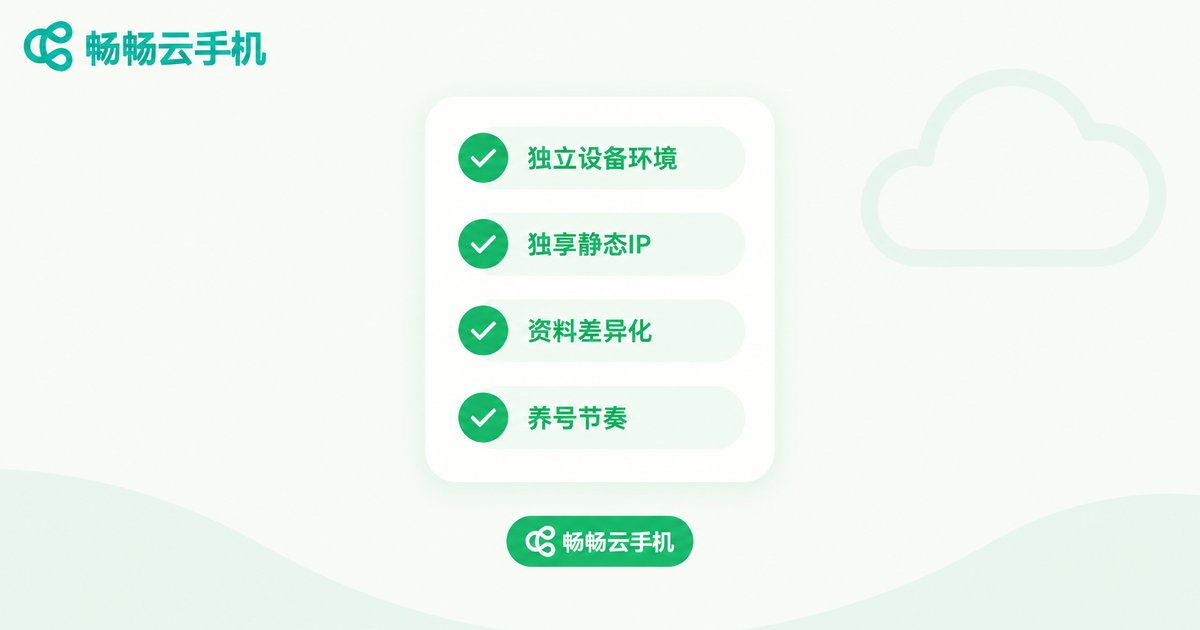
1. One IP per account, fixed long-term. Bind each account to a dedicated IP. Do not share IPs across accounts, and do not switch from one to another every few days — frequent IP-region changes are a classic risk-control trigger.
2. Keep the IP region consistent with the account's positioning. Whatever market you target, the profile, published content, and active hours should match the IP region. For a US-market account, register, warm up, and publish entirely within a US IP environment.
3. Prefer dedicated, static IPs. Dedicated means the IP serves only your account, so you are never affected by someone else's behavior; static means the IP stays the same, keeping the account's network profile stable.
4. Set up the environment before registering the account. The right order: cloud phone ready → IP configured and tested → then register the TikTok account. Let the account live in a clean, consistent environment from day one.
The One-Account-One-Device-One-IP Execution Checklist
Here is the standard condensed into a table you can follow directly:
| Item | Standard practice | Common mistake |
|---|---|---|
| Device | One account per cloud phone, never mixed | Rotating multiple accounts on one phone |
| IP | One dedicated static IP per account, unchanged long-term | Shared IPs and frequent region switching |
| Profile | Distinct avatar, nickname, and bio per account | Copy-pasted profiles across accounts |
| Registration | Register only after the environment is ready | Stockpiling accounts, adding environments later |
| Operations | Active hours aligned with the target region's timezone | Operating all accounts at the same local time |
Warm-Up Schedule and Daily Operations
A proper environment is only step one — new accounts need a ramp-up period:
Week 1: watch, do not post. Behave like a real user: scroll the feed, like videos, and follow a few accounts daily, letting the platform build a profile of a normal, active user.
Weeks 2-3: post at low frequency. One or two posts per account per day is enough, aligned with the account's niche. Do not start with high-volume reposting.
Week 4 onward: scale up gradually. Once performance is stable, increase posting frequency and experiment with live streams or paid promotion. Avoid frequent cross-interaction between matrix accounts and keep them independent.
One more reminder: content homogeneity is itself a linkage signal. Even with fully isolated devices and IPs, dozens of accounts posting the same video with the same caption will look like a marketing matrix. Differentiate your materials and stagger posting times across the target region's timezone.
Implementing the Standard with ChangChang Cloud Phone
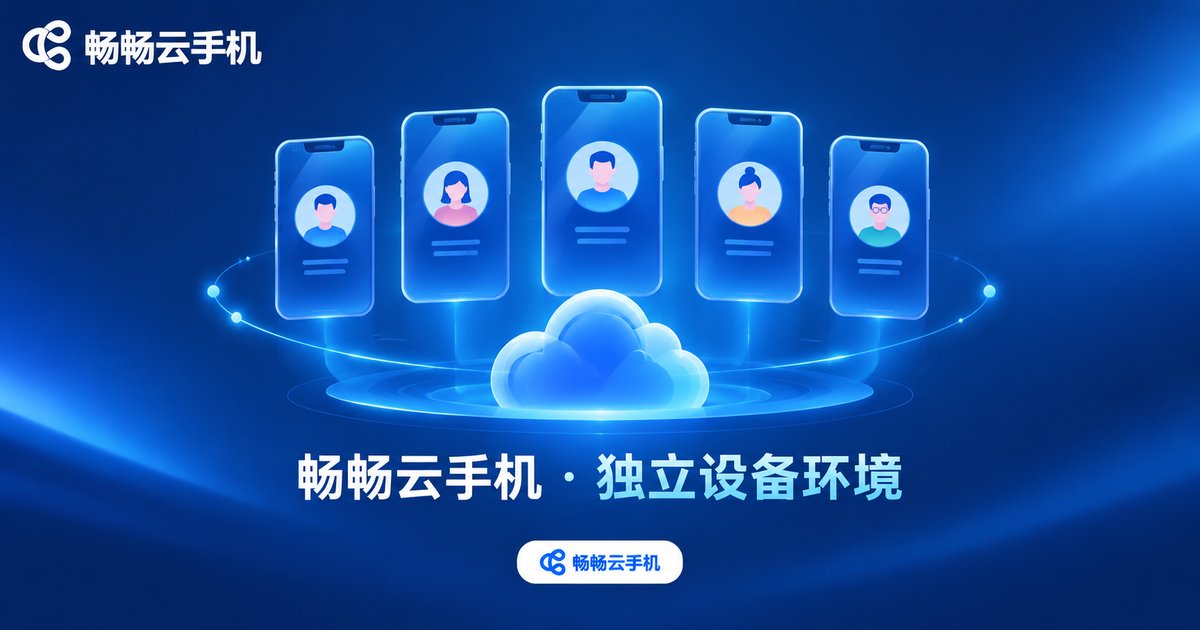
For tooling, we recommend ChangChang Cloud Phone (official website). It moves Android phones into the cloud, and every cloud phone is an independent device instance whose login states and app data never interfere with each other — exactly what one-account-one-device requires. Cloud phones stay online around the clock, so warming up accounts, keeping apps running, and publishing are not limited by your local devices. Multiple instances can be managed centrally from one dashboard, so scaling the matrix does not mean rebuilding environments.
In practice, the division of labor is simple: ChangChang Cloud Phone provides the independent, stable device environment, while you pair each cloud phone with its own dedicated IP and configure everything according to the checklist above. That is how you build an account matrix that genuinely meets the one-account-one-device-one-IP standard. For the latest plans and activation details, visit the ChangChang Cloud Phone official website.
FAQ
Q: How many TikTok accounts can run on one cloud phone?
One. Stick strictly to one account per cloud phone — logging multiple accounts on a single device is the most common cause of account linkage.
Q: Does the IP need to stay the same? What happens if it changes?
Keep it as stable as possible. Occasional fluctuations are understandable, but frequently switching between regions confuses the account's profile and raises risk-control probability. If you must change IPs, stay within the same region and give the account an observation period.
Q: My account is already throttled — will changing the environment help?
If the throttling was caused by environment linkage, moving the account to a clean, independent device and IP environment and operating normally can help it recover over time. If the cause was a content violation, fix it on the content side.
Q: How many accounts should a matrix have?
Start with 5-10 accounts to standardize registration, warm-up, and publishing, then scale gradually. The value of a matrix is stable replication, not launching hundreds of accounts at once.
Q: Do cloud phones lag? Does it affect posting videos?
Cloud phones run in data centers; your local device only handles viewing and control. Browsing and posting are smooth, and compressing video materials to a reasonable size before upload makes things even smoother.


