

Cloud Phone Anti-Association for Cross-Border E-Commerce: Fingerprint Isolation Alone Isn't Enough — IP and Network Layers Must Be Done Together
Why Cross-Border E-Commerce Sellers Fear Account Linking
Anyone running cross-border e-commerce stores knows the rule: most platforms forbid one person from operating multiple accounts in violation of their policies. Once a platform decides that several of your accounts are controlled by the same person — in other words, the accounts are linked — the consequences range from suppressed traffic and stricter reviews to every linked account being suspended at once, wiping out years of work overnight.
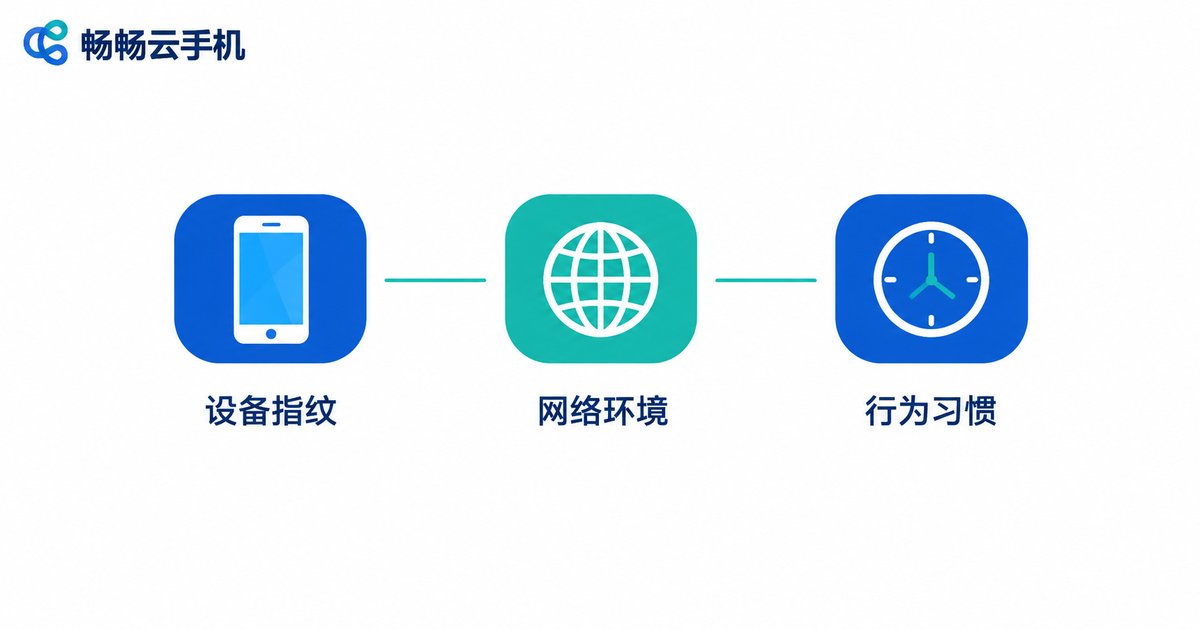
Platforms detect linking mainly through three layers: device fingerprint, network environment, and behavior patterns. Many sellers assume that isolating device parameters is enough. In practice, what leaks through the network layer is often more direct — and harder to hide — than the fingerprint itself.
What Cloud Phones Actually Solve
Start with what cloud phones do well. Each cloud phone is an independent Android instance running in the cloud, with fully isolated device parameters: different models, system versions, screen resolutions, and sensor profiles. To the platform, each one looks like a separate, unrelated physical phone.
Compared with stockpiling physical handsets, the advantages are obvious: no hardware to buy, no SIM cards to maintain, capacity that scales on demand, and every account manageable from a single computer. Services like ChangChang Cloud Phone (ccloudphone) push the cost of device-layer isolation way down, which is exactly why more and more cross-border sellers are moving their accounts onto cloud phones.
Why Fingerprint Isolation Alone Still Gets You Linked
Because the platform sees far more than device parameters. Any one of these network-layer holes can undo all your fingerprint work:
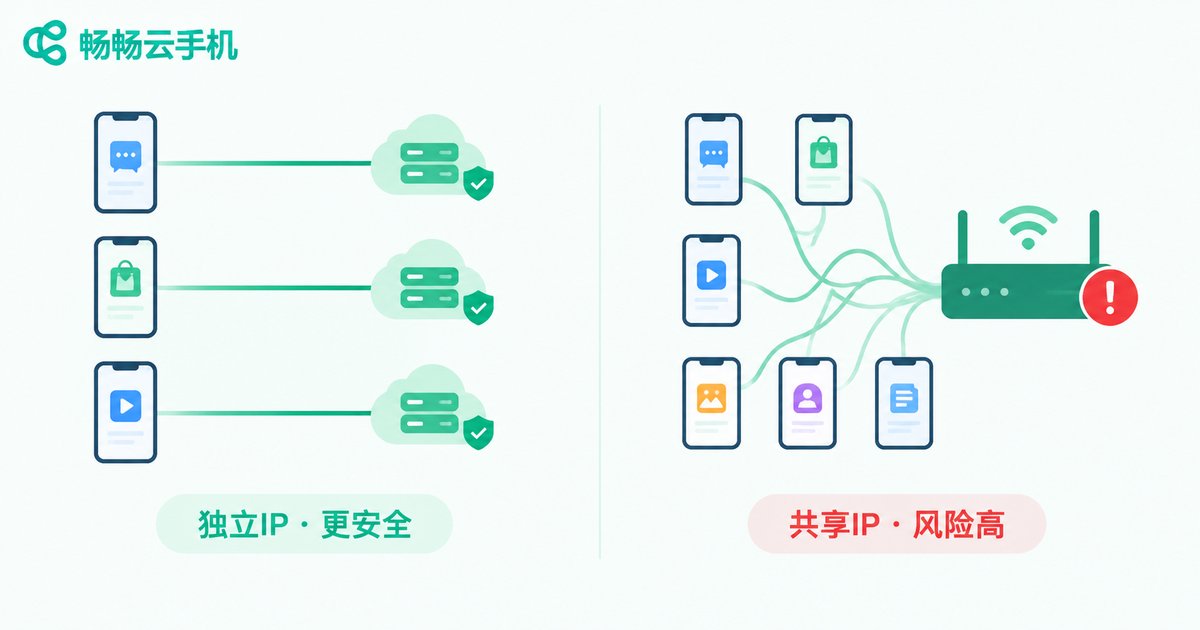
1. Multiple accounts sharing one exit IP. The most common and most fatal mistake. However clean your fingerprints are, if several accounts log in from the same IP every day, the platform sees one office, one router — an extremely high association risk.
2. Poor IP quality. Datacenter IPs that thousands of accounts have used, or IPs already flagged by the platform: the moment you log in, the system may connect your account to every account that IP has ever touched.
3. IP and environment mismatch. The IP shows the United States, but the account runs on Beijing time with Chinese language settings. A profile that contradicts itself like this is a natural target for risk control.
4. Jumping IPs. Los Angeles today, New York tomorrow, another country the day after. Real users do not teleport, and a login location that keeps changing pushes your risk score way up.
Four Things You Must Do at the IP and Network Layer
Device fingerprint and network environment multiply rather than add — a failure in either one drags down the whole defense. At the network layer, make sure you do the following four things:
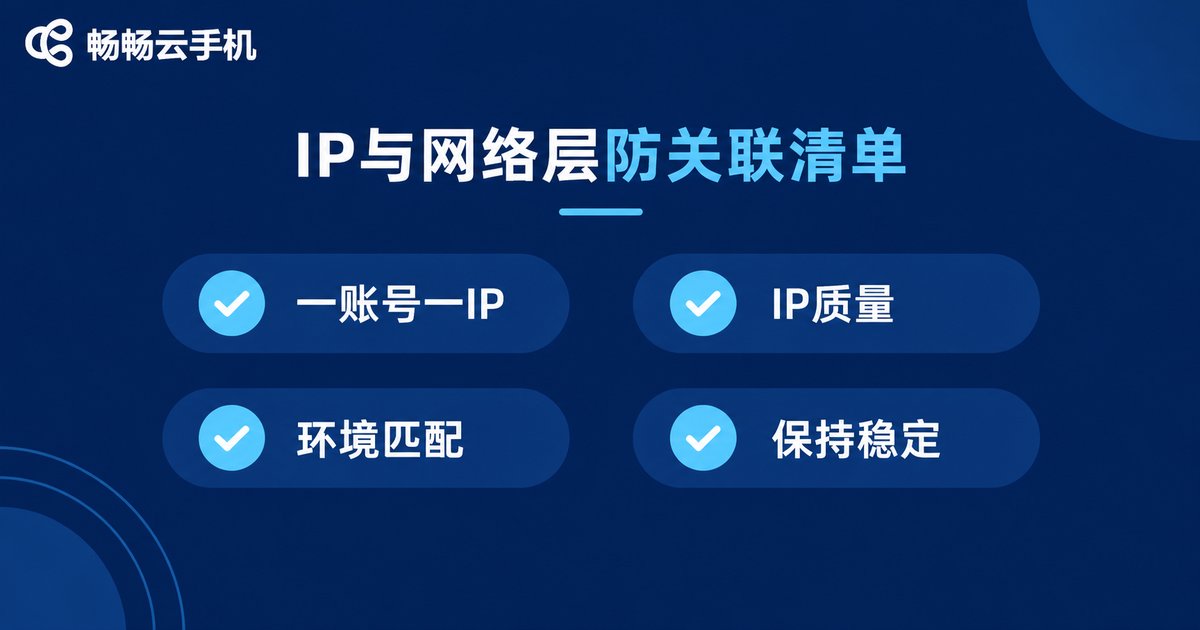
| Measure | Do this | Common mistake |
|---|---|---|
| One account, one IP | Bind each account to a fixed dedicated IP, never shared | Several accounts rotating through one line |
| IP quality | Prefer clean, dedicated static IPs | Cheap shared IPs used by masses of people |
| Environment match | Timezone, language, and region settings consistent with the IP location | A US IP with Chinese timezone and language |
| Stability first | Keep the same IP long term, change rarely | Switching to a new IP every few days |
The Complete Anti-Association Checklist: Device + Network + Behavior
Put all three layers together and you have a complete anti-association setup:
Device layer: one dedicated cloud phone per account, isolated parameters, no reused login environments;
Network layer: one account, one IP — clean, stable, and consistent with the account profile;
Behavior layer: login times, operating rhythm, and browsing habits that resemble a real person, with no identical actions performed by multiple accounts in the same minute.
Cloud Phone + Dedicated IP: The Standard Setup for Sellers
In practice, a solid configuration looks like this: one cloud phone per account, each account paired with a fixed dedicated IP line, and the IP location matching the account's target market. Let the cloud phone handle device isolation and the dedicated IP handle the network layer — only when both layers are solid does association risk drop to a minimum.
If multi-account management is giving you headaches, start with ChangChang Cloud Phone (official site: ccloudphone). Run the full dedicated-device-plus-dedicated-IP workflow on a small number of accounts first, then scale up gradually.
FAQ
Q: Does using a cloud phone guarantee no association?
No. A cloud phone isolates the device fingerprint layer. If all your cloud phones still share one exit IP, the association risk stays high. The device layer and the network layer must both be handled.
Q: Are free or shared IPs acceptable?
Not recommended. These IPs have been used by huge numbers of users, carry messy histories, and may already be flagged. Logging in from one can trigger risk control more easily.
Q: How often should I change IPs?
The more stable, the better. One fixed IP per account over the long term is ideal. If a change is truly necessary, stay in the same region and avoid frequent cross-region jumps.
Q: Cloud phone or physical phone for anti-association?
Physical phones are naturally isolated but costly, hard to manage, and slow to scale. Cloud phones deliver device-parameter isolation at a fraction of the cost with far better manageability — and with a dedicated IP added, the protection is in no way weaker.


