

Which Cloud Phone Is the Most Stable? How to Choose One for Long-Term AFK Without Disconnects
Why “Stability” Is the No.1 Criterion When Choosing a Cloud Phone
For most users, the whole point of a cloud phone is simple: keep tasks running nonstop in the cloud, 24/7. Whether you are AFK farming in games, leveling accounts, keeping apps online, or running routine tasks, an unexpected disconnect can interrupt progress or leave accounts offline for hours. So when people ask “which cloud phone is the most stable,” what they are really asking is: who delivers the best uptime and the fastest recovery from disconnects?
Many cloud phone products look similar on the surface — similar interfaces, similar pricing. What truly separates them is the engineering quality behind the scenes: data centers, servers, and network routes. This guide breaks stability down into measurable indicators and practical buying tips.
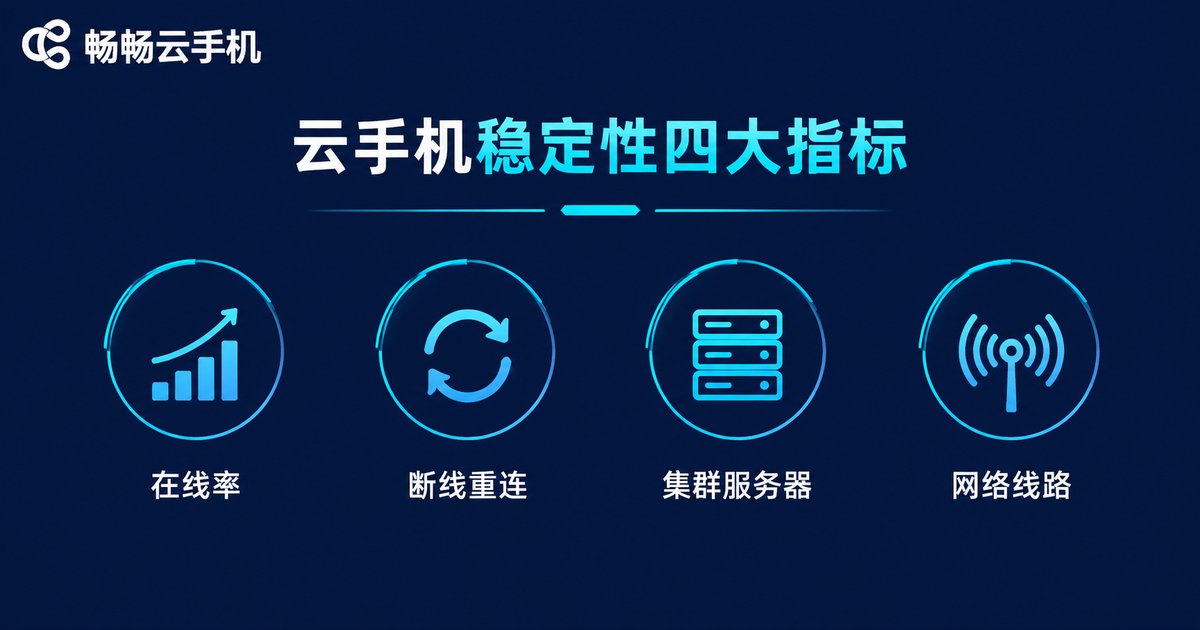
4 Core Indicators of Cloud Phone Stability
1. Uptime and auto-reconnect. A stable cloud phone should recover automatically after network hiccups or process crashes — reconnecting quickly instead of going offline. Always ask about uptime track record and recovery mechanisms before you buy.
2. Server architecture and load. Services built on clustered servers with load balancing stay smooth even at peak hours, while smaller operations that oversell computing power tend to drop connections at night or on holidays.
3. Network route quality. Multi-line data center connectivity and redundant bandwidth determine how stable your session feels. Poor routing shows up as a typical pattern: fine during the day, laggy and disconnect-prone during evening peaks.
4. Per-device performance. When CPU and memory run out, the system may kill background apps and cause crashes. For long-term AFK, choose a plan with comfortable headroom — never “just enough.”
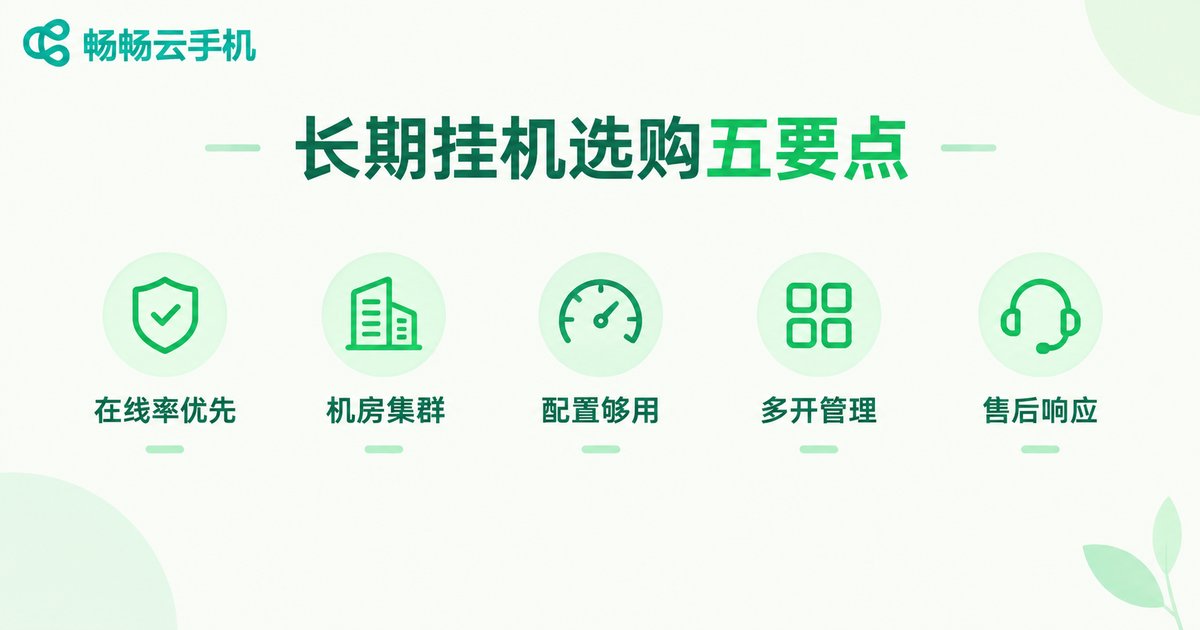
5 Buying Tips for Long-Term AFK Without Disconnects
Tip 1: Prioritize uptime over feature count. Features mean nothing if the device keeps dropping offline. Give your first vote to services known for high uptime and automatic recovery.
Tip 2: Check the data center and cluster setup. Reputable providers are transparent about their infrastructure. Clustered, multi-node deployments mean a single point of failure will not take your device down.
Tip 3: Match the plan to your workload. Running a lightweight app and running a large 3D game have completely different requirements. Define your scenario first to avoid crashes from underpowered devices.
Tip 4: Make sure multi-instance management is convenient. If you run many cloud phones at once, batch operations, grouping, and a dashboard with at-a-glance status dramatically reduce daily maintenance effort.
Tip 5: Fast support matters. When something goes wrong, how quickly you can reach support and get the issue resolved defines your long-term experience.
Comparing Three AFK Setups: Physical Phone, Average Cloud Phone, High-Stability Cloud Phone
| Dimension | Physical phone | Average cloud phone | High-stability cloud phone (e.g., ccloudphone) |
|---|---|---|---|
| Hardware cost | High: purchase plus maintenance | Low: pay as you go | Low: pay as you go |
| Online duration | Affected by power cuts and failures | Average; may drop at peak hours | 24/7 cloud availability |
| Reconnect after drop | Manual handling | Partially supported | Automatic, fast recovery |
| Multi-instance | Limited by device count | Depends on plan | Multi-open with batch management |
| Power and wear | Ongoing costs | None | None |
Why We Recommend ccloudphone
Considering stability, ease of use, and support, ccloudphone is a solid first choice. It runs real Android devices in the cloud: install one app on your phone, hand your tasks to a cloud device, and let it run around the clock.
· Real cloud devices: apps run on genuine Android systems in the cloud, consuming none of your local battery or performance — even if your phone is off or offline, cloud tasks keep running.
· Always on: cloud devices stay online around the clock, with automatic recovery to keep long AFK sessions worry-free.
· Multi-open and batch control: run multiple cloud devices simultaneously — ideal for multi-account and multi-task users.
· Easy to start: a clean interface lets you create a cloud device right after signing up, friendly even for beginners.
For the latest plans and configurations, visit the official ccloudphone website and pick the setup that matches your AFK scenario.
4 Practical Tips to Keep Your AFK Sessions Stable
1. Balance the load: do not cram too many tasks into one low-spec device; match the workload to the configuration.
2. Trim background apps: fewer unnecessary apps inside the cloud device means less memory pressure and fewer crashes.
3. Keep the app updated: install the latest cloud phone app version to get stability fixes.
4. Check status regularly: glance at your devices’ online status once a day; restart or contact support as soon as something looks off.
FAQ
Q: Why does my cloud phone keep disconnecting during AFK?
Common causes include oversold servers running out of capacity at peak hours, unstable network routes, underpowered devices crashing apps, and outdated app versions. Choosing a clustered service with auto-reconnect greatly reduces disconnects.
Q: Can a cloud phone really run 24/7?
Yes. Cloud phones run in professional data centers, unaffected by local power cuts or shutdowns. Services like ccloudphone keep your cloud device online continuously — you only check in occasionally.
Q: Are free cloud phones stable?
Free services usually have limited resources, so lag, queues, and disconnects are common at peak times. For important tasks, a paid, stability-focused service offers far better uptime and support.
Q: Can one cloud phone run multiple apps at once?
It depends on the device configuration and plan rules. Lightweight apps can often run in parallel; for large games, one task per device is safer to avoid crashes and disconnects.


