

Is Cloud Service Free or Paid? Understanding Personal Cloud Service Pricing
Is Cloud Service Free or Paid? Let's Not Jump to Conclusions
Open any cloud provider's website and you'll likely see something like this: 'Basic services are free, premium features are pay-as-you-go.' It sounds reasonable at first glance, but when you actually start using it, many people get confused by the bill — What exactly is free? What quietly drains your wallet? How much does it really cost per month?
Truth be told, cloud service pricing isn't complicated. The key is understanding where the 'free' boundary sits and what you're actually paying for. Let's break this down in plain language below.
The Boundary of Free Cloud Services: How Far Can You Stretch It?
Let's get to the point: cloud services do have free components, but 'free' usually means 'just enough to get by.'
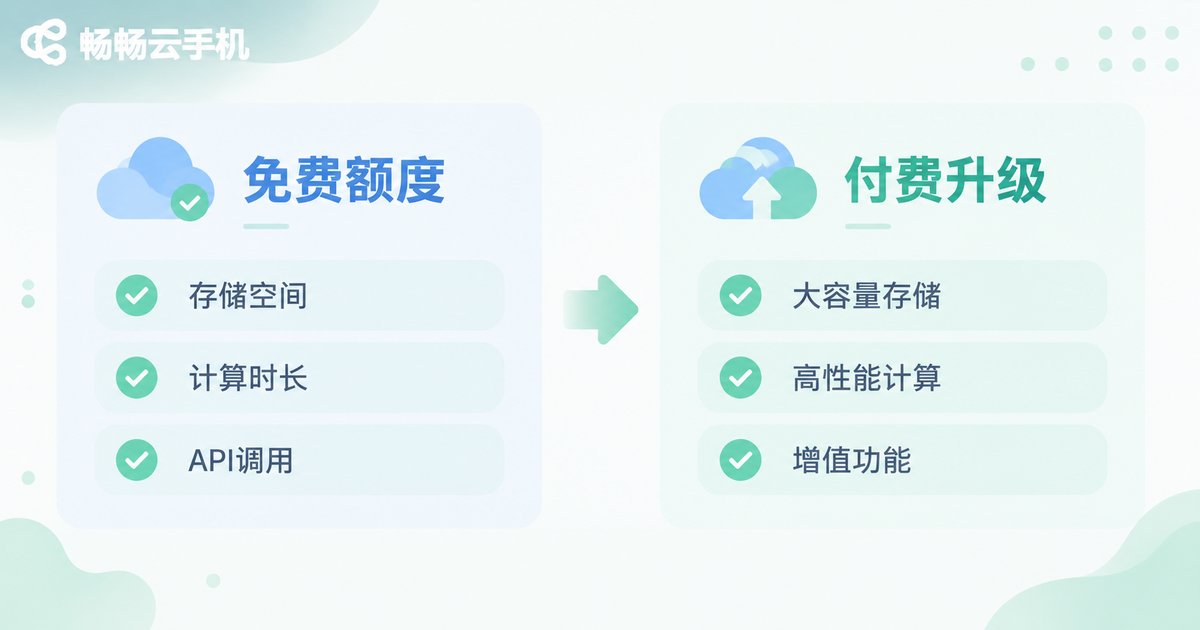
The free tiers offered by most cloud providers typically cover the following dimensions:
Storage: You might get 5GB to 15GB of cloud drive space. Storing photos and backing up a few documents? No problem. But if you need to store large video files or design assets, you'll hit the ceiling fast.
Compute: Some platforms offer a monthly allotment of free compute hours. Enough to run small scripts or test a project, but nowhere near sufficient for production deployments.
API Calls: Many cloud services include a monthly quota of free API calls. Plenty for a solo developer building a small tool, but once your user base grows, call volumes can spike exponentially.
In one sentence: free tiers are for 'trying out,' not for 'relying on.' When you genuinely need stable, high-capacity services, paying is unavoidable.
Personal Cloud Service Pricing: Where Does the Money Actually Go?
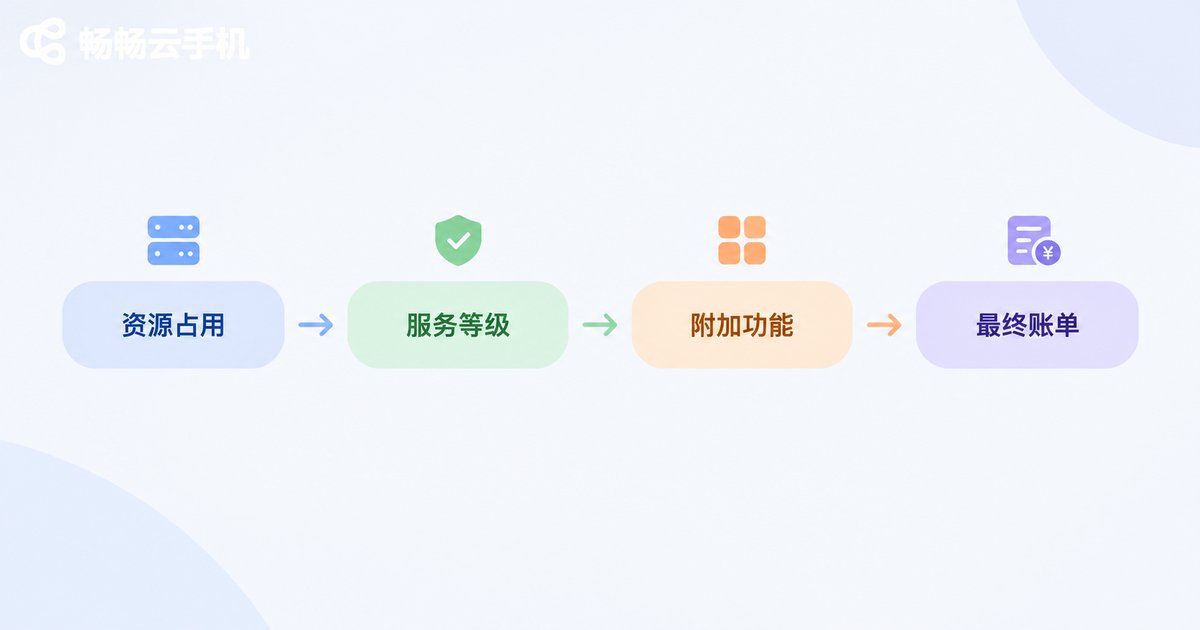
Now that we've mapped the free boundary, let's look at the paid side. Personal cloud service fees are essentially payments for three things:
First, resource consumption. How much storage you use, how many compute hours you burn, how much bandwidth you consume — these are hard costs. Think of it like renting an apartment: the bigger the space, the higher the rent. Cloud services work the same way — the more resources you occupy, the higher your bill.
Second, service tier. The same 100GB of storage can cost several times more as standard storage versus cold storage. Standard storage is fast and instantly accessible; cold storage is cheaper but takes longer to retrieve data. Your tier choice directly impacts your monthly bill.
Third, add-on features. Auto-backup, cross-region sync, security protection, dedicated support — each of these value-adds looks affordable on its own, but stacked together they add up. Many users unknowingly enable several add-ons and are shocked when the month-end bill arrives.
To make this more concrete, here's a comparison of common personal cloud service pricing items:
| Pricing Dimension | Free Tier (Typical) | When You Start Paying | Cost Impact |
|---|---|---|---|
| Cloud Storage | 5~15GB | Exceed free capacity | Moderate, tiered by GB |
| Compute | ~750 hours/month (low-spec) | Exceed free hours or upgrade specs | High, hourly or monthly |
| Network Bandwidth | Limited free data | Large file uploads/downloads | Moderate, per GB |
| API Calls | ~1M calls/month | Exceed call quota | Low, per call |
| Add-on Features | Usually not free | Charged upon activation | Varies by feature |
See? Your cost is entirely determined by your usage intensity and required service level. A light user might spend a few dollars a month; a heavy user running business workloads could spend hundreds or more. There's no single 'cloud service price' — only 'the price that fits you.'
Cloud Phone Services: A Real-World Personal Cloud Pricing Example
When it comes to personal cloud services, cloud phones are a very relatable example. They move a complete Android phone to the cloud, letting you remotely control it from your computer, tablet, or even another phone — no physical device needed, no local storage consumed.
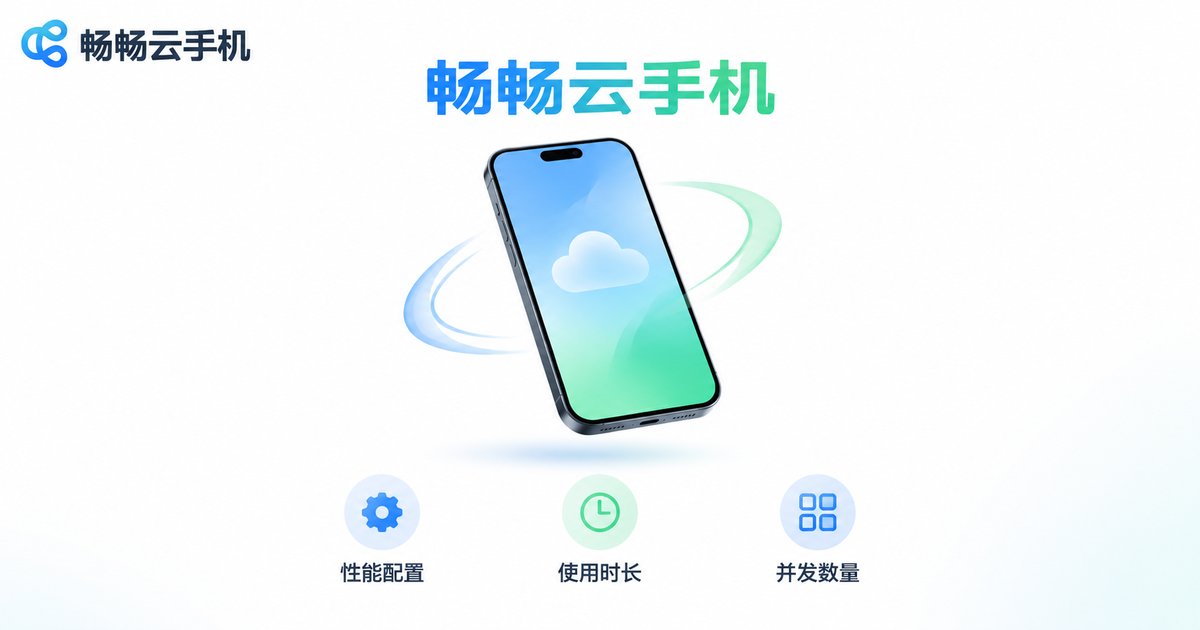
Cloud phone pricing is actually quite transparent, hinging on three main parameters:
Performance specs: The CPU cores, RAM, and storage of a cloud phone directly determine its price. Running everyday social apps? A low-spec unit is fine. But if you need to run multiple game accounts simultaneously or execute automation scripts, you'll need mid-to-high-spec options, and the price goes up accordingly.
Usage duration: Most cloud phone services support daily, monthly, or annual billing. Short-term trials work well on a daily basis; long-term stable use is more economical on a monthly or annual plan.
Concurrency count: One person using one cloud phone versus one person controlling five simultaneously — the cost is on a completely different scale. If you're running batch tasks, concurrency is your biggest cost variable.
Take ccloudphone as an example. Its pricing strategy revolves around these three dimensions. You can check real-time prices for different configuration tiers on the official website and select based on your actual needs — no need to pay for performance you won't use. For individual users, choosing on demand and paying by usage is the most rational approach: no large upfront investment, no worry about idle resources going to waste.
How to Pick the Most Cost-Effective Personal Cloud Service: 4 Practical Tips
Tip 1: Calculate your needs before choosing a plan. Don't let 'first-month deals' cloud your judgment. First, list the storage, compute, and features you actually need, then find the plan that just covers them. Extra features you won't use are wasted money; missing features force you to upgrade later.
Tip 2: Watch out for 'hidden fees.' Some services advertise a base price, but overage charges for bandwidth, data migration fees, and snapshot backup costs can exceed the base fee. Always read the full billing breakdown before signing up.
Tip 3: Use free tiers for testing. Most cloud providers offer a free trial period or free quota. Run your actual workloads on the free tier first, confirm performance meets your needs, then commit to a paid plan. Far more reliable than ordering blindly.
Tip 4: Review your usage regularly. Cloud services aren't 'set it and forget it.' Check your actual usage every one or two months. If you've been within the free tier for consecutive months, you're overpaying. If you're frequently hitting limits, it's time to upgrade. Let your bill follow your needs, not the other way around.
Frequently Asked Questions
Q: Are cloud services really completely free?
Not entirely. Most cloud services offer a free entry-level tier, but free quotas are typically limited (e.g., a few GB of storage, a few hundred compute hours per month). Once your usage exceeds the free range, you'll need to pay. 'Free' is more about letting you try the service, not about using it for free forever.
Q: How much does a personal user typically spend on cloud services per month?
It depends on your use case. If you're just storing files and backing up photos, a few dollars a month or even the free tier might suffice. If you need to run compute tasks, deploy applications, or use a cloud phone, costs could range from a few dollars to hundreds. Heavy users or batch-task scenarios will cost more. The key is to match your configuration to actual needs and avoid overspending.
Q: What's the difference between a cloud phone and a physical phone? How does the pricing model differ?
A cloud phone is a virtual Android device running on cloud servers, controlled remotely over the network. You don't need to buy hardware — you pay based on usage duration and configuration. Compared to a one-time hardware purchase for a physical phone, a cloud phone is more like 'renting' — you pay only for what you use and can release resources anytime. This makes it more flexible for short-term needs or batch-task scenarios.
Q: What kind of individual users is ccloudphone suitable for?
If you need to run Android apps in the cloud, handle multi-instance tasks, execute automation scripts, or avoid consuming local device resources, ccloudphone is worth considering. Its configuration tiers range from everyday use to high-performance needs. Visit the official website to check real-time plans and prices, and choose based on your actual usage — no need to pay for idle resources.
Q: How much difference is there between annual and monthly billing? Which should I choose?
Generally, annual billing is 10%~20% cheaper than monthly. If you're certain you'll use the service long-term (e.g., running a fixed business), annual is more economical. If it's a short-term project or you're still in the testing phase, monthly or even daily billing is more flexible and avoids resource waste. It's recommended to start with a short-term plan to validate your needs, then switch to a long-term plan once things are stable.


