
Which Cloud Phone Is Good to Use: How to Choose by Configuration, Latency, Image Quality and Stability
Before Asking Which Cloud Phone Is Good, Decide What You Need It For
When people search for the best cloud phone, the first screen is usually full of specs and pricing plans, and the more they read, the more confused they get. Choosing a cloud phone works the same way as choosing a computer: look at the use case first, then the specs. Different use cases place completely different demands on configuration, latency, image quality and stability.
Common use cases include game idling, multi-account operations, app testing and compatibility checks, live streaming and remote work. Idling cares most about whether it can stay online for a long time. Testing cares most about Android version and device coverage. Multi-account operations care most about how many instances can run at once and how efficient batch management is. Get this question clear first and everything else becomes much simpler.
1. Configuration: Not About Big Numbers, But About Enough
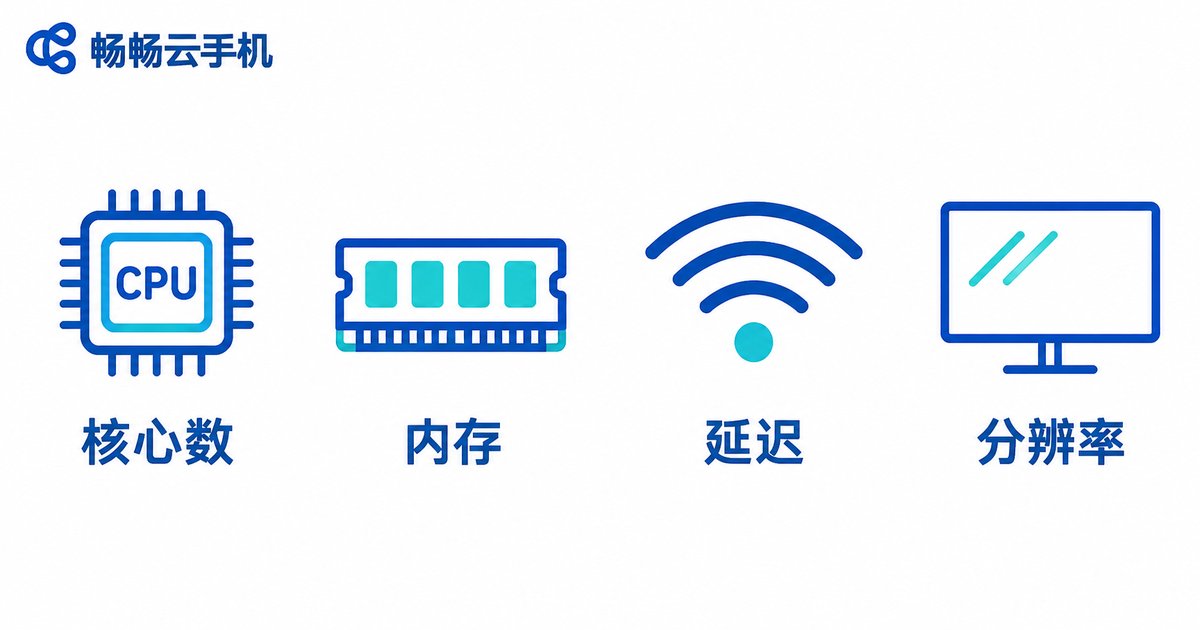
Cloud phone configuration mainly comes down to four things: CPU cores, RAM, storage and Android version.
Many beginners fixate on the idea that more cores are always better, which is not accurate. For someone running a simple idling script, a 2-core 4GB instance is often enough. But when running several apps at the same time or handling more demanding visuals, insufficient RAM becomes obvious: apps get killed by the system and need to reload when you switch back.
The Android version matters just as much. Some apps have system requirements, and an older version simply will not install them. So the right order for judging configuration is: first confirm the Android version runs your apps, then check whether RAM is enough for running them together, and only then look at CPU cores.
| Use Case | RAM Reference | Common Pitfall |
|---|---|---|
| Single-app idling | 2GB to 4GB covers basic needs | Not enough storage causes update failures |
| Multiple apps at once | 4GB or more recommended | Apps recycled in the background when RAM is short |
| App testing, multi-device checks | Choose by device coverage | Android version does not match the target app |
2. Latency: It Decides Whether the Experience Feels Right
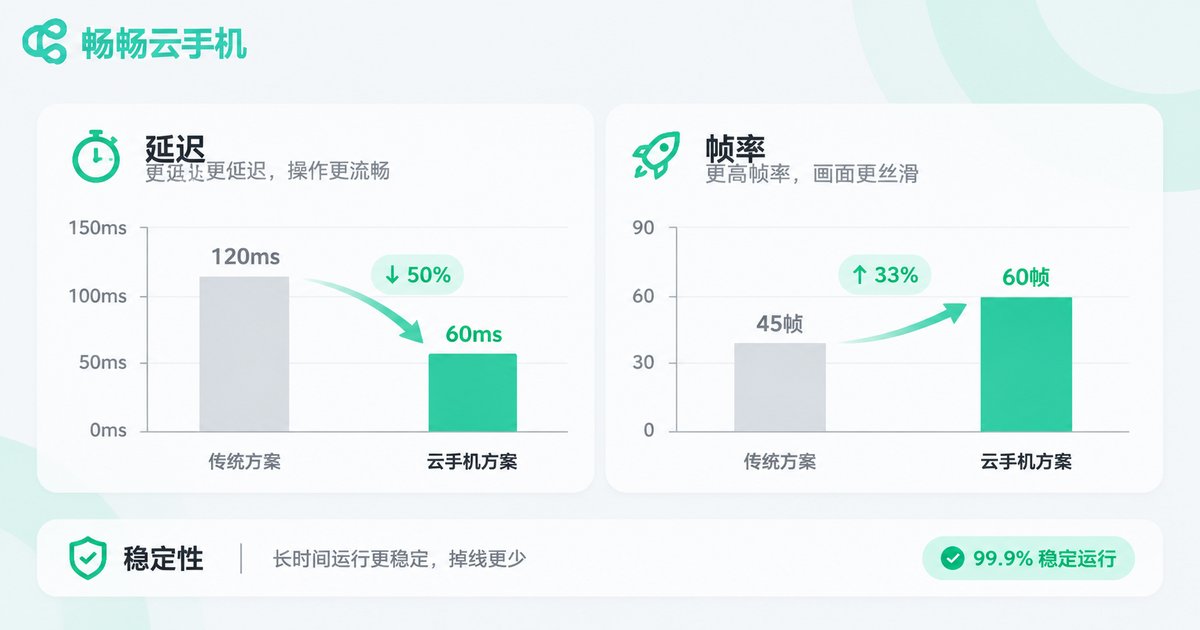
Latency is the most intuitive part of the cloud phone experience. It is the time between your tap and the response on screen. Two things mainly determine it: the network path between you and the data center, and the network quality inside the provider's data center.
Generally, within a few dozen milliseconds, daily operations feel more or less identical. When latency is high, swiping feels floaty and taps lag behind. Idling may not be affected, but manual operation becomes painful.
The way to judge is simple: do not rely on the numbers on the marketing page, launch an instance and swipe a few times yourself. If swiping tracks your finger and apps open without delay, it passes. If you clearly feel a half-beat delay, no amount of configuration will fix it. Also note that different nodes from the same provider can feel different, and choosing a node closer to you is usually more stable.
3. Image Quality: Higher Is Not Always Better, Matching Matters
Image quality mainly depends on resolution, frame rate and how much the picture is compressed. Higher resolution means clearer detail, but it also consumes more bandwidth and performance.
If you are only idling and just need to see the status clearly, that is enough and there is no need to chase high resolution. If you run multiple accounts, inspect interface details, do demos or stream, then high resolution plus a stable frame rate is genuinely valuable. The real trap is this: some solutions look crisp on a static screen but blur and drop frames the moment the picture changes quickly, and that is what actually hurts the experience.
When testing, pick something that moves, such as scrolling a list or playing a video, and check whether the picture stays stable instead of judging from a screenshot.
4. Stability: Where the Real Gap Shows Up
Configuration and image quality can both be written clearly on a marketing page, but stability is hard to fake. A cloud phone is a tool that runs for long periods, and disconnections, restarts and apps being cleared will wipe out every advantage the specs offered.
You can observe stability from three angles: whether online time is persistent, whether it recovers automatically after a disconnect, and whether performance degrades noticeably when running many instances. The practical approach is to let it run for a while, such as several hours or even a full day, and watch for unexpected drops. For idling and long-term operations, this factor often matters more than the specs themselves.
5. How to Prioritize the Four Factors
No cloud phone is strongest on every dimension. The right approach is to rank priorities by your own scenario:
| Your Main Use | Top Priority | Second Priority | Can Be Relaxed |
|---|---|---|---|
| Game idling | Stability | Sufficient configuration | Image quality |
| Multi-account operations | Stability and multi-instance efficiency | Latency | High resolution |
| App testing | Android version and device coverage | Configuration | Long-term idling |
| Manual operation, demos | Latency | Image quality | Huge storage |
In other words, figure out which category you belong to first, then read the spec sheet, so the numbers do not lead you astray.
Why It Is Worth Trying CCloudPhone
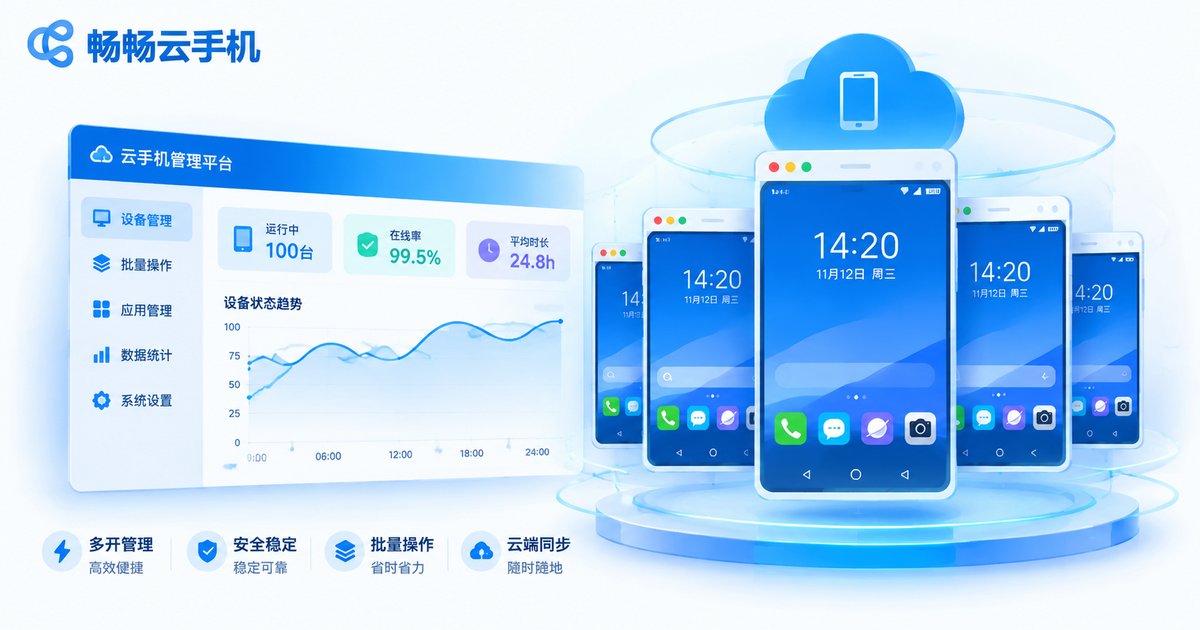
CCloudPhone (ccloudphone) provides ARM-based Android cloud phone instances that users can operate remotely through a client or a web browser. Instances can run online 24 hours a day, which suits game idling, multi-account management and app testing. It supports multiple instances and batch management, moving repetitive tapping and switching into the cloud so your local device carries much less load.
When choosing, it is best to clarify your use case and priorities first, then judge by the instance specifications and node location, and finally experience latency and stability hands-on. That is far more reliable than reading a marketing page alone.
Frequently Asked Questions
Q: Is there a one-sentence rule for choosing a good cloud phone?
Start with your use case. Idling looks at stability, manual operation looks at latency, testing looks at Android version coverage and demos look at image quality. The one that fits your use case is the good one; the one with the best-looking specs may not suit you.
Q: Is higher configuration always better?
No. Configuration should match the use case. For a single app, extra configuration brings limited gains while raising cost. But with many instances or visually demanding apps, insufficient RAM directly causes apps to be recycled, and then configuration becomes critical.
Q: What latency counts as acceptable?
Do not rely on marketing numbers; swipe a few times yourself. Swiping that tracks your finger, instant feedback on taps and apps that open without delay mean it passes. If you clearly feel a half-beat lag, the network path or node choice needs adjusting.
Q: Is a blurry picture a performance problem of the cloud phone?
Not necessarily. Image quality is shaped by resolution, frame rate and bandwidth together. Blurring or frame drops in dynamic scenes usually come from bandwidth or encoding strategy. Test with moving content rather than static screenshots.
Q: How do I verify stability?
The most direct way is a continuous online test. Let it run for several hours or a full day and watch whether it disconnects, whether you need to log in again, and whether running many instances becomes noticeably sluggish. Time will give you the answer.
Q: How should a beginner get started?
Define one main use case, pick an instance with sufficient configuration, and experience latency and stability yourself. Once you confirm it feels right, consider adding instances or adjusting configuration, so you avoid over-investing at the start.


