
Is a Cloud Phone Good to Use? Daily Operations, Multi-Instance Idling, and Long-Term Experience
Is a Cloud Phone Actually Good? The Short Answer
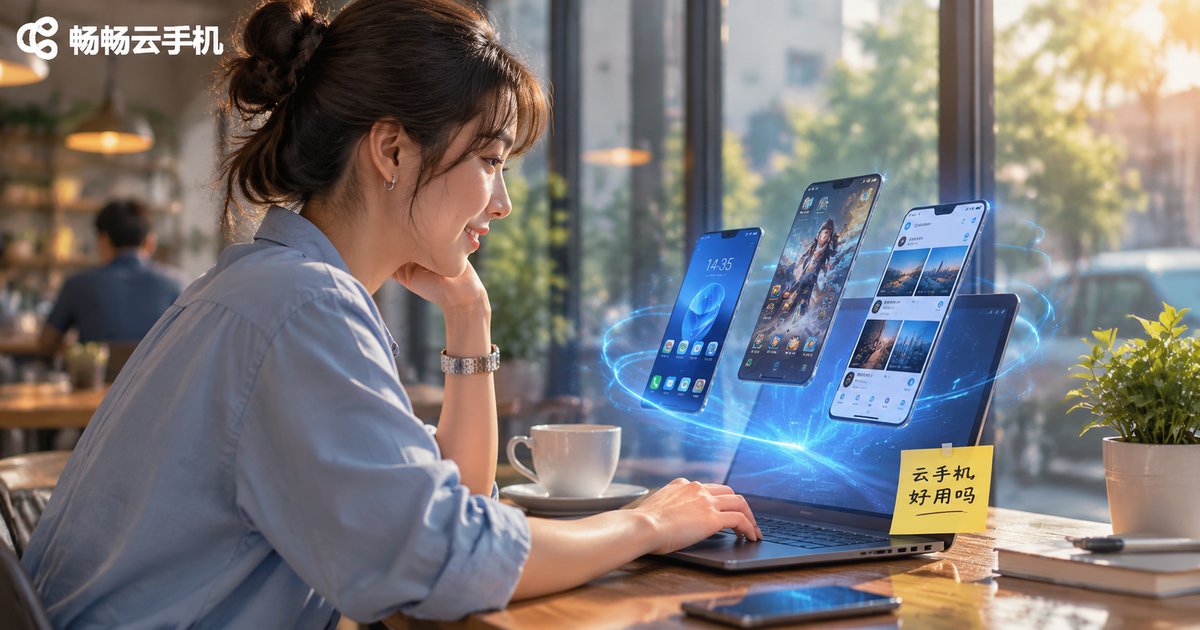
A cloud phone is not a fancier handset — it is an Android device running on a cloud server. You connect to it through your own phone, tablet, or computer. The screen is local; the computing happens in the cloud.
So the question 'is it good to use' really depends on what you want it for. For occasional use, running multiple accounts, or long hours of idling, it is far less hassle than a real device. For high-frame-rate competitive gaming or heavy video editing, it is not the right tool.
No spec-sheet hype here — below we cover real experience in three parts: daily operations, multi-instance idling, and long-term use.
Daily Use: Swiping, Switching, and Watching
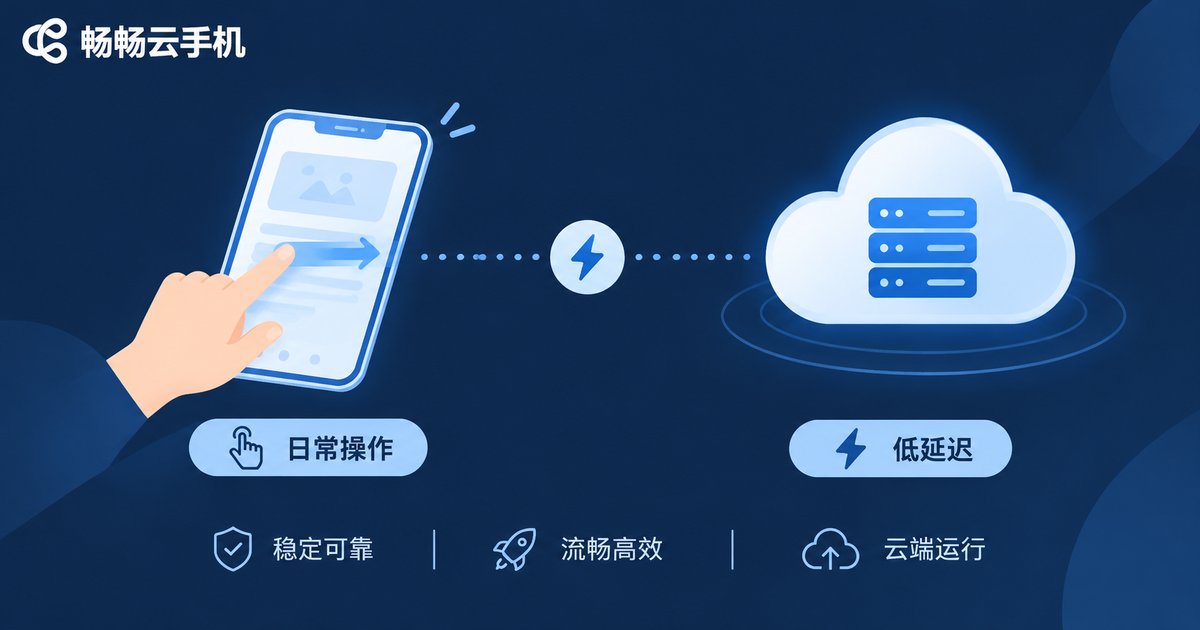
The most immediate factor in daily use is latency, and latency depends on the network route and the cloud configuration you choose.
On home WiFi or a stable 4G/5G connection, scrolling short videos, watching livestreams, or browsing e-commerce sites feels much the same as a real phone. Typing and chatting shows a very slight delay that most people stop noticing within minutes. App launch and switching speed depends more on the tier of configuration you pick.
When the network jitters, the picture blurs briefly and then recovers — that is the most practical way to judge a provider's route quality. Checking whether they have nearby nodes is more useful than reading numbers on a marketing page.
One underrated convenience is cross-device continuity. Your phone is almost out of battery, or you switch to a laptop: log in and the same screen is there, because the session runs in the cloud and your local device is just a display.
Multi-Instance Idling: One Device Becomes Many
This is where a cloud phone earns its keep.
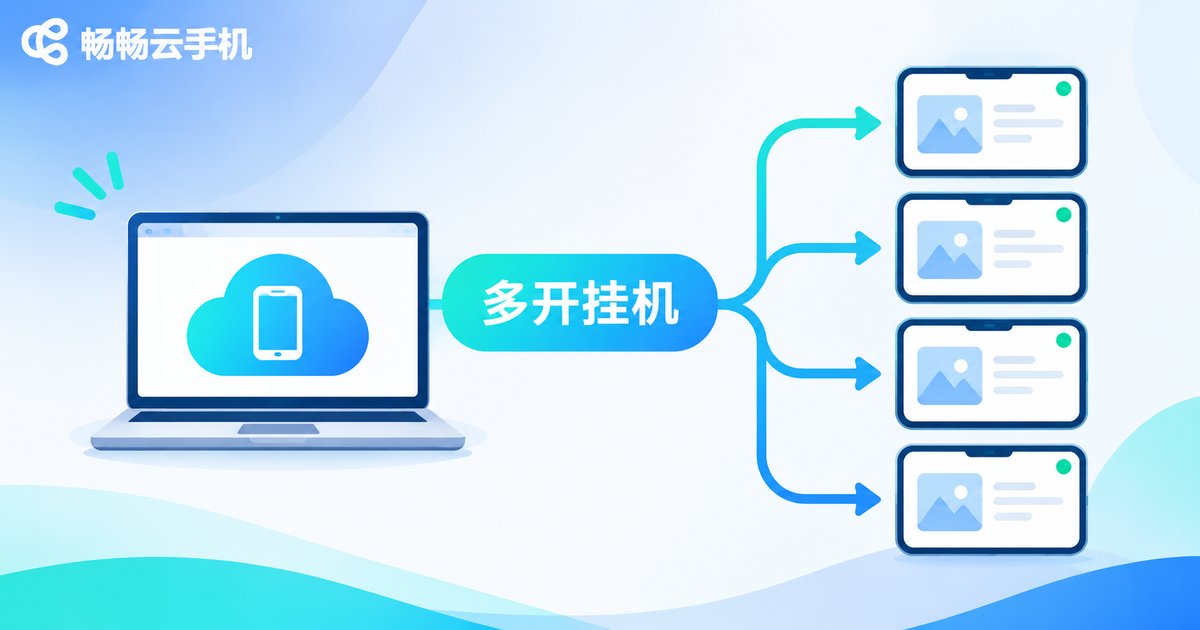
A single handset can usually hold one account at a time. Switching back and forth means missed messages, dropped sessions, and a screen that has to stay on. A cloud phone lets you open several instances on demand, each an independent Android environment, without interfering with the others — account A is idling, account B is browsing, account C is waiting for messages, and none of them get in each other's way.
Common ways people use it:
Game idling: daily quests, resource farming, and playtime keep running without tying up your own phone or draining its battery.
Multi-account operations: content distribution, e-commerce customer service, and community management all get easier when several identities need to be online at once.
Testing and comparison: check how the same content looks from different accounts, or verify that a flow works as expected.
The key point: idling happens in the cloud. Your phone can die, shut down, or lose connection, and the cloud instance keeps running. No setting on a real device can do that. That said, if your tasks are demanding, do not pick the lowest configuration — otherwise you land in the awkward zone where it opens but is not pleasant to use.
Long-Term Use: Stability, Power, and Cost
After a few months, the impressions narrow down to three things.
First, stability. Reputable providers offer auto-reconnect and instance snapshots, so a brief disconnect usually recovers quickly. What really matters is behaviour under long periods of high load — which is why a short trial before committing long term is worth it.
Second, power and data savings. The computing happens remotely and the local device only renders the screen, so your phone heats up far less and long idling sessions will not drain the battery.
Third, cost. Cloud phones are billed by configuration and duration. You pay for what you use, which is more flexible than buying a second handset, and there is no depreciation or repair to worry about.
One reminder: with long-term use, the real risk is not price but instability. Decide what you need to run and for how long, then pick a configuration that matches — do not save a little only to end up with a tier that cannot keep up.
Real Phone vs Cloud Phone
| Item | Real phone | Cloud phone |
|---|---|---|
| Number of devices | One system per handset | Multiple instances on demand, each independent |
| Online time | Stops when powered off | Runs continuously in the cloud |
| Local power use | Higher; heavy idling heats up the device | Lower; the local device only displays the screen |
| Data storage | On-device; migration needed when changing phones | In the cloud; continue on any device |
| Gaming experience | High frame rate, good feel | Great for idling, not for competitive play |
| Cost structure | One-off purchase of the whole device | Pay by configuration and duration |
| Camera and sensors | Fully supported | Limited support |
Who It Suits and Who It Does Not
Good fit: people who need several accounts online at once, players who idle for long hours, content creators and e-commerce operators, anyone who wants an always-on secondary device, and users whose phones are short on storage but need more apps.
Poor fit: competitive players chasing high frame rates and feel, anyone doing heavy video editing, workflows that depend on the camera and sensors, and users with poor network conditions.
The test is simple: if your need is always-on, multi-account, and off your local device, a cloud phone is almost certainly the better deal. If your need is feel, performance, and instant feedback, a real phone still wins.
What to Check Before Choosing a Provider
Routes and latency: are there nearby nodes, and does it actually feel responsive in use? That matters more than any spec sheet.
Configuration: CPU, memory, and storage should match your use case — idling workloads and everyday browsing have quite different needs.
Multi-instance management: batch start/stop, batch actions, and a unified status view become essential once you run several instances.
Data and backups: account security, instance snapshots, and recovery capability only show their value over the long run.
Desktop support: being able to operate from a computer usually saves a lot of time compared with a small screen.
CcloudPhone (ccloudphone) provides Android instances running in the cloud, with multi-instance management and cross-device access, so you can operate the same cloud device from a phone or a computer. For the latest configuration, duration, and pricing details, check the official website and choose based on your actual usage.
Frequently Asked Questions
Q: Do I need to keep my local phone on while using a cloud phone?
No. The cloud phone runs on a cloud server and your local device is only the control window. After you close the local device, cloud tasks usually keep running — check the provider's specific policy.
Q: Does a cloud phone lag when gaming?
Idle, turn-based, and placement-style games are generally fine and often more convenient than a real phone. High frame rate competitive titles are more sensitive to network and video encoding, so the experience is below that of a real device.
Q: How many accounts can one cloud phone hold?
One instance is one independent Android environment, usually logged into one account. If you need multiple accounts, open multiple instances.
Q: Is a cloud phone safe for long-term use?
Data lives in the cloud, so choose a reputable provider with account verification, snapshot backup, and permission management. Also avoid storing highly sensitive passwords in a cloud environment.
Q: Is long-term use expensive?
Compared with buying a second handset, a cloud phone is billed by configuration and duration — start when needed, stop when not, which keeps things flexible. The actual cost depends on how many instances you run, how high the configuration is, and how long you use them.
Q: Can a cloud phone replace a real phone?
No, and it does not need to. Think of it as an always-on side device that handles idling, multi-account work, and long online sessions, while your real phone stays in charge of feel, photography, and instant interaction.


