
How Is a Cloud Phone Built? Architecture Analysis from Server to App
What Exactly Is a Cloud Phone?
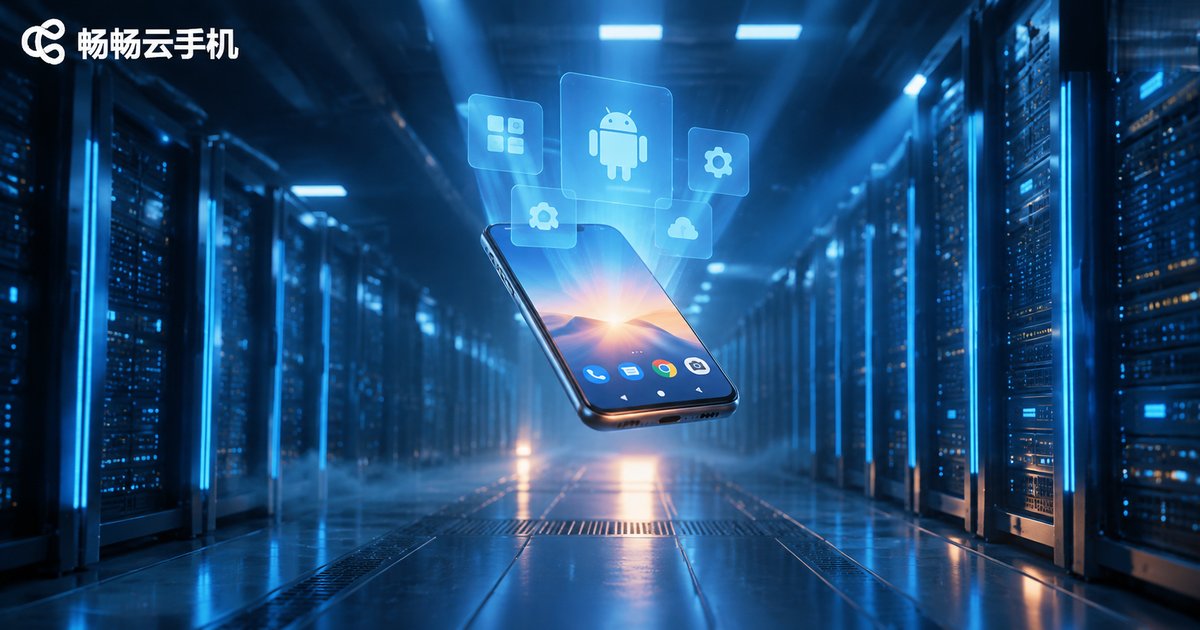
In simple terms, a cloud phone is a real smartphone moved to a cloud server. You don't need to own a physical device — all you need is a mobile app or a web browser to remotely control a virtual Android device running in a data center.
Sounds like remote desktop? Not quite. A cloud phone doesn't simply project your local screen to a remote location. Instead, it runs a complete Android system instance on the server, including CPU, memory, storage, and even GPU rendering — all done in the cloud. The screen you see is a video stream rendered by the server and transmitted over the network.
Layer 1: Server-Side — The Magic of Virtualization
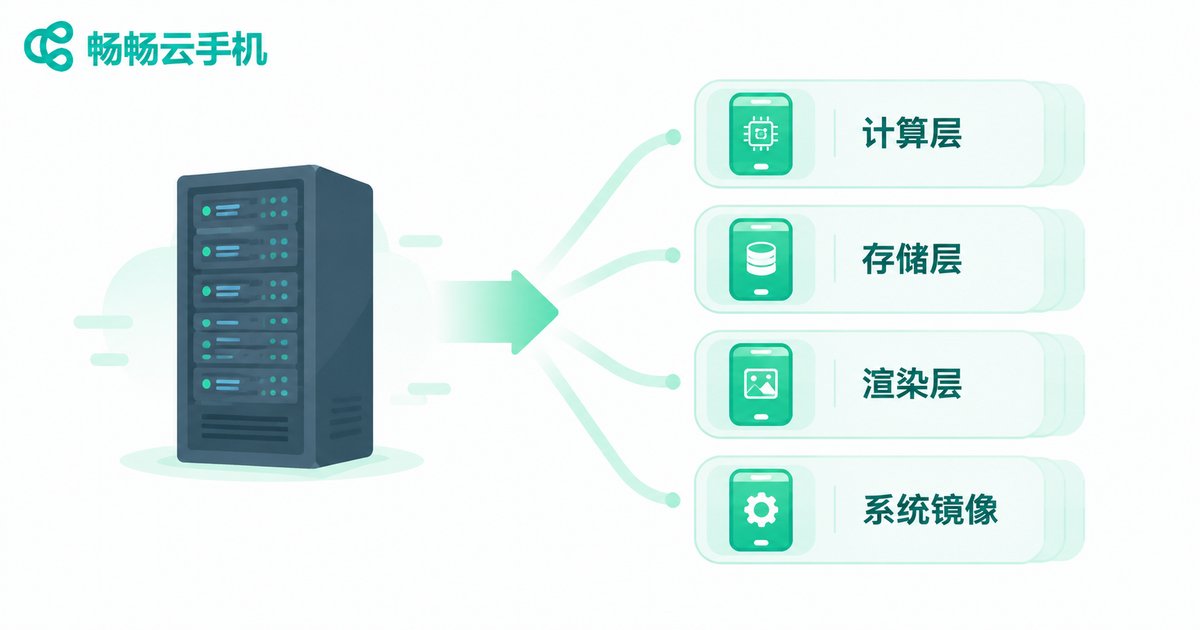
The foundation of a cloud phone is a server cluster. Inside data center racks, a physical server is divided into multiple independent virtual environments through virtualization technology (such as KVM, Hyper-V), where each virtual environment is essentially a virtual phone.
Specifically, the server side contains the following core components:
1. Compute Layer (CPU + Memory)
Each cloud phone instance is allocated a fixed number of vCPUs and memory, simulating the SoC performance of a real phone. The mainstream configuration is 4 cores with 8GB RAM, sufficient to smoothly run most apps and games.
2. Storage Layer (Virtual Disk)
Each cloud phone has its own independent virtual storage space, typically starting at 64GB, with online expansion support. The underlying layer uses distributed storage (such as Ceph) to ensure data redundancy and high availability.
3. Graphics Rendering Layer (GPU Virtualization)
This is the key to cloud phone experience. The server GPU converts Android app rendering instructions into video frames through virtualization drivers, then compresses them via encoding (H.264/H.265) before transmitting to the client.
4. System Image Layer
Each cloud phone runs a complete Android ROM image, supporting custom ROMs, ROOT access, multi-instance, and other advanced features.
Layer 2: Network Transmission — Racing Against Latency
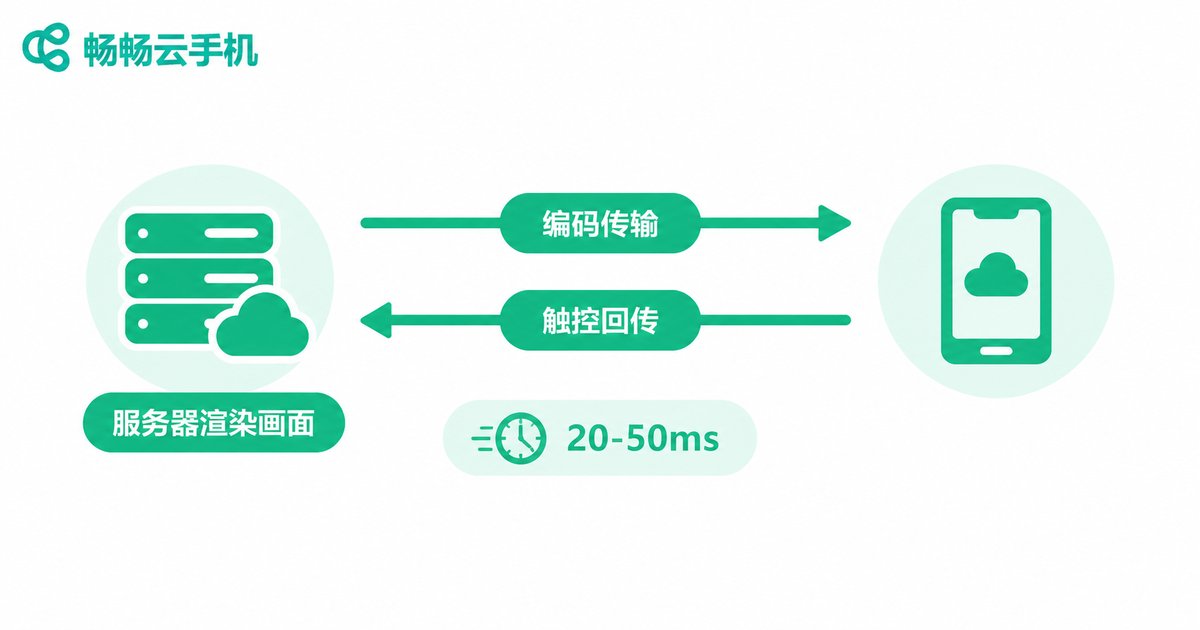
Whether a cloud phone experience is good or bad, 60% depends on network transmission quality. The frames rendered by the server need to reach you with minimal latency, and your touch operations must be transmitted back in real time.
Transmission protocol is the core of this layer. There are two mainstream approaches:
| Protocol | Features | Use Case |
|---|---|---|
| RTSP / WebRTC | Low latency (20-50ms), strong real-time performance | Gaming, real-time interaction |
| HTTP-FLV / RTMP | Good compatibility, slightly higher latency (100-300ms) | Daily office work, idle running |
To further reduce latency, cloud phone providers typically deploy CDN edge nodes globally, allowing users to connect to the nearest data center. QUIC protocol is also adopted to replace traditional TCP, reducing handshake time and maintaining smooth performance even in weak network conditions.
Layer 3: Client App — The Phone You See
The cloud phone app on your phone is essentially a decoder + input forwarder:
1. Video Decoding
The app receives the H.264/H.265 encoded stream from the server and uses a hardware decoder (GPU) to decode it into frames in real time, displaying them in the app window.
2. Touch/Key Mapping
Every swipe or tap you make in the app is encoded into a command packet and sent back to the server through the same channel, where it is converted into Android system touch events.
3. Quality and Frame Rate Adjustment
The app provides quality tiers (Smooth/Balanced/HD) and frame rate options (30fps/60fps), allowing users to balance clarity and latency based on network conditions.
4. Multi-Window Management
A good cloud phone app supports opening multiple cloud phone instances simultaneously with split-screen display, convenient for batch operations.
CCloudPhone: A Ready-to-Use Cloud Phone Solution
After understanding the architecture, you can see that building a complete cloud phone system involves virtualization, networking, rendering, and client development — a very high technical barrier. CCloudPhone (ccloudphone) packages this complex architecture into a product that ordinary users can easily use.
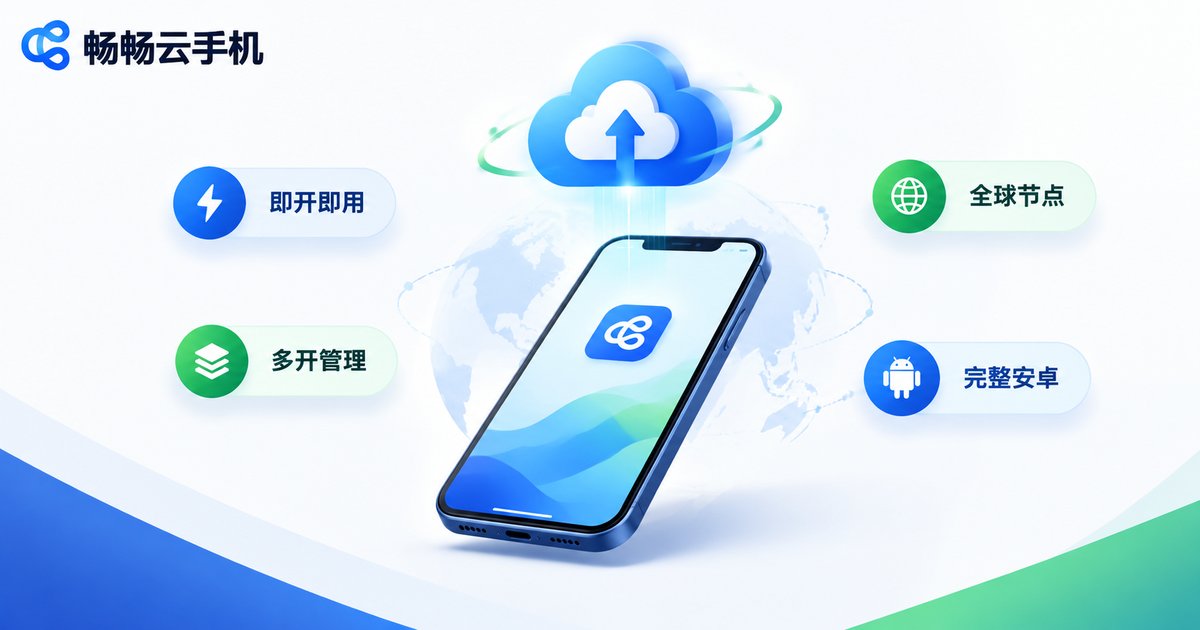
Core advantages of CCloudPhone:
· Instant Access — Create a cloud phone instance with one click after registration. No technical configuration needed; you are in the desktop in seconds.
· Global Node Coverage — Data centers deployed in multiple regions. Users are automatically matched to the nearest node for lower latency and smoother experience.
· Multi-Instance & Batch Management — Run multiple cloud phones simultaneously, ideal for game multi-instance, app testing, and batch operations.
· Full Android Environment — Supports ROOT, custom ROM, and APK installation, delivering the same experience as a real phone.
· Cross-Platform Client — Available via mobile app (Android/iOS) and web, accessible anytime, anywhere.
If you don't want to worry about the underlying architecture and just want a quick cloud phone, CCloudPhone is the most hassle-free choice. Visit the official website to get started.
Frequently Asked Questions
Q: What is the difference between a cloud phone and remote desktop?
A: Remote desktop projects your local computer's screen outward, with computation done locally. A cloud phone runs the entire phone on the server — computation, rendering, and storage all happen in the cloud. Your local device only displays the screen and forwards operations.
Q: Will a cloud phone lag when playing heavy games?
A: It depends on server configuration and network quality. Choosing a high-spec instance (e.g., 8 cores, 16GB RAM + dedicated GPU) and connecting to a low-latency node allows most mainstream mobile games to run smoothly. Daily office work and idle running have lower requirements.
Q: Is my data safe on a cloud phone?
A: Reputable cloud phone providers use distributed storage, data encryption, and isolated instances. CCloudPhone stores user data on independent virtual disks, completely isolated from other users, ensuring security.
Q: Can I use a cloud phone without a phone?
A: Yes. CCloudPhone offers web access. As long as you have a computer and a browser, you can open a webpage and use the cloud phone directly, without relying on any mobile device.
Q: Can a cloud phone run 24/7 without interruption?
A: Yes. Cloud phones run on data center servers, unaffected by local device shutdown or network disconnection. They are ideal for idle running, monitoring, and other scenarios requiring long-term online presence.


