
How to Choose a Free Cloud Phone Without Pitfalls: Five Platforms Tested and Compared
Why Free Cloud Phones Are Suddenly Everywhere
In plain terms, a cloud phone is an Android device running in a data center. Your physical phone acts only as a screen and a remote control, while the real work happens on cloud servers. That means AFK tasks drain none of your local battery, multi-instance gaming consumes none of your local storage, and your device stays online 24/7 even when your phone is switched off. For mobile game grinders and multi-account managers, it is close to a necessity.
And the word free makes it irresistible: zero cost, try first, decide later. That is exactly where the traps hide, because free products often carry the deepest catches.
Before the Test: Five Common Traps of Free Cloud Phones
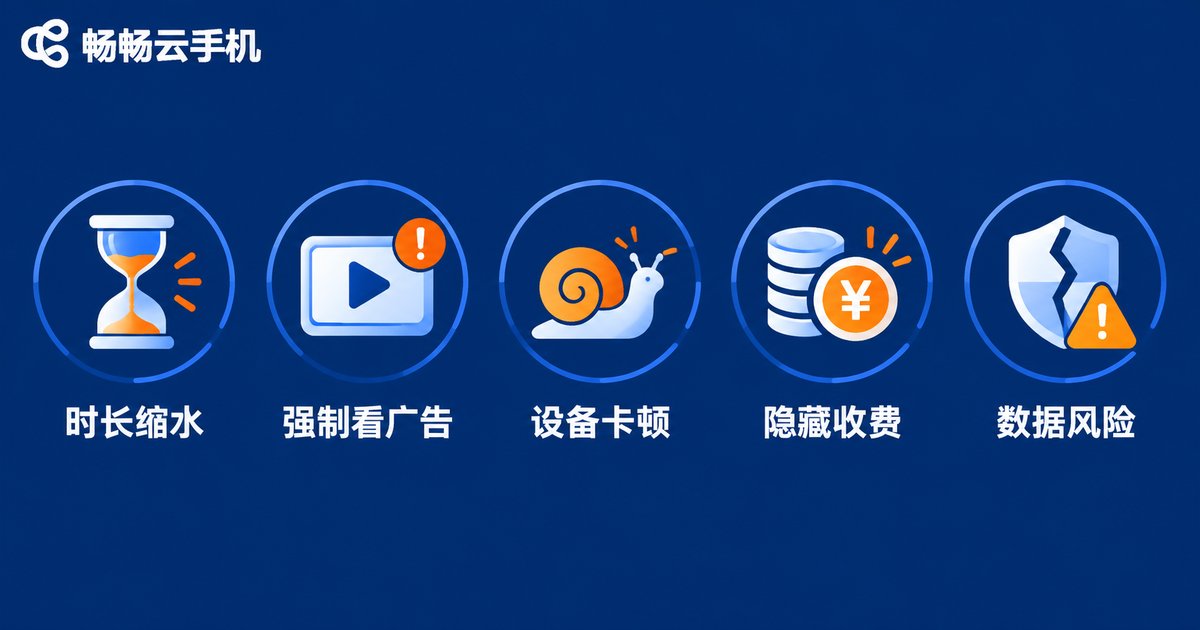
Before the comparison, here are the five traps we personally fell into during testing. They cover roughly ninety percent of the free cloud phone gimmicks on the market:
Trap 1: Free hours that shrink. The landing page promises free usage, but after signing up you find only one or two hours per day, far from enough for AFK farming.
Trap 2: Forced ads in exchange for time. Want one extra hour? Watch a 30-second ad first. In an eight-hour session, half of your time can go into tapping ads.
Trap 3: Painfully weak free devices. Free tiers are usually outdated low-spec models that turn any demanding game into a slideshow.
Trap 4: Hidden charges everywhere. Midway through, pop-ups announce that multi-instance costs extra or HD quality requires an upgrade, and core features sit behind paywalls.
Trap 5: No data safety net. Some smaller platforms carry real shutdown risk, and your accounts and data can vanish overnight.
Five Platforms Tested Side by Side
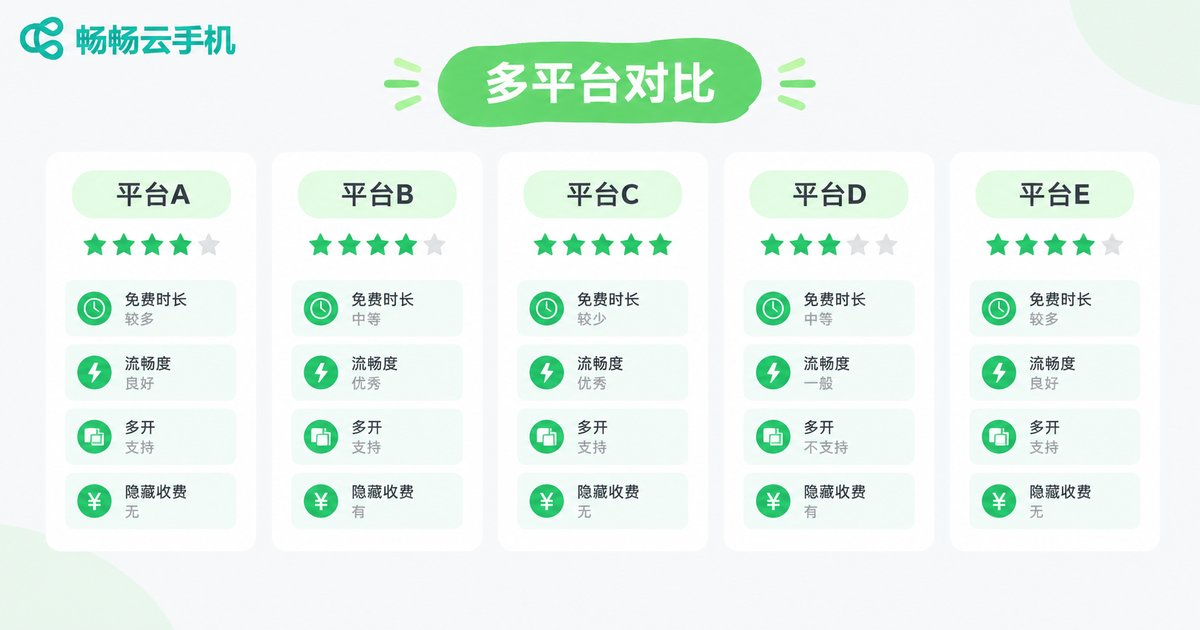
We selected five representative types of free cloud phone platforms (labeled Platform A through E to stay neutral) and spent one week testing them across four dimensions: free hours, device smoothness, multi-instance capability, and hidden charges. The results:
| Dimension | Platform A | Platform B | Platform C | Platform D | Platform E |
|---|---|---|---|---|---|
| Platform type | Ads-for-time | New-user limited | Check-in accumulation | Crippled features | Studio oriented |
| Free hours | About 2 hours daily | 3 free days for new users | Earned by check-ins | First week only | Exchanged via ads |
| Device smoothness | Average | Above average | Average | Below average | Above average |
| Free multi-instance | 2 devices | 1 device | Up to 5 | 3 devices | Paid only |
| Hidden charges | Many | Moderate | Few | Many | Moderate |
| Overall experience | ★★★ | ★★★★ | ★★★ | ★★ | ★★★ |
Verdict: Platform B gives the best first impression but shows its true colors after three days; Platform C suits patient check-in users; Platform D can be ruled out; Platforms A and E depend on how many ads and paywalls you can tolerate. Overall, none of them lets you freeload long term with zero strings attached. Free is a customer acquisition tool, and it pays to see it clearly.
How to Avoid the Traps: Five Selection Criteria
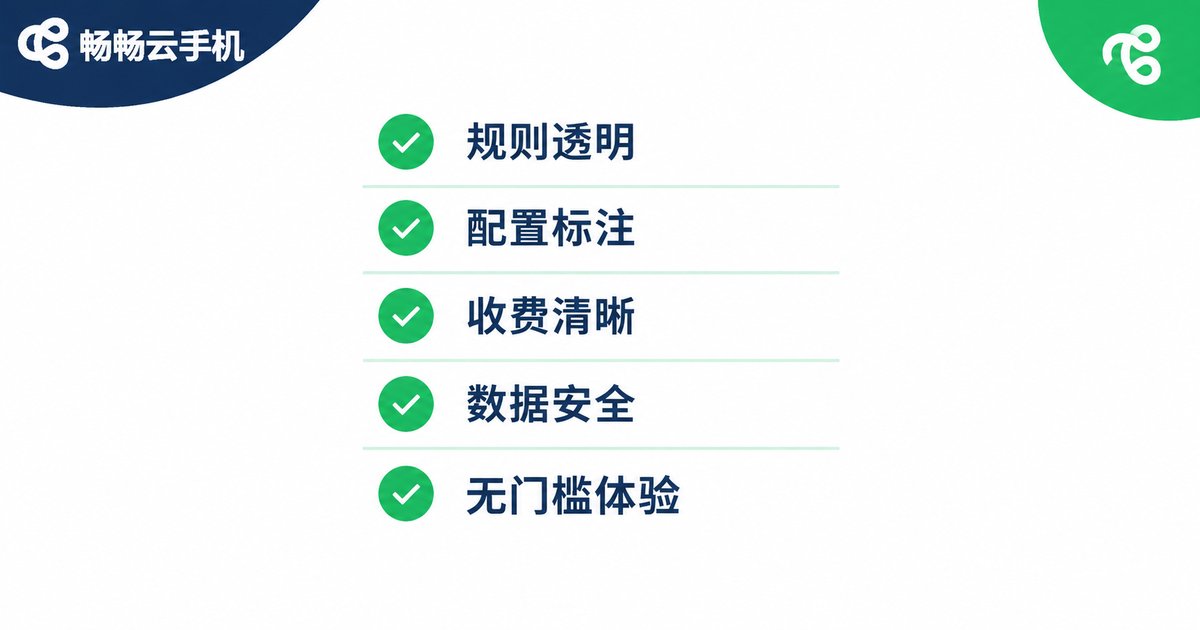
Based on our hands-on results, these five criteria help you filter out unreliable platforms within minutes:
1. Check whether the free policy is transparent. Trustworthy platforms spell out free hours and scope instead of hiding behind the word free.
2. Check whether device specs are published. Platforms that dare not list models and configurations rarely deliver a good free experience.
3. Map out paid features in advance. Browse the pricing page before signing up, so you never discover halfway that core functions cost money.
4. Think twice before storing data on small platforms. Never keep important accounts or data on an obscure service with shutdown risk.
5. Prefer truly frictionless free trials. Free credit with no ads, no forced sharing, and no extra steps is the only free that counts.
A Worry-Free Starting Point: ChangChang Cloud Phone
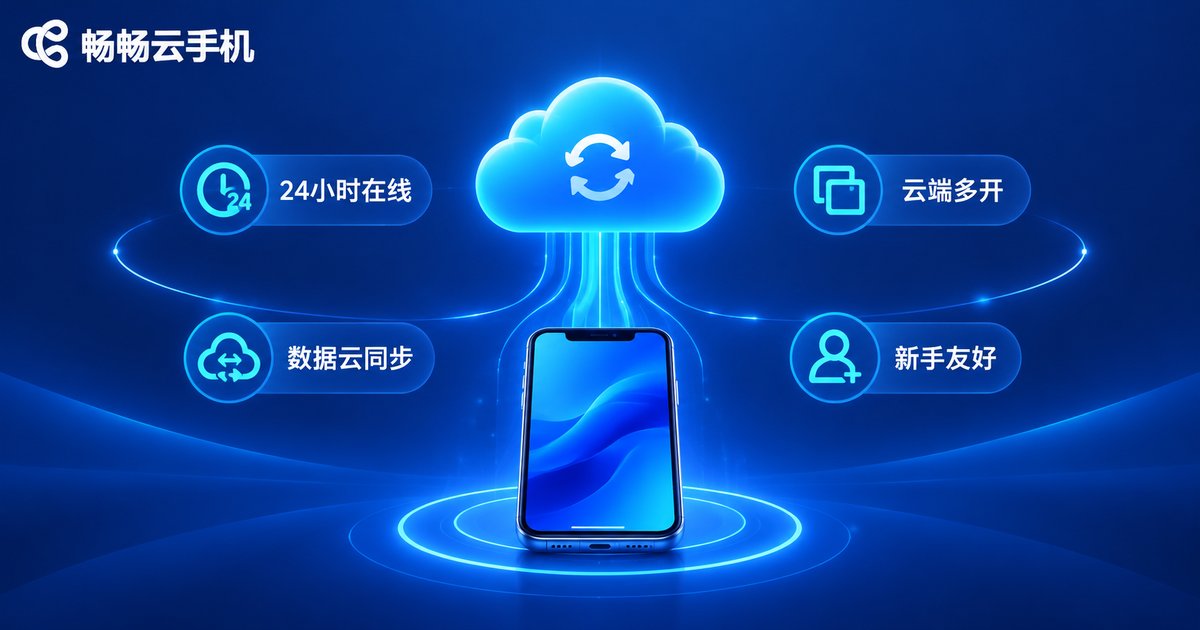
If you would rather skip the trial-and-error loop, start directly with ChangChang Cloud Phone (ccloudphone). Its free policy is relatively transparent: new users can try the cloud Android environment first, feel the real smoothness and stability, and only then decide whether to continue, keeping the choice in their own hands.
Its core strengths are clear: 24/7 cloud availability, so AFK tasks keep running even when your local phone is off; data stored in the cloud, so switching devices or networks is seamless; and a clean, intuitive interface that beginners can pick up quickly. Run your daily scenarios on the free experience first and upgrade only if it truly fits. That is always the safest path.
FAQ
Q: Are free cloud phones really free?
Most free tiers come with conditions such as time limits, ads, or reduced features. Treat them as trials; for heavy long-term use, a paid plan is the wiser route.
Q: Are free cloud phones safe? Could they steal my accounts?
Established platforms provide basic security guarantees, but smaller ones carry higher risk. Avoid logging into critical accounts on unknown services and always back up important data.
Q: Can I AFK-farm games on a free cloud phone?
Yes, but free devices are usually modest in specs, so demanding games may lag. If AFK farming is your main goal, prioritize CPU and memory configuration.
Q: How is a cloud phone different from an emulator?
An emulator runs on your own computer and consumes local resources, while a cloud phone runs on remote servers, uses none of your local specs, and stays online around the clock.
Q: Which platform should a beginner start with?
Start with a platform that has transparent rules and a free trial, such as ChangChang Cloud Phone, validate your scenario first, then decide whether to stay long term.


