
How Digital Human Livestreaming Runs 24 Hours Non-Stop: Cloud Phone + AI Solution Revealed
What Is Digital Human Livestreaming? Why Can It Run 24 Hours Non-Stop?
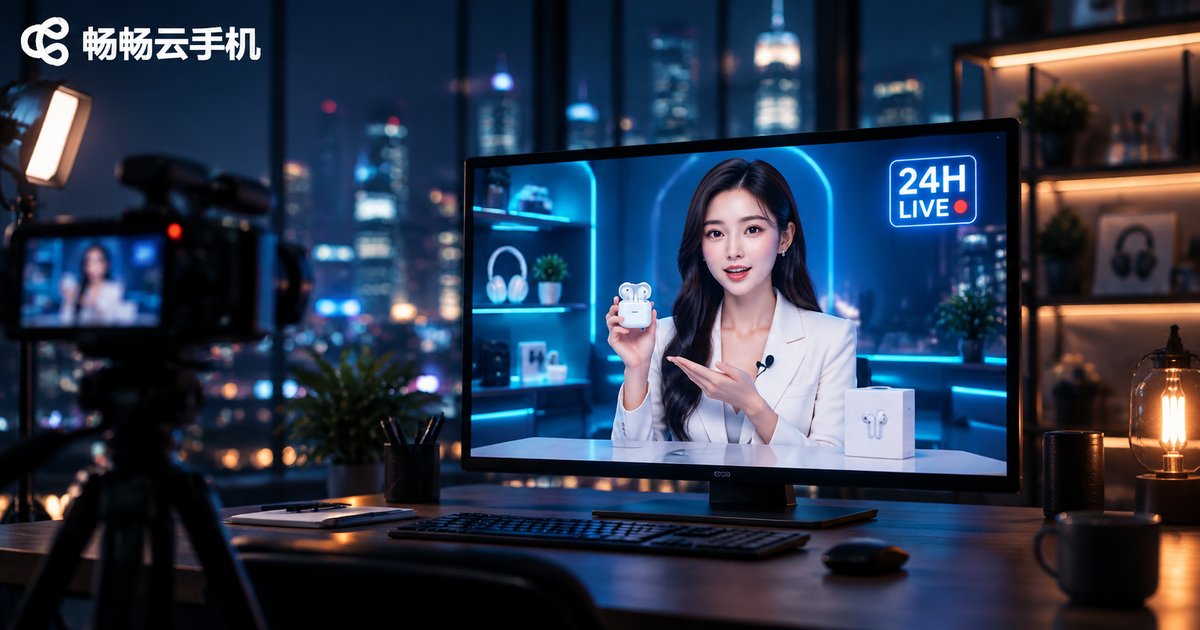
Digital human livestreaming uses AI-generated virtual hosts to replace real people on camera. Following pre-written scripts, the digital host introduces products, replies to comments, and guides purchases automatically—no human needs to stay in front of the camera. This is exactly why digital human livestreaming is naturally suited to long, continuous broadcasting: as long as the device running the stream stays online and stable, the livestream room can stay open around the clock.
For merchants, what does 24-hour streaming mean? It means covering late-night and early-morning hours with less competition but real consumer demand, capturing more organic traffic from the platform, and accumulating livestream room authority for better recommendations.
Why Traditional Setups Fail: One Physical Phone Cannot Sustain 24 Hours
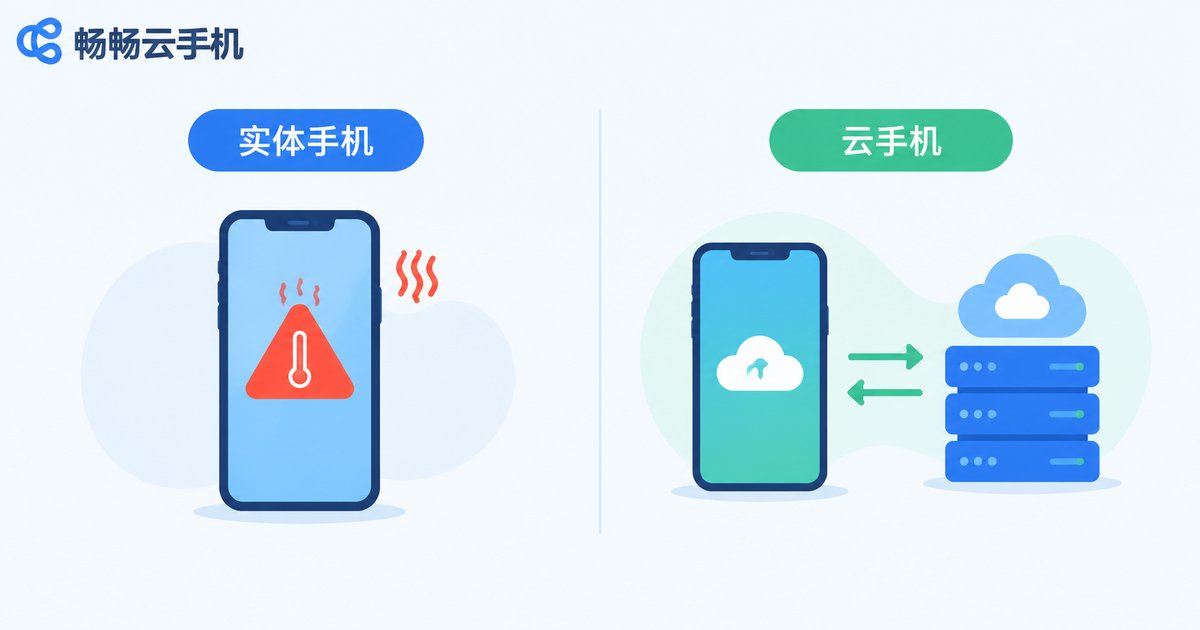
Many teams start by running streams on physical phones or PCs, but problems pile up quickly:
| Dimension | Physical Phone | Cloud Phone |
|---|---|---|
| Continuous uptime | Overheating, frequent stream drops | Cloud-based, stable 7×24 online |
| Hardware cost | One device per account, expensive at scale | No physical devices needed, provision on demand |
| Network stability | Depends on local broadband and Wi-Fi | Data-center-grade network |
| Batch management | Manual, one by one | Bulk control of multiple devices |
| Staffing | Dedicated on-site staff required | Remote management, one person runs many rooms |
Physical phones heat up and throttle, batteries drain, and local networks fluctuate—any single failure cuts the stream. Once a stream breaks, traffic and authority suffer. That is why the cloud phone has become the mainstream choice for digital human livestreaming teams.
Cloud Phone: The Perpetual Engine for 24-Hour Streaming
A cloud phone is essentially an Android phone running in a cloud data center. The streaming app runs in the cloud, with picture and network guaranteed by the data center, while your local computer is only used to view and control it. It delivers three key advantages:
First, never powers off. The cloud phone keeps running in the cloud—no fear of power cuts, overheating, or local network jitter, enabling true 7×24 livestream uptime.
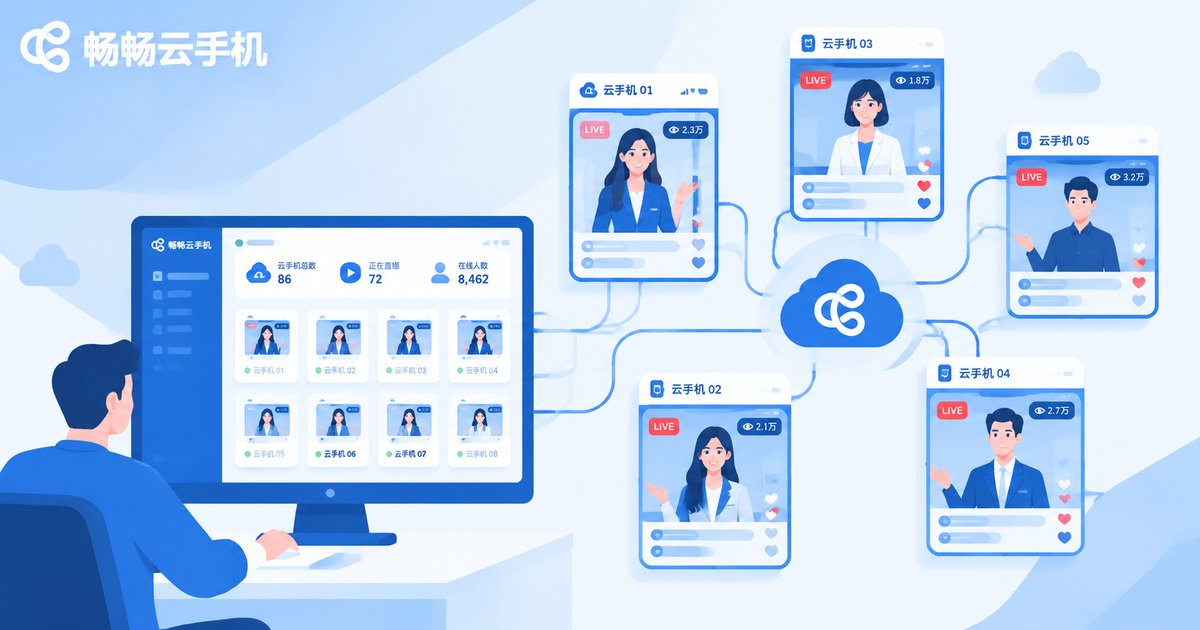
Second, multi-instance and bulk control. One dashboard manages many cloud phones: batch-start streams, update scripts across rooms, and monitor status centrally, greatly improving matrix operations efficiency.
Third, environment isolation. Each cloud phone is an independent environment, so multiple accounts do not interfere with each other, reducing association risks for multi-platform, multi-account livestream matrices.
AI-Driven: Making the Digital Host Speak, Interact, and Sell
A stable shell is not enough—a livestream room needs conversions, so the digital host must feel human. AI plays four key roles:
1. Avatar and voice generation: AI creates the digital avatar and lifelike voice from source material, with natural lip-sync, expressions, and gestures that viewers can barely distinguish from a real host.
2. Script generation: Feed product selling points to AI and it generates full scripts—opening, product pitch, urgency building, audience retention—and even rotates multiple versions by time slot and audience.
3. Smart interaction: AI recognizes keywords in live comments in real time and auto-replies to common questions (price, discounts, shipping), creating a genuine interactive atmosphere and longer watch time.
4. Data review: AI analyzes concurrent viewers, engagement, and conversion rates, then suggests optimizations so each session's scripts and pacing get sharper.
How to Set Up Cloud Phone + AI Digital Human Livestreaming
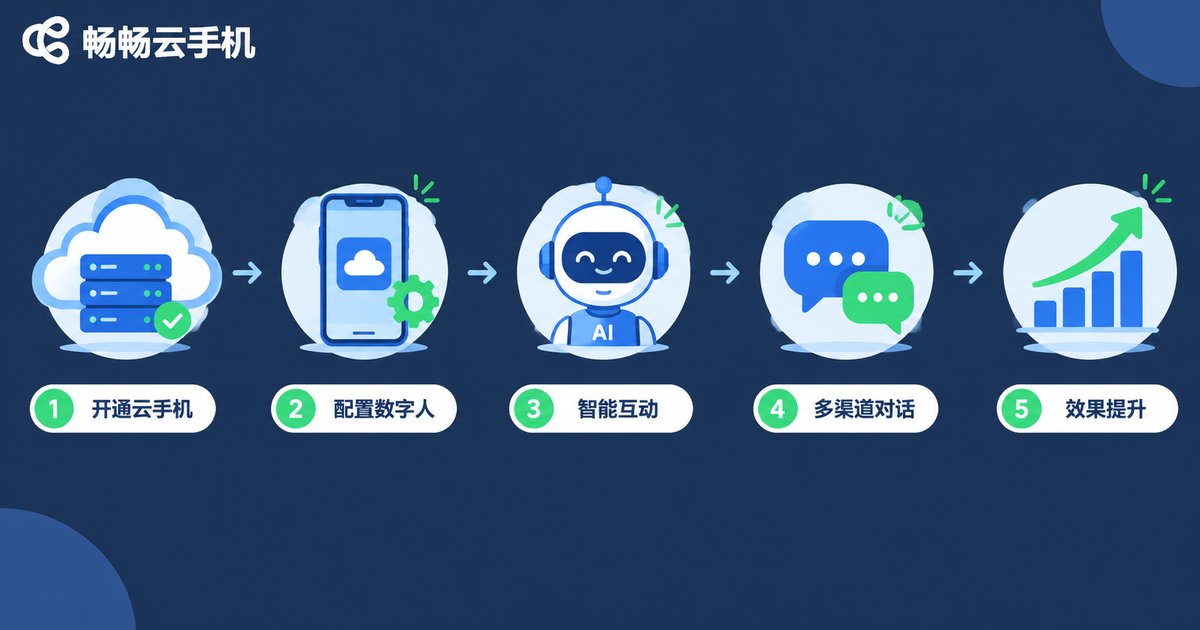
The whole setup is simpler than you would think—five steps:
Step 1: Provision cloud phones. Choose ChangChang Cloud Phone (ccloudphone) and provision cloud phone instances based on the number of livestream rooms—no physical hardware required.
Step 2: Install the streaming environment. Install the streaming app and digital human push tool inside the cloud phone, log in to your account, and complete basic room settings.
Step 3: Configure the digital human. Upload the avatar and voice, import AI-generated scripts, and set auto-start times and loop playback rules.
Step 4: Set up smart interaction. Configure keyword auto-replies and an FAQ response library so the digital host can engage viewers even unattended.
Step 5: Monitor and optimize remotely. Use the ChangChang Cloud Phone dashboard to check each room's status remotely, and keep refining scripts and schedules with AI data review.
Why We Recommend ChangChang Cloud Phone
For digital human livestreaming, ChangChang Cloud Phone (ccloudphone) offers several well-fitting strengths:
Stable cloud operation: Streaming apps stay online in the cloud, unaffected by local shutdowns or network drops—the foundation for 24-hour non-stop streaming.
Batch management: Centrally manage multiple cloud phones and operate livestream matrices in bulk with high efficiency.
No physical hardware: An ordinary computer manages all your rooms, eliminating the cost of buying and maintaining real devices.
Low barrier to entry: Log in via web or client and start using it—digital human teams can deploy and go live fast.
If you are planning to build digital human livestream rooms, or already running streams on physical phones and tired of frequent drops, visit the ChangChang Cloud Phone official site (ccloudphone) to learn more—solve device stability, the biggest variable, first.
FAQ
Q: Will the platform throttle a 24-hour non-stop digital human stream?
Platforms mainly evaluate content quality and engagement. As long as content complies with rules and interaction data stays healthy, long uptime actually helps build room authority. Keep scripts fresh and interactions configured to avoid excessive repetition.
Q: Is cloud phone streaming quality and smoothness reliable?
Cloud phones run in data centers with more stable network and compute than home broadband; push quality is usually better than physical phone setups. Choose a reputable cloud phone provider.
Q: How many livestream rooms can one cloud phone run?
One cloud phone provides one independent streaming environment—typically one room per phone. For more rooms, provision more cloud phones and manage them in bulk from the dashboard.
Q: Does digital human livestreaming need a human on duty?
Not continuously. AI handles script playback and comment replies; operators only need to check room status periodically and update scripts via the cloud phone dashboard—one person can manage many rooms.
Q: Do I need technical skills to build this?
No coding required. Avatars and scripts come from ready-made AI tools, and cloud phones work like ordinary phones—just follow the setup flow.


