
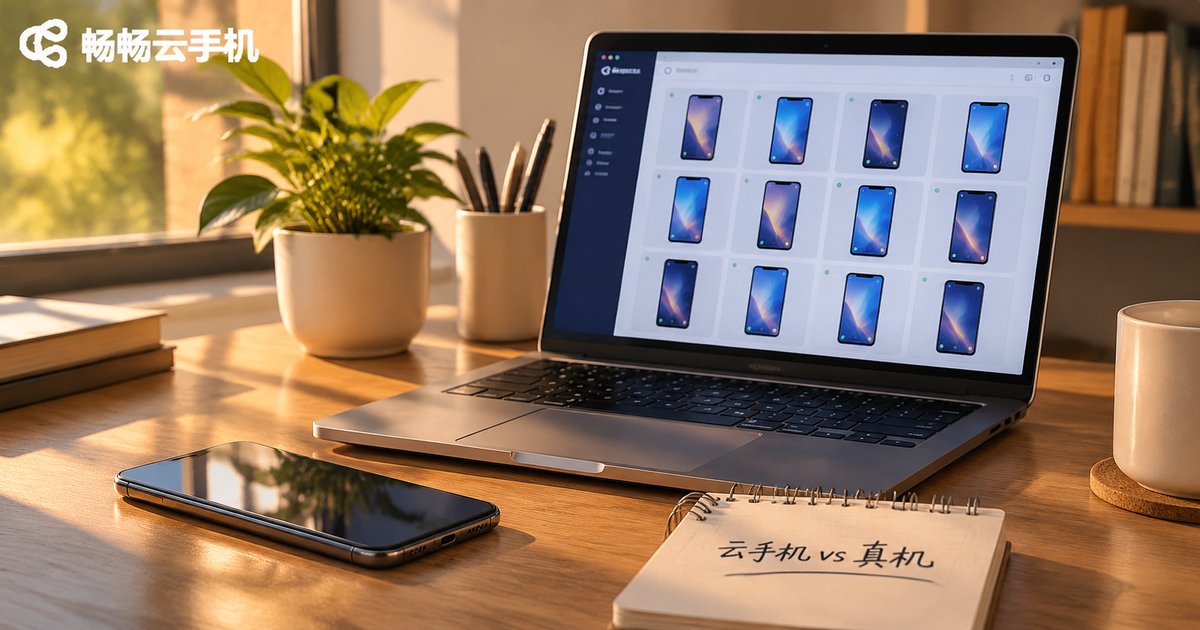
Cloud Phone vs Real Phone: Performance, Account Safety and Cost — Do the Math Before You Choose
1. Why These Three Calculations Have to Be Done Together
Most people pick a device by staring at one number: the price. A physical phone looks like a one-time purchase, a cloud phone looks like a monthly rental, so "buying outright is cheaper" becomes the gut reaction. But after three months, or six, you'll find that what actually determines your total cost and your success isn't the sticker price at all — it's whether the performance holds up, whether your accounts survive, and how many hidden costs are lurking.
These three things are interlocked: weak performance leads to constant restarts and operational mistakes, more mistakes put accounts at risk, and once an account gets banned, everything you invested in it goes to zero and the cost math flips overnight. So don't look at any one item alone — do the math together.
2. The Performance Calculation: It's Not About Who's Stronger, It's About Who's Steadier
Physical phones do have a higher performance ceiling — the graphics power of a flagship chip is something cloud phones won't match in the short term. But ask yourself one question first: is that performance something you'll actually use?
If your tasks are short-video idling, e-commerce customer support, game hosting, or running multiple social accounts, what you really need isn't peak frame rate — it's staying online for hours without dropping, running multiple instances without lag, and batch operations that don't crash. In that scenario, the cloud phone architecture actually fits better: the compute lives in a cloud data center, and your local device only handles display and input. That three-year-old laptop, a tablet, or even a low-spec phone can serve as your control terminal.
The physical phone's weakness is very concrete: one machine is one machine. Open five apps and it starts heating up, run it all night and the battery drains hard, and after two years of battery degradation, stability only goes downhill. A cloud phone runs each instance independently in the cloud — you can run many at once, they don't interfere with each other, and they won't all quit at once because your local device overheated.
| Dimension | Physical Phone | Cloud Phone |
|---|---|---|
| Peak performance | High, flagship chips are stronger | Mid-to-high, built for sufficiency |
| Long-session stability | Affected by battery, heat, aging | Runs continuously in the cloud |
| Number of instances | Hardware-limited, usually 1-3 | Provisioned in batches, scales on demand |
| Local resource usage | High, drains power and memory | Low, local device only displays |
| Hardware wear | Yes, components age | None, maintained on the platform side |

3. The Account Safety Calculation: The Most Overlooked and Most Expensive One
Anyone who has run accounts knows that a ban isn't "losing one device" — it's losing all the time, content and customers accumulated on that device. An account nurtured for six months can be worth far more than ten phones.
Bans usually come from two sources: abnormal behavior, such as sudden changes in operation frequency or overly mechanical batch actions; and environment association, where a platform decides multiple accounts are being operated from the same device or same environment and handles them together.
The physical phone's trouble here is a physical constraint. Want ten accounts? You need ten devices, each with independent network and environment — the management overhead is enormous. Cutting corners by switching accounts repeatedly on one machine is exactly the pattern most likely to be flagged as associated. A cloud phone, by contrast, gives each instance its own virtual device environment, so accounts are naturally separated, and with batch management tools you can pace operations closer to human behavior.
To be clear: no solution guarantees zero bans, and platform rules keep changing. What a cloud phone can do is reduce the odds of being caught in the crossfire because of device and environment issues. The rest still depends on whether your operations comply with the rules.
4. The Cost Calculation: Lay Out the Hidden Expenses
The sticker price of a physical phone is only the first payment. After that comes: device purchases, backup units, chargers and electricity, network and SIM cards, screen and battery repairs, depreciation — and the most expensive item of all, the time you spend plugging in cables, restarting, and troubleshooting.
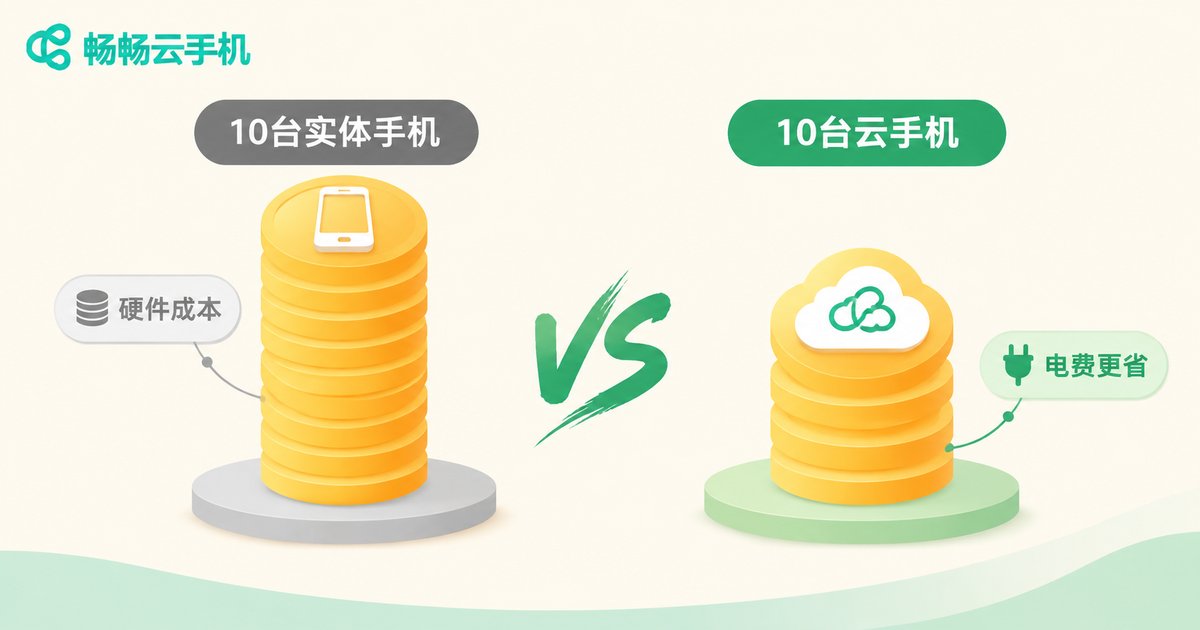
Say you want to run 10 accounts steadily. The physical-phone approach roughly means: 10 capable machines plus a few backups, a multi-port charging rack, an independent network setup, and regular maintenance. It adds up faster than you'd think, and the hardware starts depreciating the moment you buy it.
A cloud phone turns "device" into "service": provision instances on demand, skip hardware procurement, skip charging and cooling, skip system upgrades, and scale up or down as your account count changes. Upfront investment is near zero, spending is predictable, and you won't have a pile of old machines gathering dust in the corner.
| Cost Item | Physical Phones (10 accounts) | Cloud Phone (10 instances) |
|---|---|---|
| Upfront investment | High, bulk device purchase required | Low, provisioned on demand |
| Electricity and cooling | Continuous, grows with device count | Borne by the cloud, near zero locally |
| Maintenance and repair | Screens, batteries, system faults on you | Handled platform-side |
| Scaling speed | Slow — order, ship, configure | Fast — done in minutes |
| Depreciation | Yes, and it's fast | No fixed-asset burden |
| Labor time | High, on-site supervision needed | Low, remote centralized management |
5. Three Typical Scenarios — Find Yours
Scenario one: light personal use. If you just want to run an extra app or two occasionally and already have a spare phone lying around, a physical device is enough — no need to pay extra.
Scenario two: studios and small teams running accounts at scale. Ten-plus accounts, always online, centrally managed — this is where cloud phones shine. No room full of phones, no daily fights with overheating and disconnections, and a cleaner account environment.
Scenario three: app testing and development. When you need to verify across different models, resolutions and OS versions repeatedly, cloud phones switch configurations quickly and are far more flexible than hoarding a pile of test devices.
6. Why Many People End Up Choosing CCloudPhone
After running these three calculations, many conclude: it's not that physical phones are bad — it depends on the use case. If your core needs are long uptime, parallel multi-account operation and instant scaling, a cloud phone is the more sensible choice.
CCloudPhone (ccloudphone) runs the Android system on cloud servers; users connect through a client, and the local device only handles display and input. In practice, a few things stand out:
First, stable uptime. Instances keep running in the cloud, so tasks don't stop because you closed your laptop, your phone died, or your home network dropped. Open it the next day and it's exactly where you left it.
Second, convenient batch management. Multiple instances can be viewed and operated together rather than switched one by one — the efficiency gap becomes obvious as you scale.
Third, almost no demand on local hardware. An older computer, a thin-and-light laptop, or a tablet can all serve as terminals. No need to upgrade hardware just to run tasks.
Fourth, mutually independent environments. Each instance is its own virtual device environment, so multi-account operations are less likely to be dragged down by device association — which is a major reason many people migrate from physical phones.
That said, it isn't a cure-all. If you need extreme graphics performance, camera-based scanning, or features tightly bound to specific hardware, a physical phone remains irreplaceable. Knowing your own task type before choosing beats following someone else's recommendation.
Frequently Asked Questions
Q: Is a cloud phone much weaker than a real phone?
For everyday idling, multi-instance running, customer support and hosting, you'll barely notice a difference. What really demands performance is running large 3D games at high settings — there, flagship chips on physical phones are indeed stronger. The test is simple: is your task long-running and low-load? If so, a cloud phone is sufficient.
Q: Does using a cloud phone mean no more bans?
Not at all. Cloud phones solve the device-and-environment association problem by keeping accounts independent. Whether an account stays safe still depends on compliant operations and content. Any claim of "absolutely no bans" deserves skepticism.
Q: Over the long run, is a cloud phone really cheaper than buying devices?
The more accounts and the longer the runtime, the bigger the cost advantage. For a single account with light use, a one-time device purchase may actually be cheaper. Estimate based on your account scale over the next year, not just today's needs.
Q: What kind of network and computer does a cloud phone need?
Ordinary broadband plus any computer or tablet that can get online is enough, since the computing happens in the cloud and the local device only handles video streaming. Network stability matters more than hardware specs.
Q: Is data stored in the cloud safe?
Instances run in isolation, and data is kept in the cloud rather than locally, so it won't be interrupted by a lost or damaged local device. Still, practice good password hygiene and enable the verification measures you need.
Q: Can I start small before committing?
That's the recommended approach. Provision a few instances, run them for a while, and observe stability, responsiveness and actual cost before scaling up. It's far safer than sinking money into a pile of hardware upfront.


