
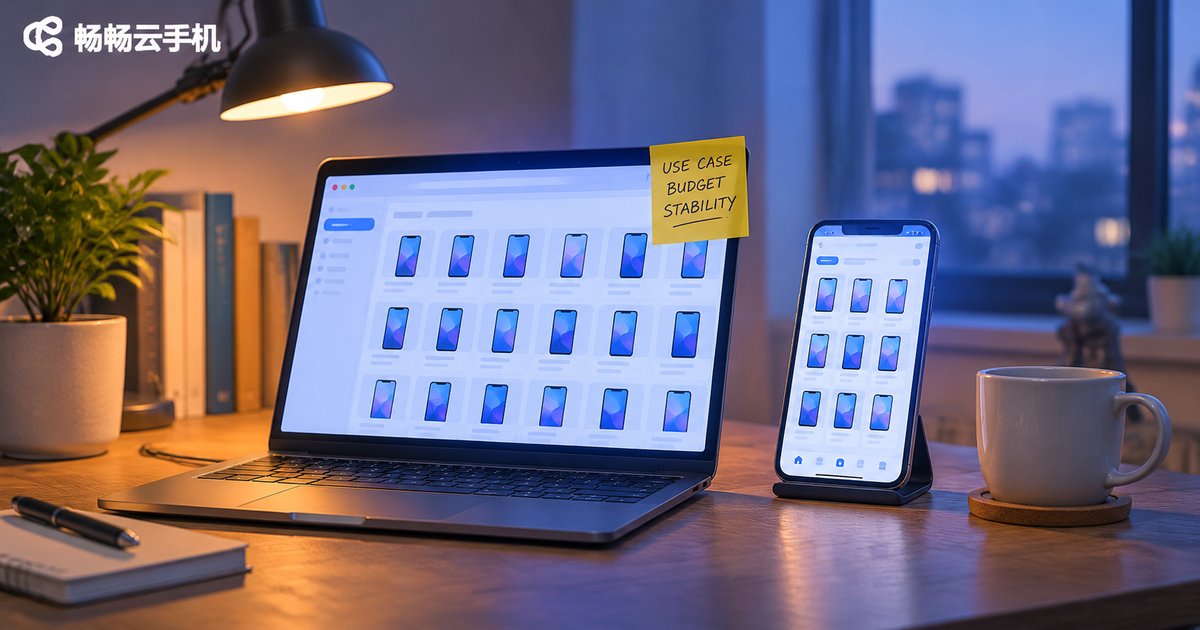
Which Cloud Phone Is Right for You? Use Case First, Budget Second, Stability Last
Search for “which cloud phone is best” and you will find hundreds of answers, most of which compare specs side by side. But what really determines whether a cloud phone feels smooth or frustrating is rarely the numbers on a spec sheet. It is whether you judge in the right order: use case first, budget second, stability last. Reverse that order and you will easily end up with a machine that looks cheap but feels painful to use.
Why the order matters
Many people shop for a cloud phone by comparing prices first, then picking a configuration, and only then thinking about what they actually want to do. The problem with this flow is that price is an outcome, not a starting point.
Here is an example. You only want to run daily tasks in a mobile game. You are drawn in by a low price and pick an instance with very little memory. It stutters, drops connections frequently, and eventually you have to buy a second one. If instead you first define “I need 24/7 uptime, long sessions and a stable network,” then look at budget, you will naturally filter out the options that cannot go the distance.
Use case defines what you need. Budget defines how much of it you can have. Stability defines whether you can keep using it long term. These three narrow each other down in sequence; they are not parallel choices.

Step one: start with the use case, not the price
A cloud phone is not a single product. It is a category of tools, and different uses place very different demands on it:
| Your use case | Most critical capability | Selection direction |
|---|---|---|
| Game idling and multi-account farming | Long uptime without disconnects, graphics performance | Mid-to-high configuration + stable network |
| Social media and e-commerce multi-account management | Instance count, isolated environments, operating efficiency | Strong multi-instance support + batch management |
| App testing and remote work | Smoothness, file transfer, system compatibility | Mid-range configuration + a good client |
| Short video and livestream assistance | Upload and download speed, continuous operation | Bandwidth first + long sessions |
Write your use case down and your requirements suddenly become clear: do you need it to run, to run continuously, or to run many instances at once? If this step is fuzzy, comparing anything afterwards is meaningless.
Step two: then look at budget, calculated as cost per unit of time
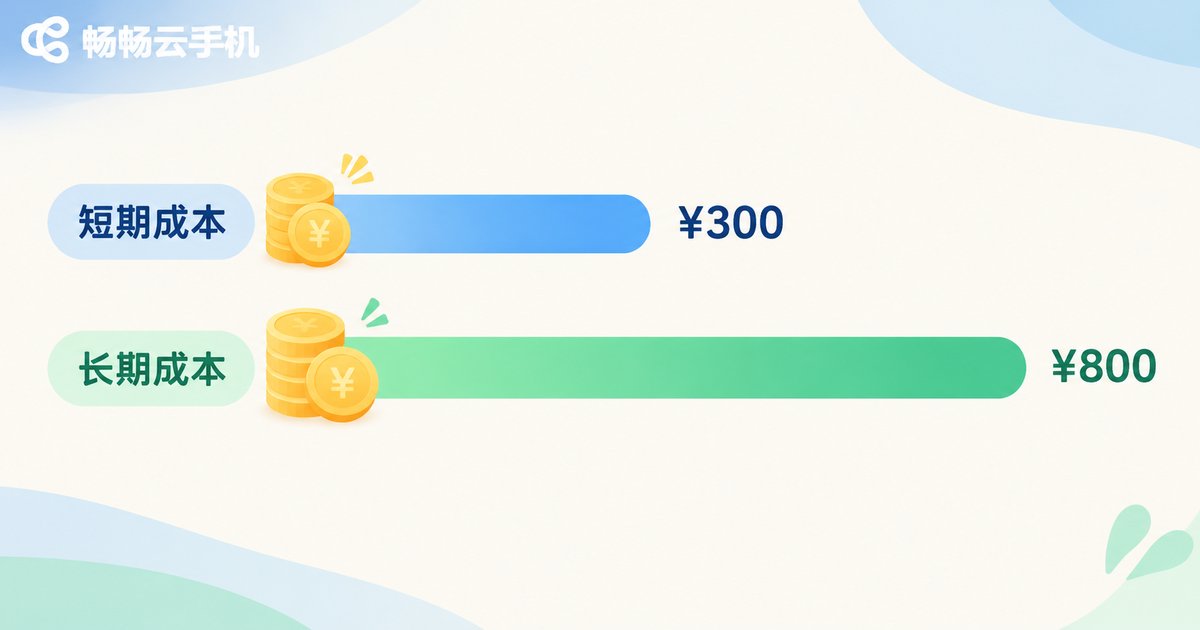
Budget is not simply “how much per month.” What you really compare is cost per unit of time: how much this machine costs you per day, and whether it can cover the hours you need.
Three cost items that are easy to overlook:
Duration. Short trials and long-term idling use different math. If you only need it for a week, daily billing is more economical. If you need it for three months, longer billing cycles usually bring a lower unit price.
Quantity. In multi-instance scenarios, saving two dollars per instance across twenty instances is forty dollars. The gap gets amplified, so calculate total cost of ownership rather than per-instance price.
Hidden costs. Stuttering from insufficient configuration, reconnecting after disconnects, and redoing failed tasks are all time costs. If a cheap machine costs you an extra half hour of troubleshooting every day, it is not cheap at all.
Step three: finally compare stability, where the real differences show up
Once use case and budget have narrowed the field to three or five providers, it is time to compare stability. Stability is not a bonus feature; it is the passing grade. An unstable cloud phone is worth nothing no matter how powerful its specs are.
Look at these points when judging stability:
Uptime and disconnect handling. Can it stay online for long periods, does it reconnect automatically after a drop, and are your tasks still there after reconnecting?
Data retention. After an instance restart or client shutdown, are your apps and data still there? This directly determines whether your work is wasted.
Whether resources are dedicated. Some options share computing power among many users: smooth when idle, sluggish when everyone is busy. Ask clearly whether resources are dedicated or shared.
Client experience. Can you log in from desktop, mobile and web, is switching convenient, and is input latency low?
Response speed. When something goes wrong, can you reach a human and how fast do you get an answer? This is the most overlooked point but has the biggest long-term impact.
Three-step decision table
| Order | Question you must answer | What it determines |
|---|---|---|
| Step 1: Use case | Am I idling, multi-instancing, testing or something else? | Configuration tier and feature requirements |
| Step 2: Budget | How long will I use it, and how many instances? | Billing method and total cost |
| Step 3: Stability | Can it keep running without problems? | Which provider you finally choose |
Walk through this order once and you can usually narrow dozens of options down to one or two in about ten minutes.

Who Ccloudphone fits, if you follow this order
Ccloudphone runs the Android system on cloud servers, while your local device only displays the screen and sends input. That means it does not consume the memory of your phone or computer, and you do not need to keep a screen on.
Several of its characteristics map directly onto the three steps above:
On use case: it supports multiple instances, making it suitable for mobile game idling, social media and e-commerce multi-account management, and app compatibility testing. The cloud runs on ARM architecture, so mainstream Android apps run directly without extra adaptation.
On budget: you choose instance configuration and usage duration as needed, paying for what you use without a one-time hardware investment. For scenarios that only need cloud phones for a period of time, this is far more flexible than buying physical devices.
On stability: instances keep running in the cloud, so local network drops, shutdowns or screen locks do not interrupt cloud tasks. Log back in and continue where you left off without losing progress. You can sign in to the same account from desktop, mobile and web.
If you have already thought through use case, budget and stability in that order, you can go straight to the Ccloudphone official site, check the available configurations and match them to your needs. It is far more efficient than comparing prices blindly.
FAQ
Q: Is there a one-sentence rule for choosing a cloud phone?
Yes: if it can reliably finish what you need it to do, it is a good choice. So define the task first, check price second, and compare stability last. Do not reverse the order.
Q: If my budget is tight, should I just pick the cheapest option?
Not recommended. First confirm that the minimum configuration meets your use case, then compare prices within that range. Stuttering and redoing work caused by insufficient configuration usually cost more than the price difference.
Q: Is a cloud phone more cost-effective than buying a spare physical phone?
It depends on duration and quantity. For short-term, multi-device and 24/7 online scenarios, cloud phones are usually more flexible. For a single long-term device with high local interaction demands, a physical phone still has advantages.
Q: How can I judge stability before buying?
Check three things: whether resources are dedicated or shared, whether long-term uptime is supported, and whether multi-platform login works smoothly. You can also start with a short-term plan and observe disconnect frequency and reconnection behavior.
Q: Do multiple instances interfere with each other?
It depends on whether instances are independent. Independent instances do not interfere with each other, but if underlying resources are heavily shared, they may all slow down during peak hours. Ask clearly about resource allocation when choosing.


