
Cloud Phone vs Cloud PC: Lightweight Mobile Apps vs Heavy-Duty Office Scenarios Compared
One-Line Answer: They Are Not the Same Thing
Many people assume a cloud phone and a cloud PC differ only in screen resolution. In reality, their underlying architecture, operating system, and target users are fundamentally different.
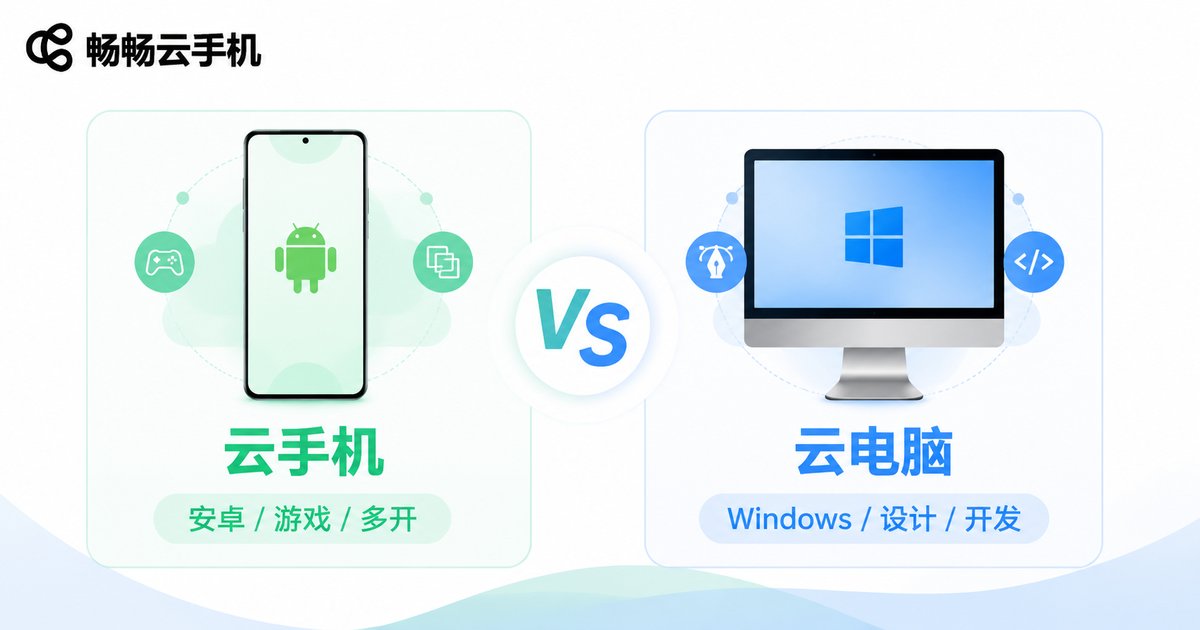
In simple terms: a cloud phone = an Android phone running on a server, which you control remotely; a cloud PC = a desktop computer running on a server, which you access remotely. Both share the concept of "cloud compute," but they solve entirely different problems.
Core Differences at a Glance
| Dimension | Cloud Phone | Cloud PC |
|---|---|---|
| OS | Android | Windows / macOS / Linux |
| Typical CPU | ARM architecture (emulated or native) | x86 architecture (Intel/AMD) |
| GPU Demand | Low-Medium (games/social) | Medium-High (3D rendering, video editing) |
| RAM | 2–12 GB | 8–64 GB |
| Storage | 32–256 GB | 100 GB – 2 TB SSD |
| Monthly Cost (per instance) | Tens of dollars | Hundreds of dollars |
| Access Method | Phone / Tablet / Browser | PC / Thin Client / Browser |
| Typical Users | Gamers, e-commerce ops, developers | Designers, programmers, data analysts, enterprise IT |
The table makes it clear: cloud phones are "lightweight," cloud PCs are "heavy-duty." One runs Douyin and mobile games; the other runs AutoCAD and PyCharm. Picking the wrong one wastes money and hurts your experience.
Cloud Phone: The Cloud Answer for Lightweight Mobile Apps
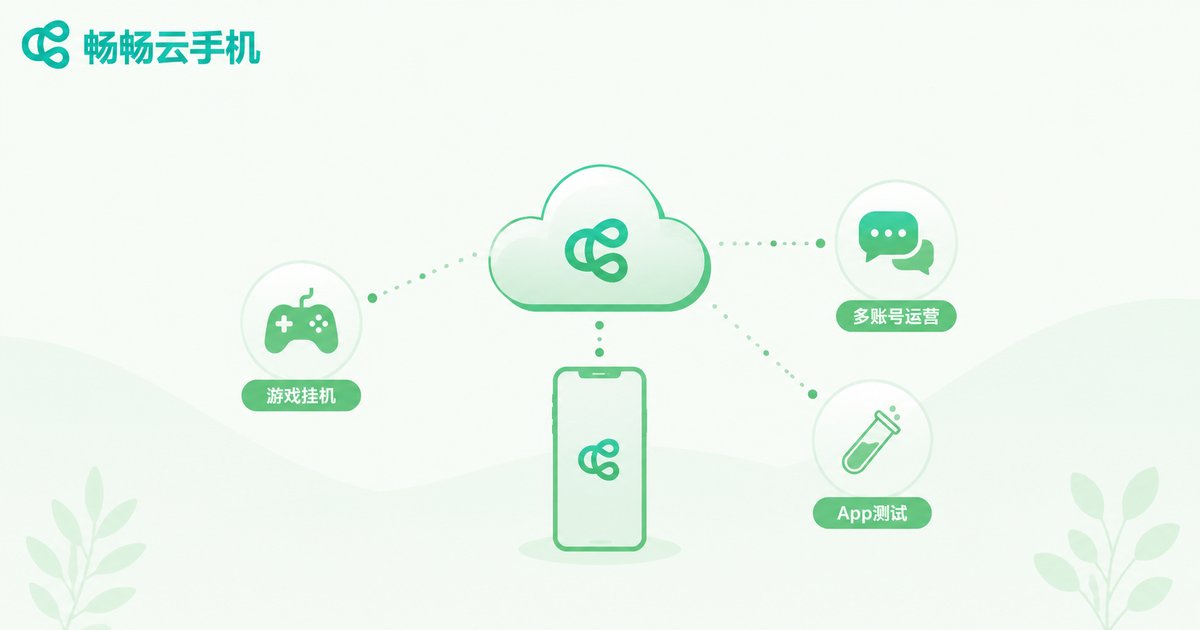
The core value of a cloud phone is freeing Android apps from a physical handset. Here are its sweet-spot scenarios:
Game automation & multi-instance: No need for a phone lit up 24/7. Cloud instances run around the clock; you just log in periodically to check progress. Farming, leveling, and resource gathering all offload to the cloud.
E-commerce & social matrix operations: Manage dozens or even hundreds of accounts, each on its own isolated cloud phone instance with independent IP and environment to avoid cross-linking risks.
App testing & compatibility verification: Developers no longer need to buy dozens of real devices. Spin up instances of different models and Android versions on demand in the cloud.
Lightweight content production: Short-video editing (CapCut), live-streaming, and image processing on mobile workflows are all well within a cloud phone's capability.
Platforms like ccloudphone are purpose-built for these lightweight mobile scenarios, offering on-demand cloud Android instances with multi-instance, remote control, and script automation capabilities, so your mobile app workflow is no longer limited by the few phones in your hand.
Cloud PC: Elastic Compute for Heavy-Duty Office Work
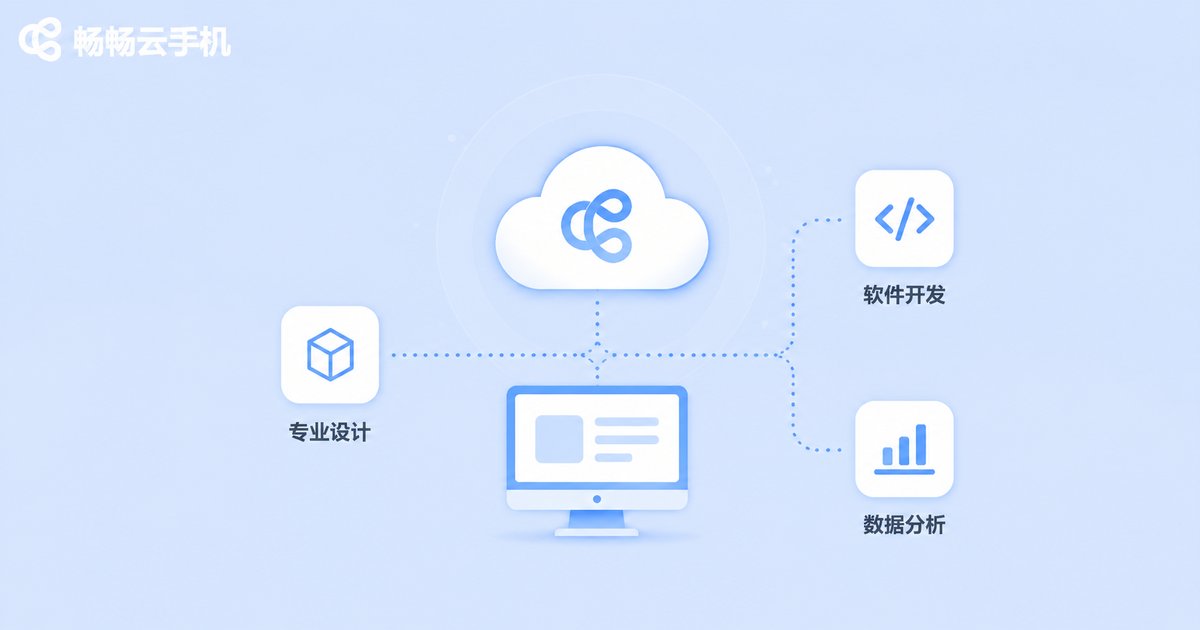
When tasks exceed what a phone can handle, the cloud PC steps in. Typical scenarios include:
Professional design & rendering: 3D modeling (Blender, C4D), post-production (Premiere, After Effects), and architectural CAD drafting demand CPU cores and GPU VRAM that no phone can deliver.
Software development & DevOps: Running Docker containers, compiling large projects, and debugging microservices locally require a full Linux/Windows desktop environment with ample RAM.
Data analysis & AI training: Processing million-row datasets in Pandas or training models in Jupyter Notebook demands large memory and persistent storage.
Enterprise unified desktops: Industries like finance, healthcare, and manufacturing centralize desktop environments in the cloud. Data never leaves the data center; endpoints are just "monitor + keyboard." Security and compliance in one move.
The cloud PC's advantage is compute elasticity: scale up to 32 cores / 64 GB during peak project phases, scale back to 8 cores / 16 GB when done, and pay by usage or monthly subscription—no need for a one-time six-figure workstation purchase.
How to Choose? Three Decision Criteria
Criterion 1: Is the software you need mobile or desktop? If you can find it on the App Store → cloud phone. If it requires Windows/macOS → cloud PC. There is no in-between.
Criterion 2: How much resource does a single task need? Running 10 WeChat chats + 2 mobile games → a cloud phone is more than enough. Running Photoshop + Lightroom + 30 Chrome tabs simultaneously → you need a cloud PC.
Criterion 3: Budget and scale. Individual player or small team with a monthly budget of a few hundred dollars → cloud phone offers the best value. Enterprise with 50+ seats or a professional design team → cloud PC is the better fit.
Of course, the two are not mutually exclusive. Many e-commerce companies use cloud phones for social account management and cloud PCs for ERP and data analytics—each tool doing what it does best.
Frequently Asked Questions
Q: Can a cloud phone run Windows software?
No. A cloud phone runs Android and can only execute APK apps. For Windows software, use a cloud PC.
Q: Can I use a cloud phone and a cloud PC at the same time?
Absolutely. They don't conflict. Many users handle mobile tasks (gaming, social) on a cloud phone and desktop tasks (design, development) on a cloud PC.
Q: Will network latency affect gaming on a cloud phone?
It depends on the distance between your location and the cloud node. Choose a nearby node (e.g., South/East China for domestic users) and latency is typically 30–60 ms, smooth for casual gaming and social. Competitive FPS titles are more latency-sensitive—test before committing.
Q: What features does ccloudphone offer?
ccloudphone provides cloud Android instance creation and remote control, supporting multi-instance, ADB connection, and script automation. It covers lightweight mobile scenarios such as game automation, multi-account operations, and app testing. For the latest plans and configurations, visit the ccloudphone official website.
Q: Can a cloud PC replace a local computer?
For most office scenarios, yes—provided you have a stable network (wired or 5G recommended). If you experience frequent disconnections or need ultra-low latency (e.g., local audio engineering), keep a local device as a backup.


