
How Much Does It Cost to Switch Cloud Phone System Versions? A Complexity Comparison
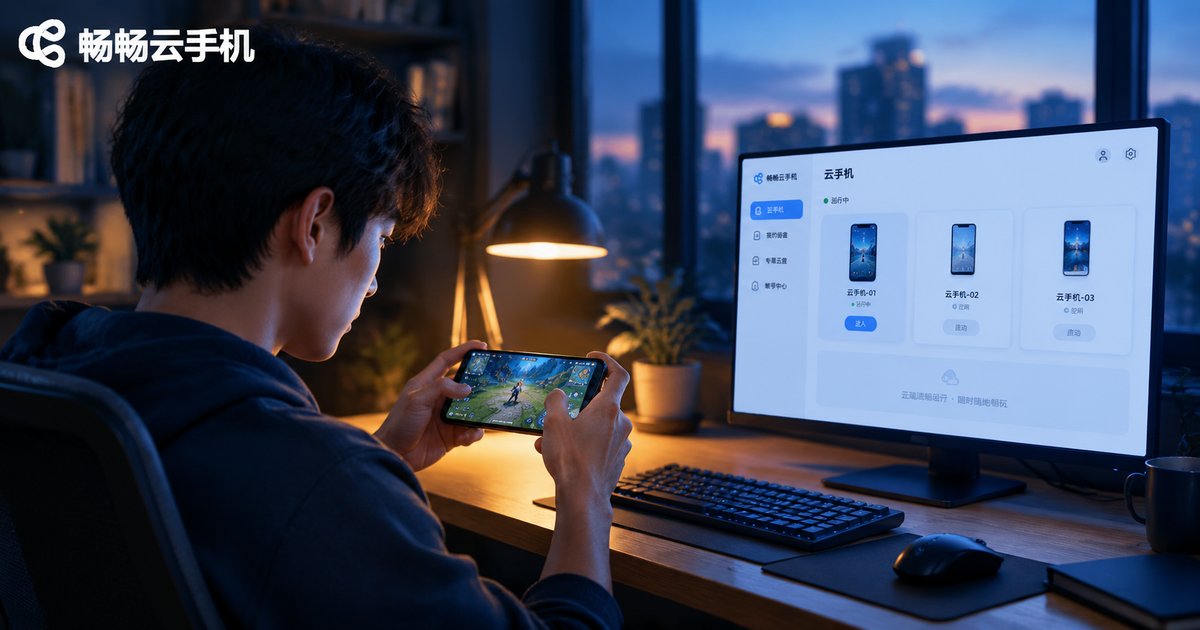
If you play mobile games, you have probably hit this wall: a new game demands a newer system version while your device stays on an old one, or a legacy app only runs on the old system and breaks after an update. Changing the system version on a physical phone means flashing — finding the ROM, backing up, unlocking, flashing — and one wrong step can brick the device. So how much does it cost to switch system versions on a cloud phone? This article puts physical flashing and cloud phone switching side by side and runs the numbers.
Switching Versions on a Physical Phone: Four Hurdles, Each Harder Than the Last
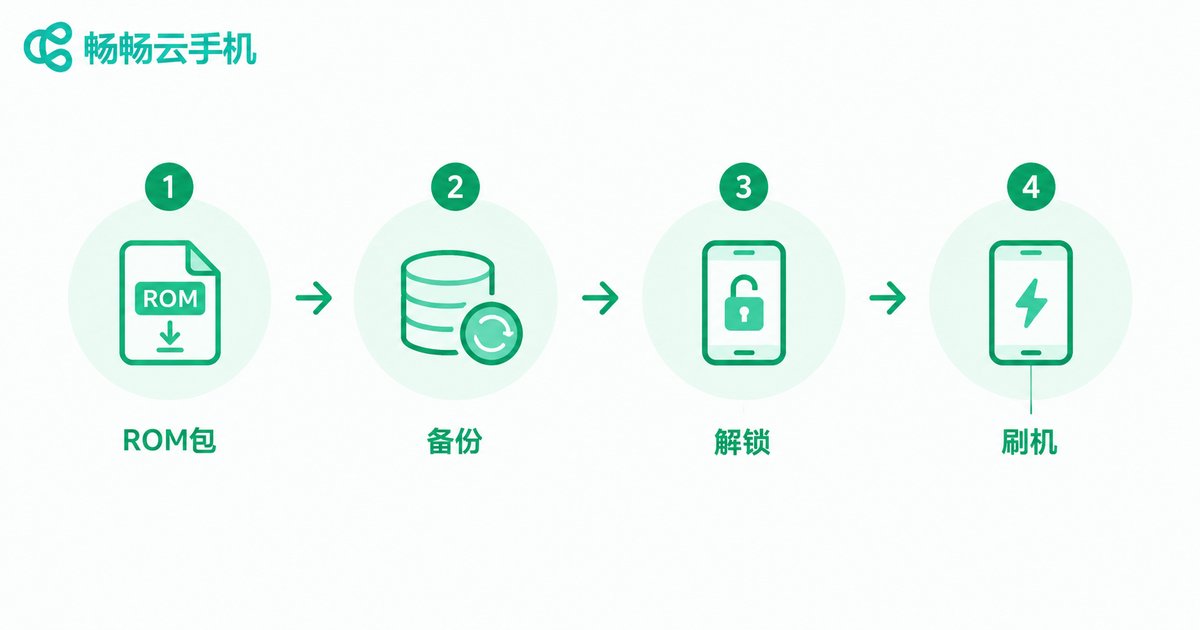
Changing the system version on a physical phone is essentially flashing a new ROM. The process breaks down into four steps, and each one carries its own pitfalls:
| Step | What you do | Common pitfalls |
|---|---|---|
| Find the ROM | Search forums and cloud drives for a package matching your exact model | Versions are mixed; a wrong package can leave the phone unbootable |
| Back up | Export photos, chat history, and game saves | Miss one item and it is gone after the flash |
| Unlock and flash | Unlock the bootloader, then flash over cable or recovery | A mistake can brick the device, and unlocking may void the warranty |
| Set everything up again | Reinstall apps, restore data, log back in one by one | A dirty environment may get the device flagged by games |
Even an experienced user needs one to two hours, and beginners routinely burn an entire evening. That is before counting the hidden costs: the risk of losing data, voiding the warranty, and paying for repairs when a flash goes wrong.
Switching on a Cloud Phone: Skip Flashing Entirely
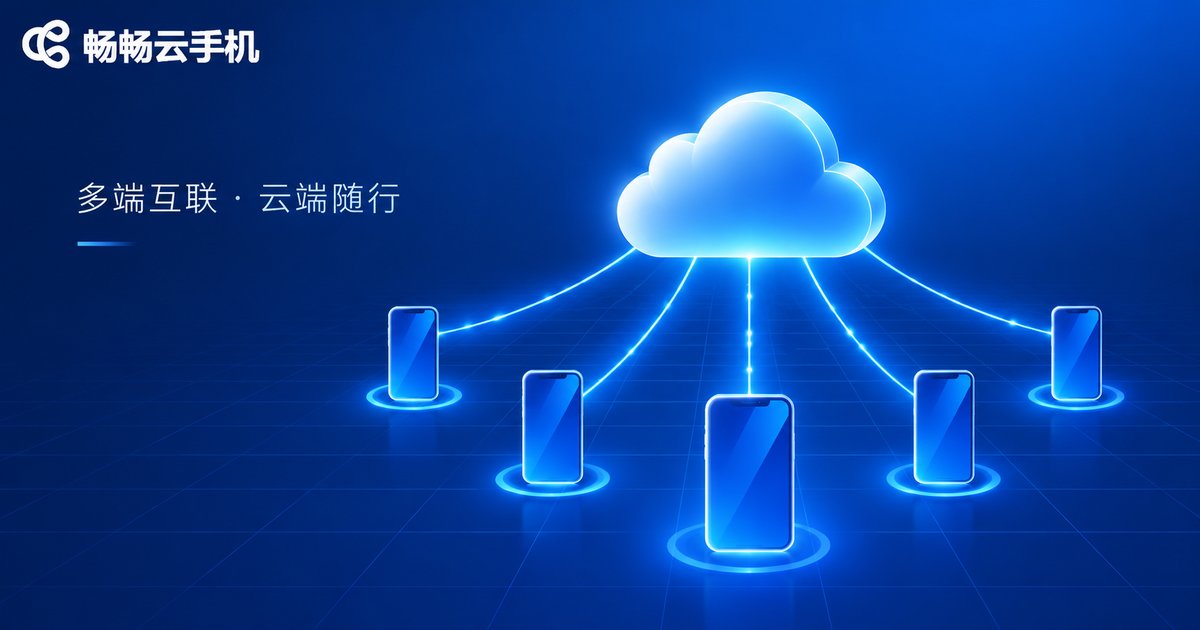
Cloud phones work on a completely different principle: the system runs on servers in a data center, and the phone in your hand is only a window for display and control. Changing environments never touches your local system, so there is no flashing, no unlocking, and nothing to brick. Take ChangChang Cloud Phone (ccloudphone) as an example: you log in to your account and your cloud phones are ready to use, multiple cloud phones can run different app environments side by side, and switching between them takes a single tap.
In other words, changing versions on a physical phone means operating on the system inside the hardware, while switching on a cloud phone means moving to another ready-made device. One is surgery; the other is changing seats. The complexity is not in the same league.
Cost Comparison at a Glance
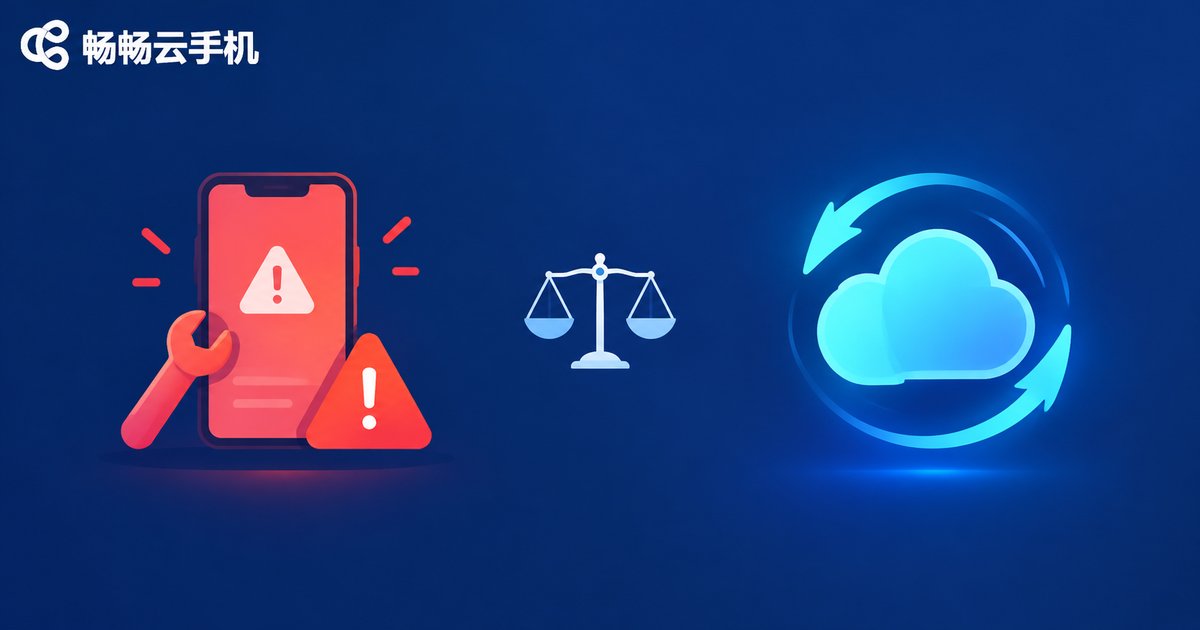
| Dimension | Physical phone flashing | Cloud phone switching |
|---|---|---|
| Time | 1-2 hours at best, longer for beginners | A few minutes; log in and go |
| Money | Possible repair bills or paid flashing services | Just the cloud phone plan, no extra operation fees |
| Risk | Bricking, data loss, voided warranty | Data lives in the cloud; any device can log back in |
| Learning curve | Flashing procedures and ROM hunting skills | If you can log in, you can use it |
| Reversibility | Rolling back means repeating the whole process | Multiple cloud phones coexist; switch anytime |
Scenarios Where Cloud Phones Clearly Win
1. Multi-account farming. Running many game accounts at once means one environment per physical phone, while one cloud phone account manages a fleet of cloud phones that stay online around the clock.
2. Old and new versions side by side. Some games run best on older versions while some apps demand newer systems; a physical phone forces you to choose, cloud phones let you keep both.
3. A daily device you do not want to risk. Unlocking the bootloader on a phone under warranty means giving up that protection; running workloads in the cloud keeps your local phone untouched.
4. New phone, same environment. Cloud phone data and apps live in the cloud, so after switching to a new physical device you log in and everything is exactly where you left it.
ChangChang Cloud Phone: Cutting Switching Complexity to Nearly Zero
Back to the opening question: is switching system versions on a cloud phone expensive? With a cloud phone, the switching cost is close to zero. ChangChang Cloud Phone maintains the system environment in the cloud, so you never need to think about ROM packages or bootloaders; register, log in, and the cloud phones are ready, each running independently without interference. For players and studios that juggle different system environments, that saves more than time — it saves the anxiety of every single flash.
If version compatibility keeps bothering you, visit the ChangChang Cloud Phone website to learn more and try it out, feel how smooth the cloud experience is, and then decide whether to hand your farming and multi-account workloads to the cloud.
FAQ
Q: Do I need to flash anything to switch versions on a cloud phone?
No. The system environment is maintained by the provider in the cloud; you just log in and use the cloud phone, with no flashing or unlocking involved.
Q: Is my data safe on a cloud phone? Will it vanish like data after a failed flash?
Cloud phone data is stored in the cloud and does not disappear because you change phones or networks. As long as your account exists, your environment exists — far more reliable than flashing a physical phone.
Q: Is one cloud phone enough, or do I need several?
It depends on your needs. A single cloud phone is enough for one account; for multi-account farming or keeping old and new versions side by side, several cloud phones running separately are far more convenient. Choose based on your actual workload.
Q: Does a cloud phone demand much from my local device?
Very little. The heavy lifting happens in the cloud, and your local device only handles the screen and controls, so an ordinary phone runs it smoothly.


