

Cloud Phone Verification Code Not Received: Binding Info and Network Latency Troubleshooting
Why Is My Cloud Phone Not Receiving Verification Codes?
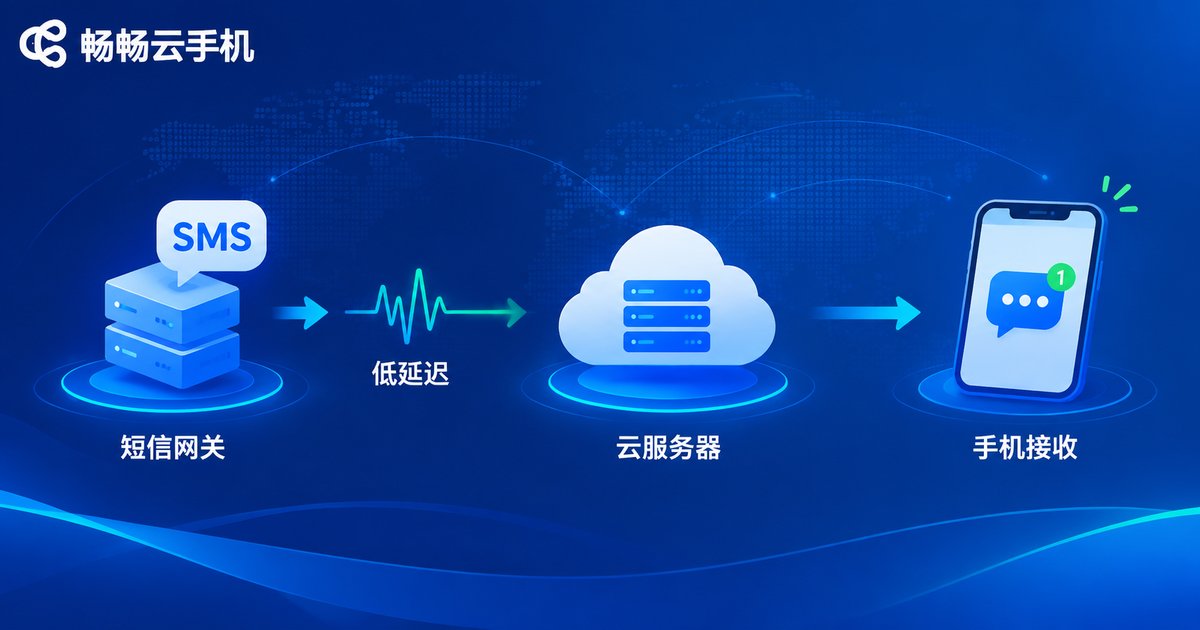
Waiting for a verification code that never arrives on your cloud phone is frustrating, especially when you are registering an account or logging in. A verification code travels a long chain before it reaches you: platform sends → carrier channel → SMS gateway → cloud server relay → cloud phone notification bar. If any link stalls, the code may be delayed or lost. The good news is that most issues fall into two categories: incorrect binding information and network latency. Follow the steps below and you can usually locate the cause within minutes.
Step 1: Verify Your Binding Information
A large share of missing-code cases come from the binding details themselves. Check the following list item by item:
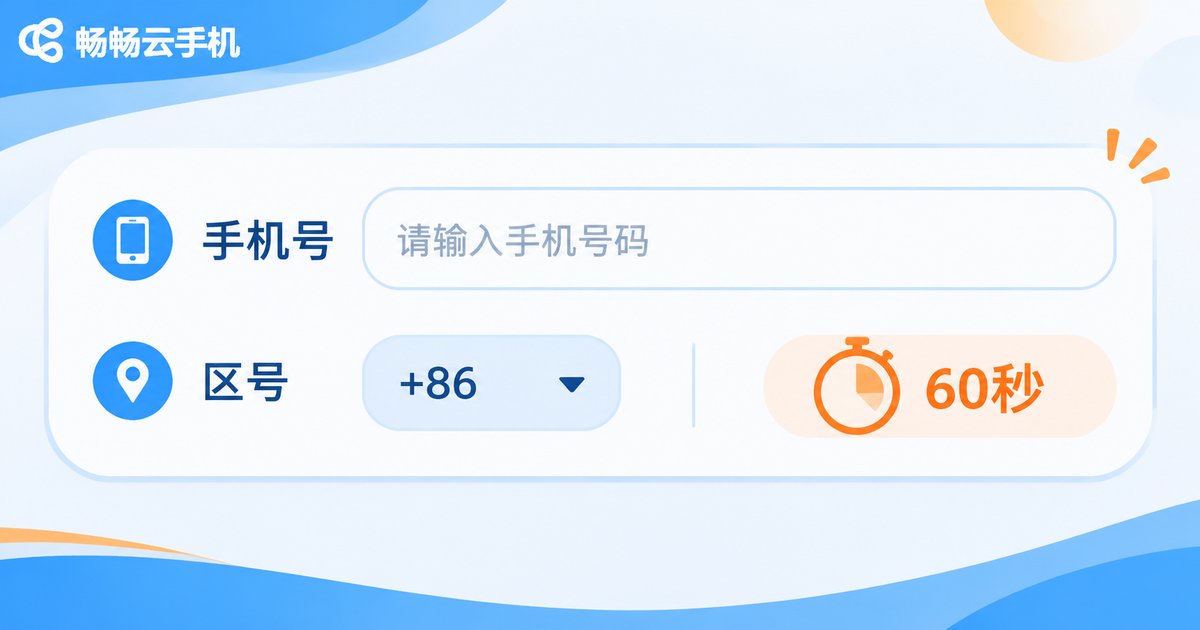
- Is the phone number correct? One extra or missing digit sends the SMS to someone else's phone;
- Is the area code correct? For international numbers, make sure the country code prefix is included;
- Have you rebinded too often? Some platforms limit how frequently one number can be bound, and repeated unbinding may trigger risk control;
- Are you in a cooldown period? Most platforms enforce a roughly 60-second interval between sends; tapping resend repeatedly can temporarily block delivery.
If everything above checks out, move on to the next step.
Step 2: Check Whether the SMS Was Filtered
Built-in spam filtering on the cloud phone, as well as some security apps, may mistakenly classify verification codes as junk messages. Check the following in order:
- Open the SMS app on your cloud phone and look inside the blocked, spam, or notification filter folders;
- Confirm that the SMS app's notification permission is enabled and not suppressed in the notification bar;
- Add the sender numbers of platforms you use often to the whitelist to prevent future misfiltering.
Step 3: Troubleshoot Network Latency
Verification SMS messages must be relayed through cloud servers before appearing on your cloud phone desktop. Latency or packet loss along this path can delay delivery. Try the following in order:
- Switch network nodes: choose a lower-latency line in the cloud phone settings;
- Check your local network: toggle between Wi-Fi and mobile data to rule out local fluctuations;
- Restart the cloud phone instance: clear abnormal connections and restore the push channel;
- Watch overall performance: if apps load slowly and the screen feels laggy too, the problem is general network quality rather than the code itself.
Common Causes and Fixes at a Glance
| Possible Cause | Typical Symptom | Fix |
|---|---|---|
| Wrong number or area code | SMS sent to the wrong phone | Correct the number and resend |
| Cooldown period | Sending too frequently warning | Wait about 60 seconds and retry |
| SMS filtered by system | Message found in blocked folder | Disable filtering or whitelist the sender |
| Network latency or packet loss | General lag and delayed messages | Switch nodes, restart instance |
| Platform risk control | Abnormal operation warning | Use another verification method or contact support |
How to Reduce Missing Codes at the Root
Beyond one-off troubleshooting, choosing a service with stable networking and timely message push matters just as much. ChangChang Cloud Phone offers a stable cloud Android environment where SMS and notifications are pushed to your cloud phone desktop in real time, with multiple network lines you can switch between whenever one route fluctuates, greatly reducing code delays. If the problem persists after troubleshooting, you can also reach out through the official ChangChang Cloud Phone channels for further assistance.
Two habits also help a lot: test in advance with a low-stakes platform before registering an important account, and keep your instance healthy by rebooting regularly and clearing cache so the push channel stays clear.
FAQ
Q: How long should I wait before resending a verification code?
A: Wait about 60 seconds. Most platforms enforce a sending interval, and tapping resend repeatedly will not speed things up and may trigger risk control.
Q: I switched to a new cloud phone and codes stopped arriving. Is the device at fault?
A: The new instance's push channel may not be ready, or the current node may be laggy. Restart the instance, switch nodes, and confirm the bound number matches; this usually restores delivery.
Q: My network looks fine, so why is the code still delayed?
A: A healthy local network does not guarantee a smooth cloud path. Codes pass through carrier gateways and cloud relays, and congestion at any hop causes delay. Switching to a lower-latency node often helps immediately.
Q: What if ChangChang Cloud Phone still does not receive codes?
A: Follow the steps above to check binding information and network status first. If the issue remains, contact support through the official ChangChang Cloud Phone channels with your instance details for targeted help.


