
Cloud Phone Number Binding: Security Verification and Replacement Process Explained
Why Does a Cloud Phone Need a Bound Phone Number?
Many first-time cloud phone users wonder why binding a phone number is required. The reason is simple: a bound phone number is the first line of defense for your account security. A cloud phone runs in the cloud, and your account is the key to everything stored there — apps, game progress, and files. If the account is lost, that data may be unrecoverable. With a phone number bound, you can log in with an SMS code, reset your password, and receive alerts the moment something unusual happens.
Take ChangChang Cloud Phone (ccloudphone) as an example: once a number is bound, the account supports verification-code login and identity checks, so security verification is much easier if a login ever looks suspicious.
What to Check Before Binding a Phone Number
Binding itself is easy, but a few details deserve attention upfront to avoid trouble later:
1. Use a long-term number you own. Avoid temporary numbers, other people's numbers, or second-hand numbers of unknown origin. Recycled numbers that carriers reissue may let a new owner attempt to recover your account.
2. Make sure the number can receive SMS. Confirm good signal and no SMS blocking before binding, otherwise the verification code will never arrive.
3. One number, one account. Avoid frequent unbinding and rebinding; repeated operations may trigger security limits on the platform.
4. Keep binding details consistent with your real-name information. If the platform supports identity verification, use information that matches the number's registration so future changes or appeals go smoothly.
How Security Verification Works — and What to Do When Codes Don't Arrive
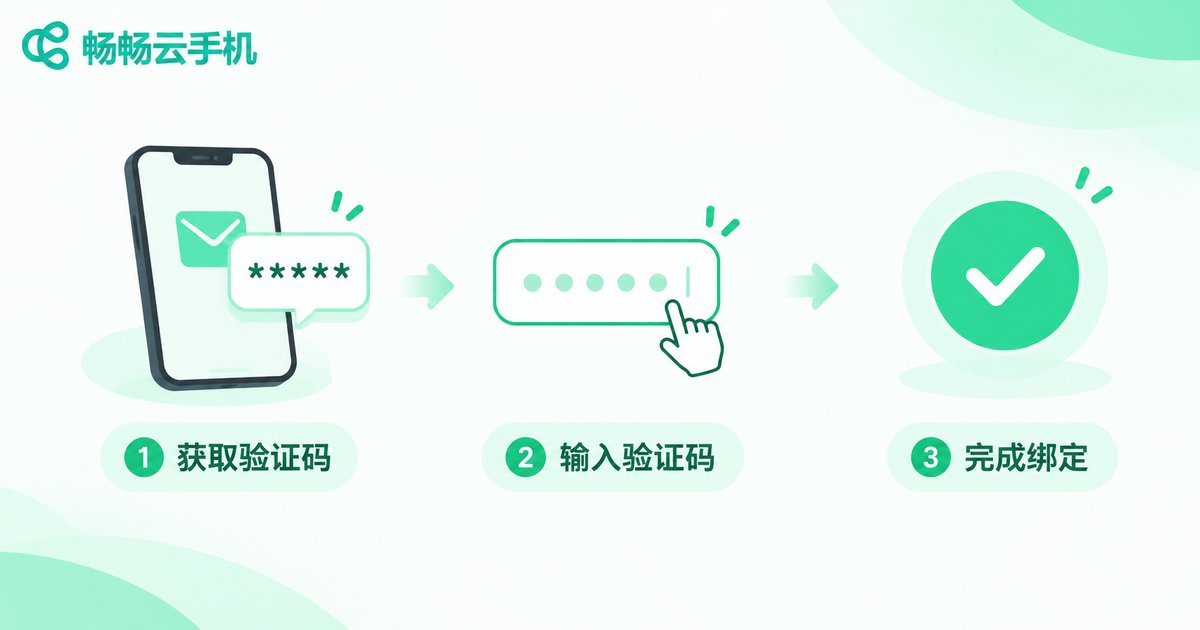
The most common step in binding and rebinding is SMS verification. Normally, a code arrives within a few minutes after you tap 'Get code'. If it does not, work through this checklist:
| Common cause | What to do |
|---|---|
| Weak signal or suspended number | Move to an area with better signal and confirm the number is active |
| SMS being filtered | Check the spam folder and any blocking apps |
| Request limit reached | Wait a while before requesting a new code |
| Wrong or expired code | Codes are usually valid for a few minutes; request a new one if it expires |
One important reminder: a verification code is as good as your account key — never share it with anyone. Customer service of a legitimate platform will never ask for your SMS code for any reason; be cautious of anyone claiming to be support who requests one.
How to Replace the Bound Phone Number
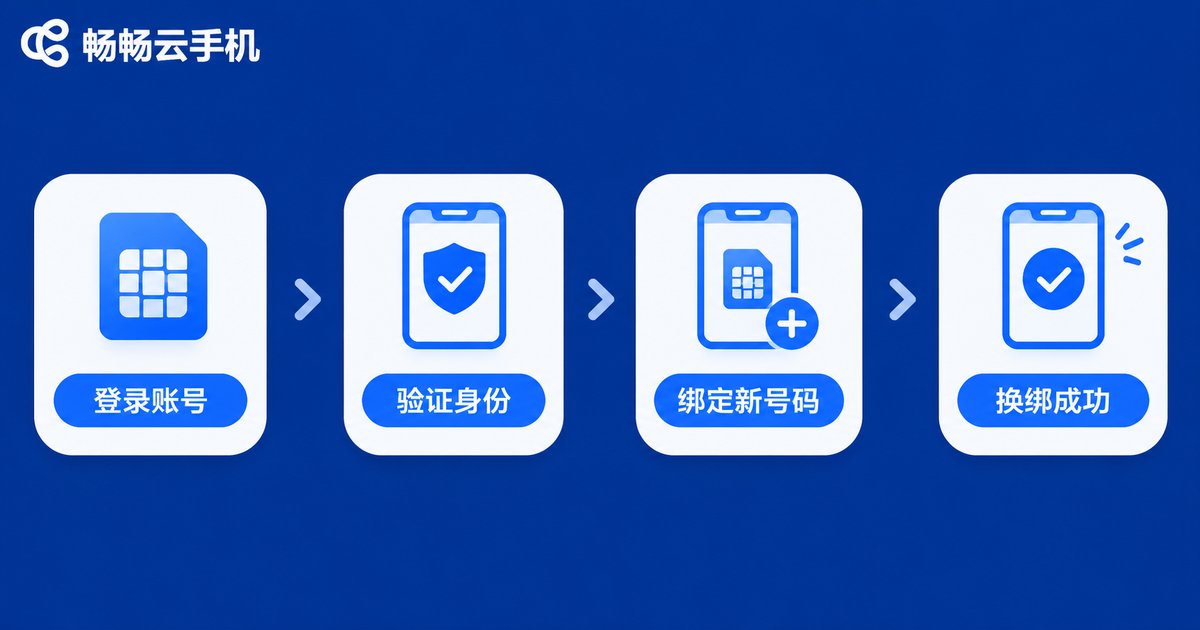
If you change your phone number, update the binding on your cloud phone account promptly. Once a carrier recycles and reissues your old number, its new owner could potentially access your account through SMS verification. The standard replacement flow looks like this:
Step 1: Log in to your cloud phone account and open the 'Account and Security' or 'Account Settings' page.
Step 2: Choose 'Change phone number' and pass identity verification with a code sent to your current number.
Step 3: Enter the new number, request a code, and confirm.
Step 4: After the change, log in once with the new number to make sure the binding took effect.
If the old number is already deactivated and cannot receive codes, use the platform's identity verification or manual appeal channel; you will usually be asked for registration details and usage records. That is why the best practice is to rebind before giving up an old number — it is the easiest and safest path.
| Scenario | How to handle it | What you need |
|---|---|---|
| Old number still receives SMS | Self-service rebinding in account settings, done in minutes | Verification codes for both numbers |
| Old number deactivated | Submit an appeal for manual review | Account details and usage records |
Everyday Account Security Tips
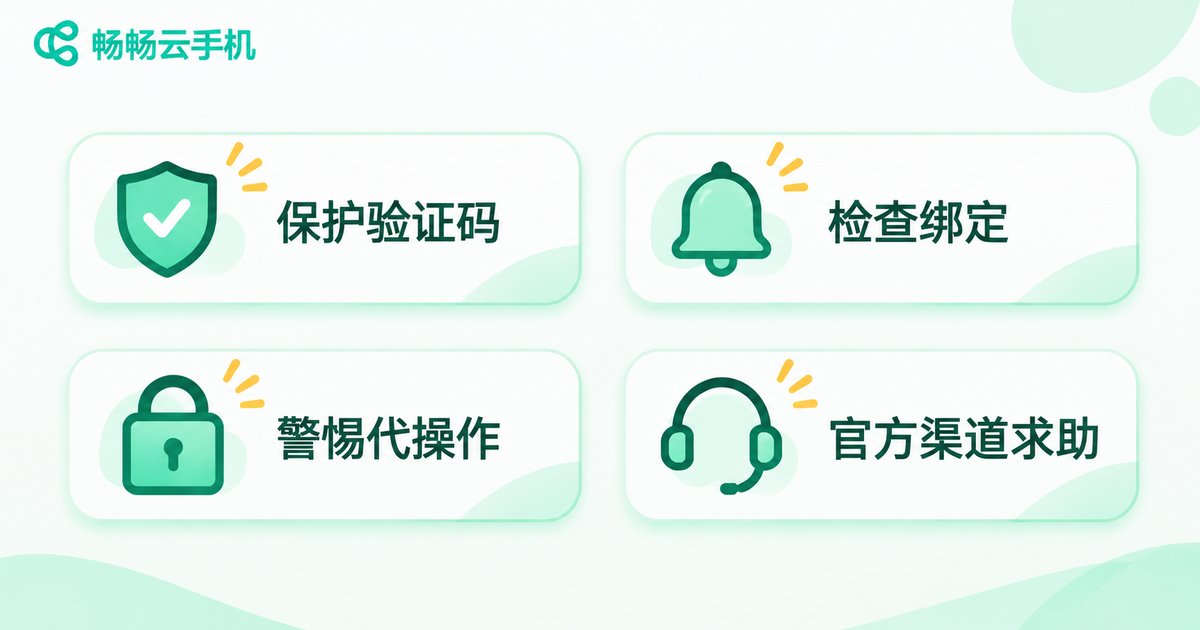
Beyond binding a number, build a few simple habits: check regularly that your bound information is still valid; never stay logged in on shared devices; be wary of boosting or top-up services that require handing over your account; and if you get a login alert from an unfamiliar location, change your password and review your binding details immediately.
When choosing a service, prefer products with a standardized process and official support channels, such as ChangChang Cloud Phone (ccloudphone), so any binding or verification issue can be resolved through official support rather than questionable third-party 'agents'.
FAQ
Q: I changed my phone number — what happens to my cloud phone account?
If the old number still receives SMS, rebind through account settings right away. If it is deactivated, go through identity verification or a manual appeal as soon as possible.
Q: The verification code never arrives. What should I do?
Check signal, account status, and SMS filtering first, wait a few minutes, then request a new code. If it keeps failing, contact official support to check the number's status.
Q: Can one phone number be bound to several cloud phone accounts?
Policies vary by platform, but one number per account is the safest approach. If you run multiple accounts, bind each to a different number you regularly use.
Q: Is it risky to tell someone my verification code?
Yes. A code can be used to log in or rebind your account, so it works like a temporary password. Never share it with anyone, including people claiming to be support staff.


