

2026 Cloud Phone Rebinding Process: Account Security and Data Continuity
Why Do You Need to Update Your Cloud Phone Binding Information?
Switching phone numbers, abandoning an old email, clearing out unused devices — outdated binding information is something every cloud phone user eventually faces. Your bound phone number and email are the first line of defense for account security: login verification, password recovery, and unusual-login alerts all depend on them. In 2026, identity checks on cloud phone platforms are stricter than ever, and keeping your binding information up to date is both a security necessity and the key to long-term account availability.
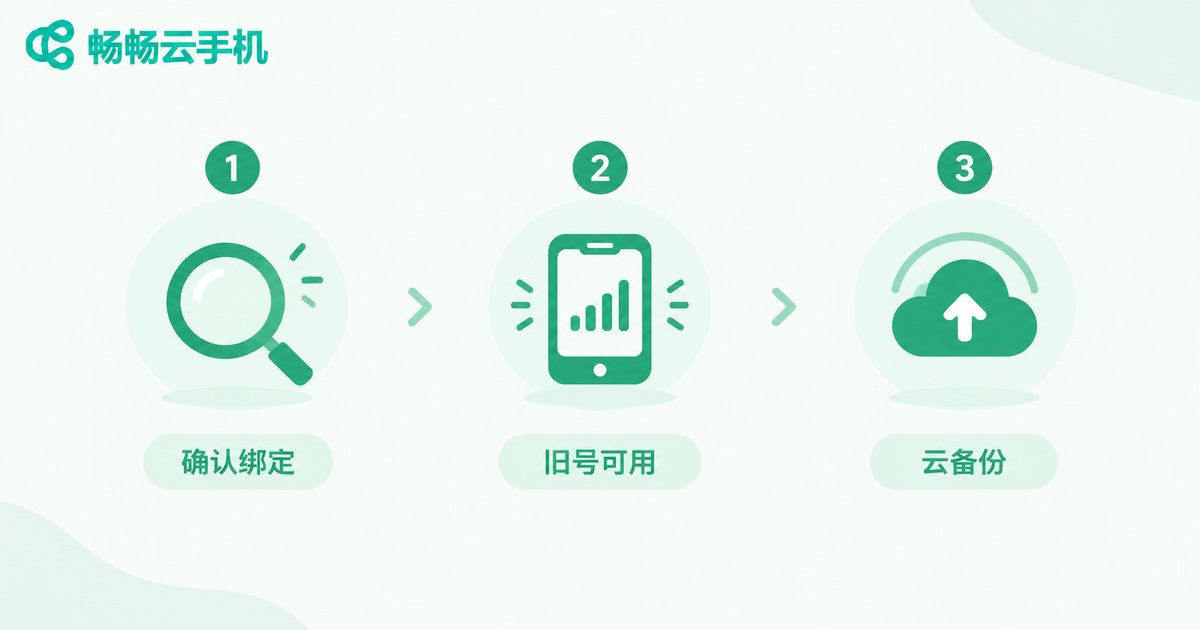
Three Preparation Steps Before Rebinding
Step 1: Check your current binding status. Log in to ccloudphone, open the Account and Security page, and review the phone number and email currently on file. List what needs to be changed.
Step 2: Make sure your old contact method still works. Rebinding usually requires verifying the original binding first. If your old number has been deactivated, do not keep retrying — go straight to the customer support manual appeal channel and submit proof of identity for faster results.
Step 3: Run a cloud backup. Although rebinding will not affect the data inside your cloud phone, backing up important files and account details to the cloud or local storage before any account operation is always a good habit.
Step-by-Step: Changing Your Bound Phone Number and Email
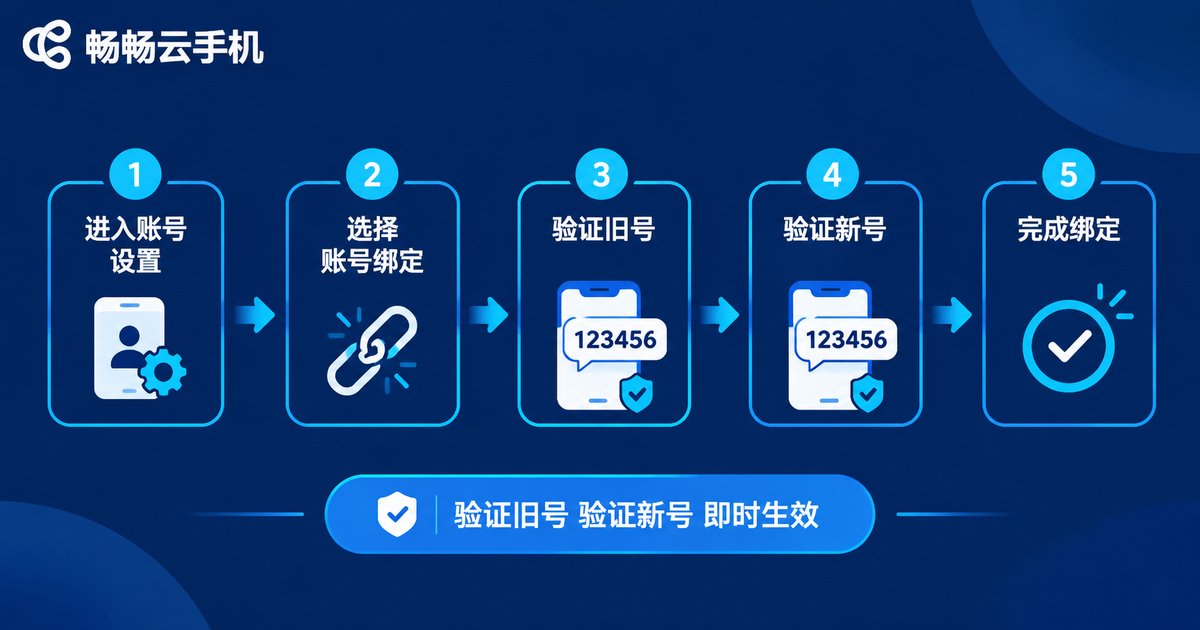
Using ccloudphone as an example, changing your bound phone number comes down to five steps:
1. Log in and open the Account and Security page;
2. Choose Change Phone Number and enter the new number;
3. Enter the verification code sent to your old number;
4. Enter the verification code sent to your new number;
5. Confirm and submit — the binding updates instantly.
Changing your bound email works the same way, with two extra points to note: first, the new email must be an active inbox, or you will miss future security notifications; second, update your login habits after rebinding — if you usually sign in with an email code, switch to the new address to avoid triggering unusual-login alerts.
Also, most platforms limit how often you can rebind. Plan ahead and complete the change in one go instead of repeatedly editing.
Account Security and Data Continuity: Rebinding Never Touches Cloud Data
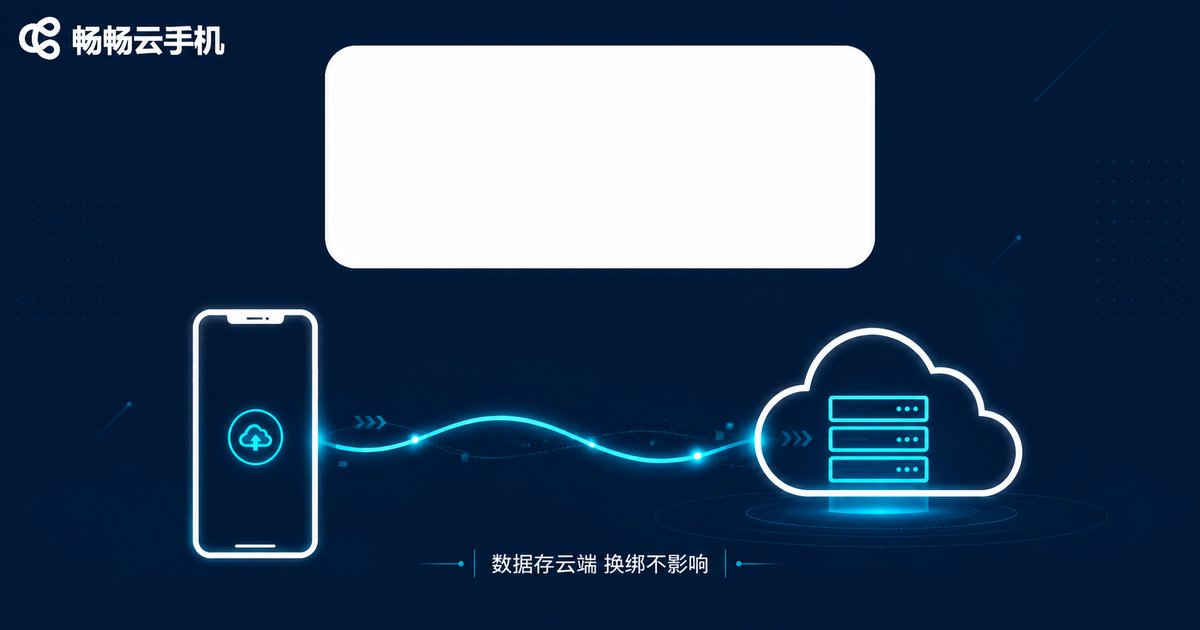
The biggest concern for most users: after rebinding, will game progress and app data inside the cloud phone be lost? The answer is no. Cloud phone data lives on cloud servers, completely independent of your account binding information. Rebinding only updates your contact details — apps, game saves, and files inside the cloud phone remain exactly as they were.
That said, run a quick data continuity check after rebinding to confirm everything is intact:
| Check Item | How to Check | Expected Result |
|---|---|---|
| Cloud phone data | Open frequently used apps and games | Data intact, progress unchanged |
| Login verification | Log out, then log back in with the new number | Code received normally, login succeeds |
| Device security | Review the device management list | No unfamiliar devices |
Security Hardening After Rebinding
Once your binding information is updated, three more actions are worth taking right away:
Enable two-step verification. Add a dynamic verification layer so that even a leaked password will not let anyone else sign in.
Change your login password. If your old phone number was in use for years, update your password right after rebinding to further reduce risk.
Review login records regularly. The security center on ccloudphone offers device management and login alerts — turn them all on and act immediately if anything looks off.

FAQ
Q: Will I lose game data in my cloud phone after changing the bound number?
No. Cloud phone data is stored in the cloud and is independent of binding information. Everything stays exactly as it was.
Q: My old phone number is deactivated. Can I still rebind?
Yes. Submit proof of identity through the customer support manual appeal channel, and the rebinding can be completed after review.
Q: How long does rebinding take to take effect?
It takes effect immediately after verification. In rare cases syncing may take a few minutes — just log in again shortly after.
Q: Is there a limit on how often I can rebind?
Yes. To protect account security, platforms limit rebinding frequency. Change bindings only when necessary.


