
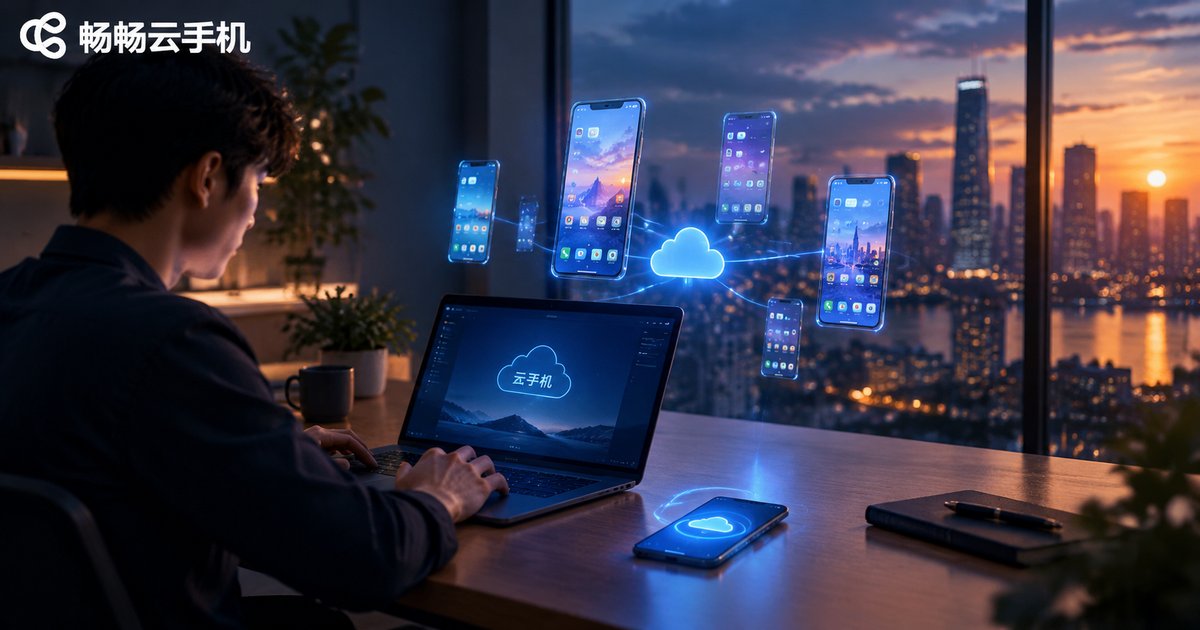
Cloud Phone Use Cases: Office, Entertainment, Testing and Operations
What Is a Cloud Phone? The Concept in 30 Seconds
A cloud phone is, in short, a virtual Android phone running on remote servers. Like the physical phone in your pocket, it has a complete system where you can install apps, log into accounts, and run games—but all the computing happens in a cloud data center, while your local device only handles the video stream and touch commands.
That means no local storage usage, no overheating, no battery drain, and it stays online even when your computer is off. This is exactly why cloud phones have found a place in four major scenarios: office work, entertainment, testing, and operations. Let's break them down one by one.
Use Case 1: Office — Gracefully Separate Work from Life
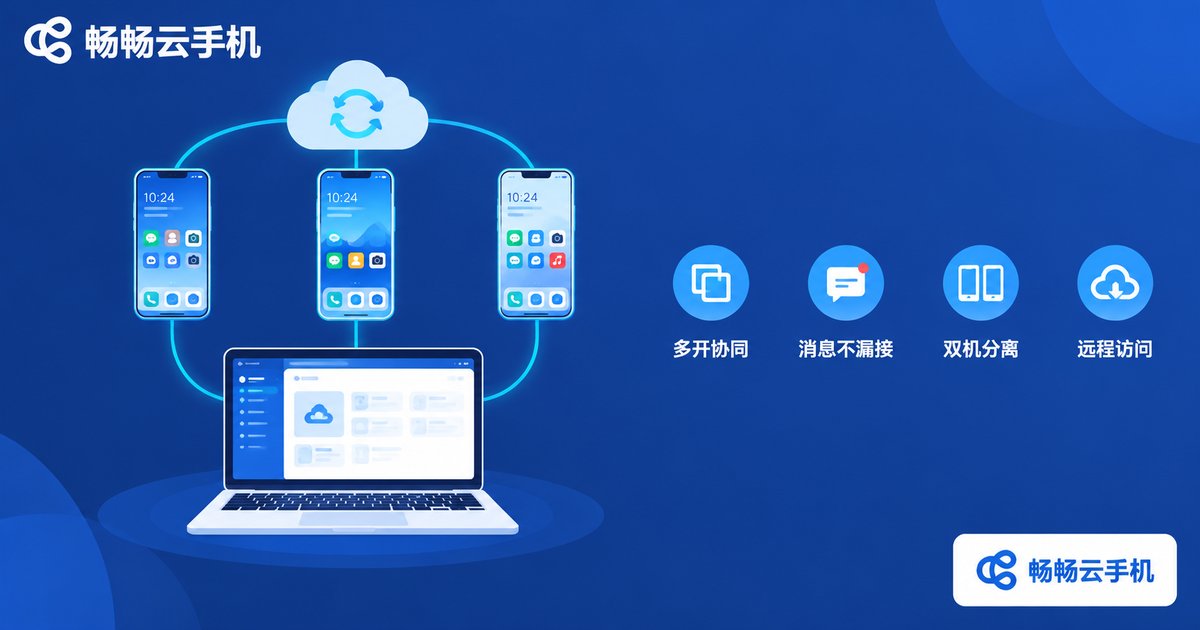
For professionals, the most immediate value of a cloud phone is keeping work in the cloud:
- Work-life separation: Install all work apps—enterprise messaging, email, calendars—inside the cloud phone. Close the window after hours and your personal phone stops buzzing;
- Parallel multitasking: For repetitive jobs like customer service or community management, you can operate multiple cloud phones side by side from one computer and double your throughput;
- Always online: Lightweight office apps that must stay logged in can run on the cloud 24/7, so important messages never slip through;
- Travel light: On a business trip with only a laptop? Open a browser and handle everything that normally lives on your phone.
For freelancers and remote workers, one cloud phone is essentially a backup work phone you carry everywhere without carrying anything.
Use Case 2: Entertainment — An AFK Powerhouse for Gamers
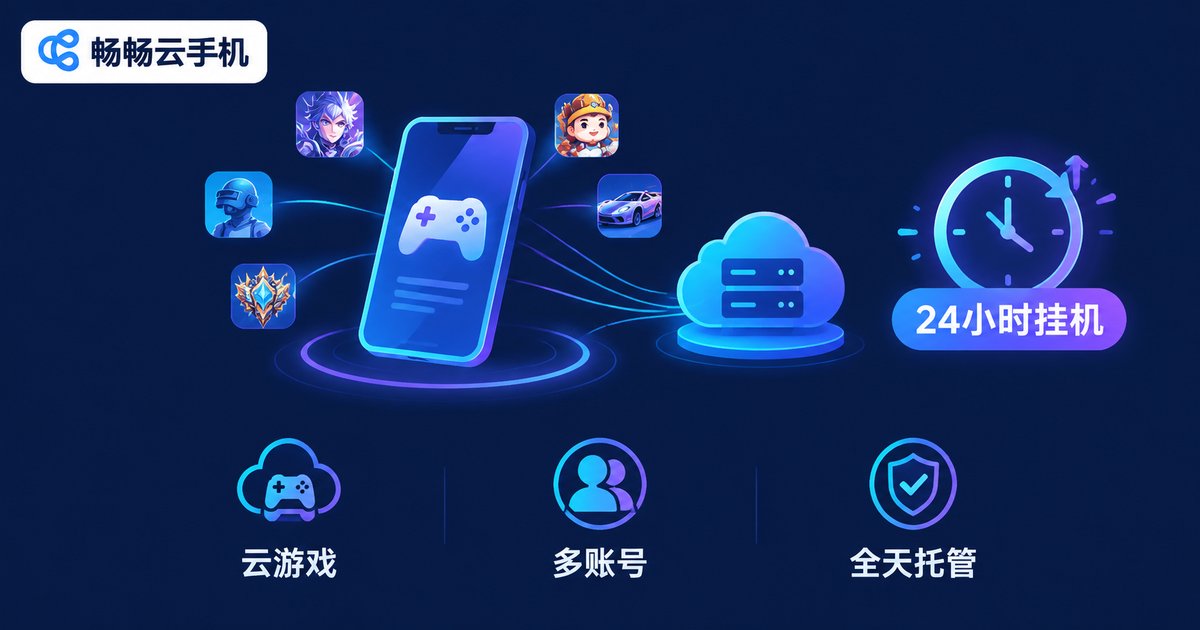
Entertainment is the most popular cloud phone scenario, especially among mobile gamers:
- Play demanding games on weak devices: Games run on high-performance cloud servers, so an old phone or an office laptop can smoothly handle large 3D titles;
- 24/7 idle farming: Host idle and AFK games in the cloud—they keep grinding dungeons and collecting resources even when your local devices are off;
- Multiple accounts at once: Spin up several cloud phones and level your main and alt accounts simultaneously, managing the whole roster from one screen;
- No more overheating: Your local device is just a display—long gaming sessions stay cool, battery-friendly, and storage-free.
Use Case 3: Testing — A Mobile Lab for Developers
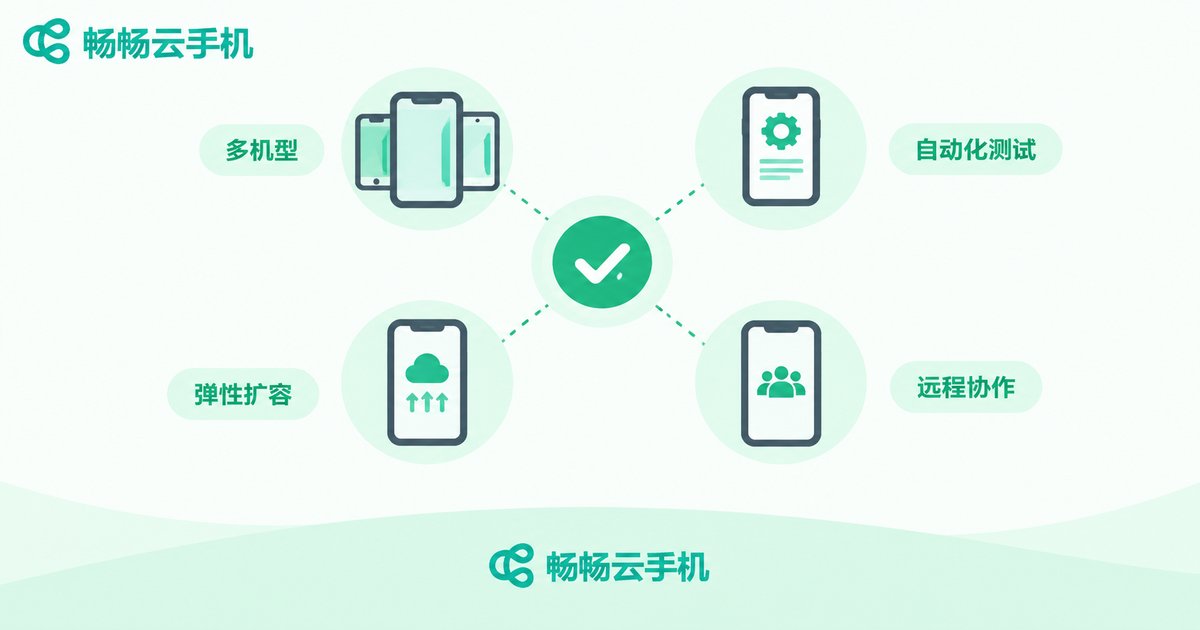
For app development and QA teams, physical device labs are expensive to build and maintain. Cloud phones offer an elastic alternative:
- Multi-device compatibility: Spin up cloud environments with different Android versions and screen resolutions on demand, covering mainstream device combinations;
- Automated test runs: Deploy UI automation and regression scripts to batches of cloud phones overnight and review the reports in the morning;
- Elastic, low-cost scaling: Temporarily launch dozens of instances during release sprints and release them afterward—no hardware purchases needed;
- Remote collaboration: Team members anywhere can log into the same pool of cloud phones to reproduce bugs and check screenshots and logs.
Use Case 4: Operations — Mission Control for Account Matrices
Media and e-commerce teams often maintain large numbers of accounts, and cloud phones have become a standard tool here:
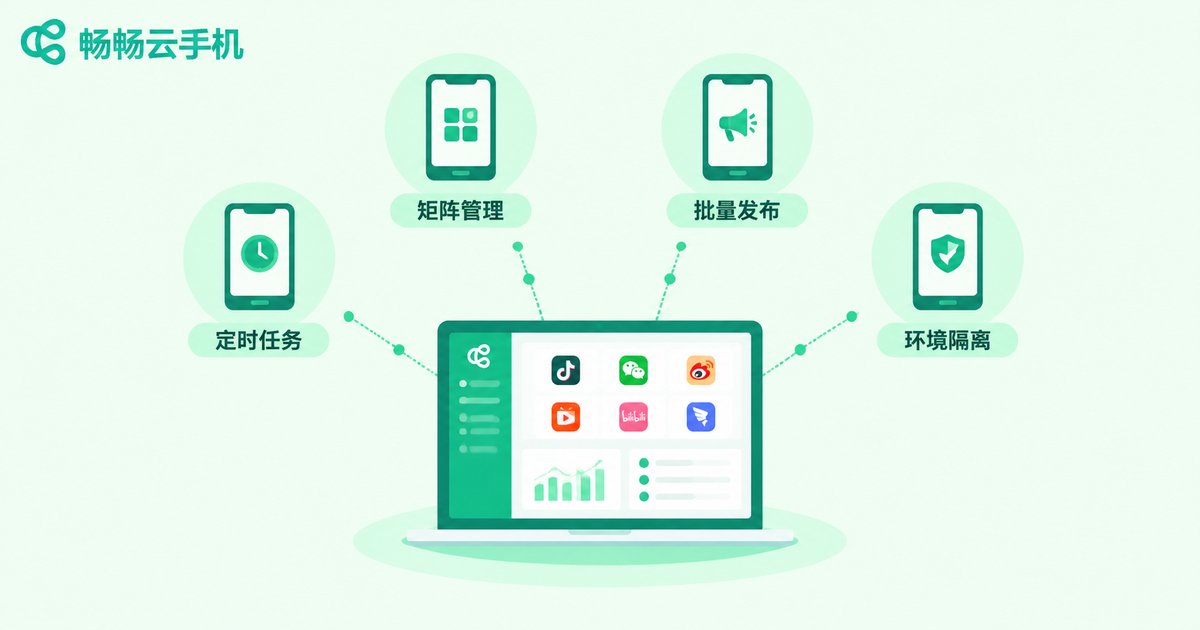
- Unified matrix management: House dozens or hundreds of accounts in isolated cloud environments, all viewable and quickly switchable from one dashboard;
- Batch operations: Group-control features enable one-click publishing and bulk interactions, handing mechanical, repetitive work over to scripts;
- Scheduled tasks: Publish content and trigger interactions on a timetable so accounts stay active around the clock;
- Environment isolation: Each cloud phone is an independent system environment, keeping account data separate and lowering linkage risks.
Four Scenarios Compared: Which One Fits You?
| Scenario | Typical Users | Core Needs | Cloud Phone Value |
|---|---|---|---|
| Office | Professionals, remote workers | Work-life split, multitasking | A backup work phone, online 24/7 |
| Entertainment | Mobile gamers | High-end gaming on low-end devices, multi-account AFK | Cloud-powered performance, 24-hour hosting |
| Testing | Dev and QA teams | Device coverage, automation | Elastic scaling, far lower device costs |
| Operations | Media and e-commerce teams | Matrix management, batch actions | Isolated environments, group-control efficiency |
How to Choose a Reliable Cloud Phone
There are plenty of cloud phone products on the market. Evaluate them along five dimensions:
- Stability: Server uptime and disconnect rate directly determine the experience;
- Smoothness: Streaming latency and image quality depend on network optimization;
- Feature completeness: Multi-instance, group control, scheduled tasks, file upload, and more;
- Data security: Environment isolation and account protection mechanisms;
- Value for money: Pick configurations and quantities you actually need.
If you want a single service that covers all the scenarios above, take a look at CCloudPhone (ccloudphone). Built on cloud-based Android, it supports multiple cloud phones running online simultaneously with centralized management, accessible right from a web browser—well suited to personal idle gaming as well as team-scale operations and testing. For the latest plans and features, visit the official website at ccloudphone.com.
FAQ
Q: How is a cloud phone different from an Android emulator?
A: An emulator runs on your local computer and consumes its resources—shut the computer down and everything stops. A cloud phone runs on remote servers, uses none of your local resources, stays online 24/7, and offers better stability at higher instance counts.
Q: Does a cloud phone consume a lot of data?
A: It streams a live video feed, so watching video or gaming consumes roughly as much data as streaming online video—Wi-Fi is recommended. Pure idle-farming tasks change little on screen and use very little data.
Q: Are my accounts safe on a cloud phone?
A: Reputable providers use isolated system environments and data segregation, with account data stored on cloud servers. Choose a well-reviewed platform, keep your credentials safe, and enable two-factor authentication where possible.
Q: How many accounts can one cloud phone handle?
A: One cloud phone usually maps to one independent Android environment and runs most stably with one primary account. For parallel accounts, launch multiple cloud phones at once—the exact number depends on your plan.
Q: Will gaming on a cloud phone lag?
A: Smoothness depends mainly on network quality and server performance. A stable connection of 20 Mbps or more handles most mobile games well; if the network fluctuates, lowering the image quality helps.


